Coucou: The Notch Becomes a Control Room for Claude Code
A deep dive into the macOS companion that watches, approves, and animates agentic coding right where your eyes already are.
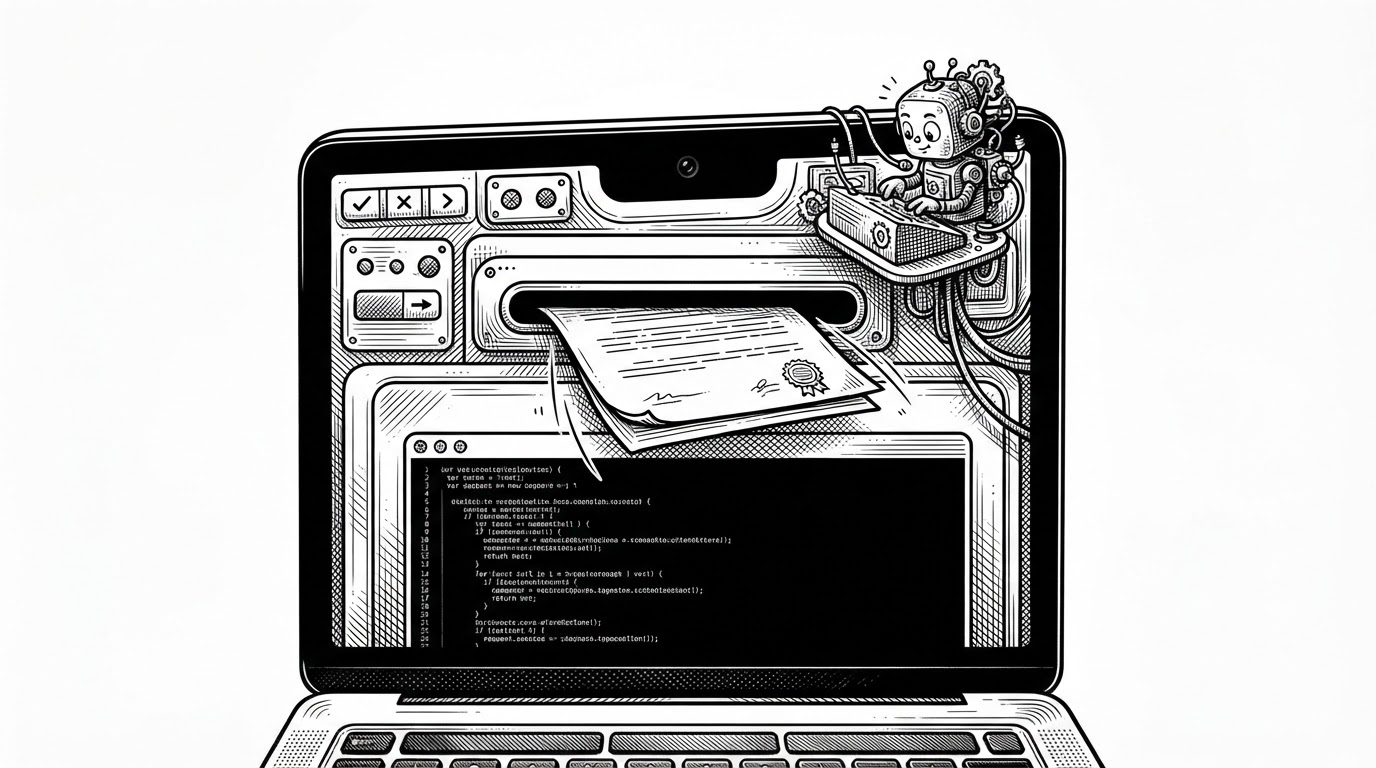
- Coucou’s real trick is not mascot design, it is attention routing, because it turns the MacBook notch into a visible place where approvals, state, and context all land at once.
- The app feels polished because its interface is governed by a compact finite-state machine, not a pile of one-off animations.
- Mochi gives the system a body, but the body is tied to meaningful states like thinking, approval, error, and sleep, so personality never replaces utility.
- Compared with terminal-only agents and browser plugins, Coucou sits lower in the stack and can mediate workflow without forcing the user to context-switch.
The notch is no longer dead space
Most MacBook notches are just a cutout with branding attached. Coucou treats that space as a working surface. It compresses status, approval, and presence into a strip your eyes already visit, which means the agent can ask for attention without pulling you out of the task.
That is the product’s real thesis. Not a mascot. Not a notification widget. It is a small system for making Claude Code visible, interruptible, and easier to trust.
Meet Mochi: a soft little squircle with big eyes that pops out of your notch, waves hello, follows your cursor with its eyes, gets annoyed when you poke it (and dizzy if you insist), and tells you the moment Claude Code needs you.
What Coucou actually intercepts
At a high level, Coucou sits between Claude Code and the user as a local companion. It listens for hooks, watches for agent activity, and surfaces the moments that need a decision: allow, always allow, deny, or provide more context. The result is a workflow that stays anchored in the notch while the terminal keeps doing the heavy lifting.
The design matters because it keeps the user in the flow. Instead of jumping back and forth between a terminal and a separate permission window, the approval moment arrives where the agent already lives visually. That is a small ergonomic change with a large effect on attention.
| Category | Where it lives | What it controls | How it handles approvals | How it handles context | What makes it different |
|---|---|---|---|---|---|
| Coucou | Notch / top edge | Agent state, permissions, context | Native allow, always allow, deny prompts | Drag and drop files or windows into the companion | Lives inside the operating system layer, not a browser tab |
| Terminal-only agents | Terminal window | Code execution and output | Text prompts in the CLI | Manual copy and paste | Powerful, but visually silent |
| Browser-based plugins | Local web app in a tab | UI overlays and agent help | Web-driven approval flows | Usually file uploads or page-based context | Accessible, but one layer removed from the desktop |
| Generic Dynamic Island clones | Top edge UI | Notifications and decoration | Usually none | Usually none | Looks similar, but does not mediate work |
The clever part is the state machine
Coucou’s polish comes from restraint. The island is not endlessly animated. It moves through a small set of states: hidden, compact, expanded, and greeting. Those transitions are governed by timing and triggers, so the interface feels alive without becoming noisy.
That is a better design choice than it sounds. A finite-state machine gives the UI a memory, which means the companion can respond to activity, hover, and idle time without losing its shape. The app does not fake life. It sequences it.
enum IslandState {
    case hidden
    case petit
    case home
    case coucou
}

func transition(on event: Event) {
    switch (state, event) {
    case (.hidden, .activity):
        state = .petit
    case (.petit, .hover):
        state = .home
    case (.home, .greeting):
        state = .coucou
    case (.coucou, .timeout):
        state = .petit
    default:
        break
    }
}
This is why the app avoids feeling gimmicky. The motion carries meaning. A state change tells you something happened, and the interface does not need extra chrome to explain itself.
Mochi is not decoration
Mochi looks playful, but the character is doing real work. Its eyes, glow, sounds, and particles map to state, so the companion can signal thinking, approval, error, or sleep without adding a second layer of explanation. The emotion is not separate from the utility. It is the delivery mechanism for the utility.
That matters for a tool like this because coding agents can feel opaque. A quiet terminal can be efficient, but it can also be unnerving. Coucou uses personality to make the system legible, which is a different goal from mere cuteness.
Why the file-drop mailbox matters
The best interaction in Coucou may be the simplest one. Drag a file onto the companion, and the bot morphs into a box that swallows it. That turns context injection into something physical, almost contractual. The motion says the agent now has more to work with.
This is a tiny gesture with big design consequences. It gives the user a visible promise that the file reached the agent, and it gives the workflow a clear point of entry instead of a hidden upload path.
How Coucou compares to the alternatives
Coucou is not trying to out-feature terminal agents or browser companions. It is trying to live lower in the stack, where it can sit between the agent and the screen itself. That gives it a different kind of leverage: it can mediate approvals, persist across spaces, and make context feel spatial rather than abstract.
Against that standard, the comparison is pretty clear. Terminal-only agents are powerful but visually silent. Browser plugins are accessible but one layer removed. Generic Dynamic Island clones look the part, but they usually do not control anything important.
A sharper comparison
- Terminal agents are execution engines. Coucou is an execution companion.
- Browser plugins are overlays. Coucou is part of the desktop surface.
- Dynamic Island clones borrow the silhouette. Coucou borrows the silhouette and the workflow.
Why the engineering matters
Under the hood, the project leans on native macOS building blocks, local hooks, and a separation between state, window management, and character animation. That split is what makes the notch feel trustworthy. The app can stay visible across spaces, react quickly, and avoid feeling bolted on.
The broader lesson is simple. Good AI tooling does not just automate work. It shapes attention. Coucou understands that the interface is part of the workflow, not a wrapper around it.