Multica: The Open-Source Team OS for AI Coding Agents
Assign agents real work, stream their progress, and run them in the right environment, whether that is local or cloud. Multica turns coding bots into managed collaborators.
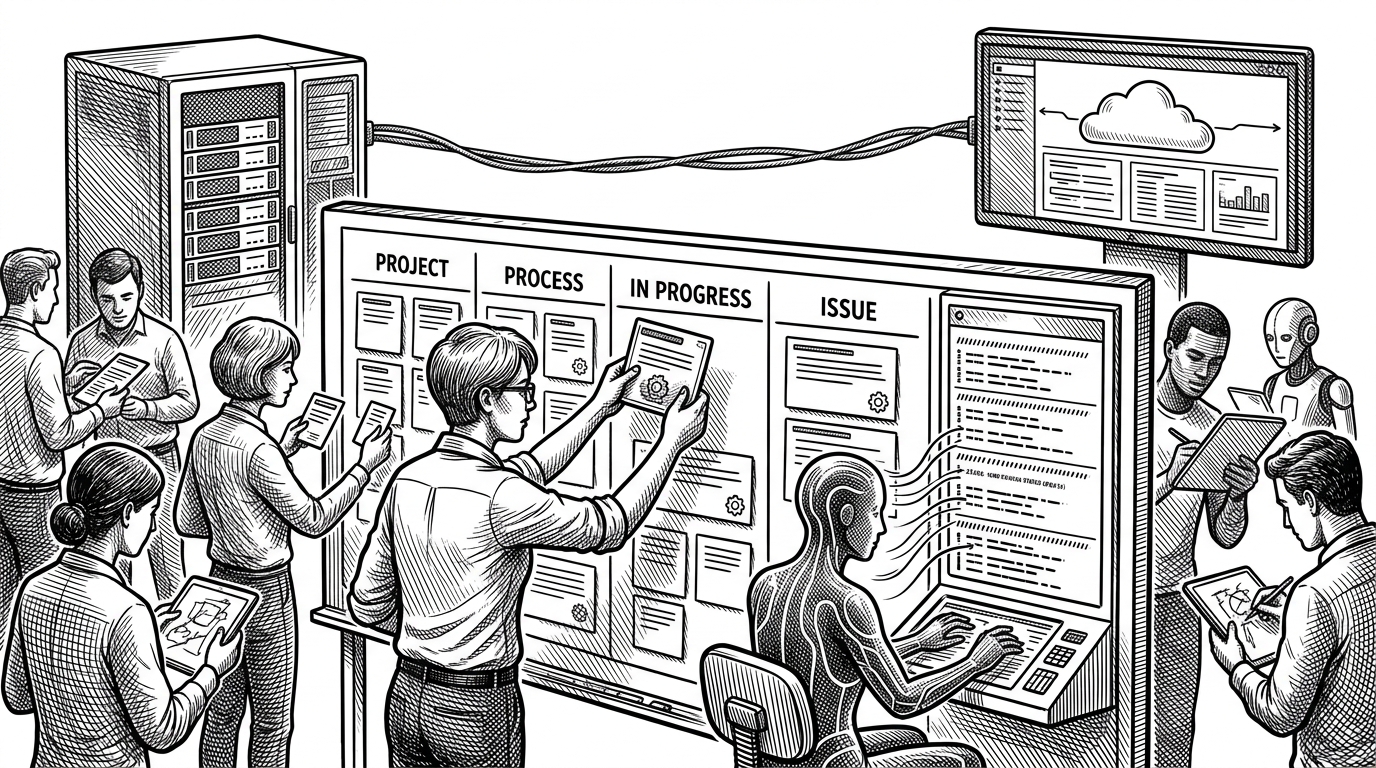
- Multica’s real innovation is workflow inversion: it makes agents legible inside a team system instead of trapping them in a chat box.
- The desktop bridge and Go daemon do the unglamorous work that makes local execution, auth handoff, and runtime health feel seamless.
- Its hybrid model lets teams keep sensitive work local while still coordinating from a cloud-native dashboard.
- Skills turn isolated agent runs into reusable organizational memory, which is where the product starts to compound.
Agents Are Not Chat Windows
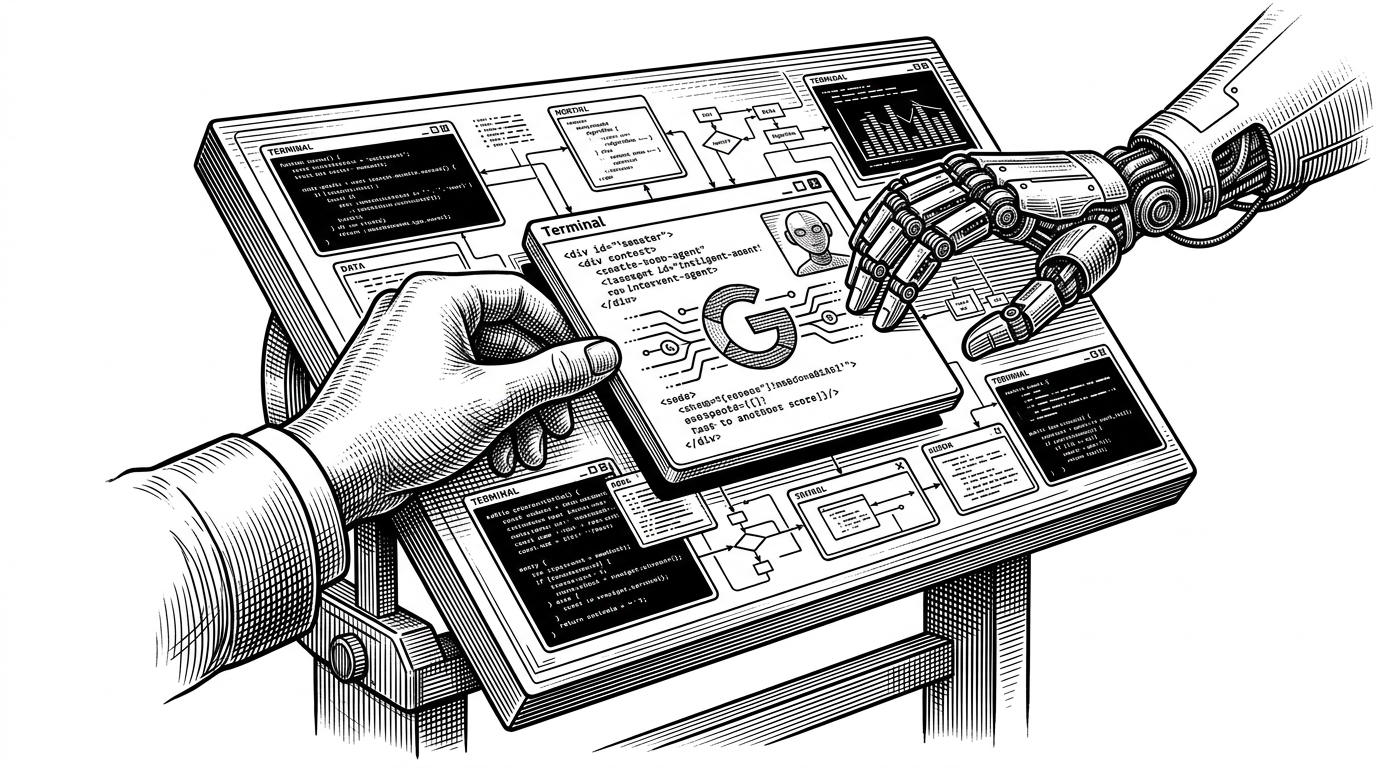
The obvious way to think about Multica is as another AI coding tool. That misses the point. Its real move is to treat agents like teammates inside a normal engineering workflow: assign work, watch progress, surface blockers, and resolve tasks in public.
Multica turns coding agents into real teammates. Assign issues to an agent like you'd assign to a colleague — they'll pick up the work, write code, report blockers, and update statuses autonomously.
That shift matters because the hardest part of agent adoption is not model quality. It is coordination. Once an agent can appear on a board, carry state, and report back in real time, it stops being a novelty and starts looking like infrastructure.
What Multica Actually Manages
Multica is not just a dashboard. It is a three-layer system. The web app handles collaboration, the desktop bridge makes local machines usable, and the backend keeps identity, persistence, and real-time sync in one place.
That structure explains why Multica feels different from a pure web app. The system is designed to route work, not just display it. The UI is only the surface.
The Desktop Bridge Is the Quiet Breakthrough
The Electron app is where the product’s promise becomes practical. It fixes shell paths, handles deep links, launches the daemon, and helps the browser discover local CLIs without asking users to stitch everything together by hand.
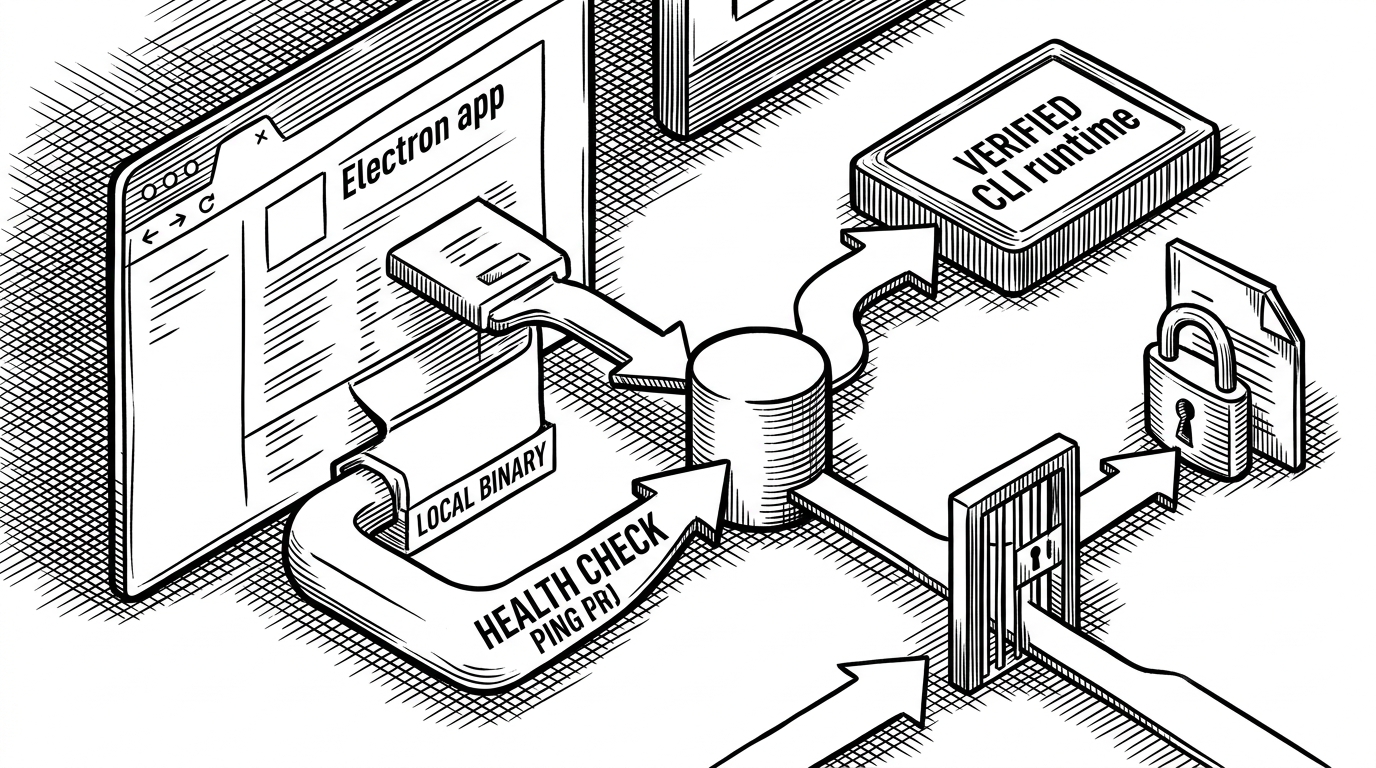
That is why the zero-config story is believable. The hard part is not sending a task into an agent. The hard part is making a local environment, a browser, and a background daemon agree on what should happen next.
Why the Daemon Matters
The Go daemon is the execution layer. It keeps local state stable, watches health, serializes config writes, and guards against restarting a runtime while work is still active. That is boring engineering in the best sense.
| Concern | Chat-first agent tool | Multica |
|---|---|---|
| Execution location | Often opaque or fixed inside the app | Explicit local or cloud routing |
| State management | Loose session memory | Persistent tasks, blockers, and profiles |
| Runtime safety | Easy to disrupt mid-run | Health checks and active-task safeguards |
| Team visibility | Private interaction | Shared project workflow |
| Control model | Prompt as interface | Work item as interface |
This is the kind of plumbing that keeps agent systems from turning into chaos. If a team wants repeatable execution, it needs lifecycle control, not just a prompt box.
Hybrid Compute Without the Usual Pain
Multica splits cloud coordination from local execution in a way that feels pragmatic rather than ideological. Sensitive code stays on the user’s machine when needed, and the web layer still gives the team a shared operating surface.
That trade-off is useful because it sidesteps two common failures. Fully cloud-hosted agents can raise trust and cost concerns. Fully local tools often fail at coordination. Multica tries to keep the upside of both.
Skills Are the Part That Compounds
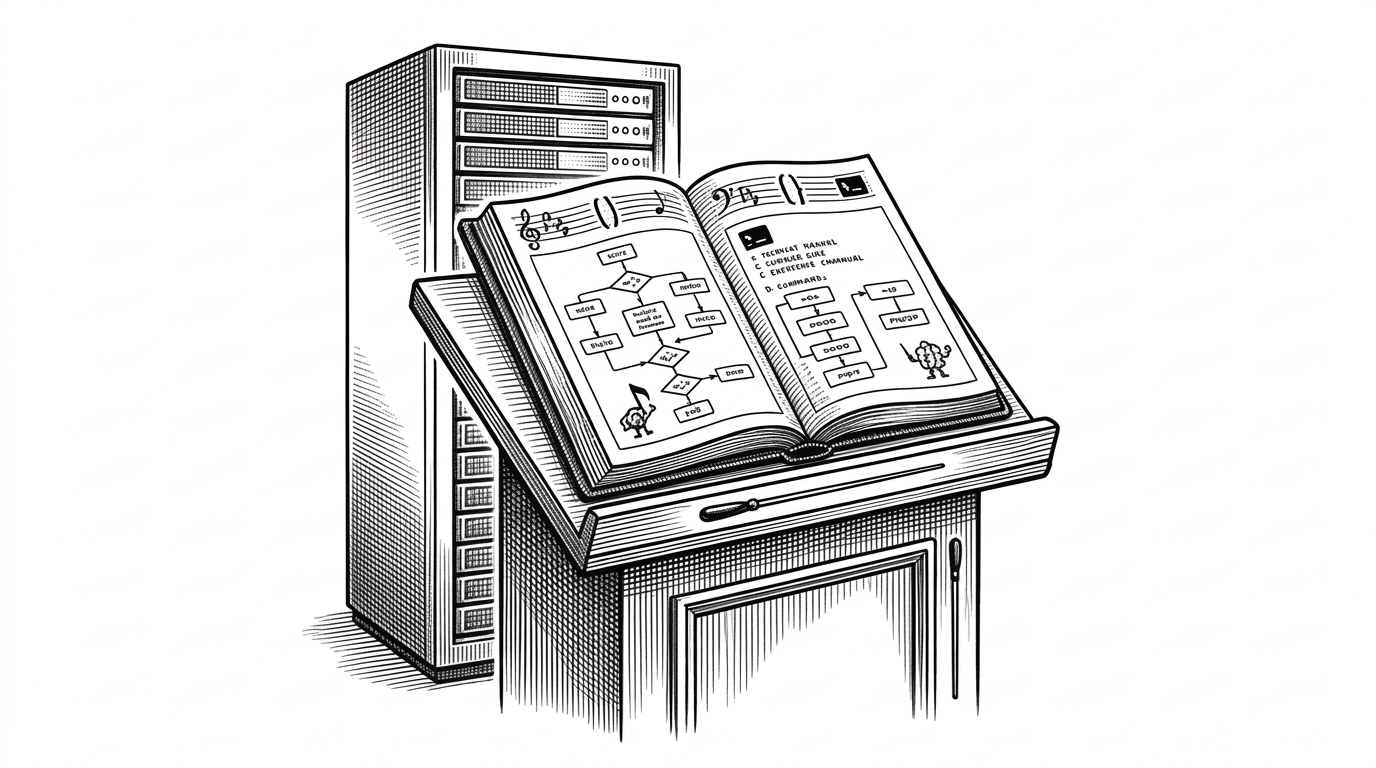
The skills layer is more interesting than it sounds. It suggests a way to store reusable agent behavior, not just prompts, so good workflows can be repeated instead of reinvented.
skill: refactor-branch
inputs:
  - issue
  - repo_context
steps:
  1. inspect scope
  2. propose plan
  3. modify files
  4. report blockers
  5. update issue status
That is how agent work starts to resemble institutional memory. The team does not just get answers. It gets a process it can reuse.
Multica vs. the Rest of the Field
The most useful comparison is not hype versus hype. It is a map of workflow choices. Some tools optimize for convenience. Others optimize for control. Multica is built for team coordination first.
| Product | Primary workflow | Where code runs | Team model | Main trade-off |
|---|---|---|---|---|
| Multica | Assign tasks, track blockers, stream progress | Local or cloud | Multi-user team board | More moving parts, more control |
| Claude Code | Direct coding assistance in a command-driven flow | Mostly local user session | Primarily individual | Fast to start, less collaborative |
| Anthropic-style managed agents | Provider-managed agent execution | Vendor infrastructure | Platform-managed | Convenience, but more lock-in |
| Paperclip-style solo simulator | Single-operator control loop | Usually local or narrow | One operator | Simple, but not built for teams |
The pattern is clear. Multica wins when the problem is coordination, observability, and runtime choice. Managed platforms win when convenience is the only goal. Solo tools win when the use case is personal experimentation.
The Bigger Shift
Multica is useful because it points past prompting. The software world is moving toward queues, permissions, environments, and shared workflows for agents. That is a systems problem, not a chat problem.
Seen that way, Multica is less a product than evidence. It shows what happens when teams stop asking what an agent can say and start asking how agent work should be managed.