collab-public: Collaborator: Spatial Intelligence for the Agentic Era
Moving beyond the tabbed IDE to an infinite canvas where AI agents and persistent terminals live as first-class citizens.
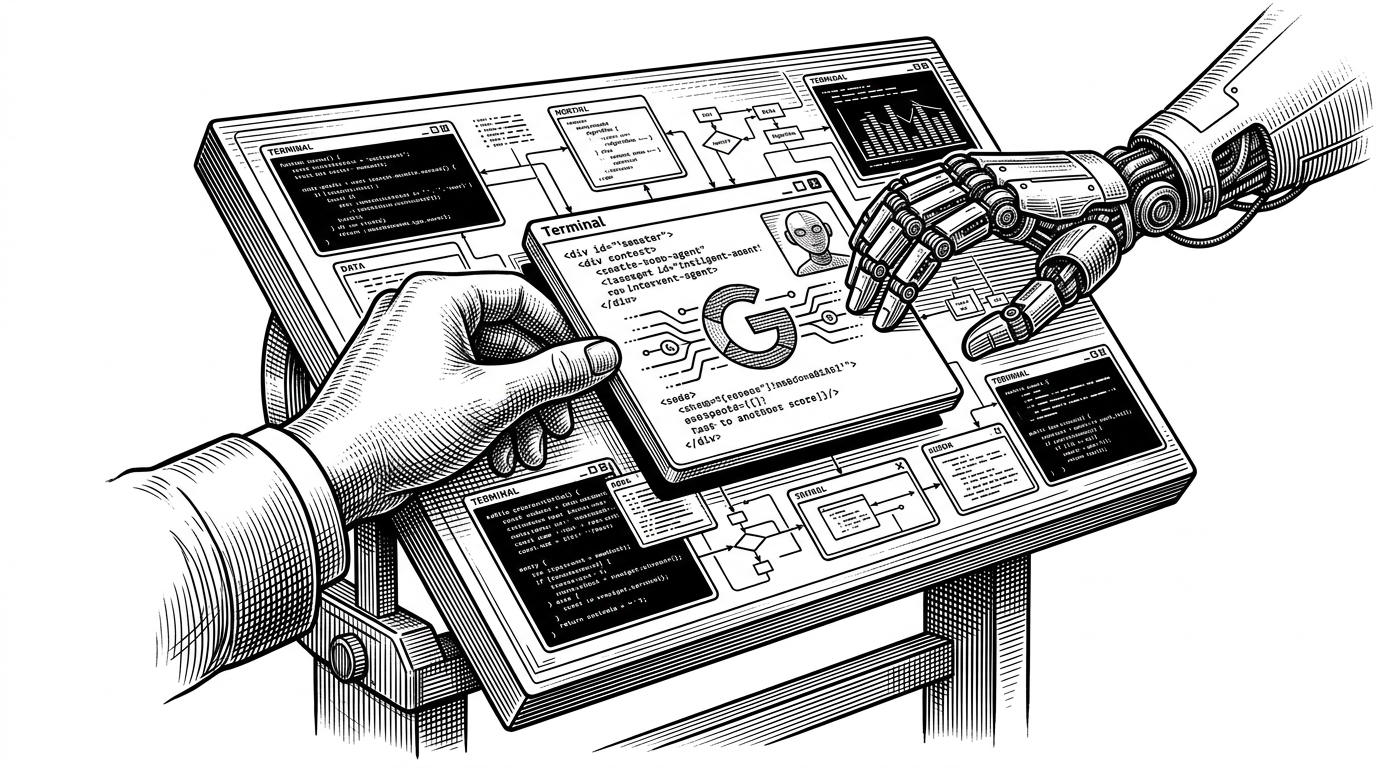
- Collaborator replaces the traditional tabbed interface with an infinite spatial canvas to manage complex multi-file agent workflows.
- The platform ensures terminal persistence by backing every shell instance with a local tmux session that survives application restarts.
- An integrated knowledge graph uses static analysis and wikilinks to automatically cluster related files and notes on the canvas.
- The system maintains a local-first architecture by storing all workspace configurations and graph data as plain JSON files on the user's machine.
The Geometry of Context
The traditional Integrated Development Environment is built on a fundamental assumption. It assumes a human developer is reading one file at a time, sequentially. When AI coding agents entered the workflow, this paradigm fractured. A modern developer orchestrating an agent might be monitoring three terminal processes, reviewing a markdown specification, and watching the agent edit four different Python files simultaneously. In a traditional IDE like VS Code or Cursor, this results in severe tab fatigue.
Collaborator attacks this problem by moving from a linear list to a spatial map. Built on a modern stack of Electron 40 and React 19, it provides an infinite, pan-and-zoom surface. Terminals, notes, and code files exist as free-floating tiles on this canvas. The user groups related context physically close together, creating visual neighborhoods of logic rather than hunting through a crowded sidebar.
Collaborator is an end-to-end environment for agentic development. Terminals, context files, and running code — all arranged on an infinite canvas in one place. No context switching, no tab hunting. Just your agents and your work, side by side.
The Immortal Session: Tmux in the Machine
The most significant technical surprise in Collaborator is its backend architecture. In a standard terminal emulator within an Electron app, reloading the UI window kills the underlying shell process. If an AI agent is in the middle of a complex, ten-minute build task, a UI crash or accidental refresh destroys that context.
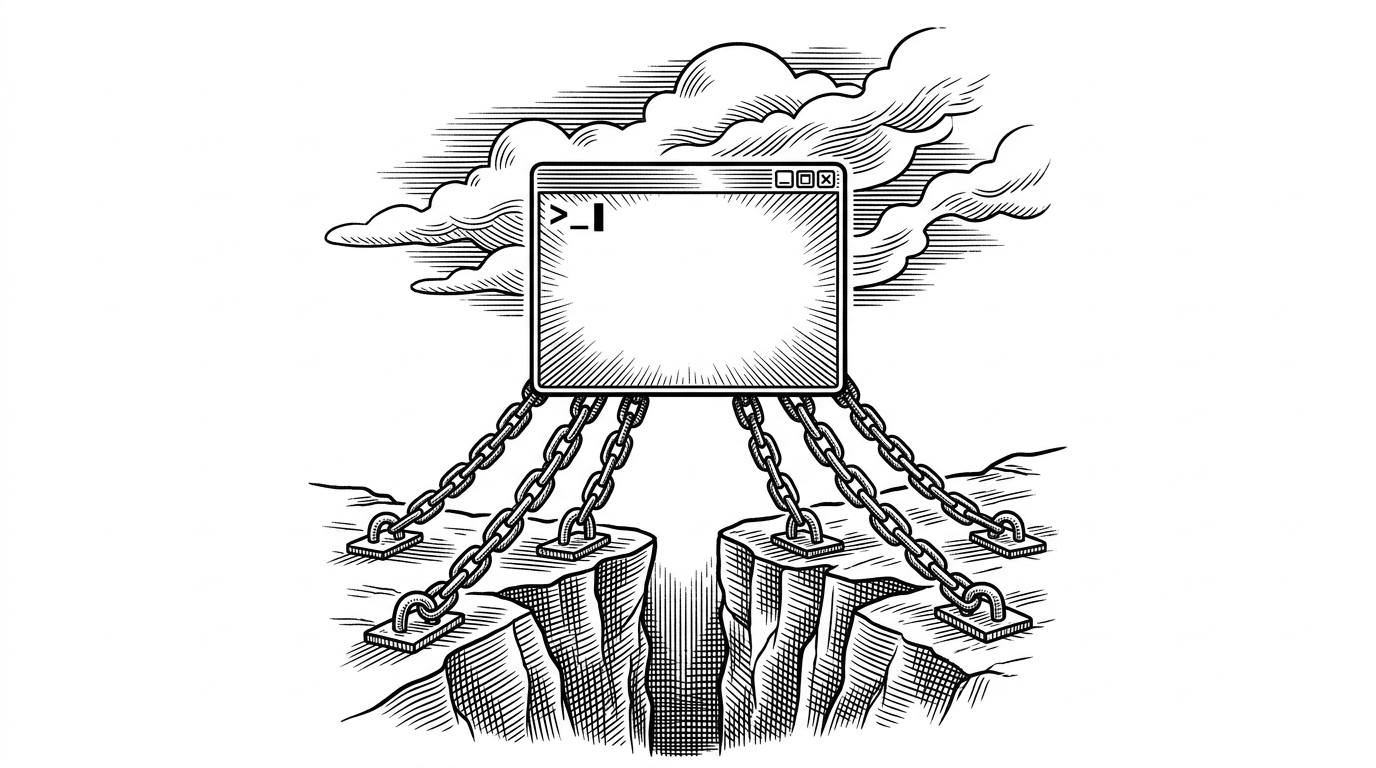
Collaborator solves this by treating terminal multiplexing as core infrastructure. Every terminal tile on the canvas is secretly backed by a local tmux session managed by the application's pty.ts and tmux.ts modules. The UI is merely a view into this persistent state. You can close the window, restart the application, and re-open the canvas to find your agent exactly where you left it, with its full scrollback history immediately rehydrated.
Mapping the Mental Model
An infinite canvas solves the tab problem but introduces a new one. It is easy to get lost in an unconstrained space. To counter this, Collaborator implements a sophisticated Knowledge Graph that constantly runs static analysis on the workspace in the background.
Using dependency-cruiser and the @lezer/python parser, the backend reads the actual code logic. It maps out how Python files import each other and tracks Obsidian-style Wikilinks between markdown notes. This semantic network creates gravity on the canvas. When a user selects a file, the system understands its dependencies and can cluster related tiles automatically, turning a flat file system into a responsive, force-directed web of context.

Paradigm Shift: Tabs vs. Tiles
The architectural choices in Collaborator point to a broader shift in developer tooling. As AI models become capable of executing complex, multi-step plans, the IDE must evolve from a text editor into a command center. Here is how the spatial approach contrasts with traditional environments.
| Feature | Traditional IDE (Tabs) | Collaborator (Spatial) |
|---|---|---|
| UI Paradigm | Linear tabs and sidebars | Infinite pan-and-zoom canvas |
| Terminal State | Volatile (dies on restart) | Persistent (Tmux-backed) |
| Context Management | Manual tab hunting | Spatial grouping and clustering |
| Navigation | File tree hierarchy | Semantic Knowledge Graph |
Local-First, Agent-Always
Collaborator is distinctively local-first. It requires no cloud accounts and forces no remote synchronization. All canvas state, graph data, and workspace configurations are stored as plain JSON files in a discreet ~/.collaborator directory on the user's machine.
This design choice prioritizes speed and privacy, ensuring that proprietary code and agent conversations never leave the local environment unless explicitly routed to an external API by the user. By treating the local filesystem as the ultimate source of truth, Collaborator provides a stable, highly performant foundation for the next generation of autonomous coding workflows.
Sources: Collaborator Repository.