dir-browser: The directory listing that turns folders into a portable, metadata-rich appliance
A read-only file browser that keeps the filesystem as the source of truth, pushes heavy lifting to Nginx, and uses sidecar JSON files to add descriptions, labels, search, and polished presentation without a database.
- dir-browser treats metadata as a sidecar to the folder, which keeps content portable while still making listings feel rich and curated.
- Its real architectural trick is separation of labor: PHP assembles the view, Nginx serves the bytes, Redis keeps counters, and Docker wraps the whole thing as an appliance.
- The project is read-only by design, so it works best as a safe public mirror, not a collaborative file manager.
- Compared with heavier file browsers, it optimizes for presentation, low overhead, and long-term reversibility instead of editing workflows.
Folders, not databases
The simplest way to understand dir-browser is to ignore the UI for a moment. The project starts with a folder, keeps the folder authoritative, and adds meaning through tiny sidecar metadata files instead of moving content into a CMS or database.
That is the whole thesis. A file can carry a description, labels, or presentation hints while still living exactly where it was before. If you copy the directory to another machine, the metadata follows it. If you want to inspect the raw contents, nothing is hidden behind an application layer.
You can specify a .dbmeta.md file in a directory to render it while also hiding it from the file tree, API and downloads at the same time.
That distinction matters because it changes the maintenance story. There is no migration path, no sync job, and no hidden schema to keep alive. The metadata is only as complex as the folder needs, and the folder remains readable with or without the app.
Why read-only is a feature, not a limitation
This is not trying to be a cloud drive, a collaboration suite, or a file manager with write access. It is a presentation layer for places where safety, simplicity, and predictability matter more than editing.
| Dimension | dir-browser | Writable file managers |
|---|---|---|
| Primary job | Present folders as polished public listings | Manage files as objects you can edit |
| Metadata model | Sidecar JSON or README next to the file | Centralized database or app state |
| Risk profile | Read-only, low accident surface | Higher risk because the app can modify content |
| Best fit | Public mirrors, archives, downloads | Private libraries, teams, workflows |
| Operational burden | Very low | Higher due to auth, edits, and persistence |
That is why the project feels calm. It gives you search, labels, previews, ZIP downloads, and a JSON API, but it refuses to become the thing that owns your content. The source of truth stays outside the app.
How the appliance works
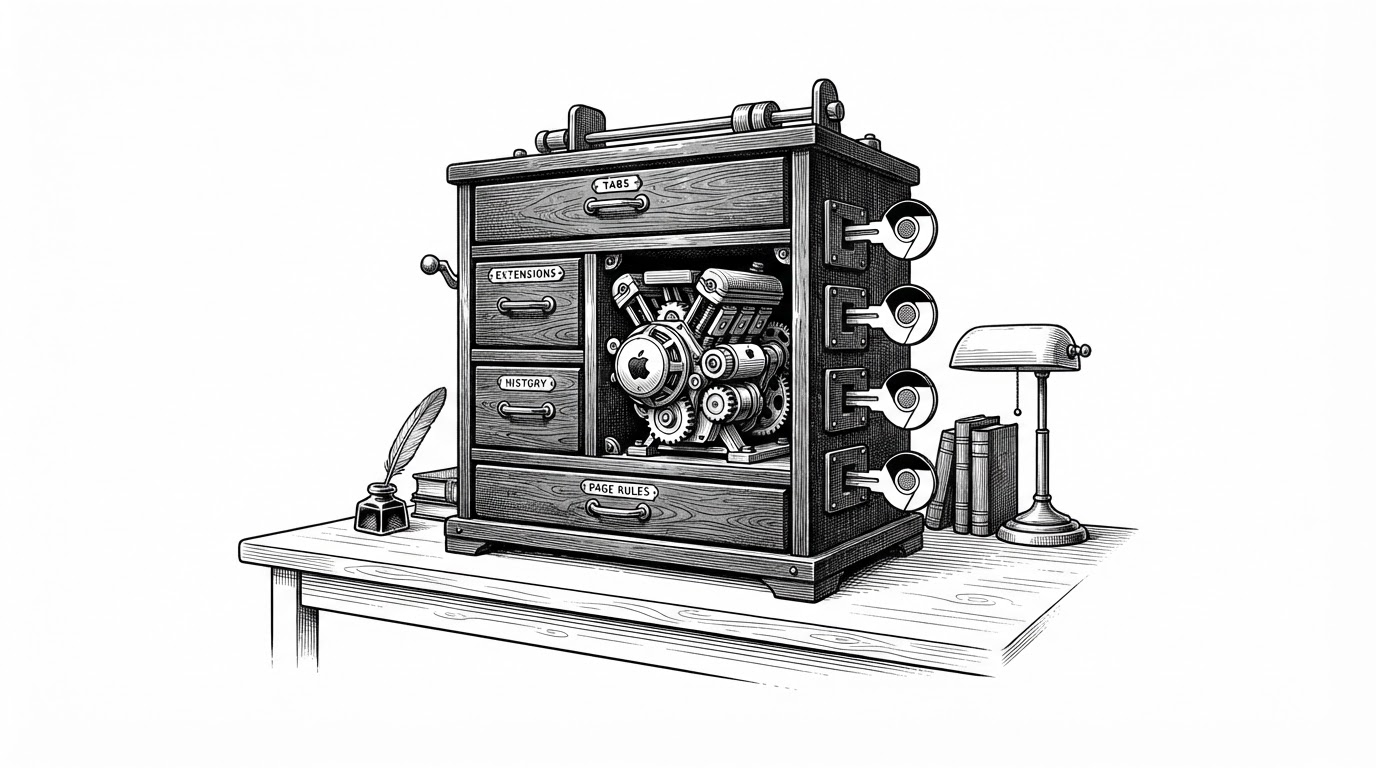
The stack is intentionally split. PHP scans directories, merges metadata, handles search, and formats the listing. Nginx serves the actual file bytes. Redis tracks fast state like counters. Docker packages the whole arrangement as a self-contained appliance.
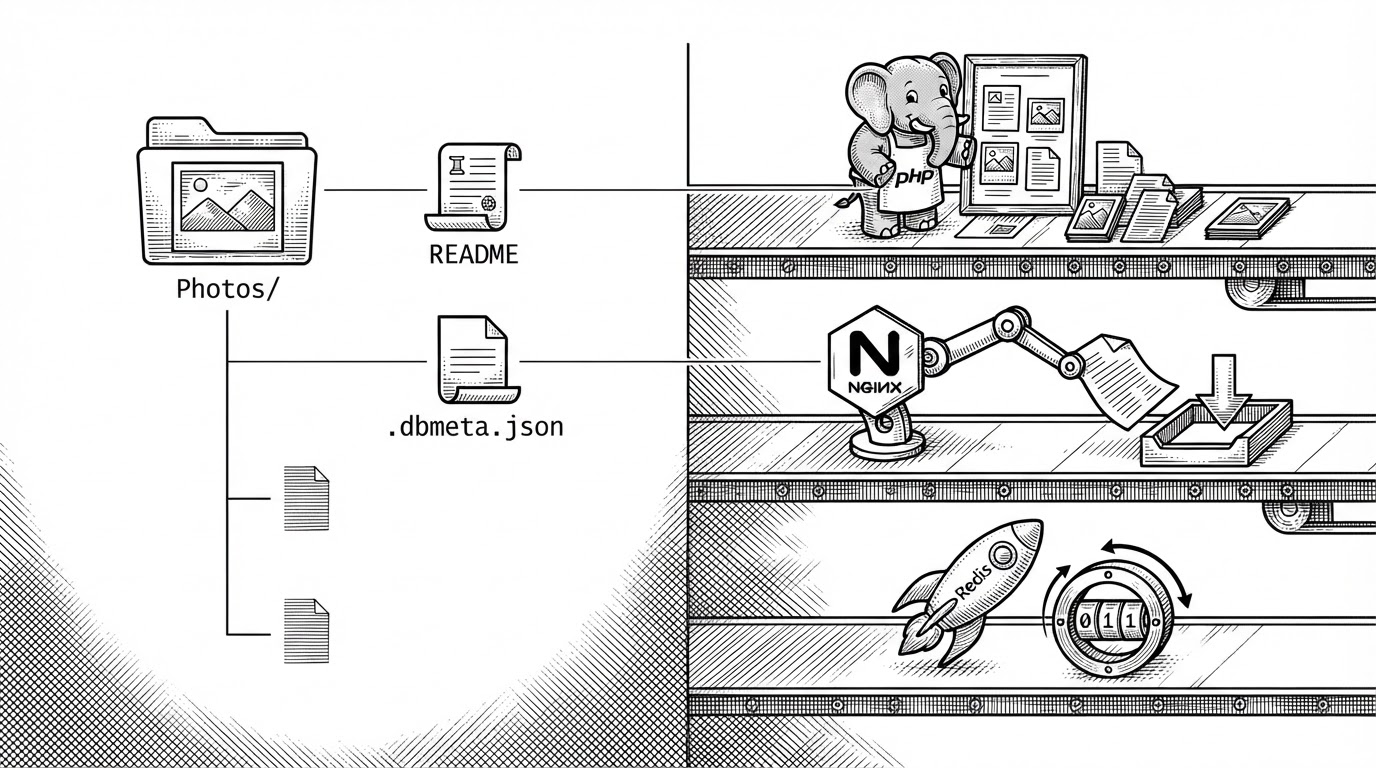
That separation is what makes the project believable. PHP never has to become a bulk file server. Nginx never has to understand folder metadata. Redis stays in the narrow role of fast counters and lightweight state. The result is a system that behaves more like infrastructure than a typical web app.
# Conceptual flow
scan_directory
read_sidecar_meta
merge_view_model
render_listing
serve_file_bytes_via_nginx
increment_download_counter_in_redis
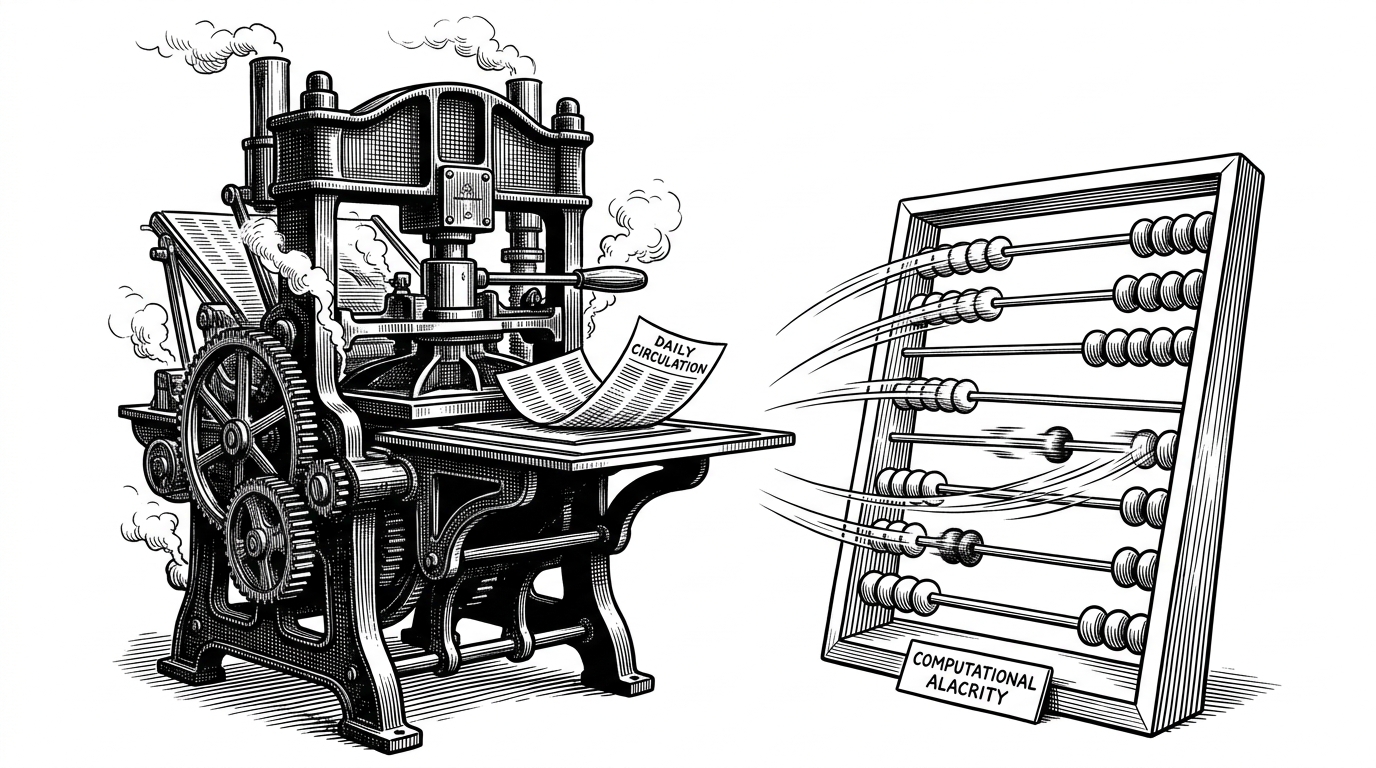
The performance claim follows from that architecture. Direct file serving keeps memory use low, while streaming ZIP downloads avoid creating big temporary artifacts on disk. The design is not just elegant. It is defensive against the usual ways these tools become bloated.
What it replaces
| Tool | What it is | How it differs from dir-browser |
|---|---|---|
| Nginx autoindex / Apache mod_autoindex | Bare server-side directory listing | Minimal and fast, but visually plain and metadata-light |
| h5ai | Modernized index page for web servers | Richer presentation, but still closer to a themed index layer |
| File Browser | Full file management app | Optimized for editing, uploads, and user workflows, not read-only presentation |
| Directory Lister | PHP folder listing | Similar category, but usually less appliance-like and less performance segmented |
The cleanest comparison is philosophical. dir-browser is for presenting folders. File Browser is for managing files. h5ai modernizes index pages. autoindex just gets out of the way. This project lands in a narrow space and commits to it hard.
Why this project feels unusually complete
The docs, versioning, and container-first packaging all point to the same thing: this is not a weekend script dressed up with a UI. It has a sharp boundary, a mature deployment story, and enough configuration surface to fit real use cases without turning into a platform.

That single-author focus shows up in the product shape. The tool is opinionated, narrowly scoped, and easy to explain. It is built for a specific kind of operator who wants a safe, polished, low-maintenance way to expose a directory without handing over control of the underlying files.