npm-code-forge: ForgeCode: The Terminal AI Agent That Wins by Getting Out of Its Own Way
An open-source deep-dive into a pair programmer that treats the shell as home, routes work through tools instead of chatter, and gets more reliable when it becomes less conversational.
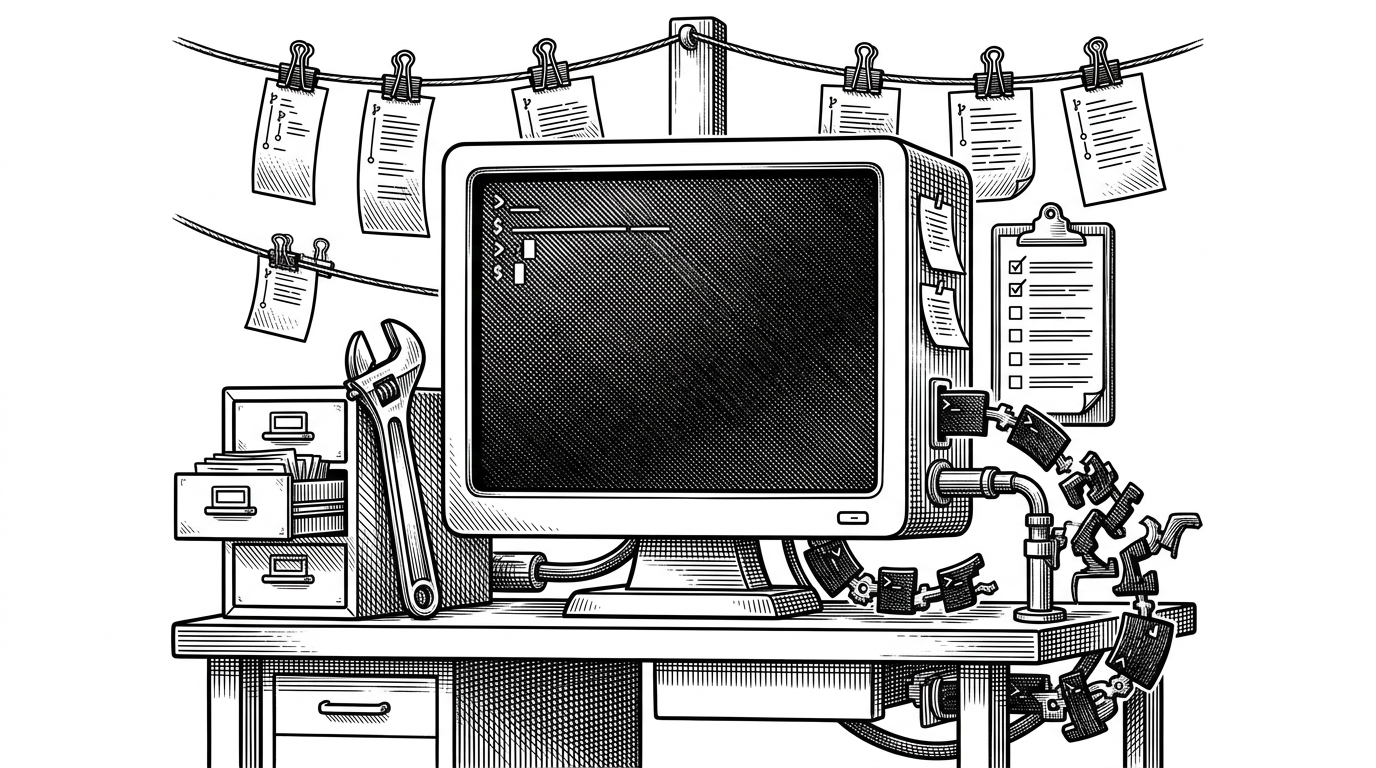
- ForgeCode is strongest when it narrows the interface and lets tools, not chatter, carry the work.
- Its terminal-first design matters because code changes, tests, and git state live in one operational loop.
- Non-Interactive Mode is the key insight, since less conversation can produce more reliable agent behavior.
- ForgeCode's real advantage is control flow, not model hype or cosmetic UI polish.
ForgeCode is easiest to understand as a refusal. It refuses to treat the agent like another chat box, and that refusal is the point. The project gets more useful when it narrows the interface, pushes work through explicit tools, and lets the terminal stay in charge.
The best terminal agent is the one that learns restraint
Most AI coding tools try to win by adding more surface area. More chat, more panes, more suggestions, more model prompts. ForgeCode takes the opposite bet: the terminal is already where serious work happens, so the agent should fit that environment instead of replacing it.
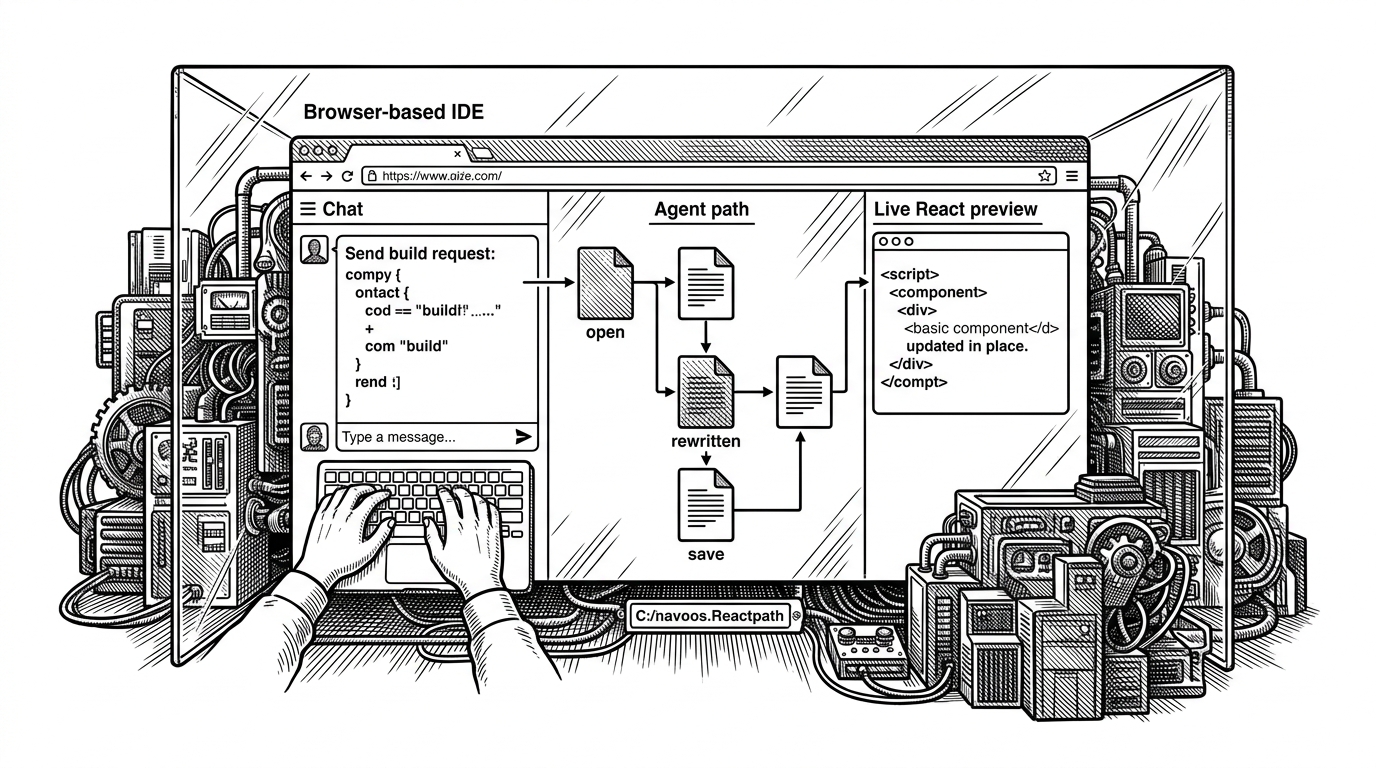
That changes the product shape. The shell is where you run tests, inspect diffs, edit files, and recover when something breaks. If an AI assistant can participate there without hiding the state of the system, it becomes less of a toy and more of a workbench.
Built for the shell, not bolted onto it
ForgeCode positions itself as an open-source terminal development environment, not just a code completion layer. That distinction matters. A tool that lives in the terminal has to handle command execution, file navigation, failure recovery, and the messier parts of development that never fit neatly into an editor tooltip.
The project also makes a broad model pitch, but the model list is not the headline. The deeper product idea is that the interface itself should be opinionated. In ForgeCode, the shell is not a fallback. It is the primary workspace, which means the agent must stay useful when the task becomes concrete, stateful, and slightly ugly.
Non-Interactive Mode is the real breakthrough
The best part of ForgeCode's story is not that it got benchmarked. It is what the benchmark exposed. The team found that a mode designed for normal, conversational use could still stumble in a terminal sandbox, where progress depends on precise tool use more than friendly back-and-forth.
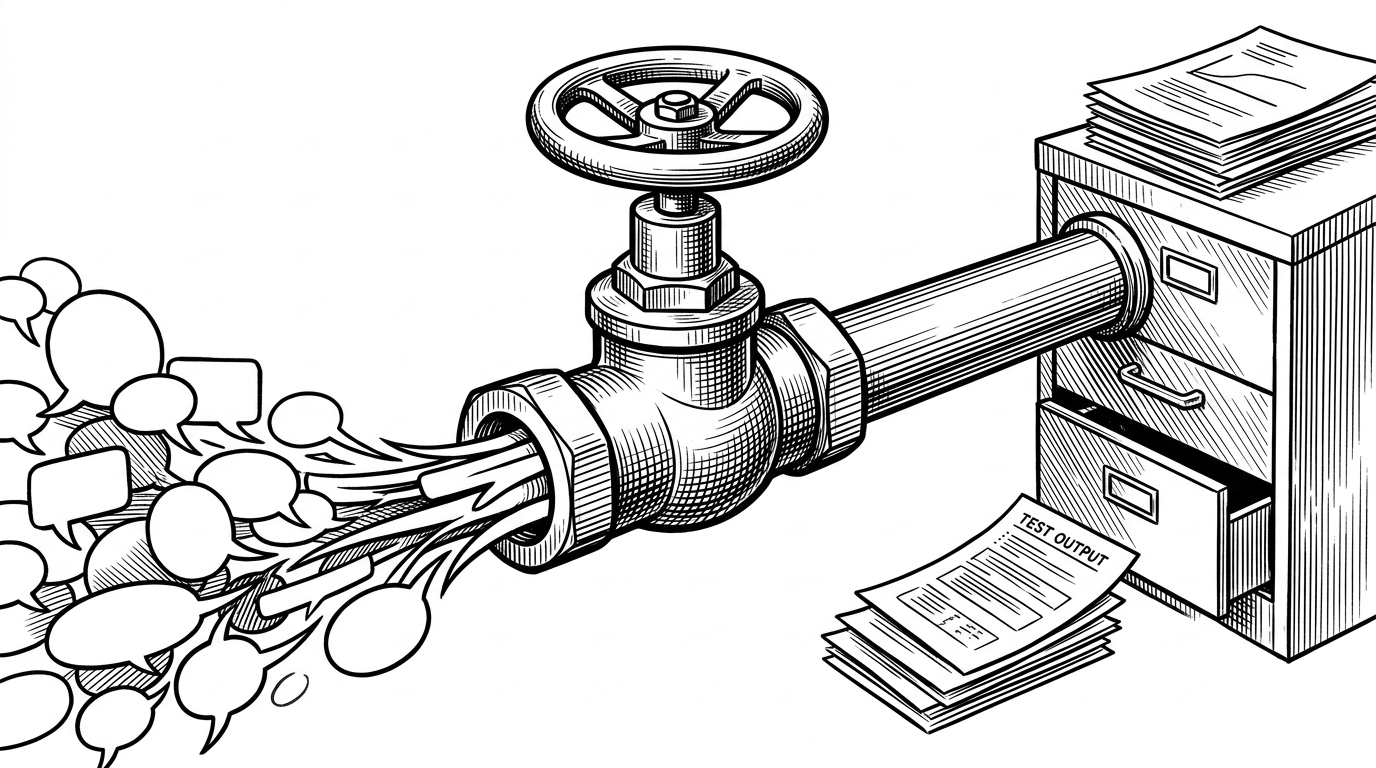
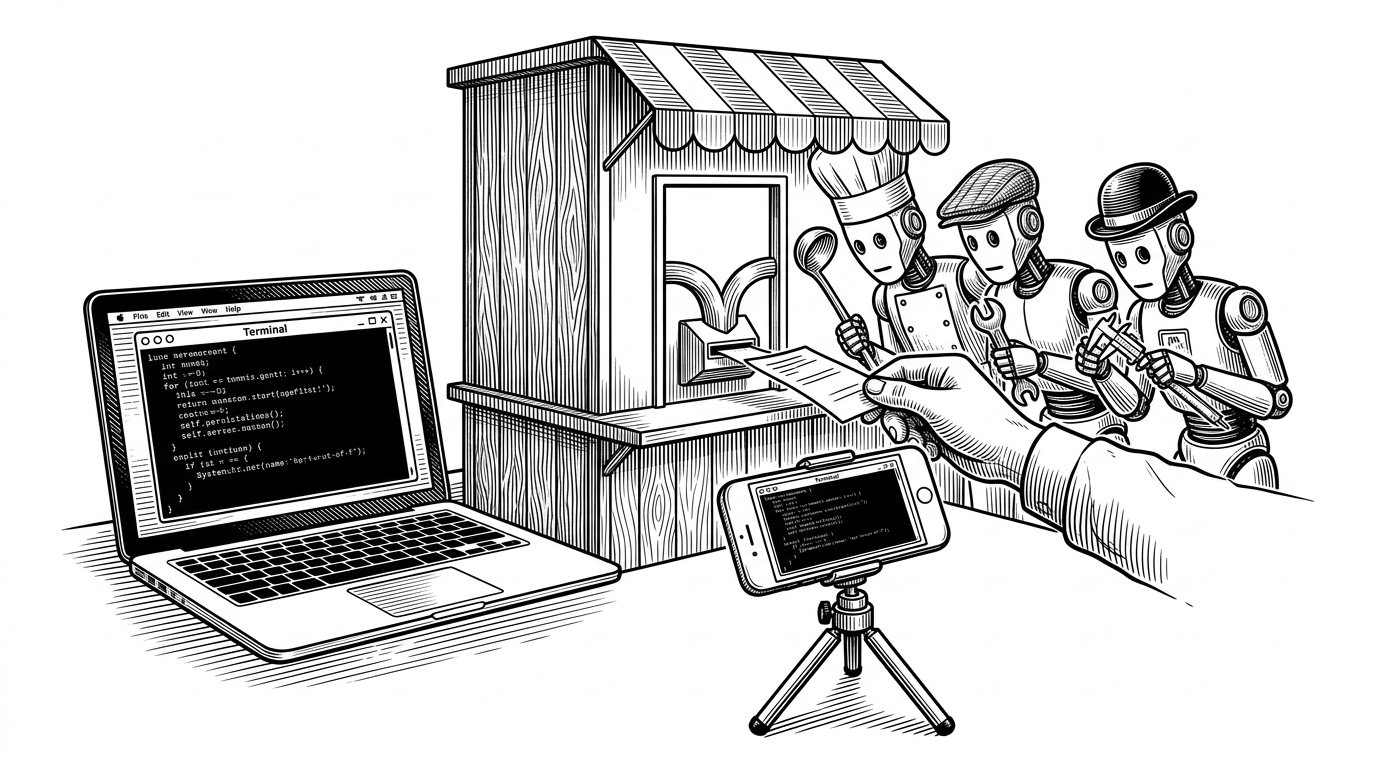
That is why Non-Interactive Mode matters. It trims away conversational drift and makes the agent behave more like a worker than a companion. The result is a tighter loop: plan, call tools, inspect output, continue.
Read that as an architecture choice, not a tuning trick. The agent needs to preserve terminal state, keep command history legible, and make failures visible in the same place the user is already working. That is what turns an AI assistant into a terminal-native system instead of a chat overlay.
How ForgeCode compares to the rest of the stack
| Tool | Primary surface | What it optimizes |
|---|---|---|
| ForgeCode | Terminal-native agent | Command execution, file edits, git, and repeatable tool use |
| Claude Code | Terminal agent | Conversational coding help that still lives close to the shell |
| GitHub Copilot | IDE extension | Inline suggestions and editor-centered flow |
| Tabnine and Codeium | IDE assistant | Autocomplete and quick completions inside the editor |
The contrast is simple once you see it. IDE assistants are strongest when the work stays inside the editor. ForgeCode is aimed at the messier zone where commands, tests, file edits, and version control all matter at once.
That is also why the project feels more durable than a feature demo. It does not ask developers to change their entire workflow around a chat panel. It asks the agent to enter the workflow where the workflow already has structure.
The bigger bet
ForgeCode's larger claim is that AI coding tools get better when they become less performative. The shell is not a nostalgic interface. It is a place where state is visible, commands are reproducible, and errors are hard to ignore. A serious agent should respect that reality.
That is the real story here. ForgeCode is not trying to be the most talkative assistant in the room. It is trying to be the one that leaves the cleanest trail of evidence while it works.