Nebula: The Pentester’s IDE That Decides When AI Should Read, Summarize, or Act
An open-source security workspace that blends a real terminal, local-first models, retrieval, memory, and agentic shell access into one workflow for offensive security.
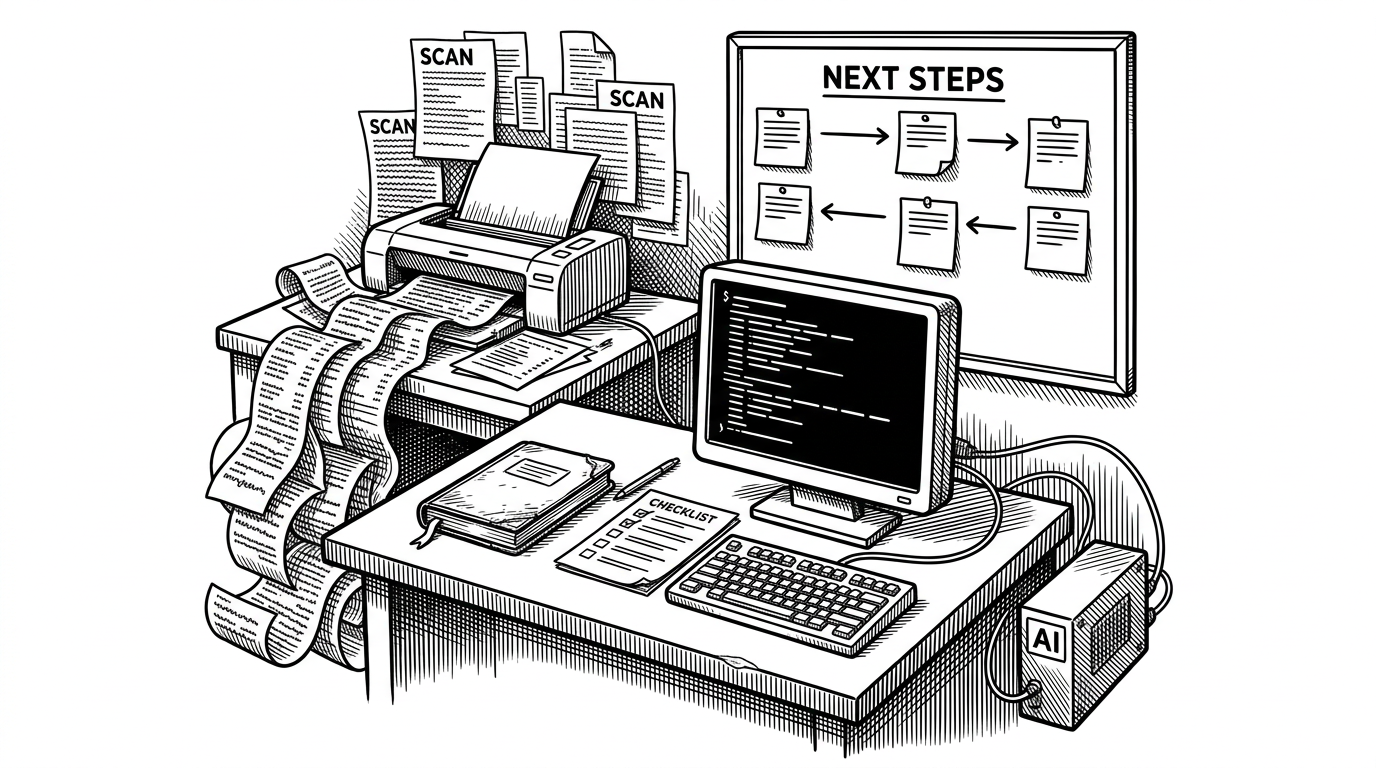
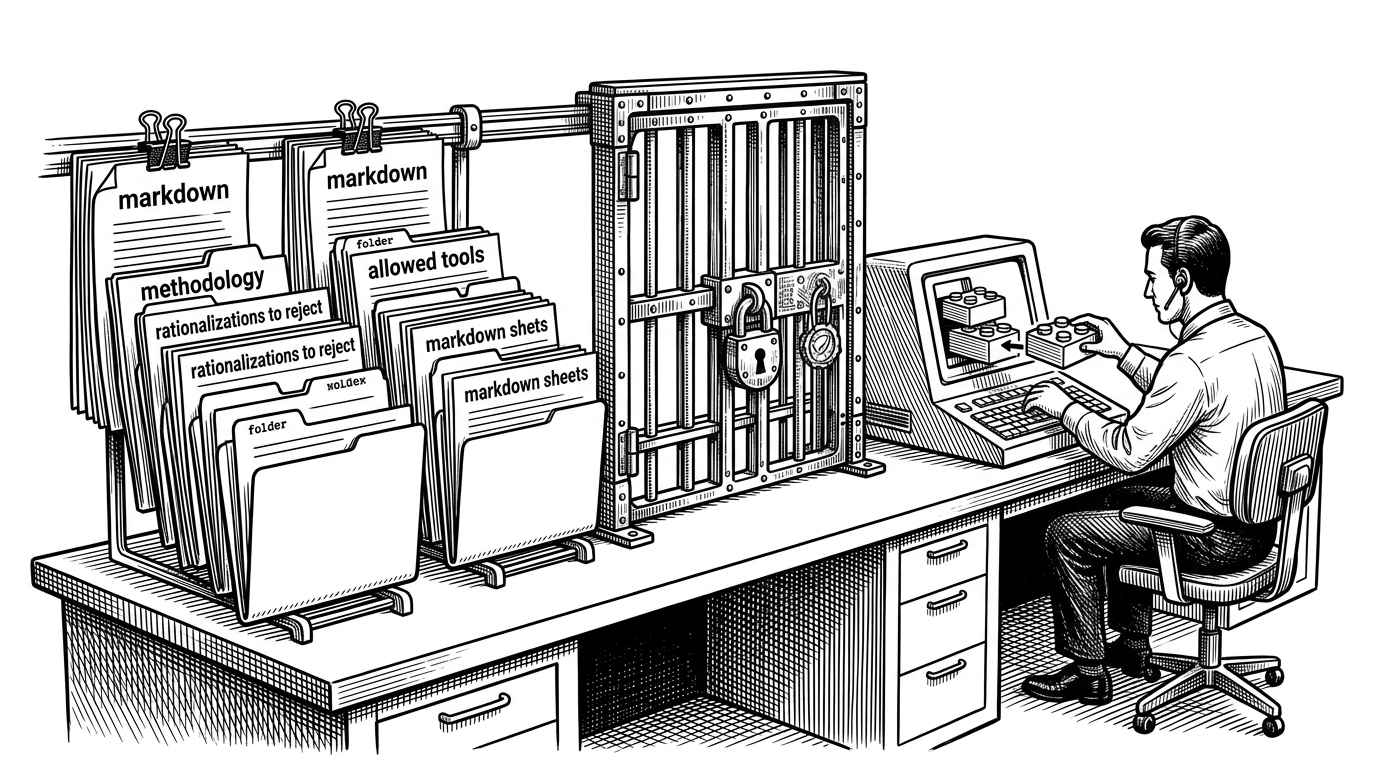
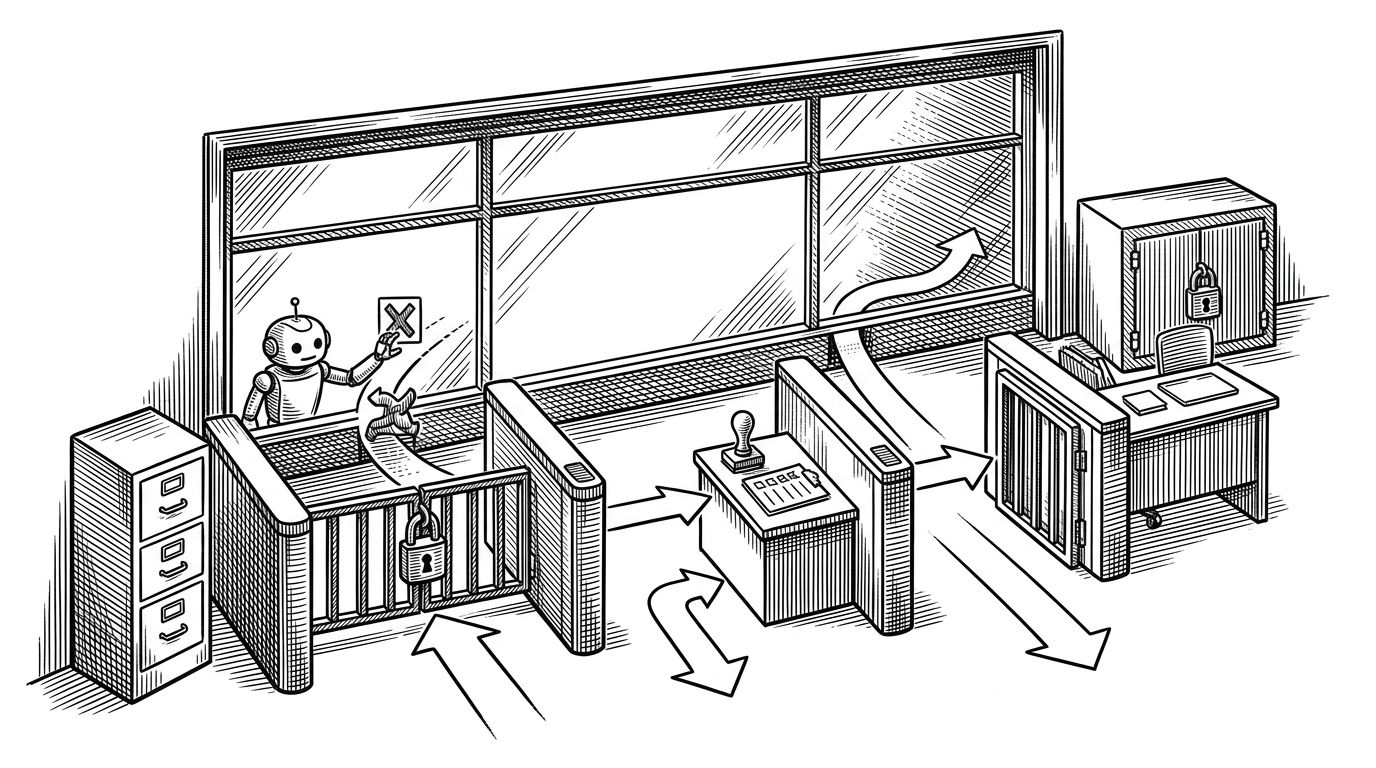
- Nebula’s core idea is not autonomous hacking, but a control layer that decides when AI should parse output, retrieve context, or touch the shell.
- Eco Mode and Autonomous Mode are the product, because they turn a security assistant into a managed decision system instead of a single prompt loop.
- The project’s architecture matters because it keeps a real terminal, memory trimming, retrieval, and background workers inside one GUI workspace.
- Nebula stands out most clearly as a local-first pentester’s IDE, which makes privacy and workflow structure part of the interface rather than an afterthought.
Pentesting is already a context-switching problem. Tool output is noisy, notes drift away from commands, and the same questions get answered again and again. Nebula tries to fix that by building a workspace around the work, not just a chatbot around the output.
Why pentesting needs a control layer, not another chatbot
That distinction matters. A chat box can explain an Nmap result, but it does not help much when the next step depends on which output to trust, when to search the web, and how much context to keep alive. Nebula treats those decisions as first-class product design.
Nebula is an advanced, AI-powered penetration testing open-source tool that revolutionizes penetration testing by integrating state-of-the-art AI models into your command-line interface.
That README line is blunt, but the real twist is in the interface. Nebula is not trying to replace the terminal. It is trying to sit inside it, then add enough structure that an engagement becomes easier to steer.
Eco Mode vs Autonomous Mode is the real product
| Mode | What it favors | What it avoids | Best use |
|---|---|---|---|
| Eco Mode | Deterministic parsing and lower token use | Unnecessary agent churn | Fast summaries of known tool output |
| Autonomous Mode | Broader retrieval and shell action | Manual repetition | Exploration when the context is unclear |
| Shared layer | A real terminal workflow | A chat-only interface | Security work that still needs a human in charge |
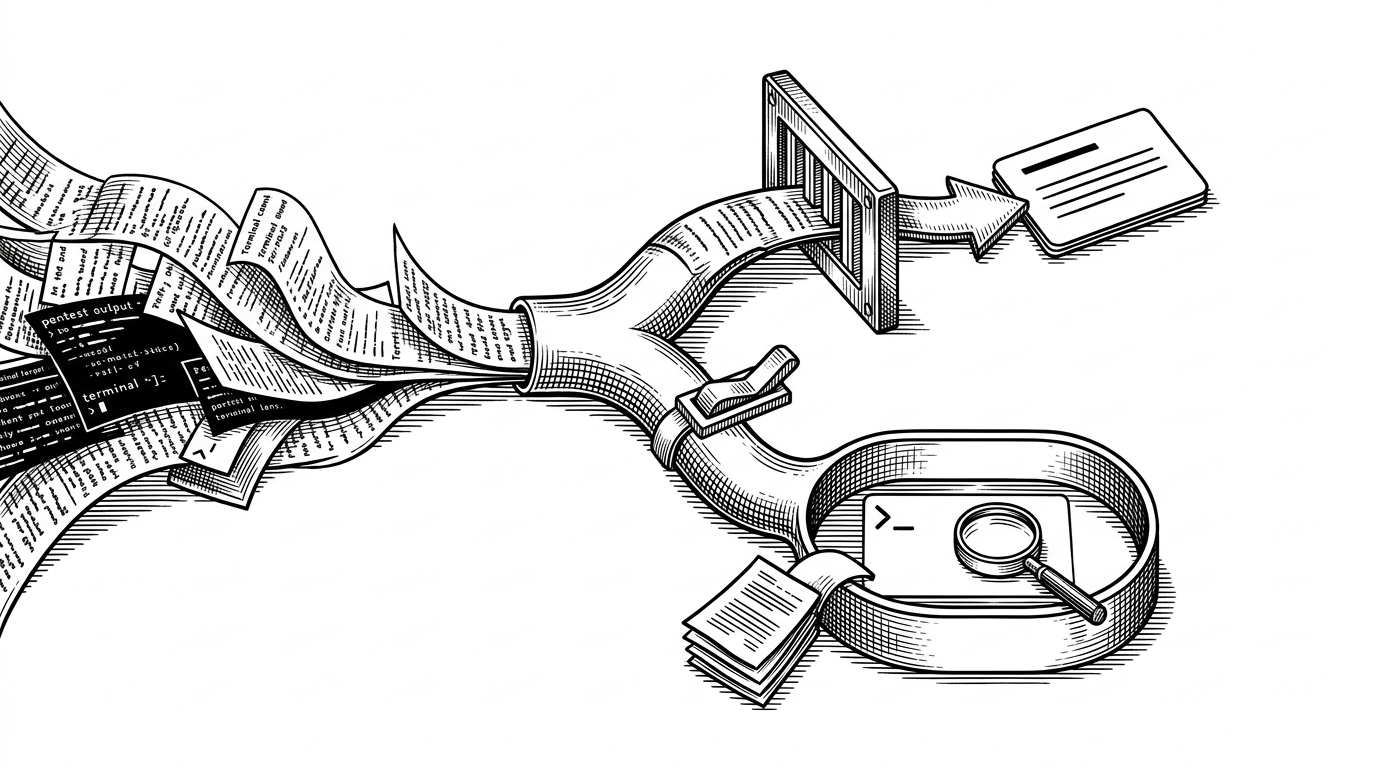
Inside the workflow: GUI shell, background workers, memory, and retrieval
Nebula’s codebase is built around a Python and PyQt6 interface, with background workers handling the slow parts so the window stays responsive. That matters because pentesting output is never polite. Large scans, document ingestion, and model calls all arrive at once, and a frozen UI would kill the point of the tool.
The memory layer uses token-aware trimming, not just a crude message limit. That is a subtle but important choice. In long engagements, the question is not whether the assistant can remember everything. It is whether it can remember the right amount without wasting tokens on stale context.
# Simplified shape of the memory policy
while len(tokenized_history) > max_tokens:
    tokenized_history.pop(0)

# The point is not perfect recall.
# The point is bounded context that stays useful.
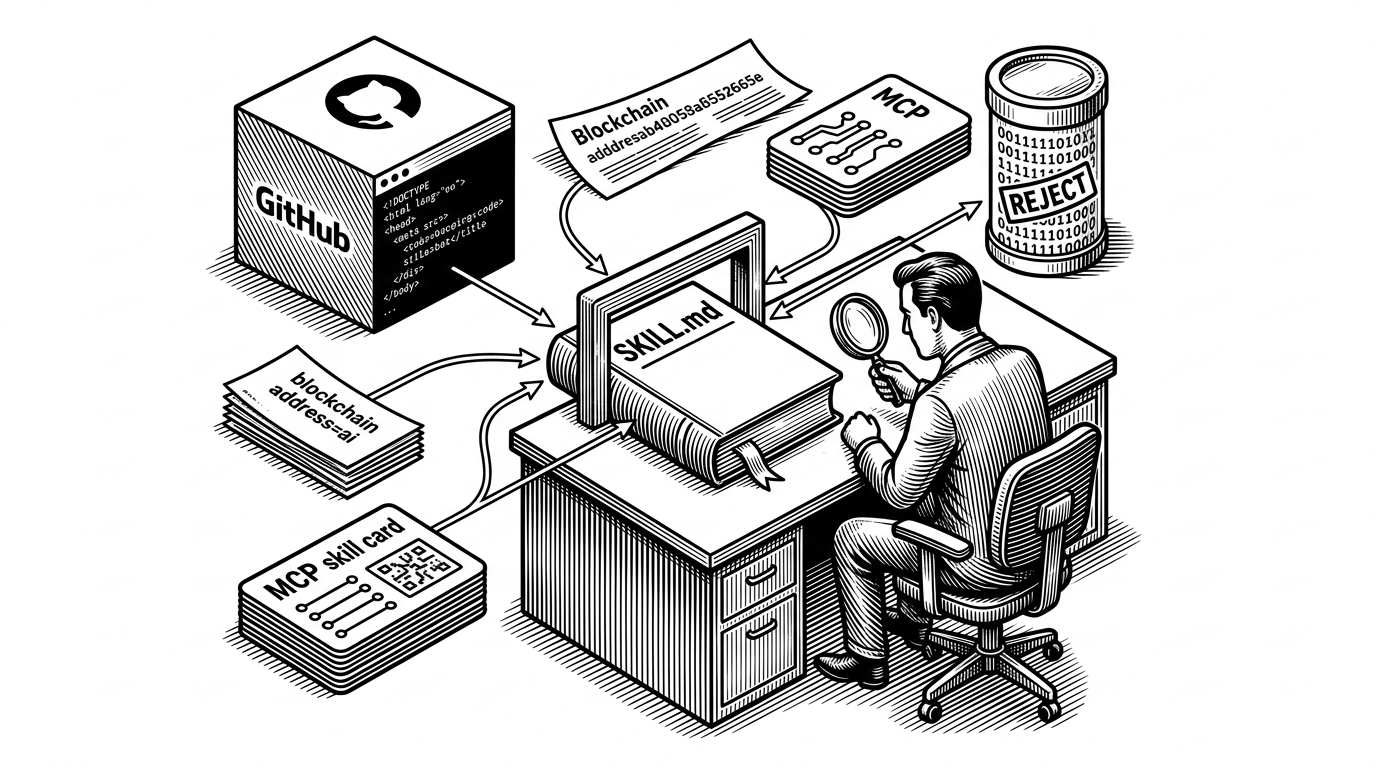
Retrieval adds a second layer of discipline. PDFs, CSVs, URLs, and client docs can be pulled into the working context through Chroma, which means the assistant is not guessing from scratch every time a report or whitepaper matters. In security work, that can be the difference between a helpful assistant and a very expensive hallucination machine.
Why local models are not a side feature
The choice of open models means Nebula can run offline – a crucial factor for security work where sending data to external APIs is undesirable.
That is not a deployment footnote. It is part of the trust model. For pentesters handling client data, the ability to keep inference local changes whether the tool is usable at all.
This is where Nebula pulls away from a generic shell wrapper. A cloud-only assistant can be convenient, but it also forces a policy decision on every engagement. Local-first support gives teams a way to use AI without turning every terminal session into a data-exposure debate.
How Nebula compares to the rest of the AI security stack
| Tool | Primary interface | Shell access | Local model support | Best for | Nebula’s difference |
|---|---|---|---|---|---|
| Nebula | GUI plus terminal | Direct | Yes | Managed pentest workflow | Mode-based control, retrieval, and a real shell |
| PentestGPT | Chat sidecar | Limited | Varies | Guided reasoning | Less terminal-native and less workflow structured |
| HackingBuddyGPT | Research assistant | Partial | Varies | Experimental agent work | Less focused on GUI workflow control |
| AutoPWN Suite | Automation suite | Direct | Not central | Automated scanning and exploitation | Less about AI-mediated decision layers |
| Shell-gpt style wrapper | Terminal prompt | Direct | Sometimes | Quick command generation | Usually thinner on memory, retrieval, and orchestration |
Nebula’s category is clearer when you compare it to the others. It is not just a chat wrapper, and it is not just an auto-exploitation project. It is a workspace that keeps the human in the loop while still allowing the model to move from interpretation to action when that is the right call.
What Nebula suggests about the future of security tooling
The most interesting takeaway is not that offensive security is becoming automated. It is that the interface is becoming opinionated. Tools like Nebula suggest the winning systems will be the ones that know when to summarize, when to search, when to retrieve, and when to step aside.
That is a healthier vision than full autonomy. Security work rewards judgment, but it also rewards speed and consistency. Nebula’s bet is that the future belongs to systems that can do both without pretending they are the same thing.