Paseo: The Remote Control Layer for AI Coding Agents
A local-first daemon, encrypted relay, and mobile UI turn CLI agents into persistent sessions you can steer from anywhere.
- Paseo treats AI coding agents as durable sessions, not disposable chats.
- Its daemon, timeline, and binary multiplexed websocket separate control from terminal output so the interface stays responsive.
- The encrypted relay preserves local-first control without turning remote access into a privacy trade-off.
- Its strangest feature is also its clearest thesis: one agent can hand work to another through the same operating layer.
Paseo is easy to misunderstand if you start from the UI. It looks like a polished app for Claude Code, Codex, and OpenCode, but the real product is the layer underneath: a daemon that keeps agent sessions alive, inspectable, and portable across devices.
That framing matters. Most tools treat the agent as a conversational endpoint. Paseo treats it like a process you can reconnect to later, steer from your phone, and hand off between models without losing state.
I started working on Paseo last September as a push-to-talk voice interface for Claude Code. I wanted to bounce ideas hands-free while going on walks, after a while I wanted to see what the agent was doing, then I wanted to text it when I couldn't talk, then I wanted to see diffs and run multiple agents. I kept fixing rough edges and adding features, and slowly it became what it is today.
The AI workstation you carry in your pocket
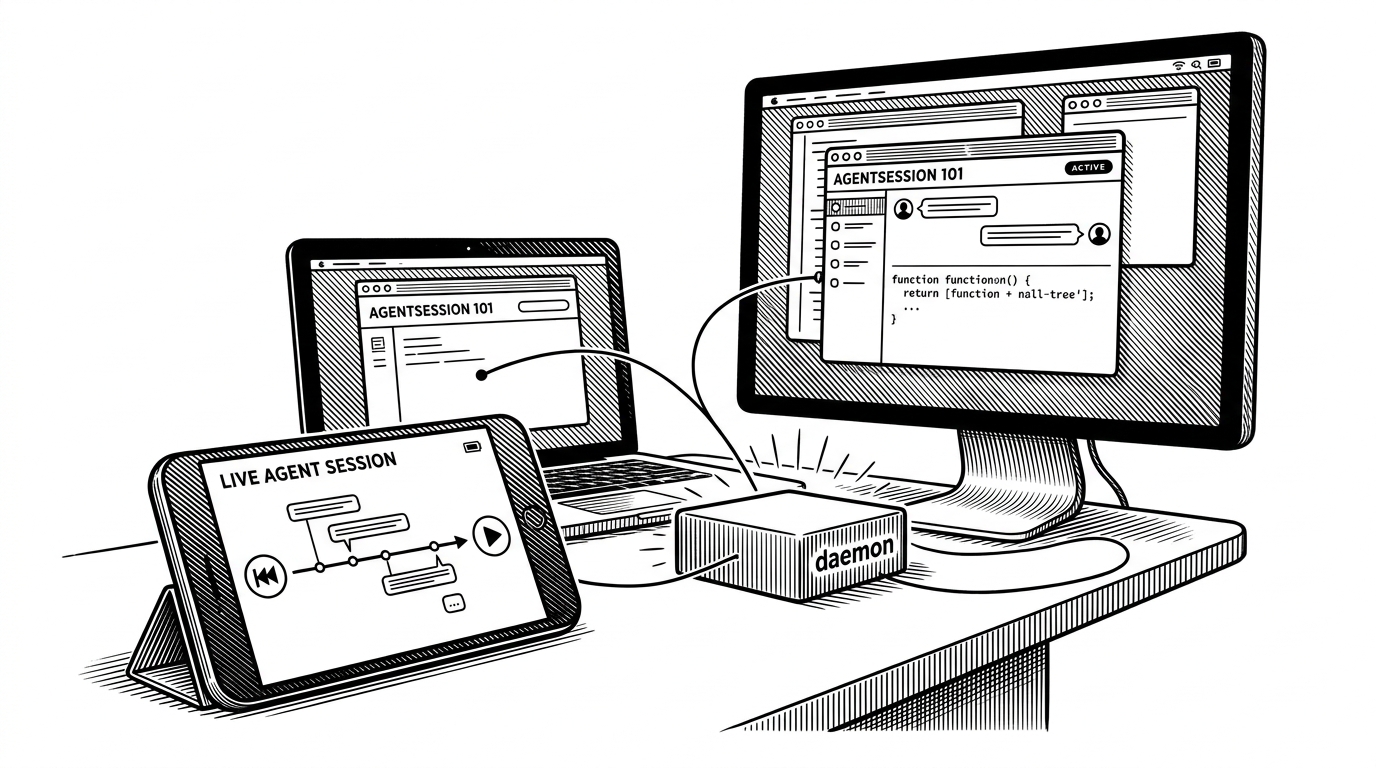
The simplest way to understand Paseo is this: your workstation runs the agent, but your phone can still run the session. You can start work at a desk, check progress on mobile, return later, and pick up the same thread without rebuilding context from scratch.
That is a different promise from a chatbot and a different promise from an agent framework. Paseo does not try to invent a new model brain. It wraps the CLI agents developers already use and gives them a durable operating surface.
The daemon makes agents first-class citizens
In `packages/server`, the `AgentManager` sits at the center of the system. The important move is philosophical as much as technical: an agent is not a stateless request. It is a durable session with a lifecycle, timeline, and stored history.
Paseo uses file-based JSON persistence instead of a conventional database for the core session model. That keeps the state portable and inspectable, and it makes the system feel like a workstation tool instead of a SaaS backend wearing a local coat.
Channel 0: control messages
Channel 1: terminal data
Timeline: recent events + snapshots
Relay: encrypted transport only
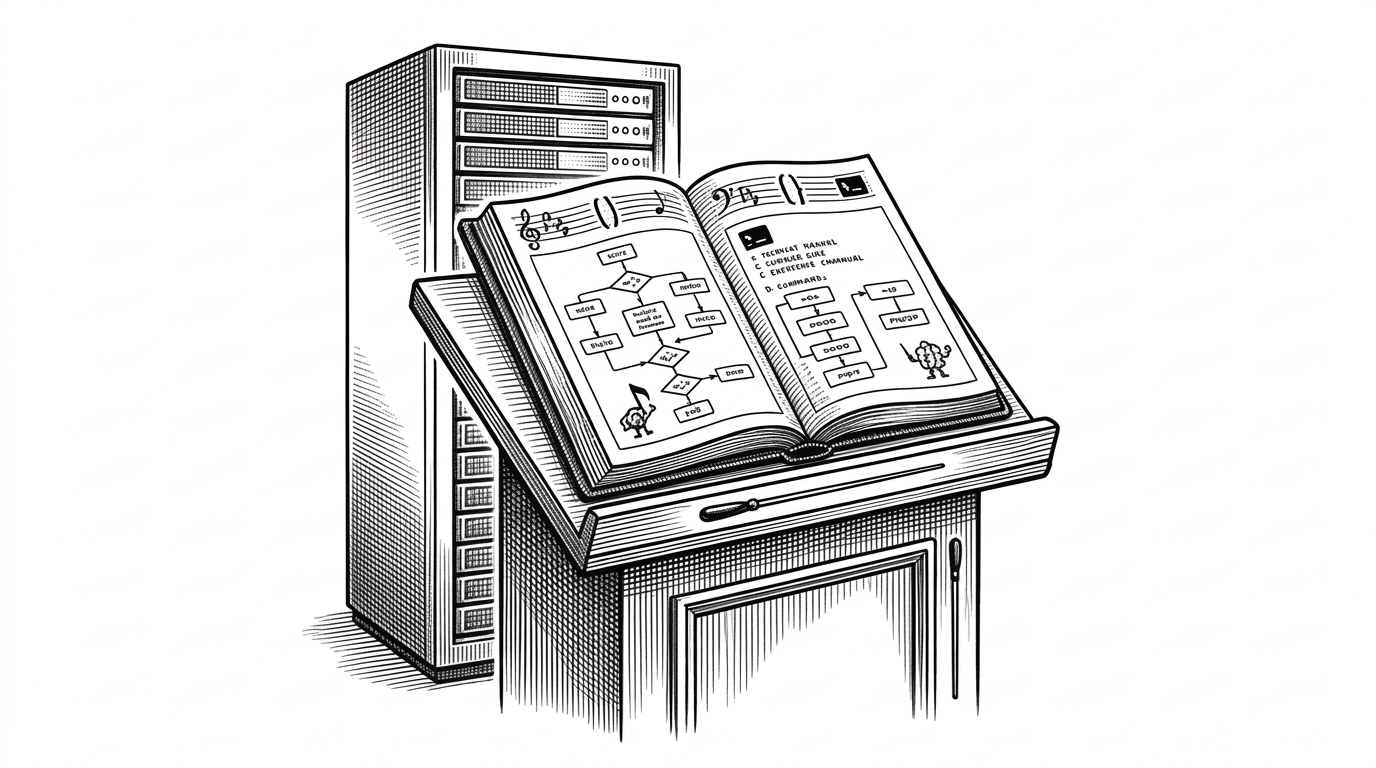
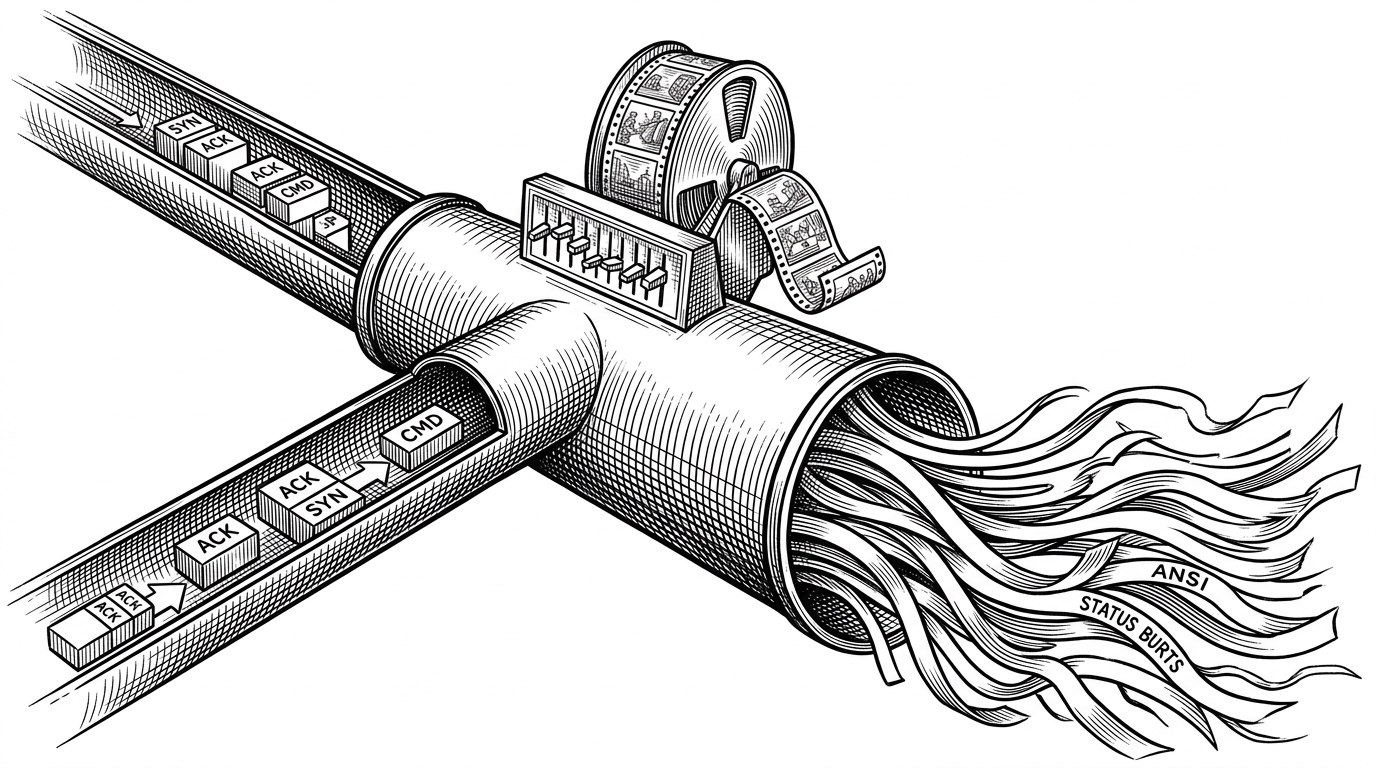
The binary multiplexed websocket is the other key decision. Channel 0 carries control messages. Channel 1 carries terminal data. That separation prevents a flood of output from slowing down the commands that keep the session steerable.
This is the sort of design choice that only matters once it fails. Paseo avoids the classic problem where UI state, control flow, and terminal noise all fight over one pipe.
The relay is a privacy layer, not a cloud dependency
Remote access is where many local-first tools quietly become cloud products. Paseo takes a harder route. The relay exists for connectivity, not computation, and the traffic is end-to-end encrypted so the relay cannot inspect the code or session content.
That design keeps the trust boundary narrow. The daemon owns the session. The relay forwards encrypted bytes. Your workstation remains the place where the actual work happens.
The relay is designed to be untrusted. All traffic between your phone and daemon is end-to-end encrypted. The relay server cannot read your messages, see your code, or modify traffic without detection.
That is the difference between convenience and delegation. Paseo gives you the reach of remote access without turning your source code into someone else’s transport problem.
The weirdest feature is agent handoff
Paseo gets more interesting when one agent can hand work to another. The experimental orchestration skills, including `/paseo-loop` and `/paseo-handoff`, turn the tool into a meta-layer for coordinating different model strengths.
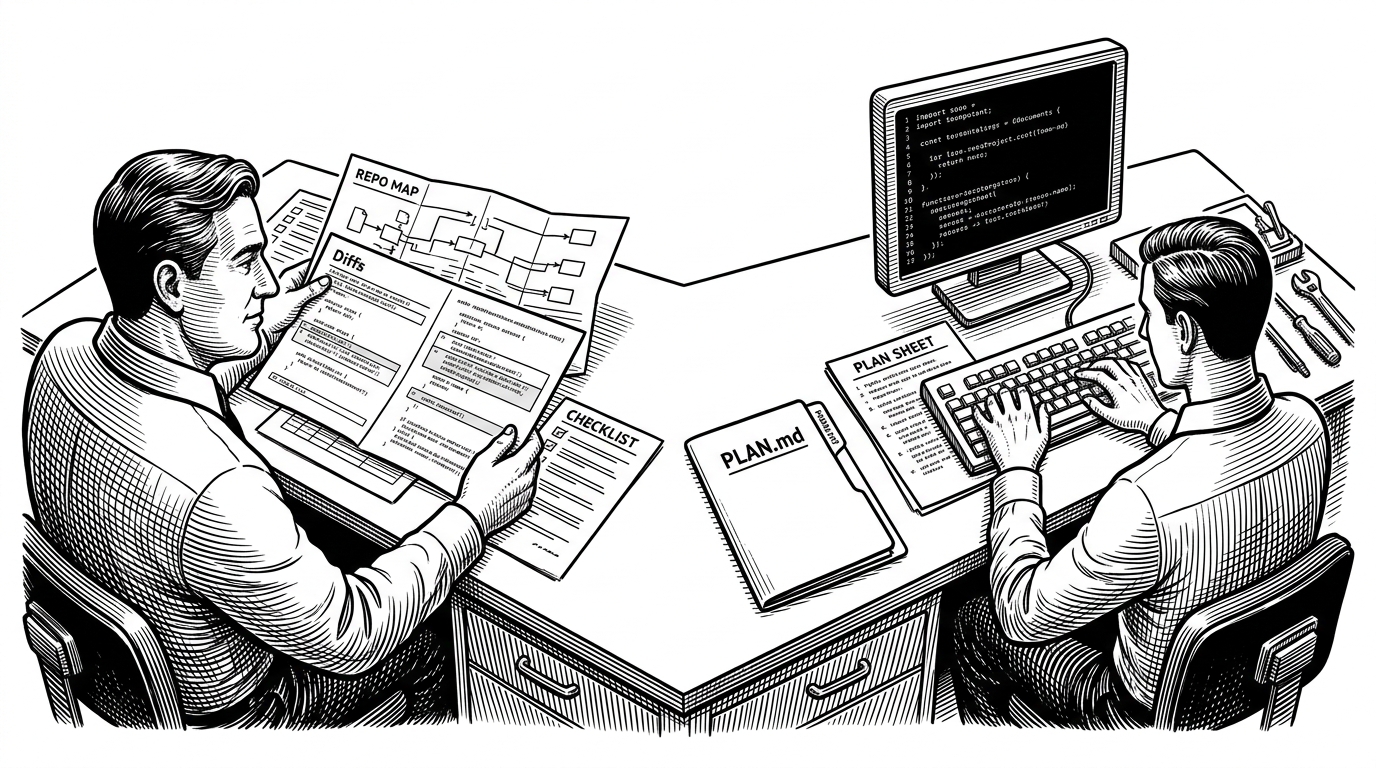
That is not just automation. It is a workflow claim: plan with one agent, implement with another, and keep both inside the same session infrastructure.
Where Paseo sits in the landscape
| Category | Paseo | First-party remote tools | Agent frameworks |
|---|---|---|---|
| Primary job | Operate existing CLI agents across devices | Control one vendor’s agent | Build agents from primitives |
| State model | Persistent sessions with timeline replay | Usually session-bound | Depends on the framework |
| Transport | Local daemon plus encrypted relay | Vendor-controlled | Varies by implementation |
| Privacy stance | Local-first and self-hosted | Provider-dependent | Varies widely |
| Best fit | Developer who wants a remote control layer | Developer staying inside one vendor stack | Team building custom agents |
Paseo is not competing with AutoGPT or LangChain on the same axis. Those projects help you build agents. Paseo helps you operate them. It is closer to a control plane than a framework.
That also sets it apart from first-party remote tools for Claude Code or Codex. Those are usually single-vendor affordances. Paseo is the broader operating layer.
A local-first manifesto dressed as product design
The license, the file-based state, the lack of login friction, and the encrypted relay all point in the same direction. Paseo argues that developer AI should be self-hosted, inspectable, and portable enough to outlive a single device or a single interface.
That makes the project feel larger than its current surface area. It is not just a nice mobile app for agents. It is an attempt to define the control layer for a new kind of workstation.