unslop Is a Design Critique You Can Grep For
An agent skill that redlines AI-looking interfaces in nine ordered passes, built on one rule: put the richness in one place.
unslop is a skill for Claude that turns vibecoded, AI-looking UI into a designed interface with its own character.
- unslop treats an AI-looking screen as a diagnosable defect, not a mood, which is why its core logic is a symptom-to-fix lookup table rather than a prompt.
- The nine passes run in a fixed dependency order, spacing first and visuals and motion last, because later work only reads correctly once the earlier work is done.
- The skill stops for approval before editing and halts entirely on a screen with no slop, an anti-overreach posture that is rare in agent instructions.
- unslop names the failure mode of its own success: a de-slopped look can harden into a new template, so it borrows qualities, never subject, palette, or layout.
The Rule Under the Rule
The tell is almost always the same. A purple-to-blue gradient on the primary button. A soft glow behind it. An emoji next to every label. Spacing that drifts a few pixels off any grid you can name. Copy that shouts "New ✨" at nobody in particular.
unslop is an agent skill that treats that look as a defect with a name, not a matter of taste. It is a design critique rewritten as something a machine can execute, and its whole logic rests on one sentence you can hold in your head: the difference between slop and craft is where the richness goes.
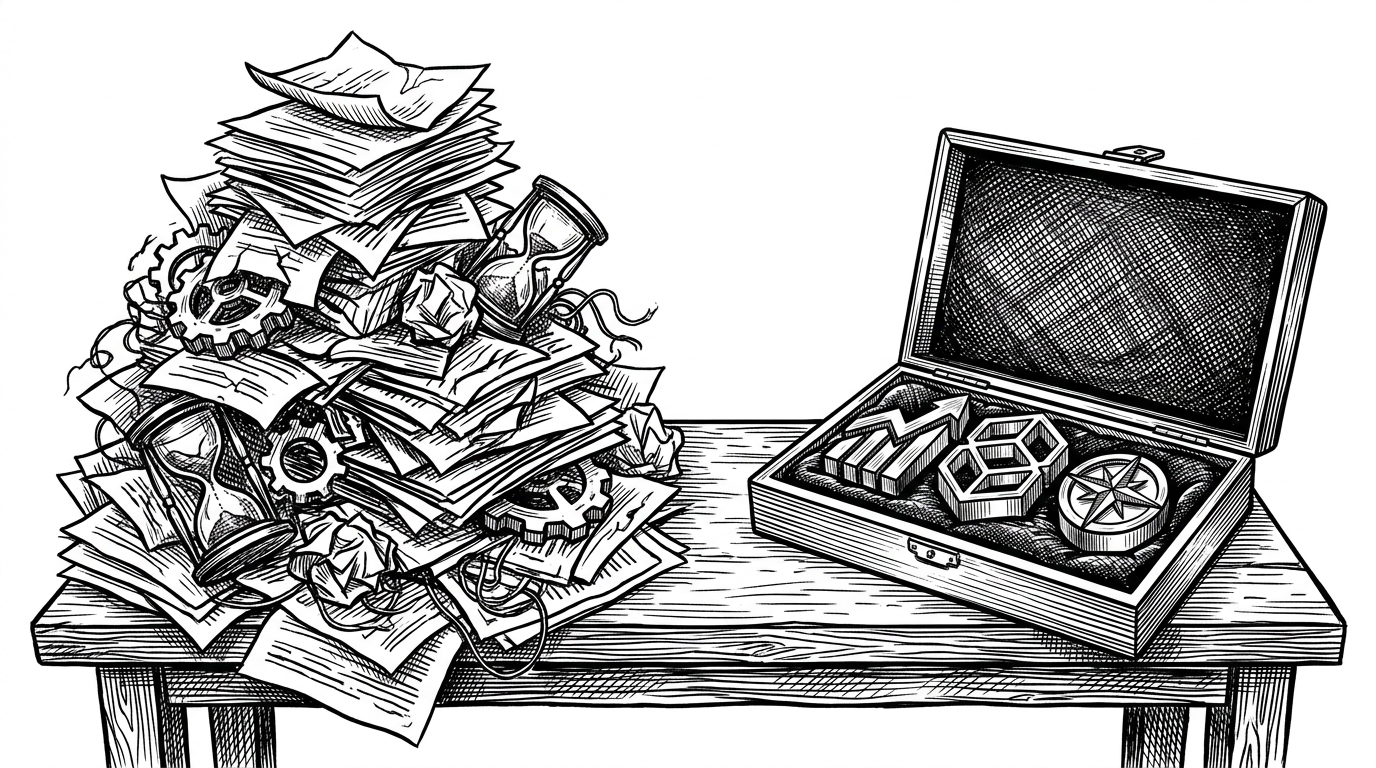
Slop spreads richness across the chrome. Every surface glows, every card lifts, every number pulses. Craft does the opposite. It keeps the chrome quiet and spends its visual budget in one or two deliberate places, a rendered object, a real chart, a single confident accent. Once you see the rule, the rest of the repo reads as a long, careful derivation of it. The passes, the tokens, the detection table, all of it is downstream of that one claim.
A Skill Born From a Viral Series
unslop is by Damir Sokolovsky, who publishes as @heydamir. The README credits the "Unslopping series" on X, a set of before-and-after posts where he took AI-built screens and rebuilt them in public. The skill packages that series into a folder you copy into your own agent.
It is also a funnel. The README closes with "Hire the unslopper," a paid three-day redesign of one key screen. That is worth naming plainly, not as a knock but as context. The artifact is a methodology first and a lead magnet second, and the methodology is the part that travels.
A Linter Written in English
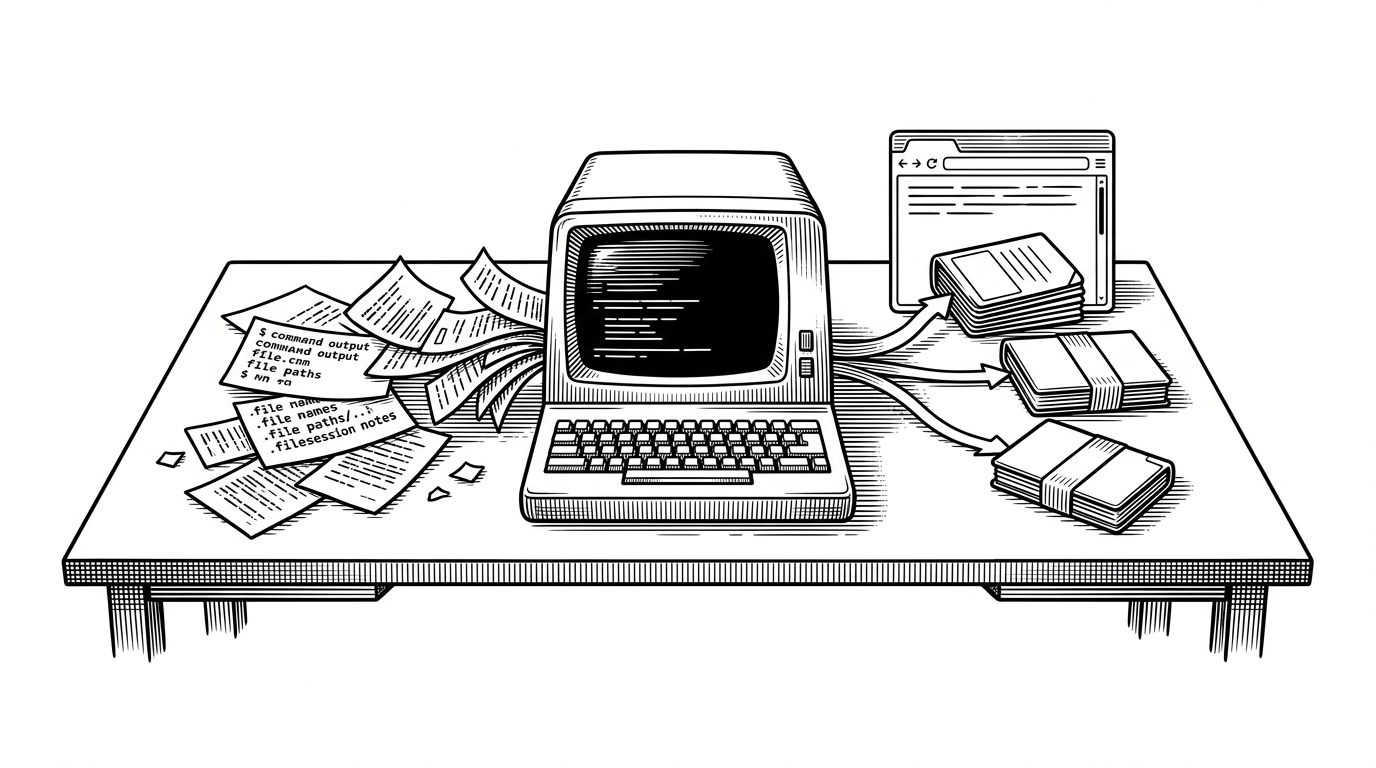
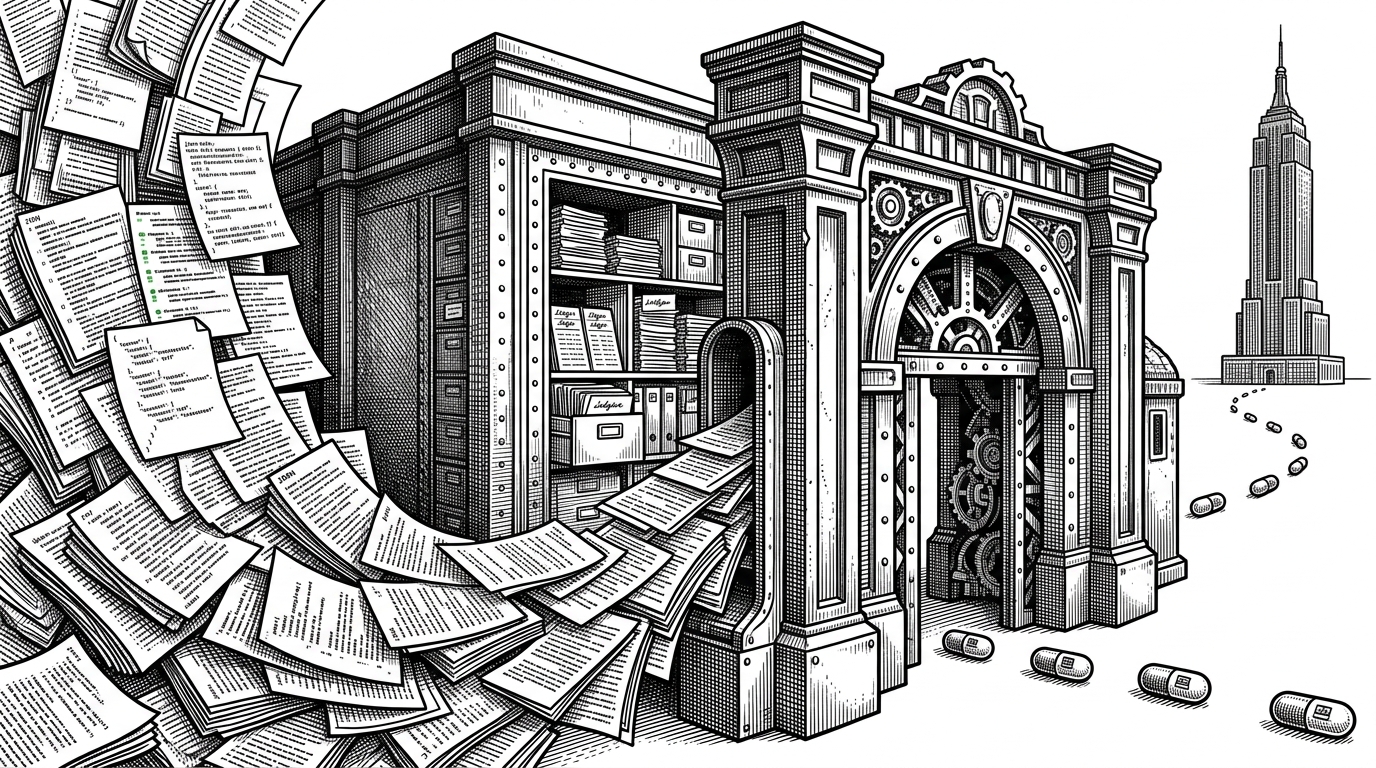
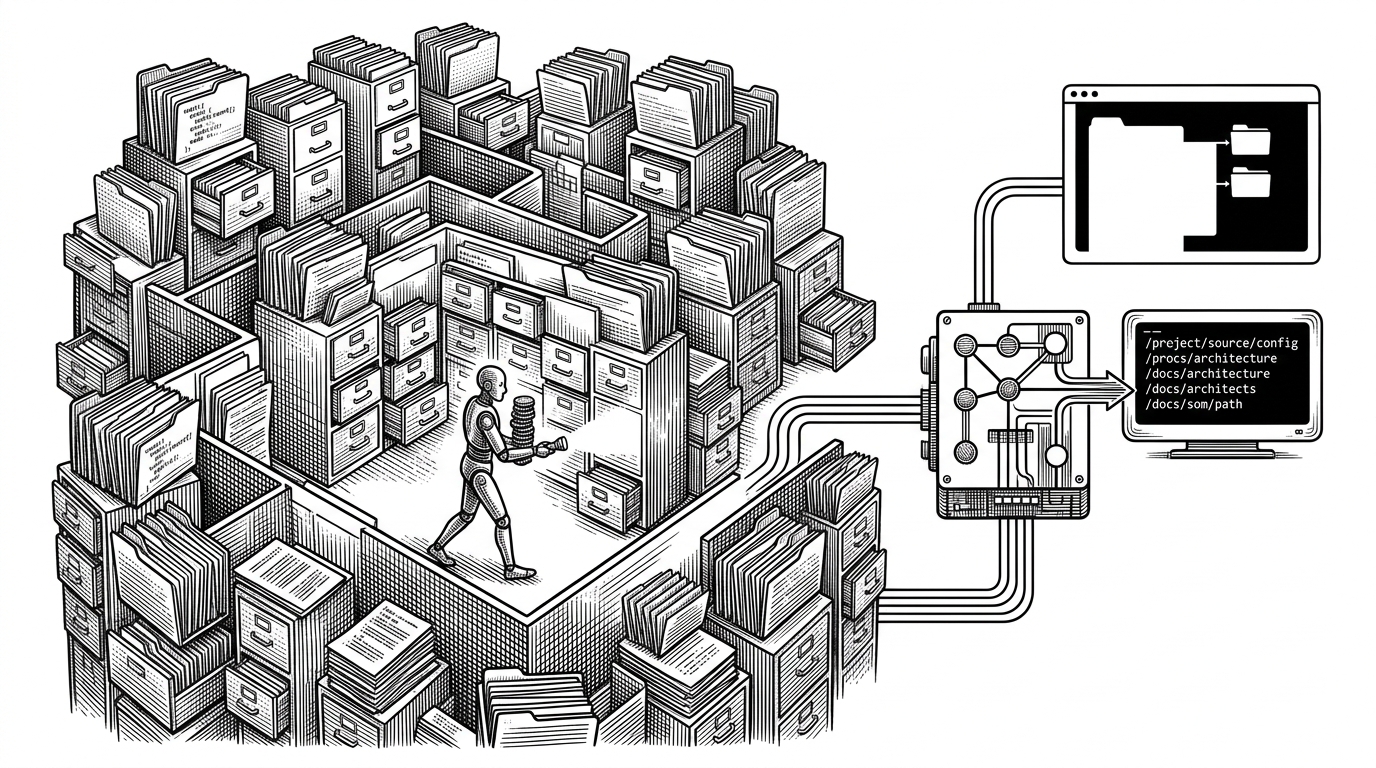
The cleverest file in the repo is a reference called signs.md. It is a symptom-to-fix table, grouped by surface: color, type, icons, spacing, copy, components, heroes, visuals, motion. Each row names something an agent can match against code and the fix that follows.
The entries are concrete and greppable, which is the whole point. A colored glow is matched by its class string. Off-scale spacing is matched by arbitrary values. A pulsing indicator is caught on the things that are not actually live. This is a designer's redline note, "gradient text to solid primary text color," encoded so a model can find it in a diff.
Colored glow        shadow-[0_0_20px_rgba(139,92,246,0.5)]   ->  one soft neutral shadow
Off-scale spacing   mt-[13px]   h-[31px]                     ->  snap to the 4px scale
Card hover          transition-all   hover:scale              ->  a single transform, 150ms
Live indicator      animate-pulse on a static number          ->  remove it, or make it real
Copy                "Welcome back, Damir! 👋"                 ->  plain, specific text
The format matters as much as the content. One line per sign, the fix after an arrow, no prose to parse. It is a lookup table an LLM can walk and report against, which is why the audit step can log each hit with a location instead of producing a vague impression of "this feels AI."
Nine Passes, One Order
After the audit, the skill runs nine passes in a fixed order: spacing, color, icons, copy, type, layout, details, visuals, motion. The order is argued, not arbitrary, and the argument is the most transferable idea in the file.
Spacing comes first "because everything else reads differently once the rhythm is right." Copy precedes type and layout "because the length of the headline decides its size and where it sits." Visuals and motion come last so they "fit a screen that already works without them." Read it as a dependency graph: each pass assumes the ones before it have settled.
The Skill That Refuses to Act
Most agent instructions push toward more action. unslop pushes toward less. Before it touches a single file, step four forces the agent to write five lines of visual direction and stop for approval. The stated reason is cost: changing direction later means "redoing everything," so the gate is cheaper than a wrong rewrite.
Triage has a third branch that goes further. If the audit finds no slop, the skill reports that and halts. "Never change a good screen just to make it different." That line is the tell that this was written by someone who has watched an agent improve a thing until it got worse. The consent gate is not politeness. It is a deliberate human-in-the-loop design, and it is unusual in a category that tends to maximize autonomy.
The Rule Against Its Own Output
The sharpest idea in the repo is a rule aimed at the skill's own success. The references file says to borrow "qualities, never their subject, palette or layout" from the finished examples. The skill states the target plainly: "Every run ends with a screen that only this product could have."
That is a tool naming the failure mode of its own output. A de-slopped style can harden into a new template just as a purple gradient did, and the rule exists to stop it. It is the difference between a skill that produces a look and a skill that produces judgment. The X reactions noticed the risk early. "Give it a month and we will need an unslop skill for the unslop skill," one reply said, which is exactly the recursion the rule is trying to prevent.
Where unslop Sits
unslop is not a generator and not a component kit. It lives one layer up, inside your agent, and its job is to inspect a screen that already exists. That placement is what separates it from the tools it gets compared to.
| Tool | What it is | Layer | Works on an existing screen? | Output |
|---|---|---|---|---|
| unslop | Agent skill, a Markdown instruction set | Inside your agent, in your repo | Yes, including from a live URL | Redlined, re-passed code plus a direction report |
| Anthropic frontend-design skill | General design and implementation skill | Inside your agent | Partially | New frontend work |
| v0 | Hosted generative UI tool | Hosted product | Iterates on its own output | Generated components |
| Bolt.new / Lovable | Prompt-to-app builders | Hosted product | Builds the app | Whole applications |
| shadcn/ui / Magic UI | Component collections | Your codebase | No, supplies ingredients | Components |
The read is complementary, not competitive. unslop is happy to leave a component kit in place and adjust how the screen uses it. Star counts are left out on purpose here, since they move and the layer each tool occupies does not.
What the Prose Hides
The writing is more polished than the code, which is worth saying out loud. There is no package.json, no test suite, no linting, no CI in the tree. The only JavaScript with real substance is the canvas effects file, and it contradicts its own advice. Its performance section says to bake the tinted glyphs once and redraw only the cells that change, but the implementation redraws every visible cell on every step.
There are smaller tells. The snapshot script's try/catch blocks swallow failures silently, which makes debugging hard. The glyph atlas is drawn before the font has loaded and never awaits document.fonts.load, so the first render can fall back to the wrong typeface. And the most striking results depend on paid image generation, which the skill is honest about by gating it behind a prompt and a confirmation.
None of that changes the central idea, which is sound and portable. It just means the repo is best read as a design methodology that happens to ship with code, not as a hardened library. The prose is the product. The scripts are the demo.