Zero Breach Toolkit Refuses to Tell You You're Clean
A free, offline, read-only scanner for mercenary spyware, built for journalists and activists. Its sharpest feature is one the authors deleted on purpose.
- Zero Breach Toolkit scans desktops and supplied mobile evidence for published mercenary spyware indicators, fully offline and read-only, aimed at journalists, activists and the people who help them.
- Its most consequential design choice was deleting its own system-writing feature rather than patching it, so a reviewer opening a read-only tool finds no reconfiguration path.
- The tool encodes epistemic honesty into Unix exit codes, overriding argparse so a setup error can never masquerade as a spyware match.
- A clean scan is explicitly not proof of absence: it detects only published indicators and reports coverage gaps alongside findings.
The Feature They Deleted
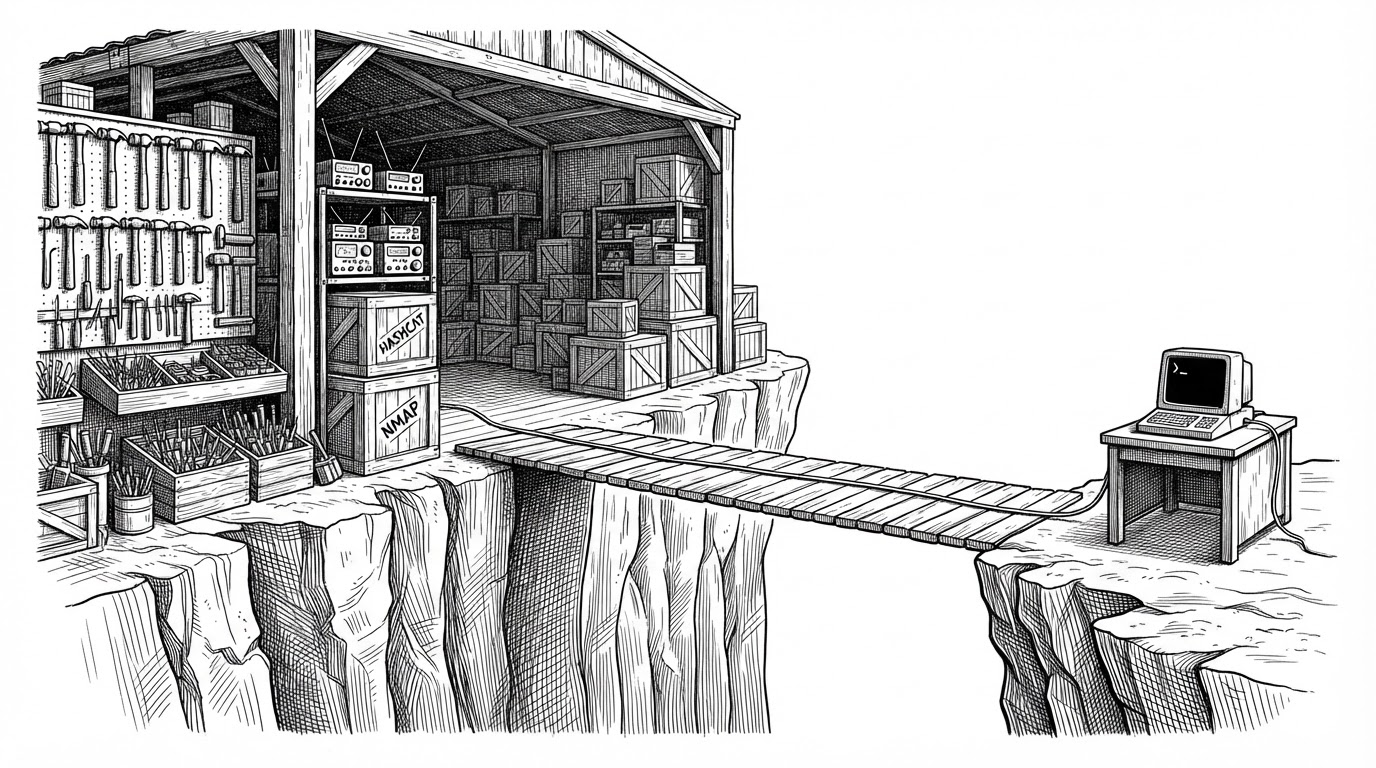
Most security tools arrive promising more power. Zero Breach Toolkit arrived having removed some.
An earlier version shipped a tier-5 feature, a pair of flags called --arm and --undo, that could write system configuration. A review found the undo path could read a journal file that any program on the machine was free to write, then delete every scheduled task and still report success. It could also shrink the DNS log and destroy the history it had collected.
"""
An earlier tier-5 feature (--arm / --undo) was removed: a review found its
--undo path could, from a journal file any program can write, delete every
scheduled task on the machine and still report success, and could shrink the
DNS log and destroy the history it had collected.
"""
The fix was not a patch. The authors deleted the code, so that a reviewer opening a read-only tool would find no path to reconfigure the system at all. The docstring states the intent directly: the tool should contain no system-reconfiguration path for anyone auditing it.
That decision only makes sense once you know who runs this thing. Zero Breach Toolkit is built for journalists, activists and human-rights defenders, people whose computers may already be compromised by the very software they are trying to find. A scanner that can rewrite system state is a scanner that can be turned against its own user. Every feature that adds power also adds a surface. The authors chose to shrink the surface.
Five Exit Codes, Zero Reassurance
The scanner's honesty is not a tone of voice. It is encoded in the process exit code, the number the operating system hands back when the program finishes.
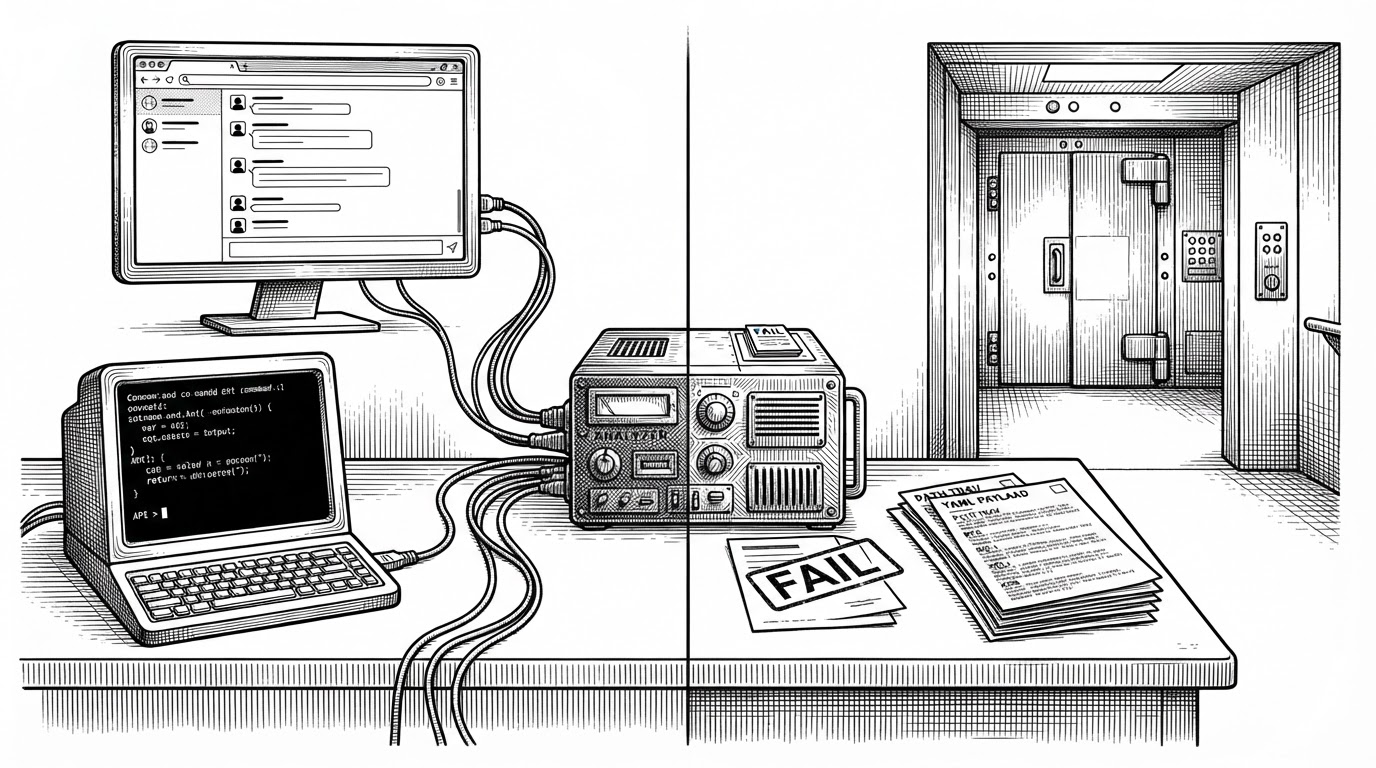
0 means no actionable findings, and the launcher prints that this is not a clean bill of health. 2 means something matched, and the launcher says investigate, not you are infected. 3 means coverage was incomplete. 4 means nothing was checked. Anything else means the tool could not run at all.
One detail deserves attention. Python's argparse exits with code 2 whenever it sees a bad flag. That collides with the scanner's own code for matches found. A typo could therefore look exactly like a spyware hit. The authors subclassed the parser and overrode the error path to exit 1 instead, so a setup error can never masquerade as a finding.
A clean result is not a guarantee. The tool says so itself. Spyware of this grade is built to defeat retrospective checks; missing a real infection is a documented limitation, not a bug.
What It Actually Checks
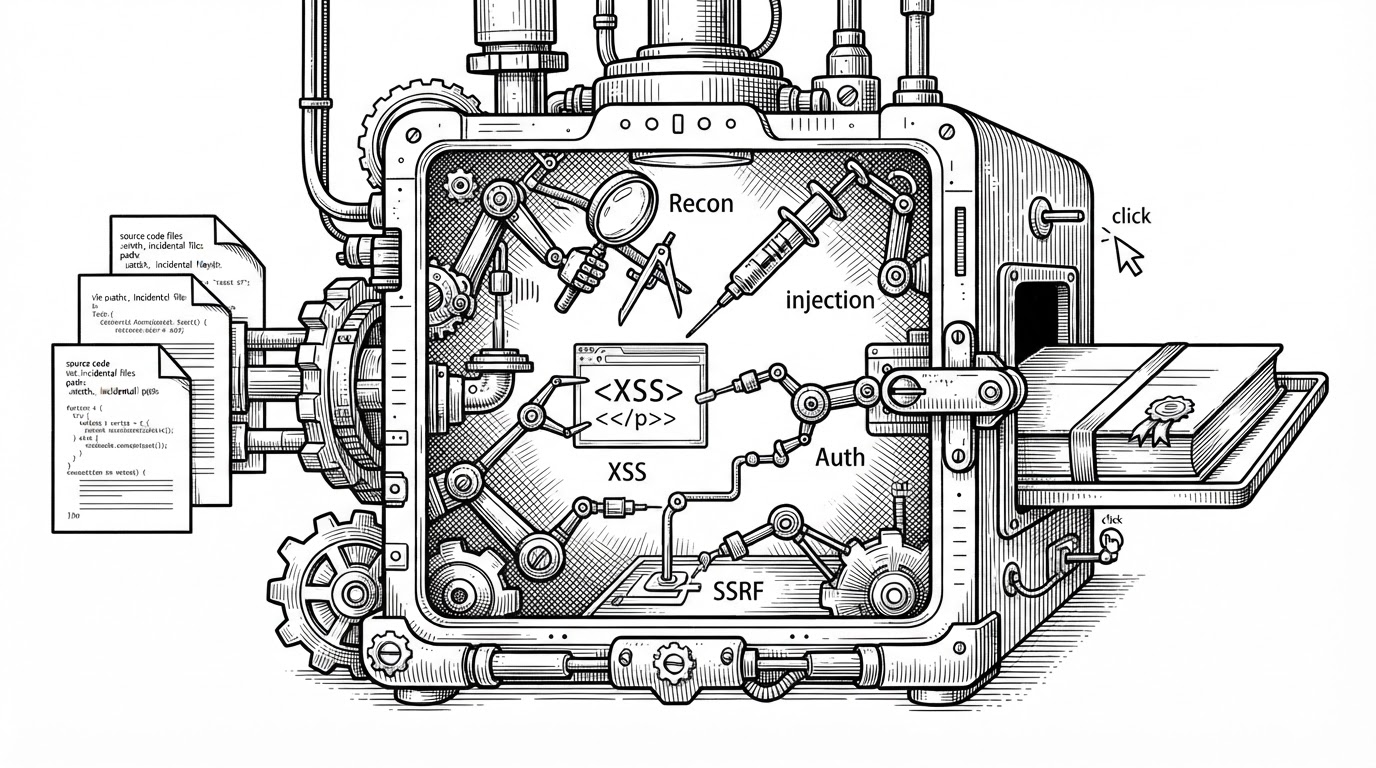
Strip away the philosophy and the default scan is simple. It is read-only and runs fully offline. No network calls happen during a scan, enforced by a guard at the Python level, and indicator updates are a separate, explicit step. It matches published indicators against browser histories, cookies, downloads, HSTS records, bookmarks and caches, Windows execution and persistence artifacts, selected desktop-app records, file fingerprints, AndroidQF collections and iPhone backups, including encrypted ones.
The indicator set is versioned data, not code, shipped with a checksum. The tool never installs a dependency or fetches rules while it runs. An optional YARA-X pattern check exists, but it is an extra the user installs deliberately, not something the scan reaches for on its own.
A free, open-source check for traces of known mercenary spyware (Pegasus, Predator, Graphite, Candiru and others) on computers, Android phones and iPhone backups.
The Tool That Treats Itself as a Suspect
The restraint runs deeper than the deleted feature. The report writer treats itself as a potential adversary.
An output guard refuses to let a report overwrite source evidence. It protects the explicit inputs, then expands the set to every browser profile root and every root the hash check walks, because a selected browser database makes the whole profile folder evidence. The code comment is pointed: a file that merely looks like an earlier report must not be able to exempt itself. Path comparison canonicalizes symlinks and case folding, and containment is tested with commonpath, catching the mixed-drive error that Windows raises.
Then there is failure. A module can find a matching cookie, crash on a later malformed artifact, and the evidence has to survive the crash. Modules publish partial results into a shared context field, and a recovery path reads them. Every progress line is stripped of control characters and bidirectional override characters, the exact characters an attacker uses to hide text inside a report.

How It Compares
MVT is the closest precursor, and it is mobile only. Zero Breach credits it as an indicator source and extends the same indicator-driven idea to desktops. Amnesty's Security Lab and Citizen Lab are upstream research and indicator publishers, not packaged cross-platform scanners. YARA is general-purpose pattern matching, a different layer entirely.
| Zero-Breach-Toolkit | MVT | Amnesty / Citizen Lab | YARA | |
|---|---|---|---|---|
| Scope | Desktop (Win/mac/Linux) plus supplied Android/iOS evidence | Mobile only | Research plus indicators | General file and memory patterns |
| Method | Published indicators across browser, OS and phone artifacts | Mobile artifact forensics | Investigation plus IOC publication | Rule-based pattern matching |
| Offline | Yes during scan; explicit update step | Yes | Not applicable | Yes |
| Relationship | Uses MVT, Amnesty, Citizen Lab and Echap as sources | Precursor | Upstream sources | Different layer |
Zero Breach's niche is breadth: desktop plus supplied mobile evidence, bought at the price of forensic completeness. Indicator totals vary by release, and community discussion disputes the advertised counts, so check a pinned commit before repeating any number.
MVT checks only iPhones and Android phones. Zero Breach also checks Windows, Mac or Linux, including browser history, startup items and programs the system has run. Also, MVT mainly uses its own indicator lists. Zero Breach pulls from 29 indicator sources lists, including MVT's lists, Amnesty and Citizen Lab, for about 12,400 indicators.
Who It's For, and What It Can't Do
The maker is archivegenocide, and the project builds on an earlier effort called Zero Breach. The README opens with referrals to Access Now's Digital Security Helpline and Amnesty's Security Lab before it gives a single technical instruction. That ordering tells you the audience better than any feature list could.
Then the honest limits. The tool detects only published indicators, so new or rebuilt implants can slip through. Android and iPhone checks depend on collections the user supplies, and they are not full forensic examinations. A clean scan is explicitly not proof of absence.
Community discussion surfaces open questions rather than answers: possible false positives from benign indicator matches, evidence bundles that are exported unencrypted, and an anonymous publisher with a short public history. Treat each of these as something to verify against a pinned release, not a verdict to repeat. The tool's own humility is the right tone. Report what is known, and name what is not.