cmux-dev-artifacts: manaflow-ai/cmux: The Control Room for Parallel Agents
How a native macOS shell leverages Ghostty's rendering engine to turn the traditional terminal into an orchestration dashboard for autonomous code.
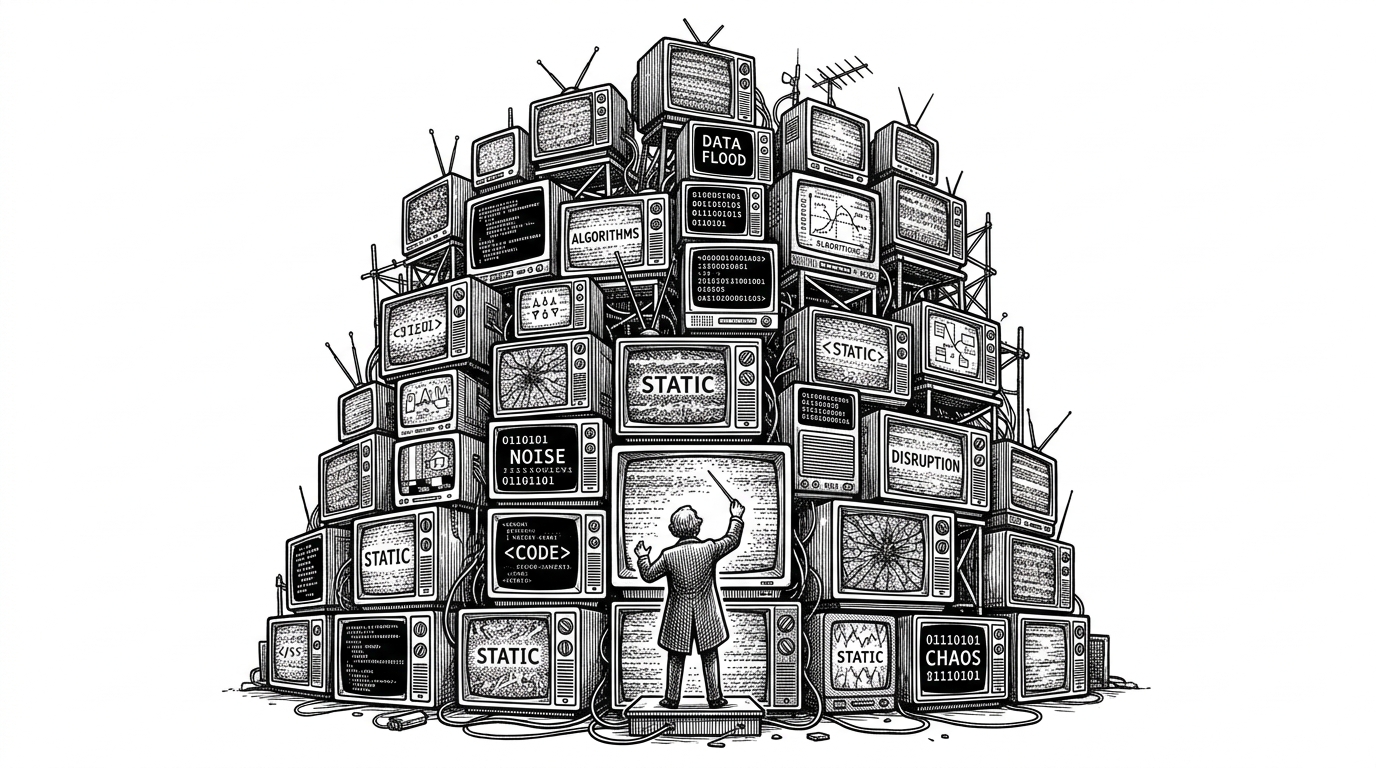
- cmux solves the cognitive overload of managing parallel AI agents by shifting from horizontal tabs to a metadata-rich vertical sidebar.
- It avoids the performance penalty of Electron by utilizing native Swift and AppKit alongside the GPU-accelerated libghostty rendering engine.
- Built-in notification rings surface actionable alerts from background agents, filtering signal from noise for human supervisors.
- For remote environments, cmux automatically provisions Zellij on host machines to guarantee session persistence across network drops.
Terminals were originally designed for humans to read text output from machines. Today, autonomous AI agents are the ones reading and writing the text, and humans act as their supervisors. Running multiple autonomous agents in standard terminal multiplexers creates visual noise and cognitive overload. Developers miss prompts, agents sit idle waiting for input, and context is lost in a sea of identical text panes.
Designing for Supervisor Attention
To solve this, cmux introduces a UI paradigm shift. It abandons traditional horizontal tabs in favor of a vertical sidebar that exposes critical metadata at a glance, such as active git branches and listening ports. More importantly, it features a "Notification Ring" system.
When an agent requires human intervention—like a prompt confirmation or a failed test resolution—the terminal pane is highlighted with a crisp blue ring. The developer knows exactly which agent needs attention without manually scanning through endless stdout logs.
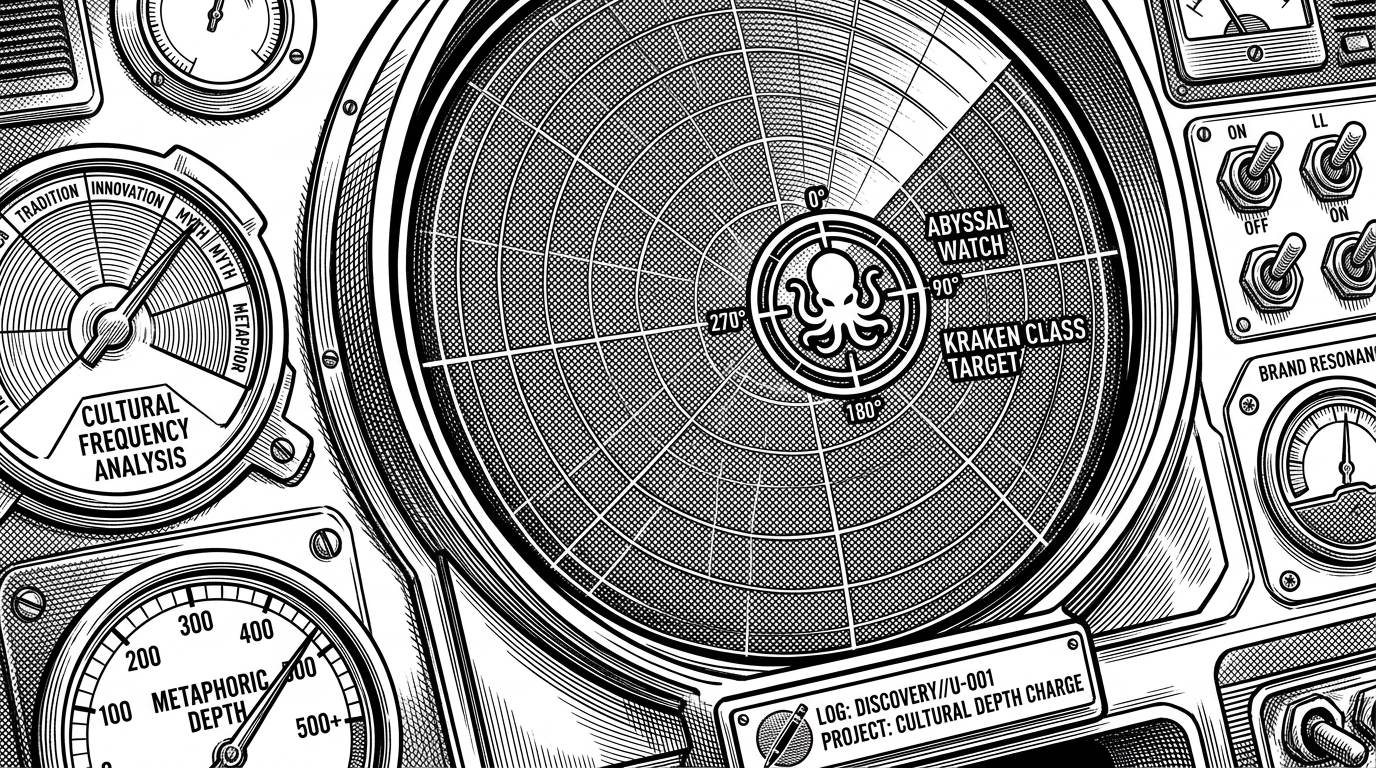
We'd love to hear from the community — what's your favorite cmux feature?
Escaping the Electron Trap
Building a custom UI for developers often leads down the path of Electron. But wrapping a terminal in a chromium instance is fatal for an app meant to run alongside resource-hungry local LLMs and coding agents. The Manaflow team opted for native performance.
Written in Swift and AppKit, cmux is a native macOS shell. Under the hood, it leverages libghostty for GPU-accelerated PTY rendering. This combination provides the rich interface required for agent orchestration without the heavyweight tax of a web-based framework.
The In-App Feedback Loop
One of the most unusual decisions in cmux is the inclusion of an integrated, scriptable browser right next to the terminal panes. This allows agents to visually verify web output in real-time, side-by-side with the code they are writing, without the latency of spinning up external headless browsers.
Beyond Localhost with Zellij
Agent workflows don't just run locally. When executing tasks on remote servers via SSH, network drops can kill long-running agent processes. cmux handles this gracefully by automatically provisioning a lightweight Zellij binary on the remote host.
This ensures that if the client disconnects, the remote agent node continues spinning safely inside the Zellij wrapper. Upon reconnection, the UI instantly snaps back to the exact saved state.
| Feature | cmux | Modern GPU Terminals (WezTerm) | Standard Terminals (iTerm2) |
|---|---|---|---|
| Core Focus | AI Agent Parallel Workflows | Performance & Scriptability | General Purpose |
| Platform | Native macOS (Swift/AppKit) | Cross-platform (Rust/C++) | macOS (Objective-C) |
| Agent Notifications | Visual Rings & Metadata sidebars | Scriptable, not native | None natively |
| Remote SSH | Native Workspace + Zellij Auto-provisioning | Raw SSH / Mosh | Raw SSH |