manaflow-ai-cmux-testing-repo-1: cmux: The Terminal Multiplexer for the Agentic Era
How Manaflow AI combined Ghostty's rendering engine and Mac-native Swift to orchestrate swarms of parallel coding agents.


cmux is doing what Arc did to browsers but for coding IDEs and dev servers.
- cmux replaces standard terminal multiplexers with a native macOS application optimized for managing multiple concurrent AI coding agents.
- By leveraging the libghostty rendering engine and Swift AppKit, cmux achieves high performance and low memory overhead compared to web-based alternatives.
- The interface reimagines context switching by grouping terminals, VS Code instances, and browser previews into isolated workspaces managed via a vertical sidebar.
- Agent-specific notification rings solve the problem of "babysitting" parallel tasks, alerting developers only when an agent requires human intervention.
Babysitting the Swarm
The promise of AI-assisted development was speed. The reality is often a chaotic game of terminal window whack-a-mole. Developers are no longer just writing code; they are invoking multiple CLI agents—Claude Code, Codex, Gemini—to tackle discrete tasks simultaneously. One agent refactors an authentication flow, another writes unit tests, and a third updates documentation.
But this parallelization creates a new bottleneck: human context-switching. Tracking which agent is doing what, or identifying which one is blocked waiting for an API key or an execution confirmation, quickly overwhelms standard terminal setups. You end up spending more time managing the agents than reviewing their output.
The Arc Browser for Terminals
Enter cmux. Built by Manaflow AI, it is not another AI agent itself, but rather the purpose-built infrastructure for human-agent collaboration. It fundamentally rethinks how developers interact with multiple concurrent processes.
Instead of relying on horizontal tabs or complex pane-splitting commands, cmux adopts a vertical sidebar layout. Each item in the sidebar represents an isolated "Agent Workspace." This grouping is where the magic happens.
Ghostty Under the Hood
To build a tool capable of orchestrating swarms of agents without buckling under the load, the Manaflow team made a crucial architectural decision. They rejected the standard playbook of wrapping web technologies in an Electron shell. Instead, they built a native macOS application using Swift and AppKit.

For the terminal rendering itself, cmux leverages libghostty, the core engine powering the highly acclaimed Ghostty terminal emulator. This provides GPU-accelerated rendering and ensures compatibility with existing Ghostty configurations, delivering the performance required when multiple agents are streaming output simultaneously.
Context-Aware Multiplexing
Traditional multiplexers like tmux are powerful, but they are fundamentally unaware of the processes running inside them. They just manage text streams. cmux, on the other hand, is designed with agentic workflows in mind.
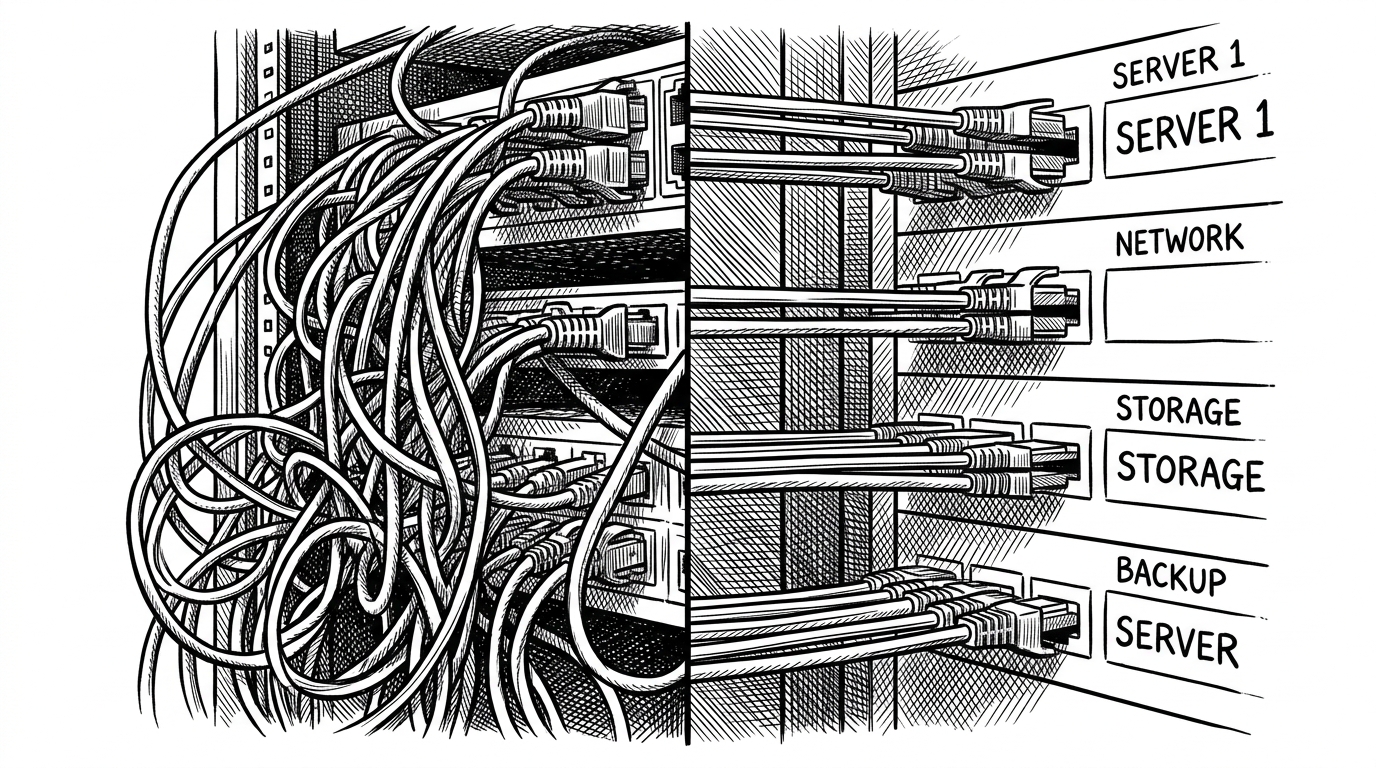
A key feature is the notification system. When an agent requires user input—perhaps to approve a destructive command or supply a missing variable—cmux surfaces a notification ring on that specific workspace in the sidebar. The developer is alerted only when necessary, eliminating the need to constantly poll different terminal instances.
| Feature | tmux (The Legacy Standard) | cmux (The Agentic Approach) |
|---|---|---|
| Architecture | CLI utility | Native macOS AppKit + libghostty |
| Layout | Horizontal window/pane splitting | Vertical sidebar workspaces |
| Agent Awareness | Manual polling/tab checking | Native notification rings for blocked agents |
| Context Grouping | Terminal-only panes | Bundles Terminal, VS Code, and Browser per agent |
cmux helps software engineers context switch fast between tasks, safely deploy AI agents in cloud sandboxes or local Docker containers, and verify AI-written code through preview environments.
By treating the AI agent as a first-class citizen and building the environment around its needs—and the human's need to manage it—cmux points toward the next evolution of developer tooling. It's not just about writing code faster; it's about managing the cognitive load of a new, highly parallelized reality.