Mermaid: The Diagram Compiler That Turned Documentation Into Code
How a text DSL, custom parsers, SVG layout, and visual regression testing turned a side project into the default language of diagrams-as-code.
- Mermaid wins because it turns diagrams into versioned source files that can be reviewed like code.
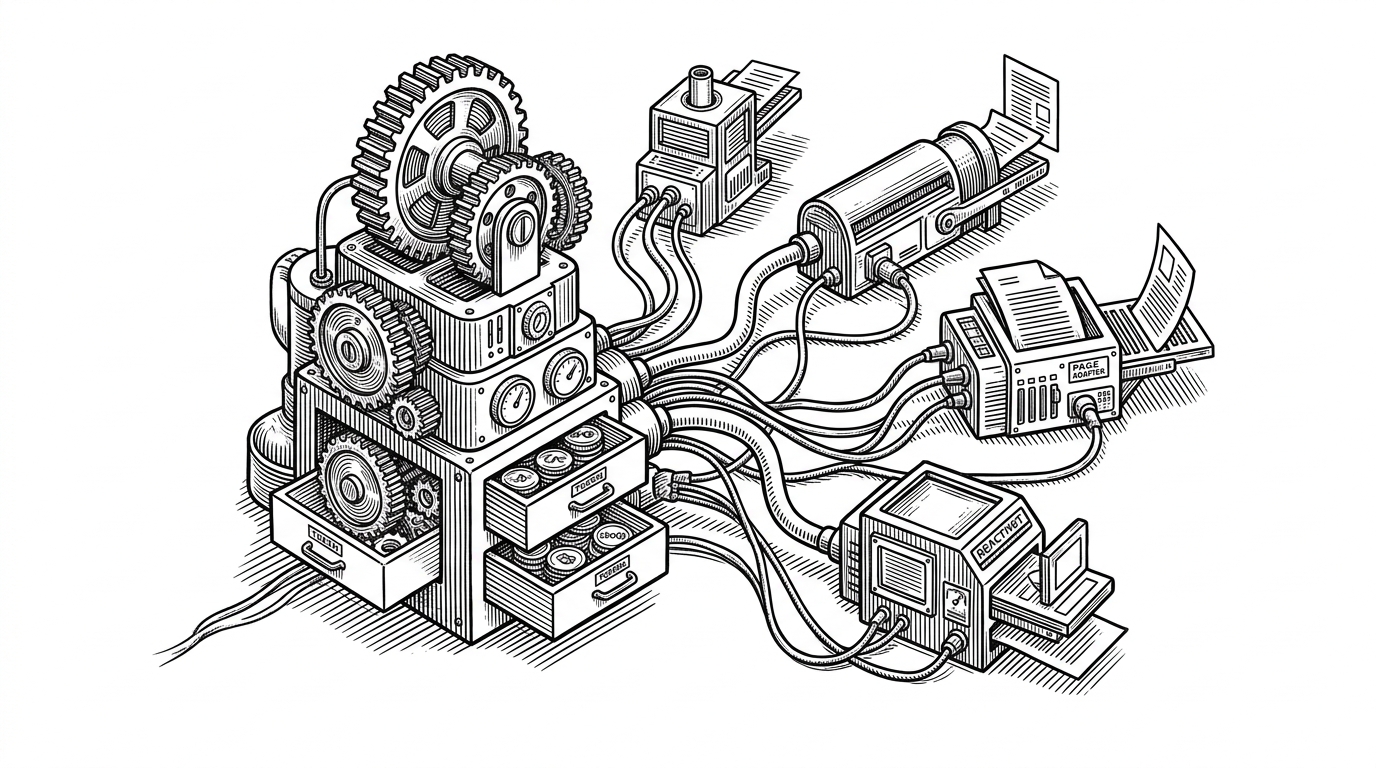
- The project is really a bundle of diagram-specific parsers that feed shared rendering and testing machinery.
- Visual correctness matters here, so Mermaid leans on end-to-end tests and image diffs instead of hoping a screenshot looks right.
- Its ubiquity comes from being good enough everywhere, not from offering the most control.
Diagrams, but compiled
Mermaid’s big idea is easy to say and easy to underestimate: write a diagram in text, render it to SVG, and keep the source beside the rest of your code. That sounds like convenience. It is actually a change in the life cycle of documentation.
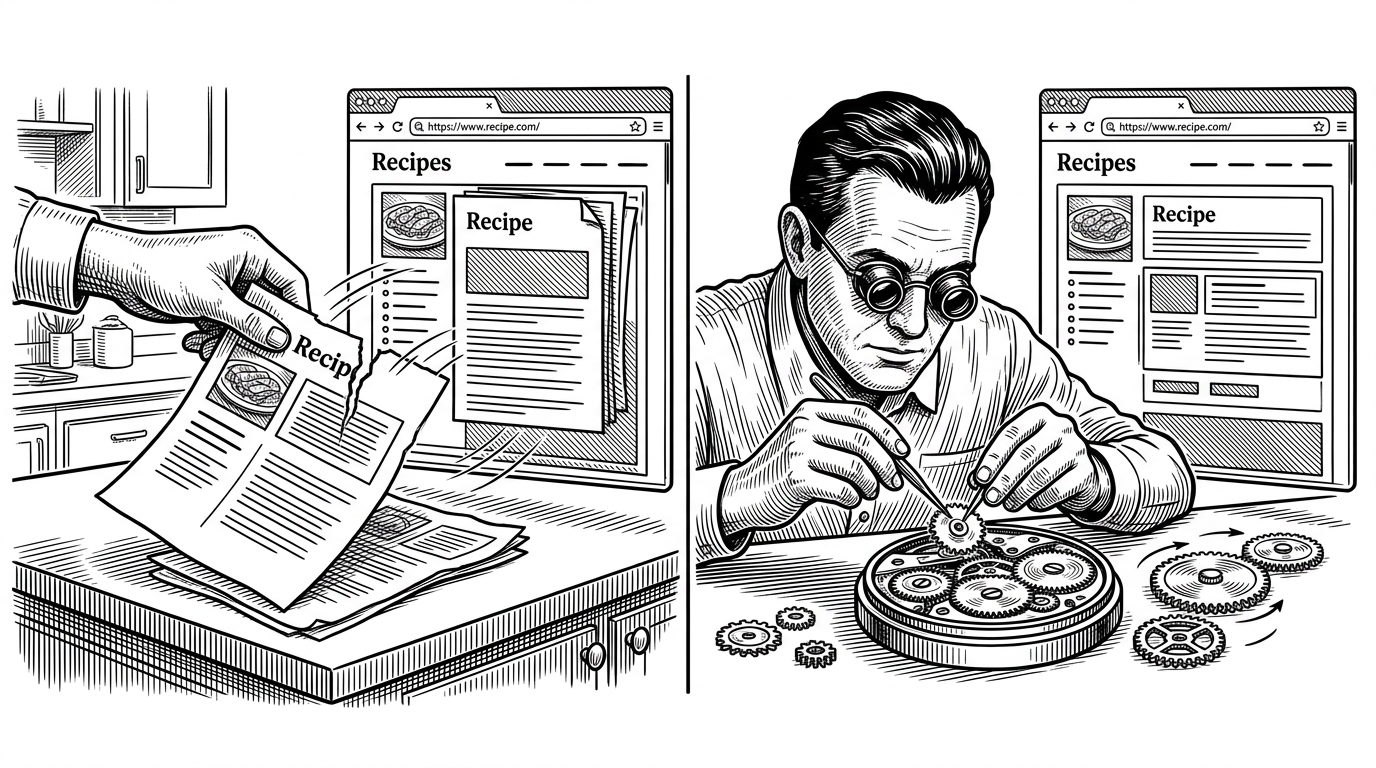
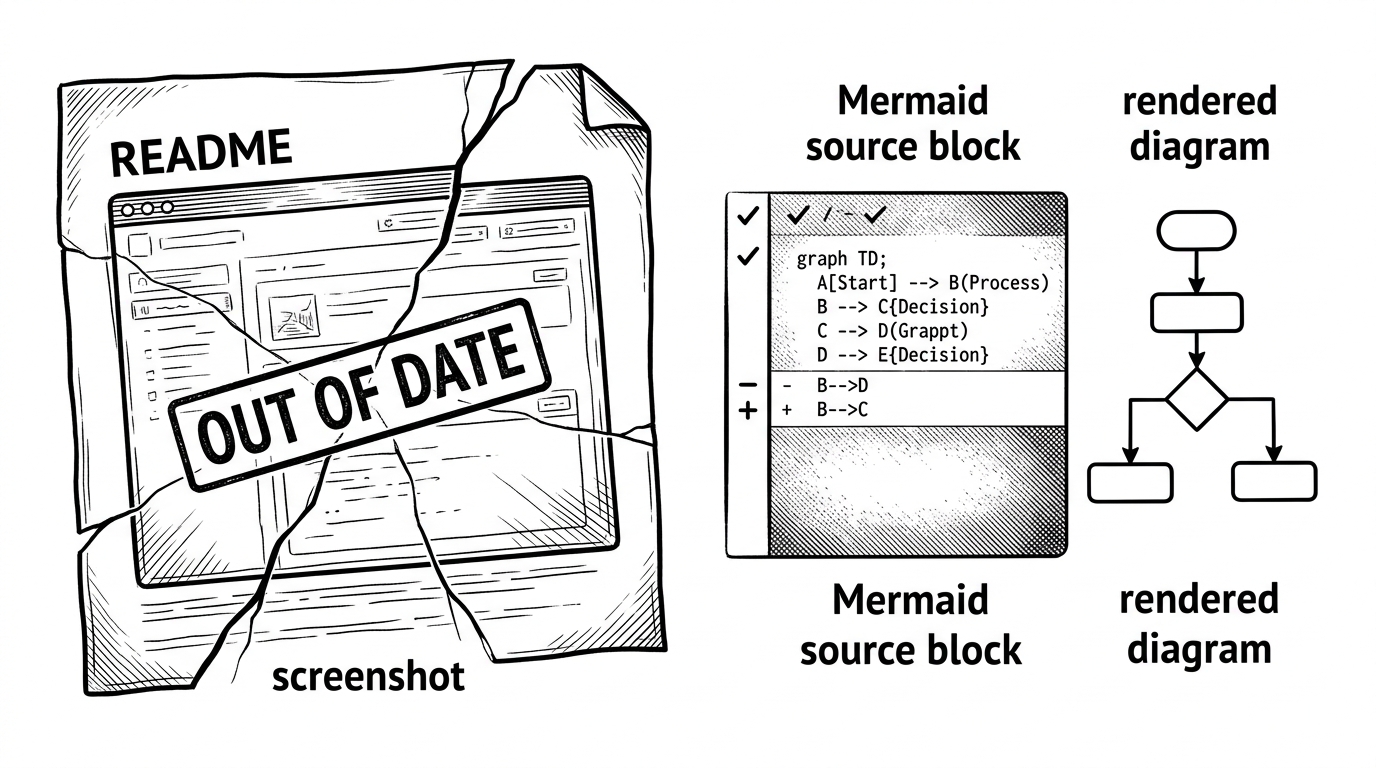
Once a diagram is text, it can be diffed in pull requests, linted, tested, and regenerated. That means a flowchart stops being a fragile image asset and starts behaving like any other maintainable artifact in a repo.
That is why Mermaid matters. The surface story is text-to-diagram. The deeper story is that it made documentation more durable than screenshots, more reviewable than slides, and less likely to rot the next time the system changes.
What Mermaid actually does under the hood
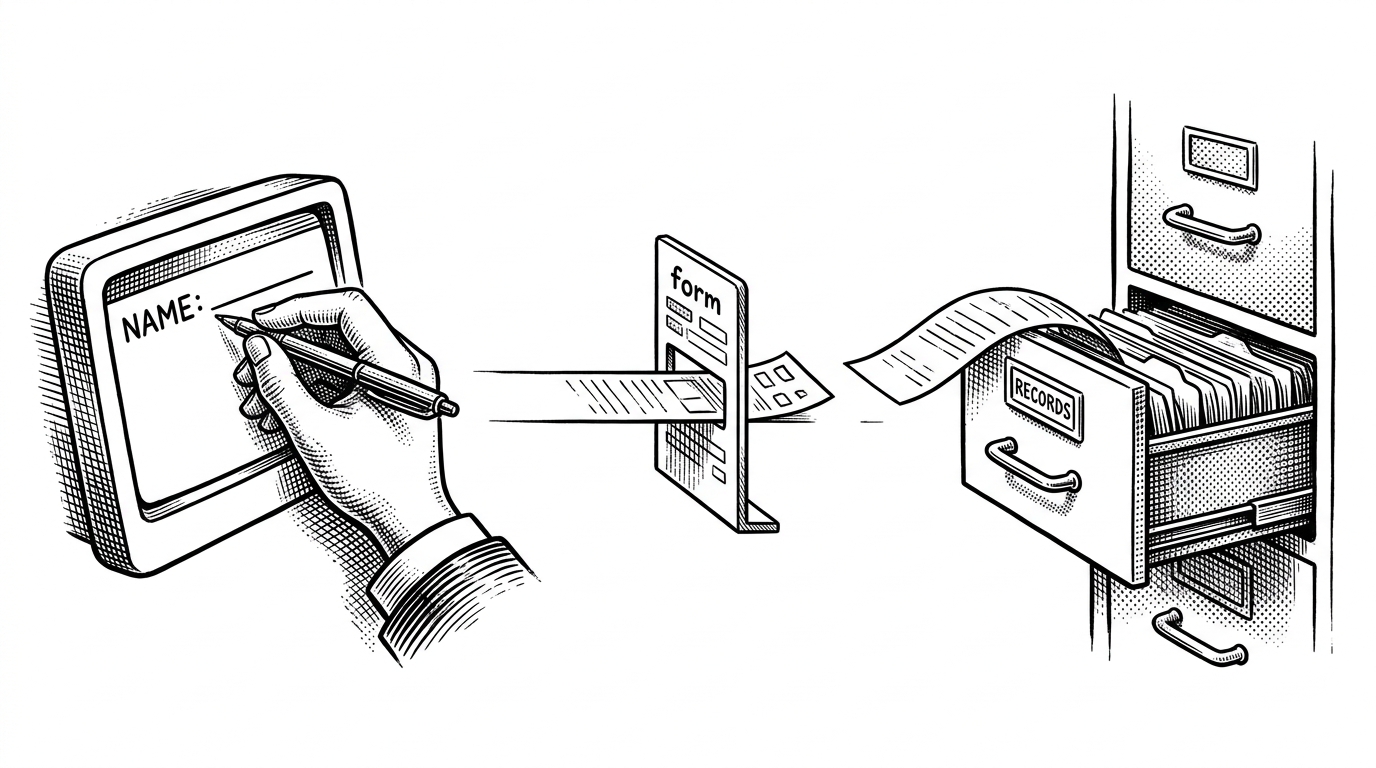
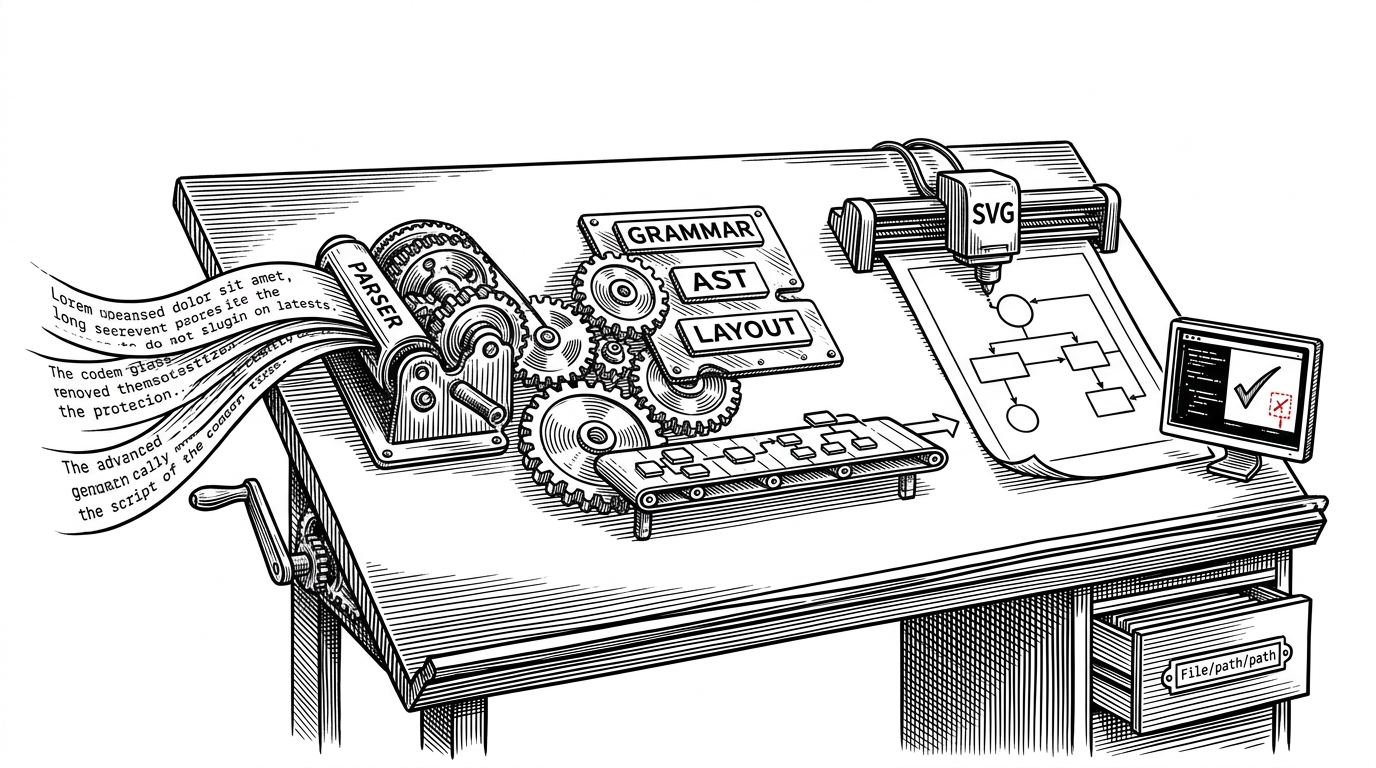
Mermaid is not one language. It is a family of small diagram languages that share a common philosophy. A flowchart, a sequence diagram, a Gantt chart, and an ER diagram all start with different grammar rules, then move through a parse, an AST, a layout step, and an SVG renderer.
The core pieces are recognizable to anyone who has built language tooling. A lexer breaks input into tokens. A parser turns those tokens into structure. The structure becomes an AST, which then feeds the layout engine and the SVG renderer.
flowchart TD
    A[Plain text] --> B[Parser]
    B --> C[AST]
    C --> D[Layout engine]
    D --> E[SVG output]
    E --> F[Visual regression test]
The important detail is that Mermaid treats each diagram type as its own problem. That keeps the syntax human-friendly, but it also means the project is effectively maintaining many mini-compilers at once.
That is a strong architecture choice, but not a cheap one. Every new syntax family adds parsing work, layout work, and test coverage. The payoff is consistency for users. The cost is complexity for maintainers.
Why visual correctness is a software problem
A normal compiler can be judged by output types or runtime behavior. Mermaid has a different standard. The output is visual, so correctness depends on whether boxes, arrows, spacing, and labels land where they should.
That is why the repo leans so hard on end-to-end rendering tests and visual regression checks. If a change nudges a label or reroutes an edge, the bug is not theoretical. It is immediately visible in the image diff.
| Concern | Traditional image docs | Mermaid source |
|---|---|---|
| Reviewability | Hard to inspect beyond the screenshot | Text changes are easy to diff in code review |
| Regeneration | Manual or inconsistent | Deterministic enough to rebuild from source |
| Regression detection | Usually found late by humans | Caught by render tests and visual diffs |
| Portability | Depends on a stored asset | Travels with Markdown and source control |
That testing discipline is the hidden superpower. It lets Mermaid live in places where documentation quality matters but manual diagram maintenance would fail. GitHub readmes, internal docs, and generated sites all benefit from the same idea: if it can be rendered, it can be tested.
The origin story: one lost Visio file
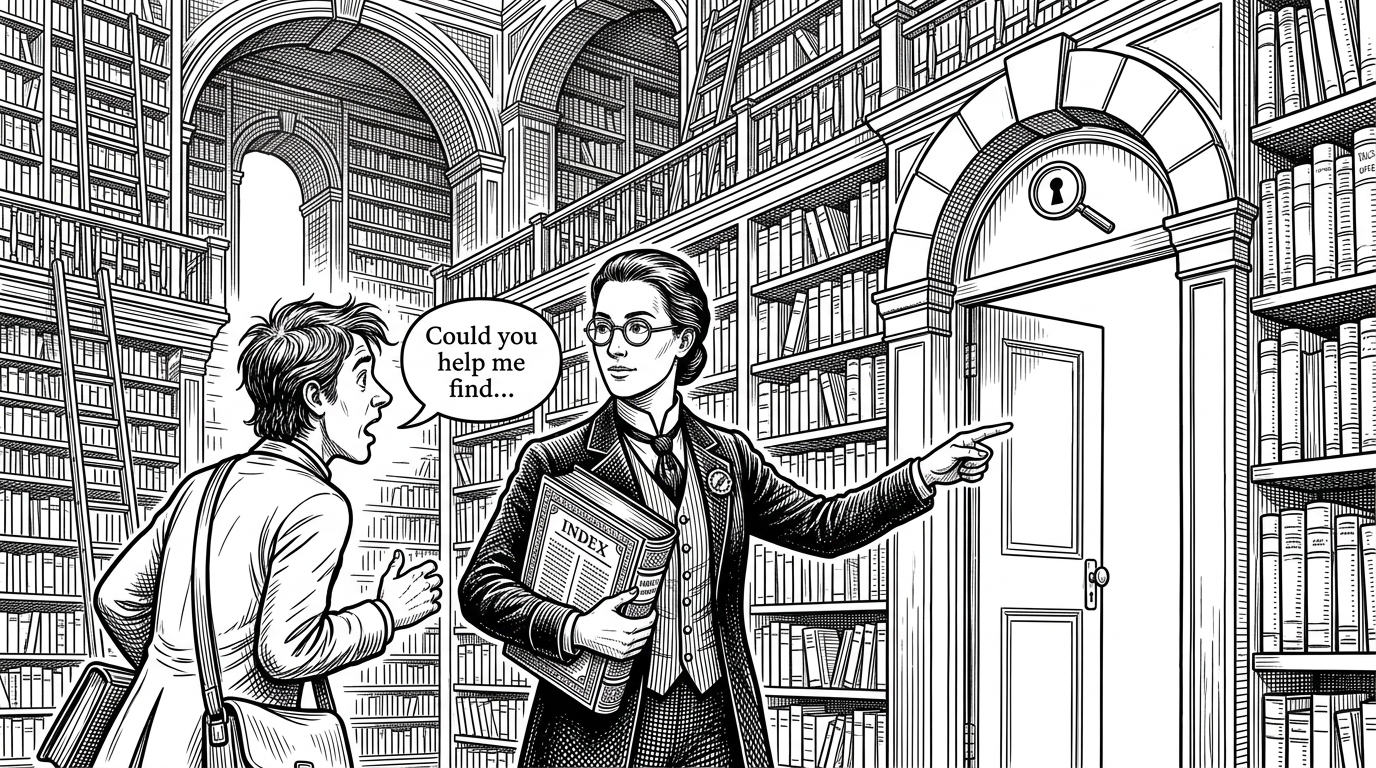
The origin story is clean because it fits the product so well. Knut Sveidqvist created Mermaid after losing a Visio file and realizing that diagram source should not be trapped inside a proprietary drawing app. Text would be easier to store, review, and recover.

That anecdote works because it is not a romantic startup origin. It is a very practical loss. A file disappeared, and a better abstraction was born.
The name fits too. Mermaid started as a small answer to a common pain point. It became much bigger because the answer was portable, simple, and immediately useful to people writing docs next to code.
Why Mermaid won the ecosystem
Mermaid’s win was not just technical. It was distribution. Native support in GitHub made it feel built in. Support in GitLab, Notion, Obsidian, and other documentation workflows made it feel safe to adopt without adding much friction.
| Tool | Strength | Tradeoff |
|---|---|---|
| Mermaid | Browser-friendly, Markdown-friendly, widely supported | Less precise control than some specialist tools |
| PlantUML | Deep control and a mature feature set | Heavier workflow and less zero-install convenience |
| D2 | Modern syntax and strong layout ambitions | Smaller ecosystem footprint |
| Excalidraw | Direct visual control and sketchy freedom | Not source-first, so it does not fit docs-as-code the same way |
That position is hard to beat. Mermaid does not try to be the most expressive diagram tool. It tries to be the one that works almost everywhere people already write documentation.
That is why the product became the default for many teams. Good enough, embedded everywhere, and already understood by readers who do not want another tool in the stack.
Where Mermaid is still messy
The same architecture that makes Mermaid flexible also makes it imperfect. Grammar complexity grows as new diagram types are added. Layout can still surprise users. Small syntax changes can produce larger visual shifts than people expect.
That is the tradeoff for a broad, general-purpose diagram language. Special-purpose tools can be more controlled. Manual tools can be more exact. Mermaid chooses accessibility and ubiquity, then manages the mess with testing and iteration.
That choice feels right for documentation. Most teams do not need a perfect diagramming studio. They need a shared format that survives code review, survives refactors, and survives the next person who has to touch the file.
The takeaway
Mermaid is best understood as infrastructure for living documentation. It made diagrams behave like code, then built enough compiler discipline around them to keep the whole system trustworthy.
That is the real breakthrough. Not just text-to-diagram, but reviewable diagrams, testable diagrams, and diagrams that can stay attached to the software they describe.