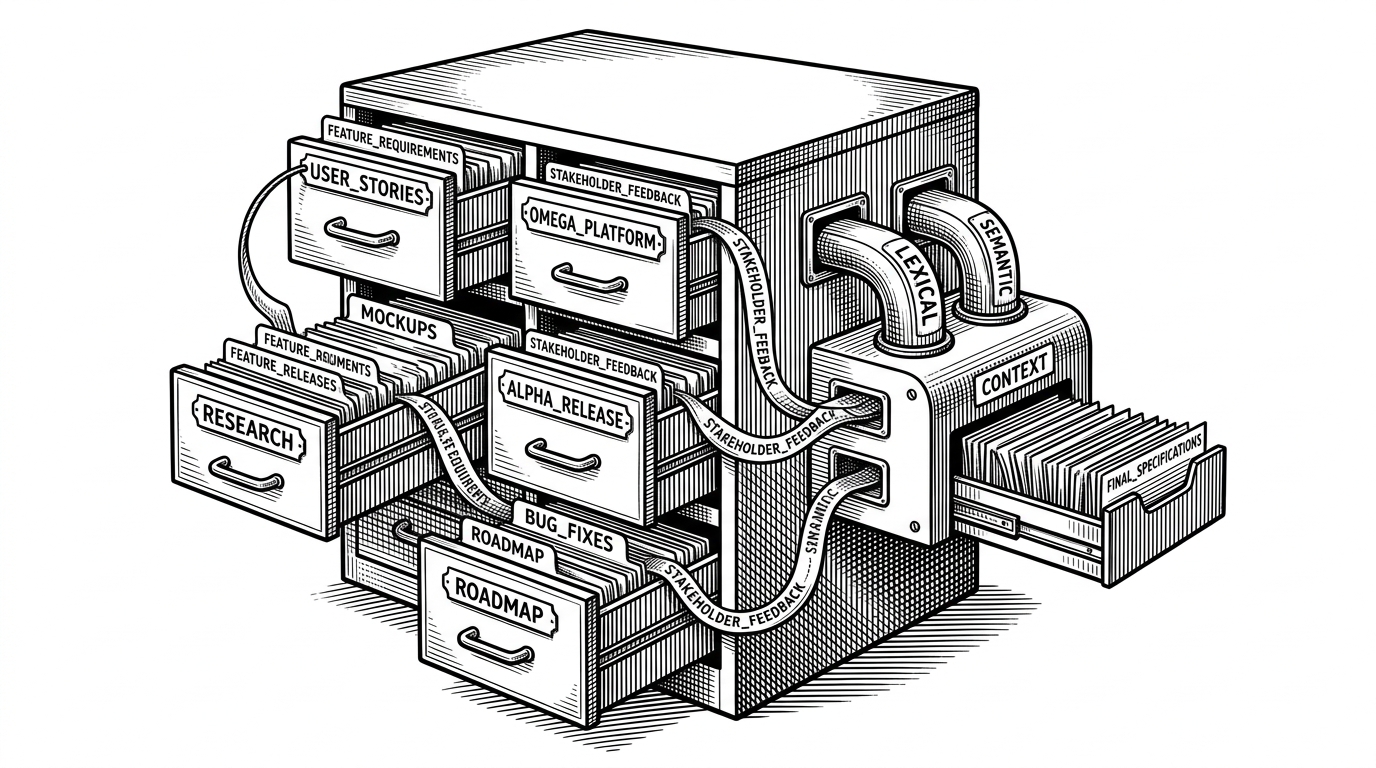
graphify: The Tool That Turns Codebases Into Maps Instead of Search Results
A Python skill for AI coding assistants that builds a structured knowledge graph from code, docs, and images, then uses topology, clustering, and labeled inference to guide understanding.
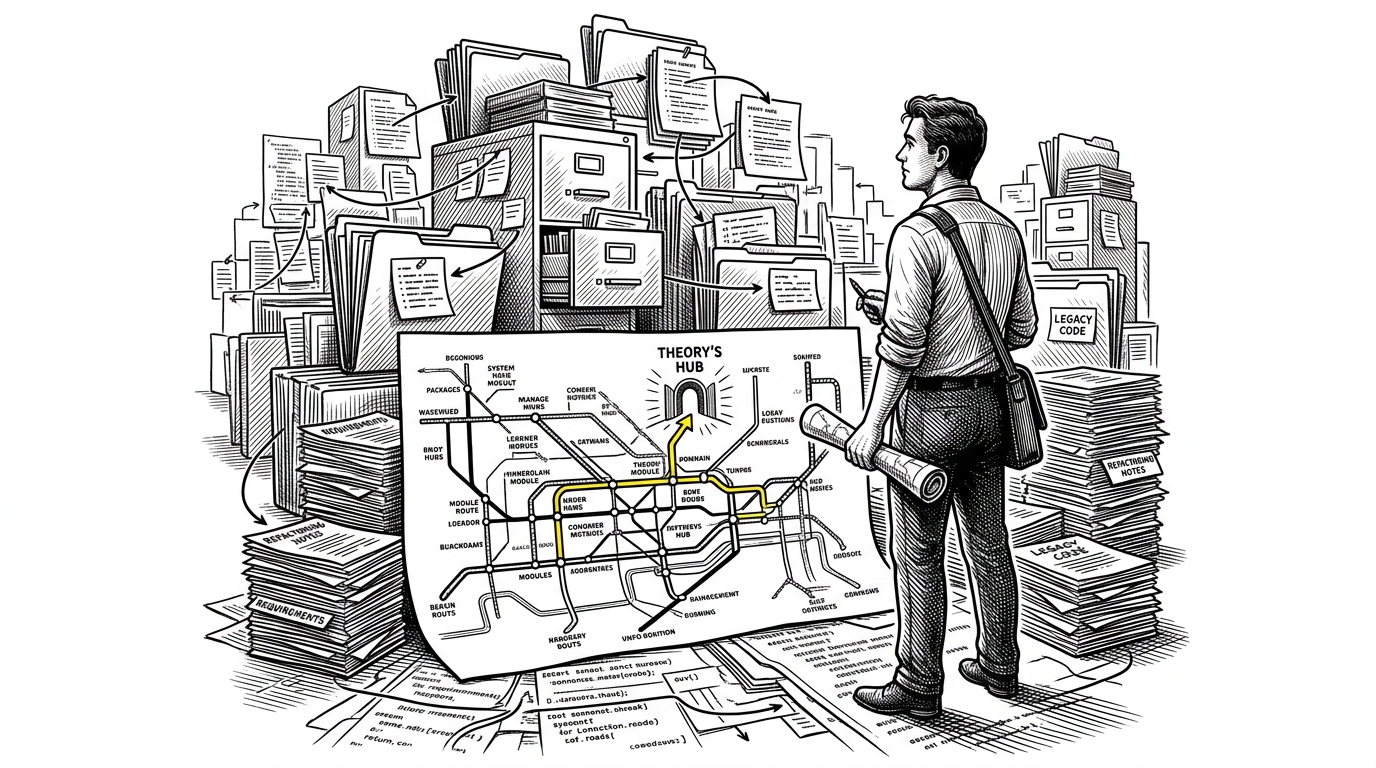
- graphify treats topology as the retrieval signal, so the assistant navigates codebase neighborhoods instead of chasing keyword matches.
- It separates hard AST facts from LLM-inferred meaning, which makes the graph feel auditable instead of magical.
- Its clustering step is about compression as much as organization, because smaller communities keep the assistant inside useful context.
- The product move is as important as the parser: graphify teaches the assistant to consult the map before it falls back to raw files.
From Grep to Navigation
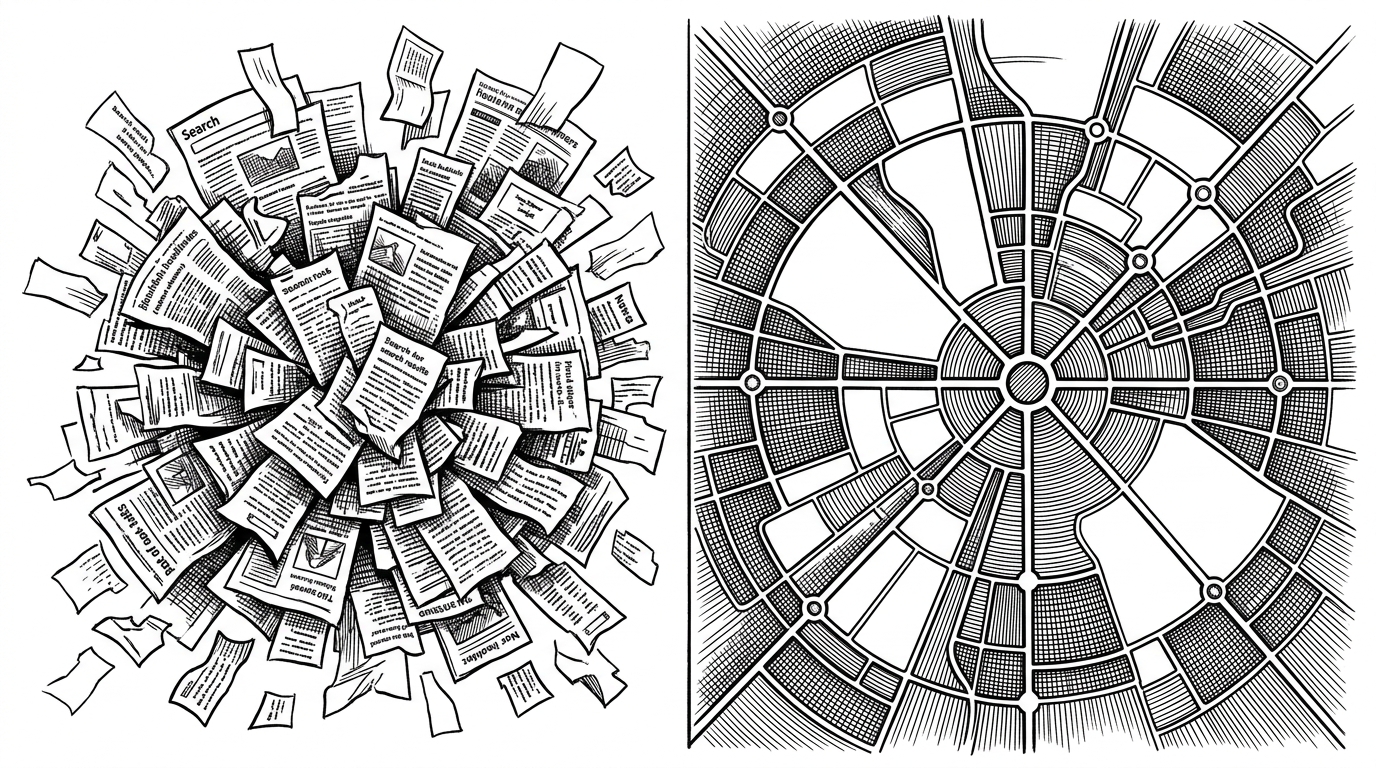
Most AI coding workflows still behave like search engines. You ask a question, they rummage through text, and you get back a pile of fragments. graphify is trying to replace that habit with something better: a navigable map of the repository.
That matters because codebases are not just documents. They are systems of dependencies, imports, ownership, and intent. A keyword search can find a symbol, but it cannot tell you which parts of the repo belong together.
Type `/graphify` in Claude Code - it reads your files, builds a knowledge graph, and gives you back structure you didn't know was there.
The Real Trick: Topology as Retrieval
The weird, important idea is that graphify does not depend on a vector database to decide what is relevant. It uses the graph itself. The structure of the repo becomes the similarity signal, which is a sharp break from the usual chunk-and-embed workflow.
That choice changes the whole retrieval model. Instead of asking, “Which text chunks are nearest?” graphify asks, “Which nodes live in the same neighborhood, and how do they connect?” That is a more honest fit for code, where adjacency often matters more than semantic fuzziness.
| Default RAG / vector search | graphify |
|---|---|
| Nearest-neighbor text matching | Topology is the retrieval signal |
| Chunking code into flat blobs | Preserving structured relationships |
| Opaque similarity scores | Labeled provenance on edges |
| One long context dump | Clusters and neighborhoods |
Two Passes, Two Kinds of Truth
graphify’s trust model is what keeps it from feeling like a gimmick. It runs a deterministic AST pass first, then a semantic pass for documents and images. Those are not the same kind of knowledge, and the project does not pretend they are.
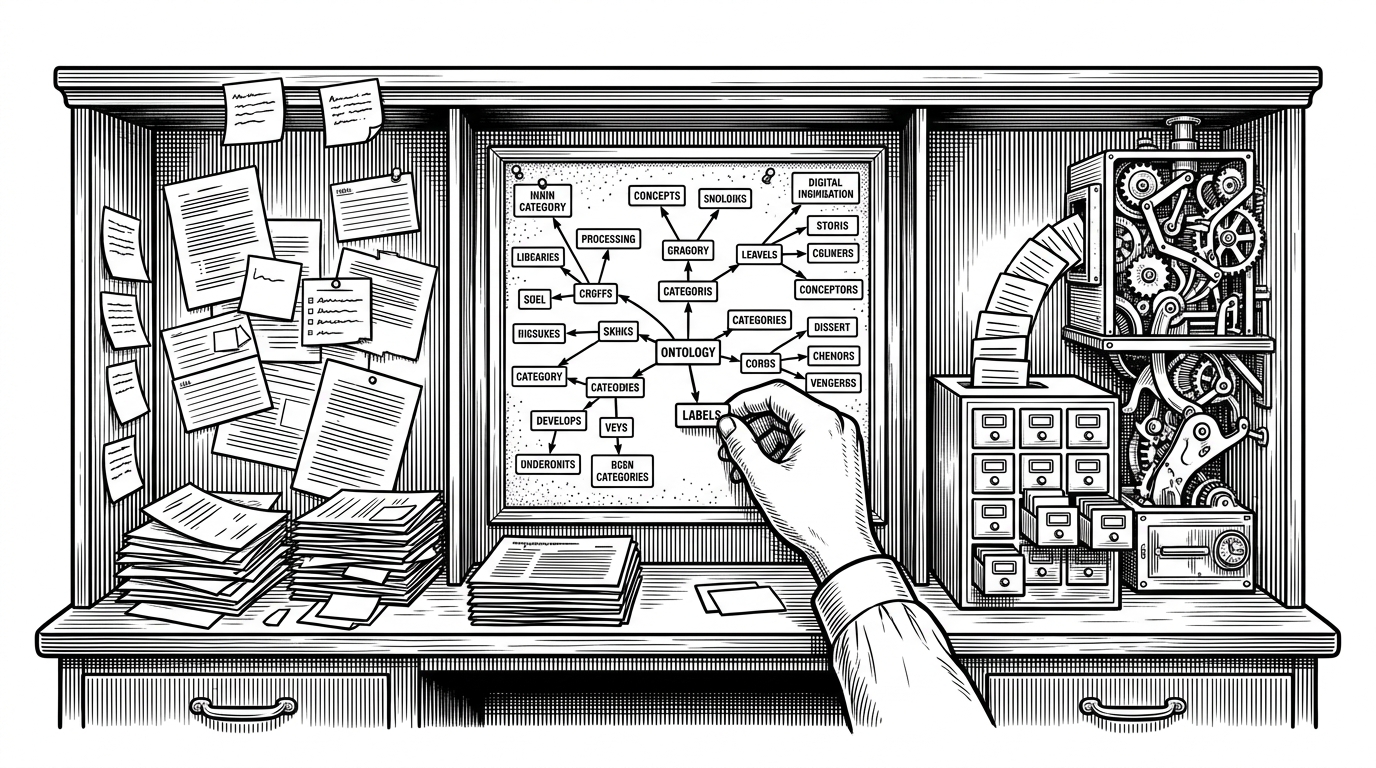
The AST layer is grounded. It extracts classes, functions, imports, and call relationships with tree-sitter. The semantic layer is interpretive. It uses vision and language models to pull concepts out of PDFs, markdown, screenshots, diagrams, and whiteboard photos.
Every relationship is tagged `EXTRACTED` (found directly in source), `INFERRED` (reasonable inference, with a confidence score), or `AMBIGUOUS` (flagged for review). You always know what was found vs guessed.
That labeling is the quiet innovation. A lot of AI tools blur facts, guesses, and summaries into one slurry. graphify keeps the boundary visible, which makes downstream analysis easier to trust.
How graphify Builds the Graph
The pipeline is straightforward, but the implementation discipline matters. `extract.py` does the hard structural work. `build.py` merges the layers. The result is not a pile of artifacts, but a graph with stable identity, preserved source locations, and retained directionality.
# Conceptual shape of the pipeline
ast_graph = extract_code_structure(files)
semantic_graph = ingest_docs_and_images(inputs)
merged = build_graph(ast_graph, semantic_graph)
clusters = cluster_graph(merged)
report = analyze_graph(merged, clusters)

# Output is then used by the assistant
# to consult GRAPH_REPORT.md before raw file search.
A few details do a lot of work. Stable IDs keep nodes consistent across runs. Idempotent node insertion lets richer semantic labels overwrite thinner structural ones without losing the original anchor. Even in an undirected graph, source and target metadata preserve who points to whom.
| Implementation choice | Why it matters |
|---|---|
| Stable IDs | The same symbol keeps the same identity across runs |
| Idempotent merges | Structural facts and semantic labels can coexist |
| Preserved source locations | The graph still points back to the original file |
| Retained edge direction | Call relationships stay readable even in an undirected store |
Why Clustering Matters More Than Search
Clustering is where graphify turns raw structure into something an assistant can actually use. Leiden community detection groups densely connected nodes into neighborhoods, then recursively splits anything too large. That is not cosmetic organization. It is context control.
The point is to keep the assistant inside a small, coherent patch of the codebase instead of dumping the entire city on the table. That is the difference between being oriented and being overwhelmed.
Put differently, graphify is not just indexing. It is compression with structure preserved.
| Flat retrieval | Clustered retrieval |
|---|---|
| Returns isolated matches | Returns related neighborhoods |
| Expands context indiscriminately | Keeps context bite-sized |
| Treats every hit as equal | Prioritizes dense structural regions |
| Forces manual synthesis | Pre-synthesizes likely relationships |
What the Analyzer Actually Finds
`analyze.py` is where the graph turns into editorial judgment. It looks for god nodes, surprising connections, and structural patterns that are worth a human’s attention. The interesting part is that it filters out noisy hubs like `__init__.py`, which may be central but are not always meaningful.
That distinction is important. Centrality alone can lie. A node can be busy without being informative. graphify tries to separate high-traffic plumbing from the abstractions that actually explain the system.
Fully multimodal. Drop in code, PDFs, markdown, screenshots, diagrams, whiteboard photos, even images in other languages - graphify uses Claude vision to extract concepts and relationships from all of it and connects them into one graph.
That is where the project starts to feel less like an indexer and more like a research assistant for a messy repo. It can surface a paper, a screenshot, and a function definition as part of the same argument.
Teaching the Assistant to Use the Map
The smartest product move in graphify is not in the parser. It is in the hook pattern. The tool nudges Claude Code to read `GRAPH_REPORT.md` before it falls back to raw file search, which changes the assistant’s default behavior instead of relying on user discipline.
That matters because tools win when they reshape habits. If the assistant learns to consult the map first, the graph stops being a nice export and becomes part of the workflow.
| Without graphify | With graphify |
|---|---|
| Search raw files first | Read the graph report first |
| Context is assembled on demand | Context is pre-shaped into neighborhoods |
| The assistant guesses its way around | The assistant starts with structure |
| Users repeat the same orientation work | The map carries that burden once |
In practice, that is the difference between a repo browser and a repo guide.
Who This Is For
graphify is for people who keep running into the same failure mode: a codebase is too large, too mixed, or too intertwined to understand by brute-force search. That includes new contributors, researchers with document-heavy projects, and teams whose knowledge lives across code, notes, and images.
It is also for anyone who wants AI assistance to be more legible. The project’s real appeal is not that it adds more AI. It is that it makes the AI’s context more structured, more local, and more accountable.
| Best fit | Why |
|---|---|
| Large or legacy codebases | Relationships matter more than flat search |
| Mixed code and documentation | One graph can hold both |
| Onboarding and research | A map beats a list of hits |
| Assistant-heavy workflows | The hook makes the map part of the habit |