Reciept-Screenshot-EXT: The Chrome Extension That Scores Receipts Before It OCRs Them
A local-first capture pipeline turns messy web receipts into structured expense data, using heuristics, image enhancement, browser-side OCR, and a final pass into Google Sheets.
- Reciept-Screenshot-EXT treats OCR as the second decision, not the first.
- The extension keeps capture, recognition, and export inside Chrome until the last possible step.
- Image enhancement and field parsing are separate quality gates, so the system improves before and after OCR.
- The project is more transparent than a cloud receipt API, but its handwritten heuristics also make it feel like a prototype with ambition.
Most receipt tools start by OCRing whatever image you hand them. This one starts by deciding whether the page deserves OCR at all. That inversion is the point. It keeps the browser doing the cheap work first, and the expensive work only when a page clears the bar.
The browser decides first
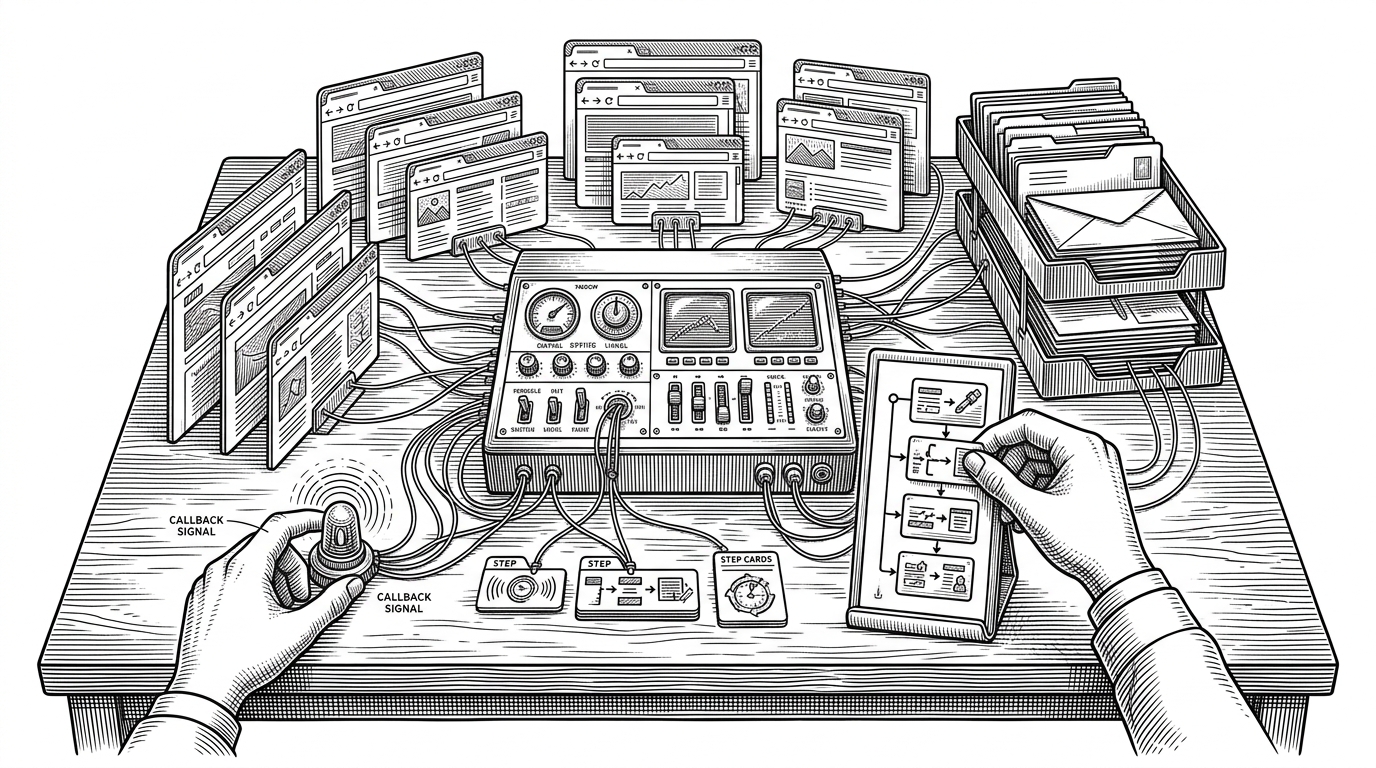
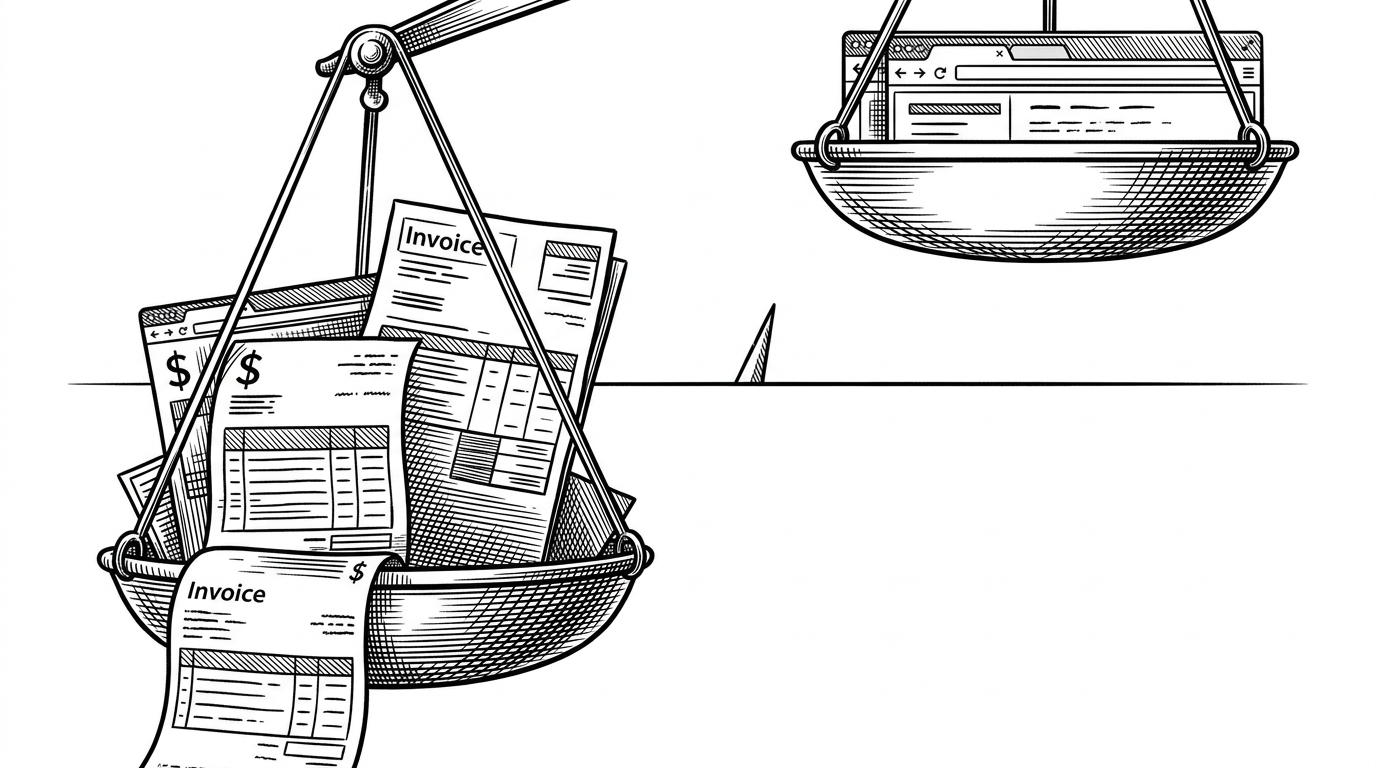
The detector in detection.js is a weighted judge. It adds up URL clues, strong keywords, DOM structure, and visual cues, then compares the total against a threshold multiplier. If the page looks like a receipt, the extension keeps going. If not, it stops before Tesseract ever wakes up.
Built like a one-person workflow
There is no public launch thread or interview to quote here, so the origin story comes from the code itself. It reads like a single-builder system for expense capture: local detection, local capture, local OCR, then a handoff to Google Sheets. The repo still has the feel of a working bench, which makes the architecture easier to trust.
A receipt pipeline that never leaves Chrome
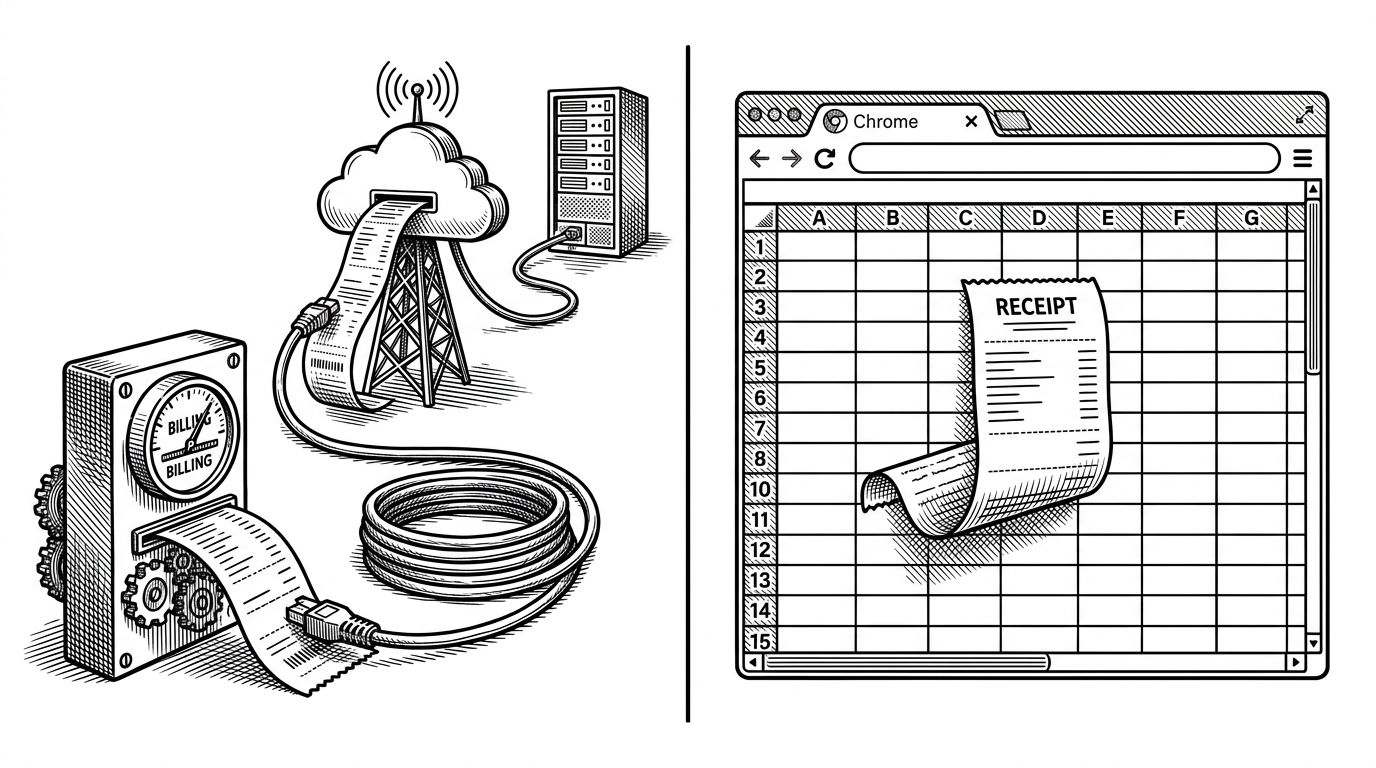
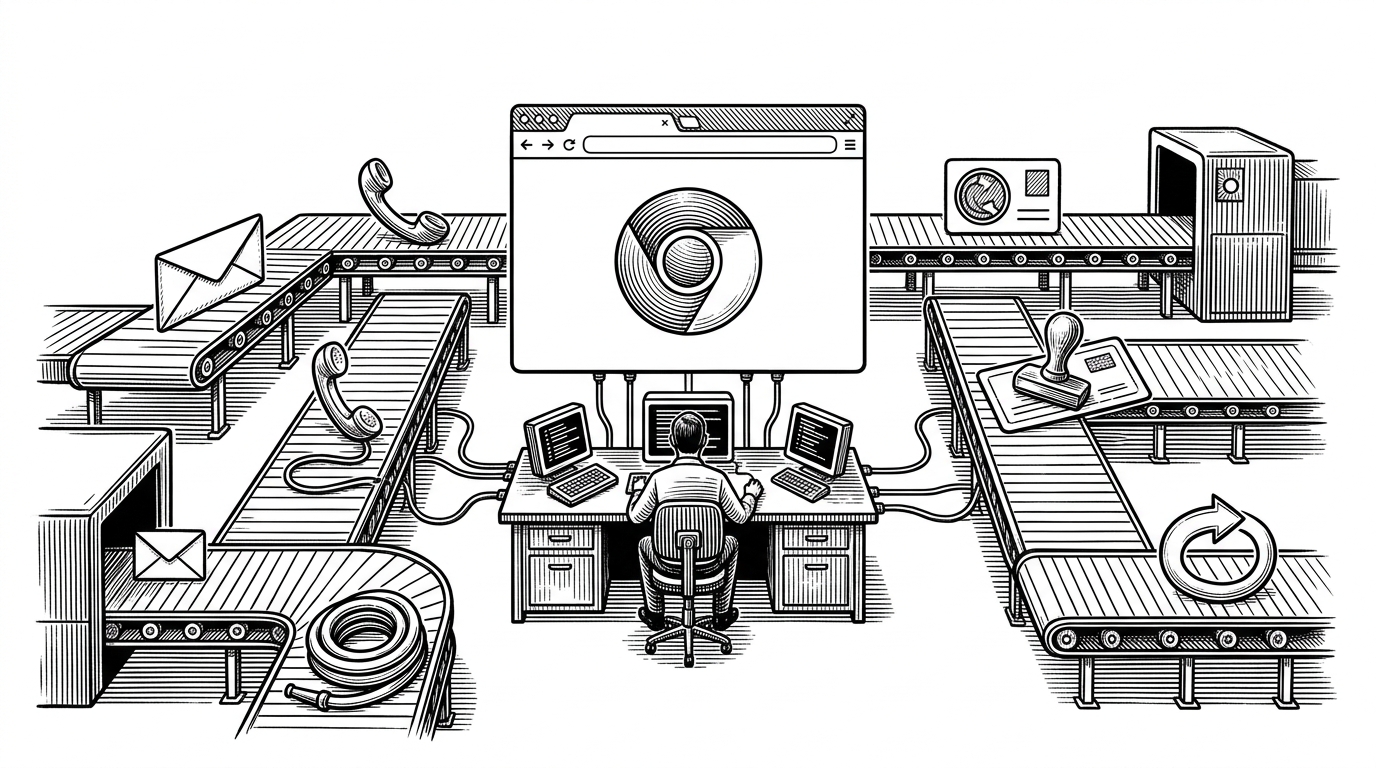
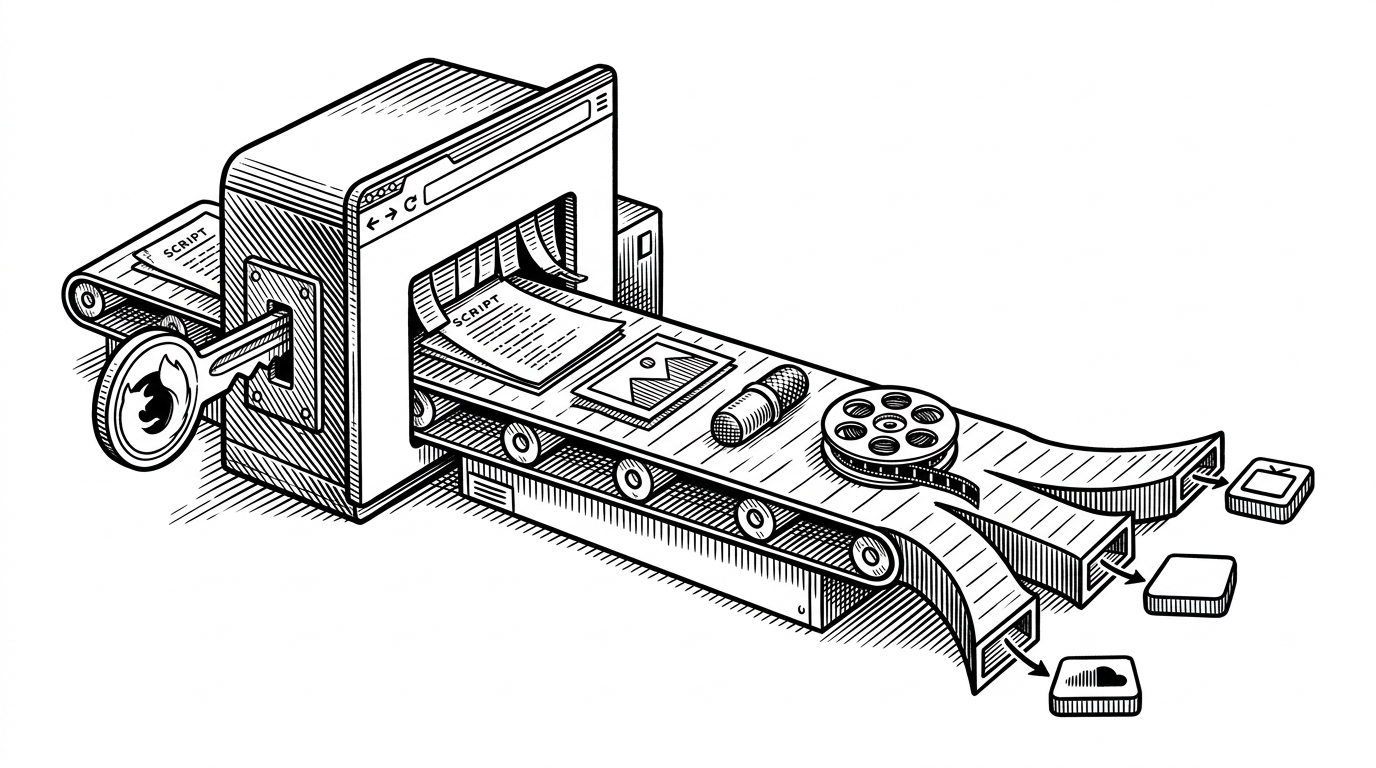
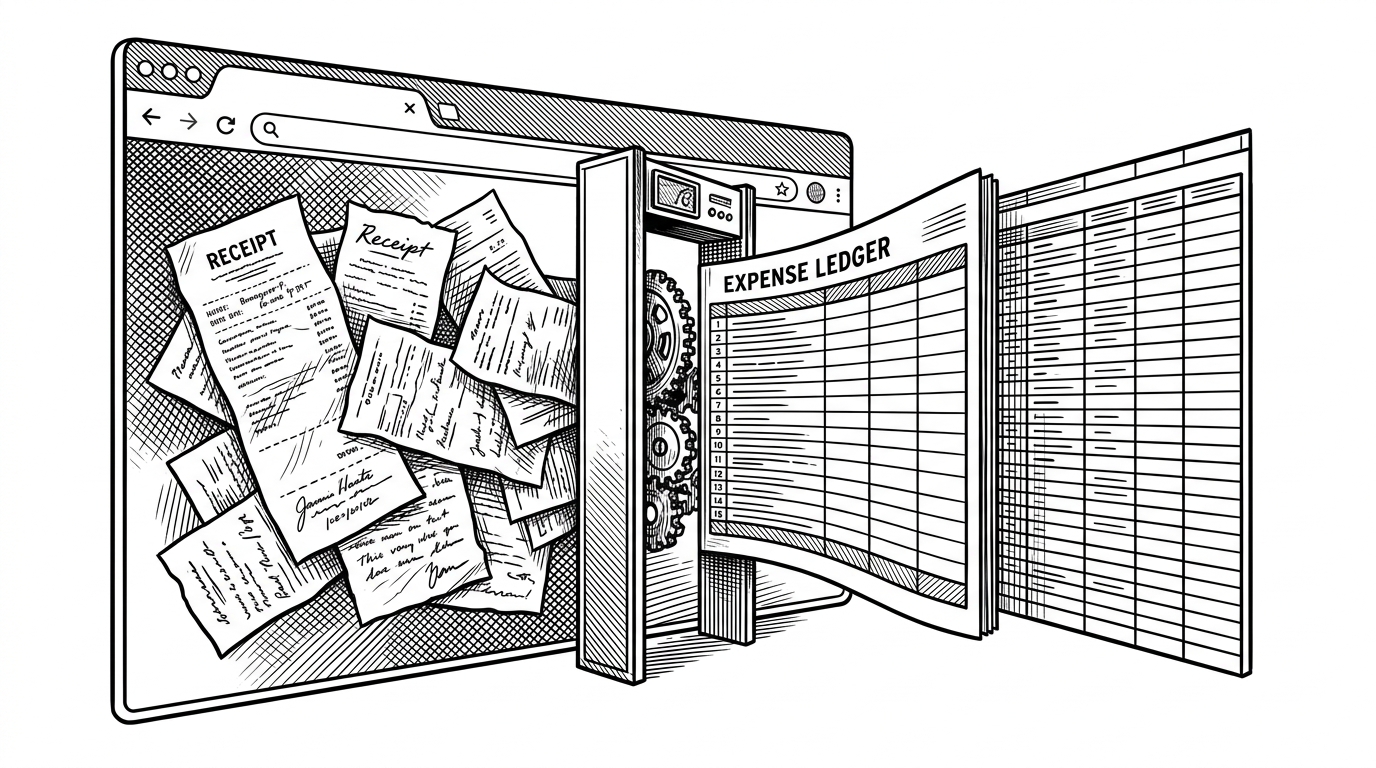
Inside Chrome, content.js finds the receipt container, scrolls it into view, and turns the DOM into pixels with html2canvas. Then Tesseract.js runs locally, so the browser never has to ship the image to someone else’s server just to read a total. The split between page sensing, capture, and persistence is clean enough to understand at a glance.
const factor = (259 * (contrast + 255)) / (255 * (259 - contrast));
for (let i = 0; i < data.length; i += 4) {
  data[i] = factor * (data[i] - 128) + 128;
  data[i + 1] = factor * (data[i + 1] - 128) + 128;
  data[i + 2] = factor * (data[i + 2] - 128) + 128;
}
Why the image enhancement matters
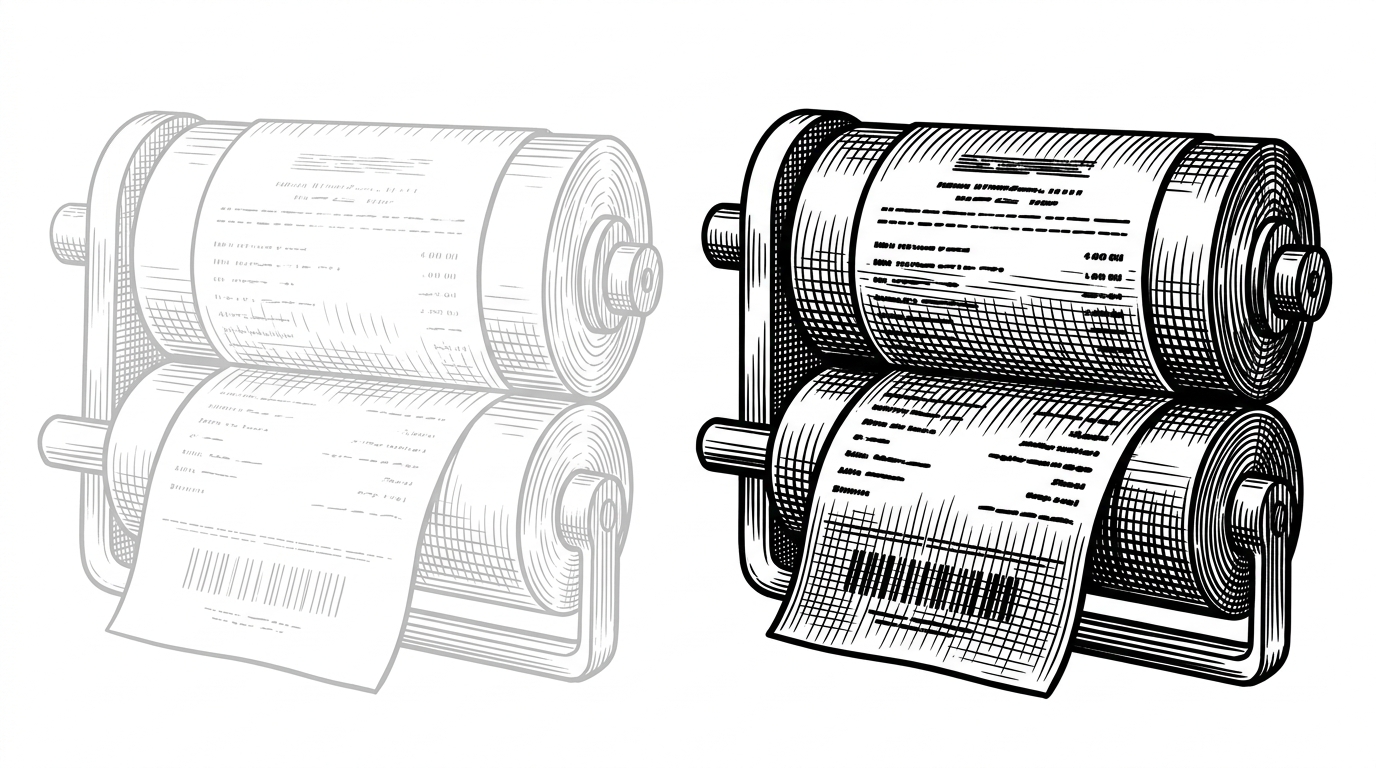
The contrast step in content.js is tiny, but it changes the OCR outcome. Low-contrast receipts become legible only after the pixels are pushed away from the middle gray band, which is why the extension spends time cleaning the image before Tesseract sees it. This is the kind of detail that turns a screenshot tool into a document pipeline.
From OCR text to merchant, date, and amount
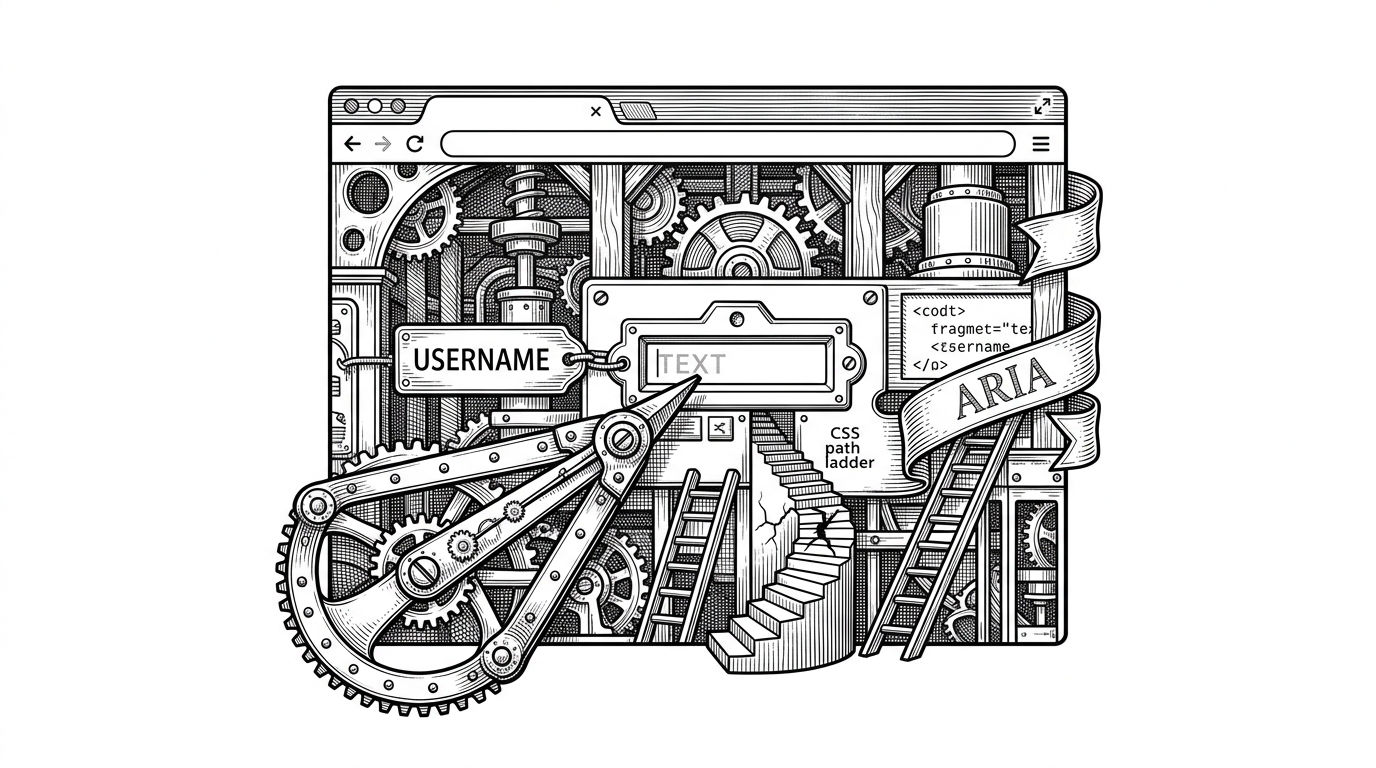
OCR text is still messy, so background.js does the more boring but more important job: turning text into fields. It looks for merchant cues, date patterns, currency values, and nearby words like Total, then normalizes what it finds before sending it onward. That is how the extension gets from raw text to a row a human can trust.
background.jsscans the OCR output for merchant hints, dates, and totals.- Regex handles currency symbols, decimal separators, and nearby keywords.
- The final record is normalized before it reaches Google Sheets.
What it beats, and where it still feels early
Compared with cloud receipt APIs, this project trades a bigger safety net for a smaller trust surface. Compared with generic OCR plus manual cleanup, it removes a lot of friction, but it also keeps the heuristics visible. That makes it more honest than magical.
| Approach | Strength | Trade-off |
|---|---|---|
| Reciept-Screenshot-EXT | Local detection, capture, OCR, and parsing stay inside Chrome until export. | Heuristics and regex are transparent, but they are narrower than learned models. |
| Cloud receipt APIs | Usually return clean fields fast with less tuning. | Images leave the device, cost money, and tie you to a vendor. |
| Generic OCR plus manual cleanup | Simple to prototype and easy to understand. | The user pays the parsing tax by hand. |