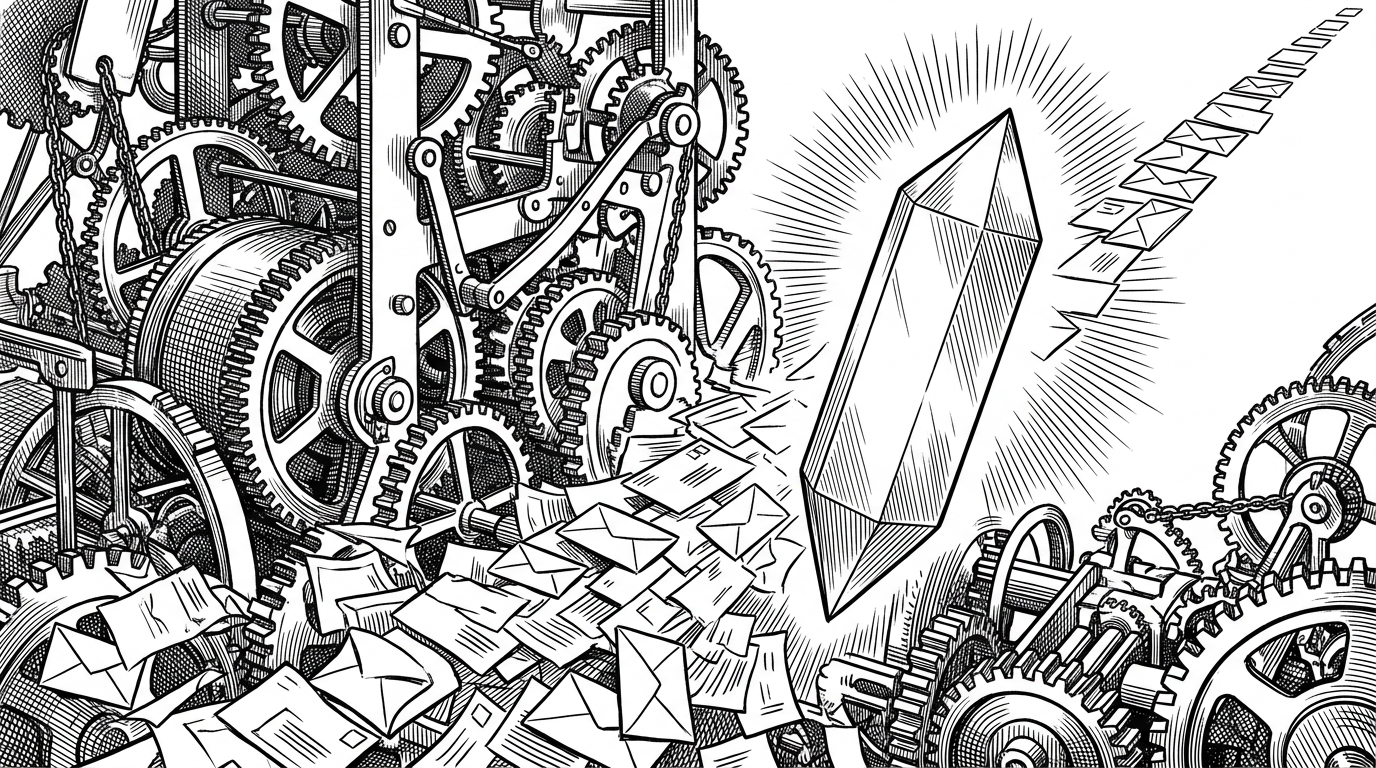
HatchZip Eats the Archive to Make Room for What's Inside
Most extractors need room for the archive and the output. HatchZip works from the end, truncates as it goes, and saves the one part it can't afford to lose.

Made by Yash Bavadiya (@xevrion_the1).
- HatchZip extracts archives from the end and truncates as it commits, so peak disk use drops from archive-plus-output to roughly the size of the output.
- The trick only works because HatchZip copies the archive's tail to a side file first, preserving the index that truncation would otherwise destroy.
- A journal with a committed-length boundary and a bit-level resume point lets an interrupted run pick up mid-stream without redoing finished work.
- The price is the source archive: HatchZip is a different bet on disk space, not a better extractor.
A file that gets smaller as it grows
Start with the arithmetic that stops people cold. A 180 GB game download unpacks to roughly 200 GB. Conventional extractors need both on disk at once, the archive they are reading and the files they are writing, so the peak is about 380 GB. If your drive holds 200, the extraction never starts. You are left deleting something else, or buying a bigger disk.
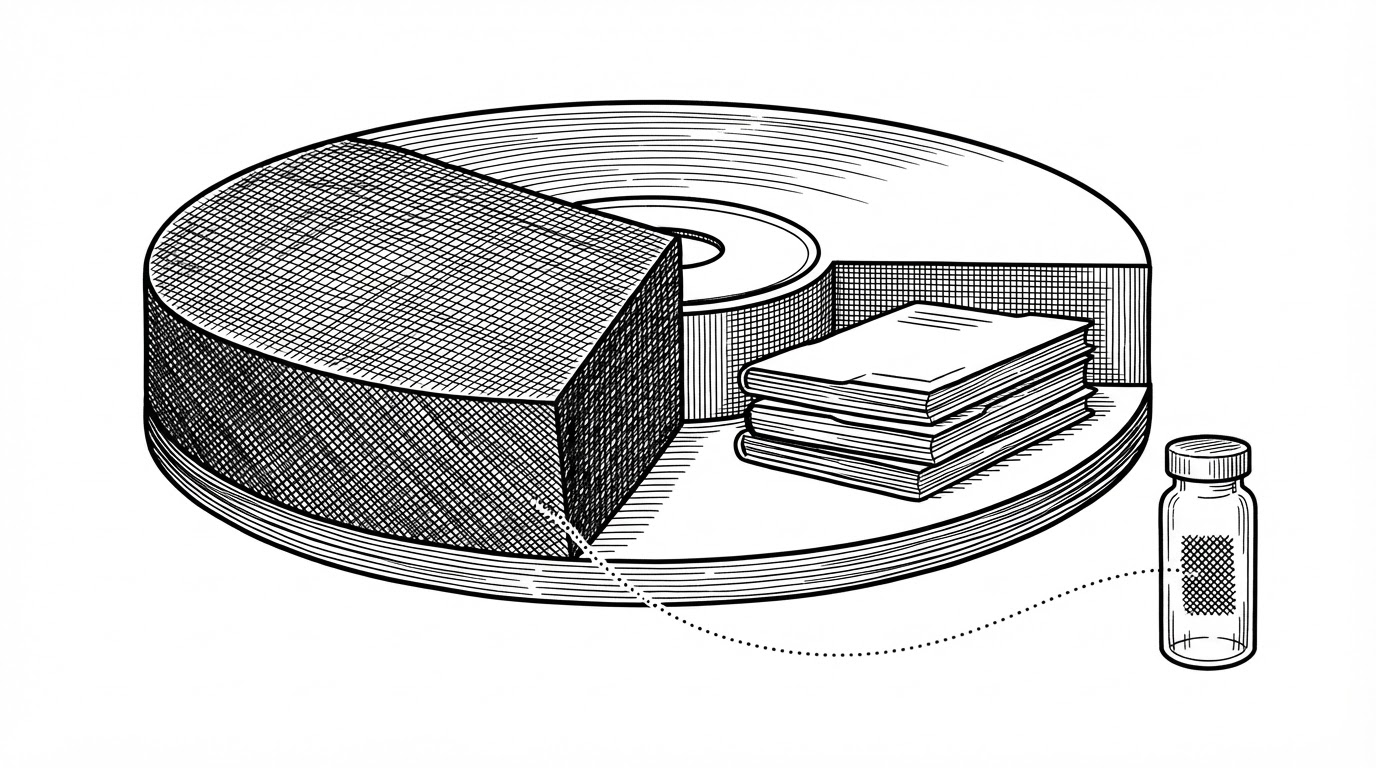
HatchZip treats the archive as a consumable, not a source. It reads from the end of the file, writes output, commits that output, then cuts the consumed bytes off the archive. The freed blocks get reused for the next batch. Peak disk drops to roughly the size of the output, because the archive is shrinking at the same rate the output grows.
HatchZip needs a little over 200 GB: it extracts from the end of the archive and cuts each finished part off the archive file, so the space comes back as it goes.
The project reports a 200 MB test dataset extracted on a 220 MiB disk, with different results per format. Those are project-reported benchmarks, not independent measurements. The mechanism is the interesting part, and it is unusual enough to be worth understanding on its own terms.
Why you have to read the archive backwards
Archives are written front to back. The first entry sits at the lowest offset, the last at the highest. So why read them in the other direction?
Because the bytes you free have to belong to work you have already banked. HatchZip splits an archive into units: a ZIP entry, a 7z solid block, a tar entry. It processes units from the highest offset down, in batches. After each batch commits, it truncates the archive to the start of that batch. Every truncation only ever removes data that is already extracted and verified on disk. Nothing you still need is ever on the chopping block.
Truncation from the end is the trick that makes this portable. Every filesystem supports shortening a file from its tail, FAT32 and exFAT included. Freeing space from the middle of a file needs hole punching, which is filesystem-specific and often unavailable. HatchZip builds on the baseline that works everywhere and treats hole punching as an optimization layered on top.
The batch size is a deliberate trade-off. The engine caps a batch at 512 units or 2 GB, whichever comes first. Larger batches extract in parallel better. Smaller ones redo less work after a crash and keep the archive shrinking in finer steps. There is no free lunch, only a chosen point on the curve.
The index is at the end, and you just deleted it
That is the theory. Here is the turn that would kill a naive implementation.
ZIP and 7z keep their index at the end of the file. The central directory, the map that tells an extractor where every entry lives, sits in the tail. And the tail is the first thing truncation destroys. Delete the index and the archive can no longer be parsed. The run cannot resume. It cannot even tell you what is left.
The source comments in HatchZip's journal module name the problem directly: the index lives at the end of the archive, which is the first thing truncation destroys. A tool that eats its archive from the back and does not account for this simply breaks the moment it truncates. The clever part of HatchZip is not the eating. It is what the project does about the index.
Save the tail before you eat it
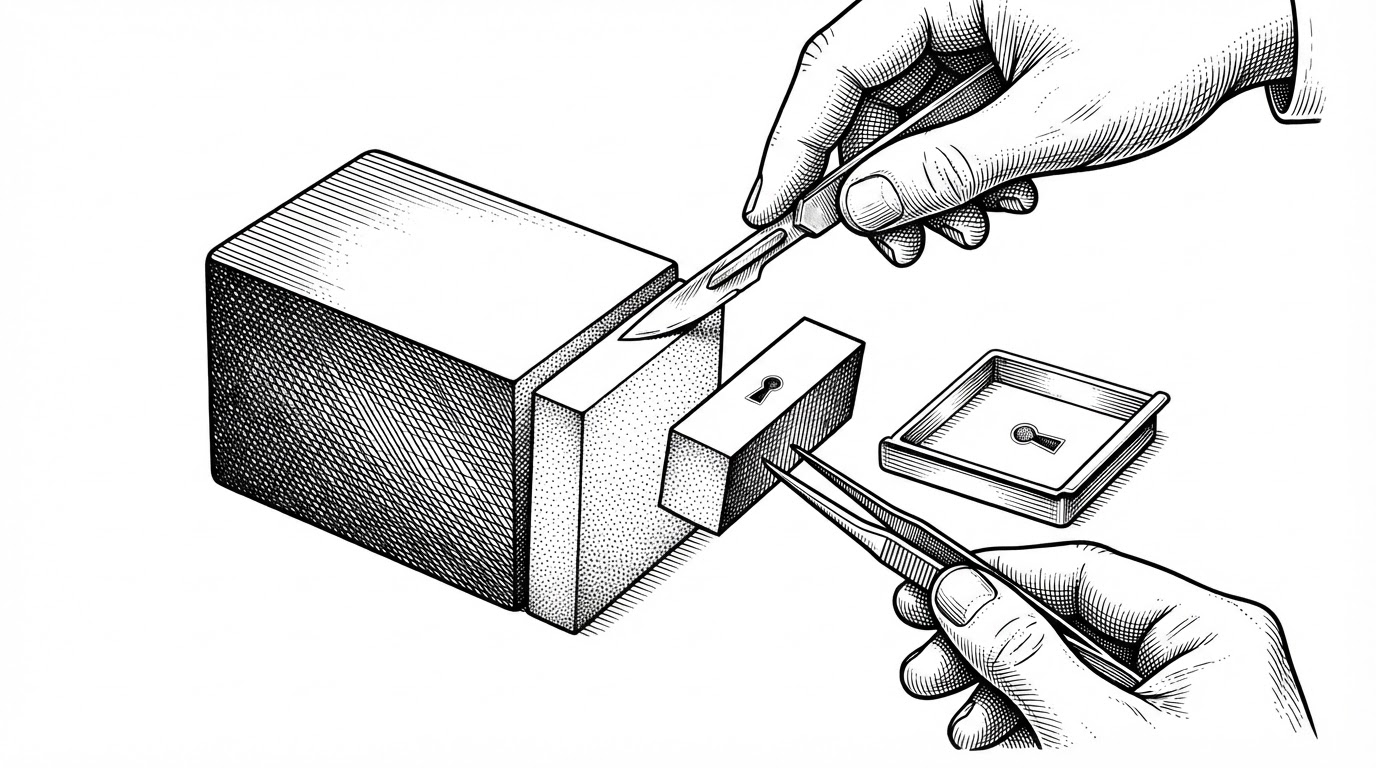
The fix is almost too simple. Before HatchZip reclaims a single byte, it copies the archive's tail to a side file, `
The tool preserves the exact piece of the file it is about to lose. Internally that is a small struct holding a start offset and the bytes themselves.
// crates/core/src/storage.rs
struct Tail {
    start: u64,
    bytes: Vec<u8>,
}
Two fields. One copy. Every read that lands inside the saved region is answered from the side file, and the extraction proceeds as if the archive were still whole. The whole design pivots on this: you cannot safely destroy a file you are still reading, so HatchZip keeps a copy of the part it is about to lose.
What happens when the power dies
Extraction can run for hours on a large archive. Power fails. The journal at `
Committed length is the boundary between finished work and work that has to be redone. Opening an archive returns one of three states, modeled in the type system so a caller cannot confuse them.
// crates/core/src/session.rs
pub enum State {
    Fresh(Job, PathBuf),   // nothing touched yet
    Resume(Job, Journal),  // a previous run left a journal
    Orphan(Journal),       // archive gone, run died before cleanup
}
Fresh means nothing has changed. Resume means a previous run left a journal and the archive is partly consumed. Orphan means the archive is gone but the run died before it cleaned up. Because these are distinct types, the front end cannot accidentally resume an orphan or treat a fresh archive as half-extracted. The lifecycle is enforced by the compiler, not by a runtime check someone might forget.
The journal is also treated as untrusted. It sits next to the archive, so anyone who supplied the archive could have planted one, pointing the output folder at a sensitive location. HatchZip only accepts an output folder that is the archive's default location, a folder the user already chose on this machine, or an explicit path given again on the command line. Anything else is refused, with the exact command to run instead. For a tool that deletes and writes files based on metadata it did not create, that is the right instinct.
Restarting a decoder mid-bit
The resume point is more precise than a byte offset. Deflate block boundaries can fall inside a byte, so HatchZip restarts decoding in bits from the start of the archive. The checkpoint stores four things.
// crates/core/src/journal.rs
struct Resume {
    unit: u64,
    written: u64,
    bit: u64,
    crc: u32,
}
`written` is the invariant that matters. Output up to that length is flushed; anything past it was written after the resume point and is thrown away. Recovery truncates the partial output to `written`, verifies the CRC, seeks the decoder to the recorded bit, and continues. Restarting a stream decoder inside a byte is the kind of detail that separates a demo from something you would trust with a 180 GB file.
It is not free
HatchZip is not a better extractor. It is a different bet, and the bet is your source file.
| Tool | Reads archive | Peak disk needed | Consumes source | Resumes after crash |
|---|---|---|---|---|
| HatchZip | end-first | ~output size | yes | yes (journal) |
| 7-Zip | front-first | archive + output | no | no |
| WinRAR | front-first | archive + output | no | no |
| unzip (Info-ZIP) | front-first | archive + output | no | no |
| GNU tar | front-first | archive + output | no | no |
| libarchive / bsdtar | front-first | archive + output | no | no |
If extraction fails after the archive is partly consumed, earlier files are already on disk and the archive is partly gone. For a download you can fetch again, that is fine. For one you cannot, the project ships `--verify-first`, which checks the archive before touching it. It is an extra pass, and it is the difference between a repairable mistake and a lost file.
Some formats resist the whole approach. A single solid 7z block cannot be freed incrementally until the block is fully extracted, so that block may need room for its entire output. RAR's decoder can only find a unit by reading everything before it, so those batches decode serially, lowest unit first, to avoid restarting the decoder for every entry. The engine asks each format what it supports and plans around the answer. The format trait exposes optional capabilities like streaming and solid blocks, and most methods have defaults, so a simple format only implements the one it needs.
Who built it, and why
HatchZip is the work of one person. Yash Bavadiya, who goes by @xevrion, shipped both a CLI and a Slint desktop app, plus installers for Windows, macOS, and Linux. The core library holds all the logic and the two front ends stay thin, so the command line and the GUI never disagree about what an archive needs.
The README is written for people who hit a full disk, not for systems programmers. It leads with "No coding needed" and Explorer context-menu instructions. The engineering notes buried in the source comments are aimed at a second audience entirely, the one that wants to know why truncation beats hole punching. Both audiences get served, which is rarer than it sounds.
The release history credits contributors including @Dextheking1 and @Valcyle, and documents security fixes around untrusted progress files, links, and output paths. The version constants in the journal are used as a safety interlock between releases, not just as schema numbers: an older build refuses a newer journal because resuming one could delete a file whose archive bytes are already freed. It is a small project that takes its failure modes seriously.
The takeaway
The standard way of extracting an archive is a choice, not a law. HatchZip shows that if you are willing to burn the source, you can spend a fraction of the disk, and that the hard part is not the truncation. The hard part is remembering to save the exact piece you are about to destroy.