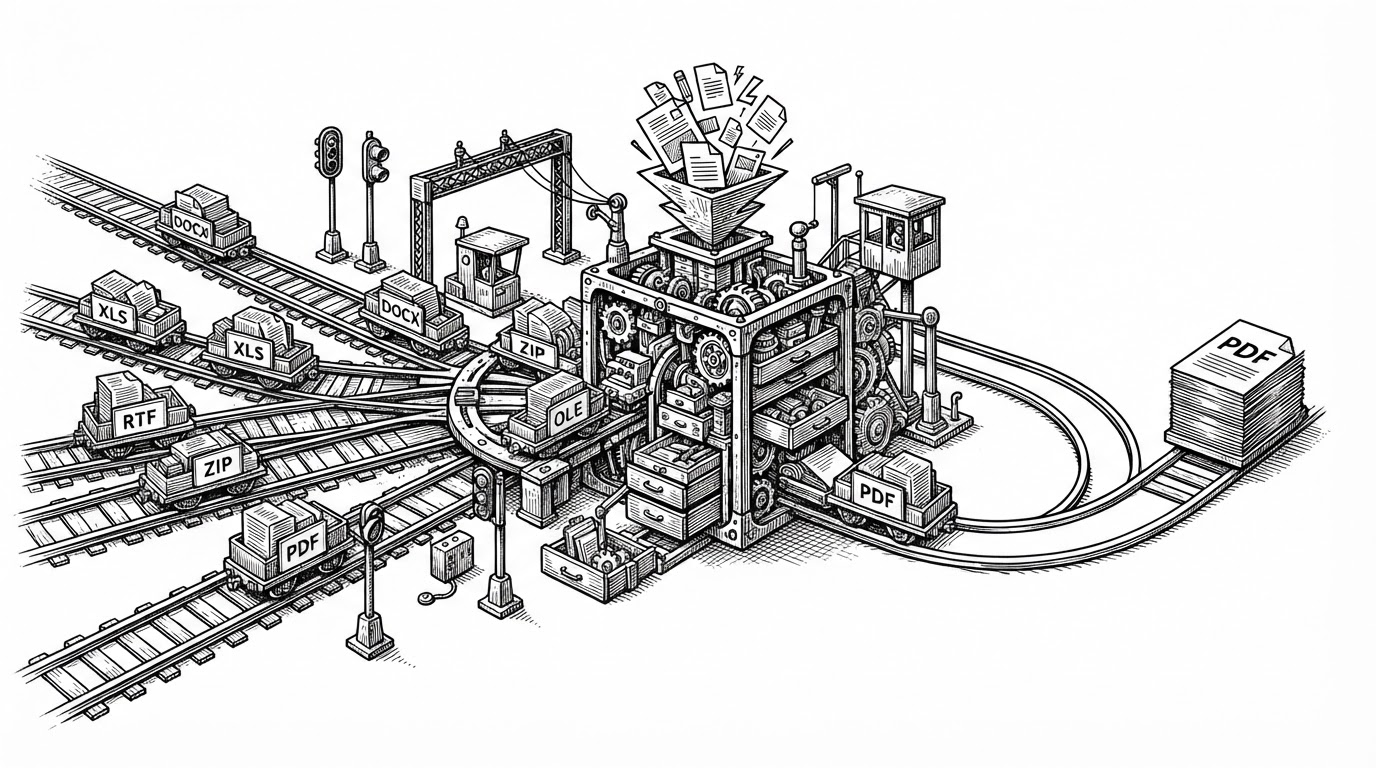
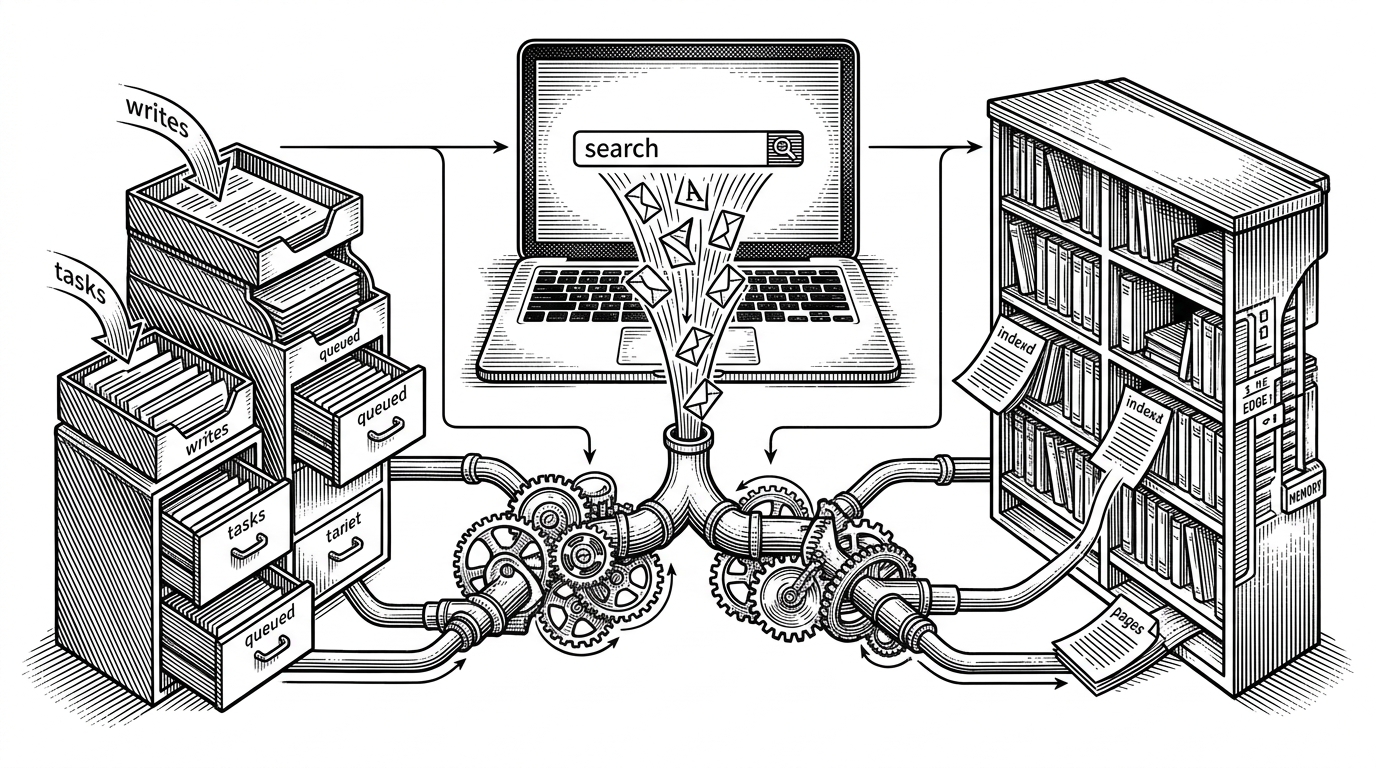
WordCraft: The Rust Rewrite That Treats Microsoft Word Like a Data Structure
A clean-room word processor with .docx ambitions, copy-on-write editing, GPU rendering, and an agent-friendly control plane.
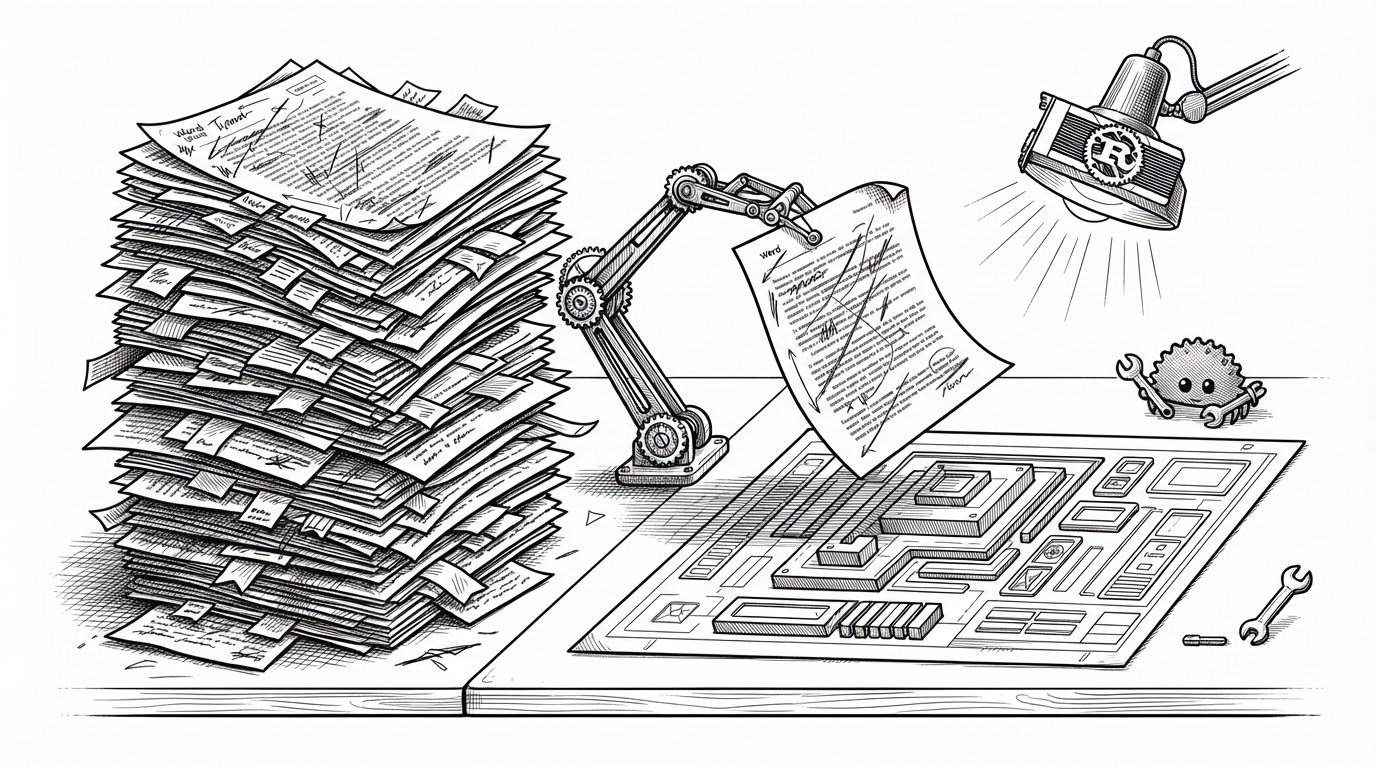
- WordCraft’s real bet is not a prettier word processor, but a document model that stays stable enough for undo, rendering, and agent control to share the same foundation.
- Its copy-on-write tree and path-based addressing make edits feel local, which is what lets the app keep snapshots cheap and layout work incremental.
- The project tries to separate Word compatibility from Word’s codebase, which is the only way to chase .docx fidelity without inheriting decades of implementation drag.
- WordCraft’s command surface makes the editor legible to both humans and agents, and that is the feature that most clearly points past traditional office software.
The document is not a UI. It is a tree of snapshots.
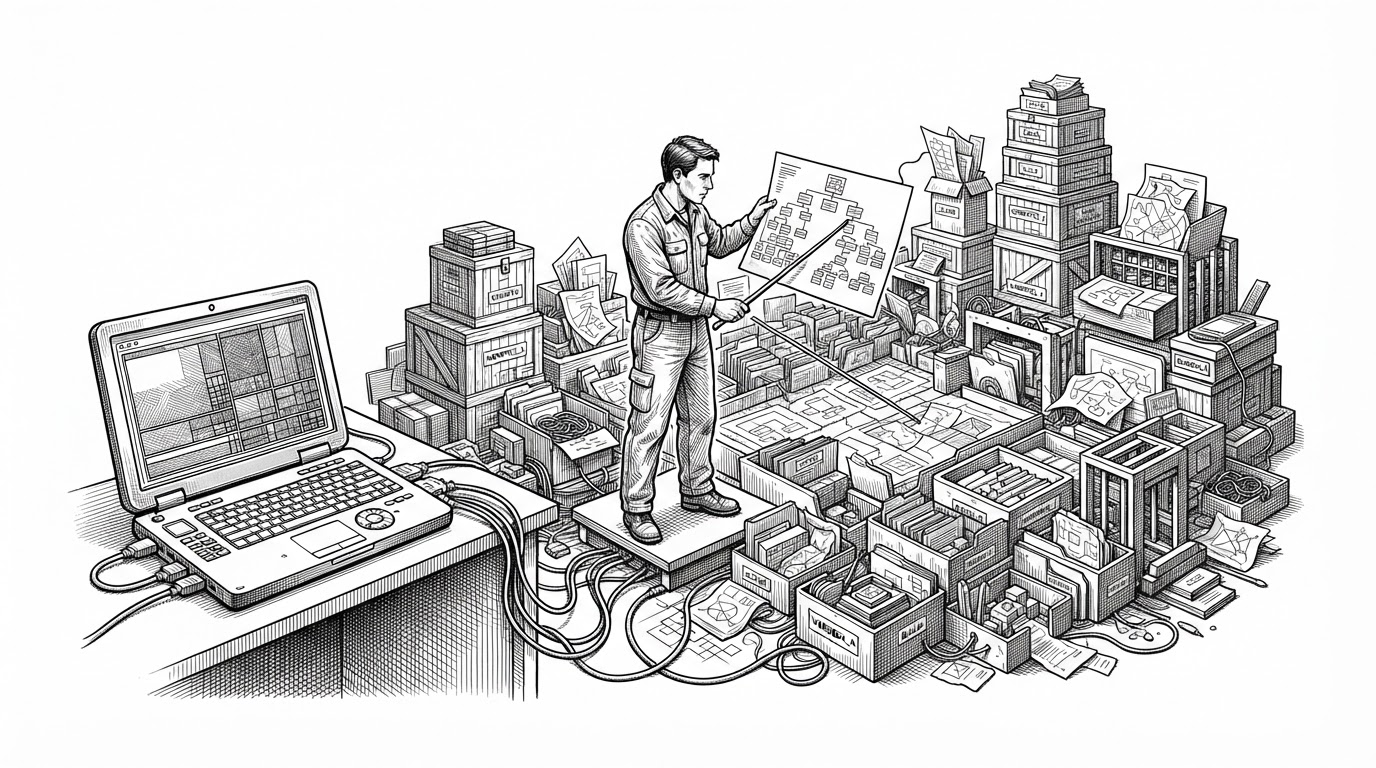
WordCraft starts with a premise most editors avoid: the document should be a durable structure first, and a screen second. In crates/doc, content lives in an Arc-backed tree, edits use copy-on-write mutation, and navigation happens through explicit paths instead of ad hoc widget state.
That matters because it makes the document safe to freeze. A render pass can hold onto one snapshot while the user keeps typing into the next one, and the model still stays coherent. Undo becomes a property of the structure, not a separate pile of patches.
| Dimension | WordCraft | Traditional desktop editor |
|---|---|---|
| Document model | Persistent tree with copy-on-write edits | Mostly mutable UI state plus internal caches |
| Addressing | Explicit paths into nested content | Often implicit selection and widget coordinates |
| Undo and snapshots | Cheap because prior states remain shareable | Usually backed by a separate command history |
| Rendering | Reads from frozen snapshots while edits continue | Often coupled more tightly to live UI state |
| Agent control | Commands are first-class and addressable | Automation is usually bolted on later |
Why paragraphs are strings with hidden object slots
One of the cleanest ideas in the repo is the paragraph model. A paragraph is mostly text, but embedded objects such as images, bookmarks, and fields are represented by slots tied to the Unicode object replacement character, U+FFFC. The string keeps the reading order, and the object list keeps the non-text payloads.
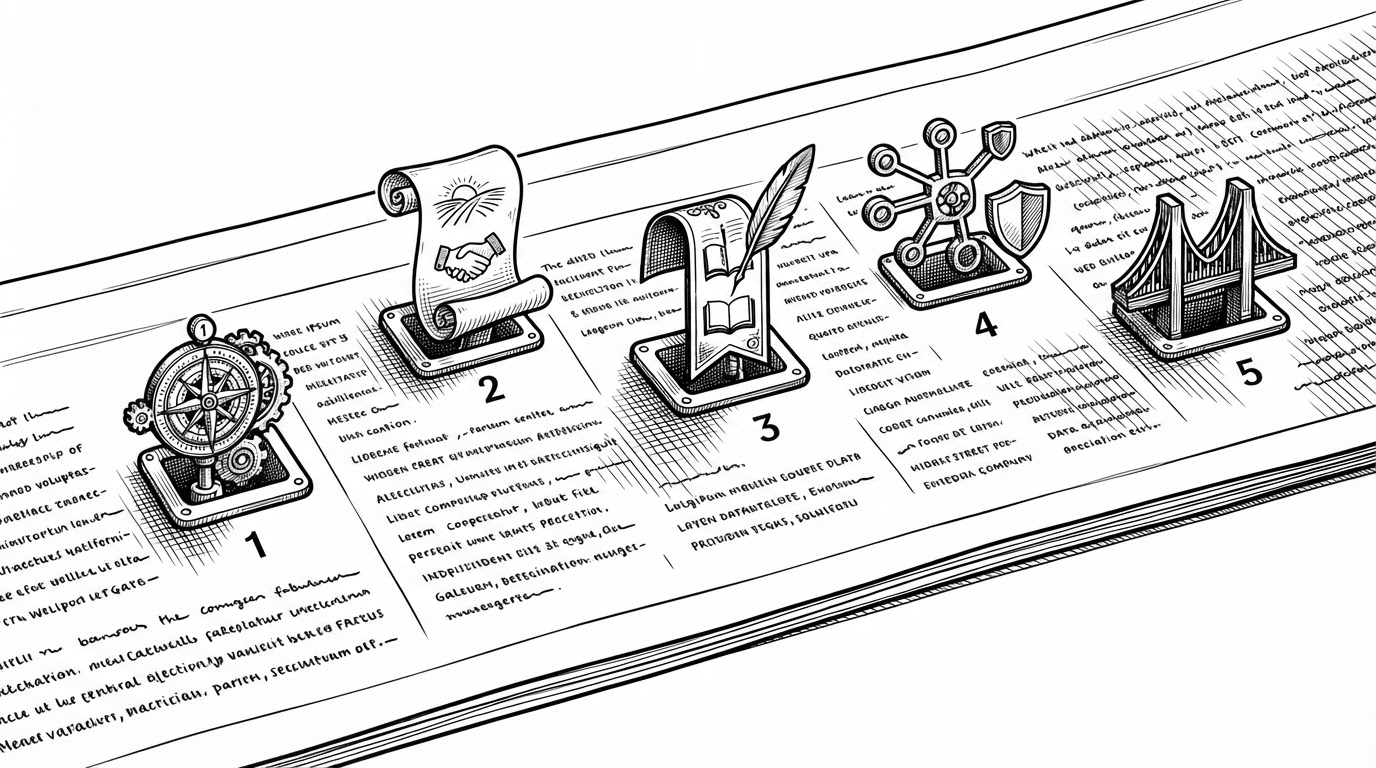
That trick does two jobs at once. It simplifies traversal, because the text flow still reads like text. It also gives the layout engine a stable coordinate system for inline objects, which is exactly what a word processor needs if it wants predictable pagination.
The layout engine only recomputes what changed
WordCraft tracks revision state so layout can invalidate locally instead of repainting everything on every keystroke. That makes the editor feel like a system that preserves identity. A paragraph can change without forcing the whole document to forget what it already knows.
pub fn next_rev() -> u64 {
    REVISION.fetch_add(1, Ordering::SeqCst) + 1
}

// Layout caches can key off revision IDs
// and only recompute affected paragraphs.
The practical payoff is simple. Editing a document is not treated as a global event. It is treated as a bounded mutation that can be shaped, measured, and redrawn with as little collateral damage as possible.
Word compatibility without inheriting Word’s codebase
The clean-room strategy is the point. WordCraft wants the behaviors users expect from Word, especially around .docx, styles, and layout fidelity, without importing Microsoft’s implementation history. That is a much harder path than building a Markdown editor, but it is also the only path that can plausibly reach office-suite territory.
| Target | What it offers | What WordCraft is trying to do differently |
|---|---|---|
| Microsoft Word | Deep compatibility and a familiar workflow | Match the workflow without the proprietary stack |
| LibreOffice | Open-source suite breadth | Use a smaller Rust codebase with modern rendering choices |
| OnlyOffice | Strong .docx handling in a web-tech package | Aim for native performance and a lighter runtime |
| Block editors | Flexible knowledge capture | Keep the paginated document as the primary mental model |
Paragraph layout is cached, so typing in a 188-page document re-lays it out in about 1.4 ms; pages render on demand.
That quote matters because it defines the performance story better than any benchmark graph could. WordCraft is not promising magical speed in the abstract. It is promising that the document model is structured enough for the fast path to exist at all.
The agent-first editor
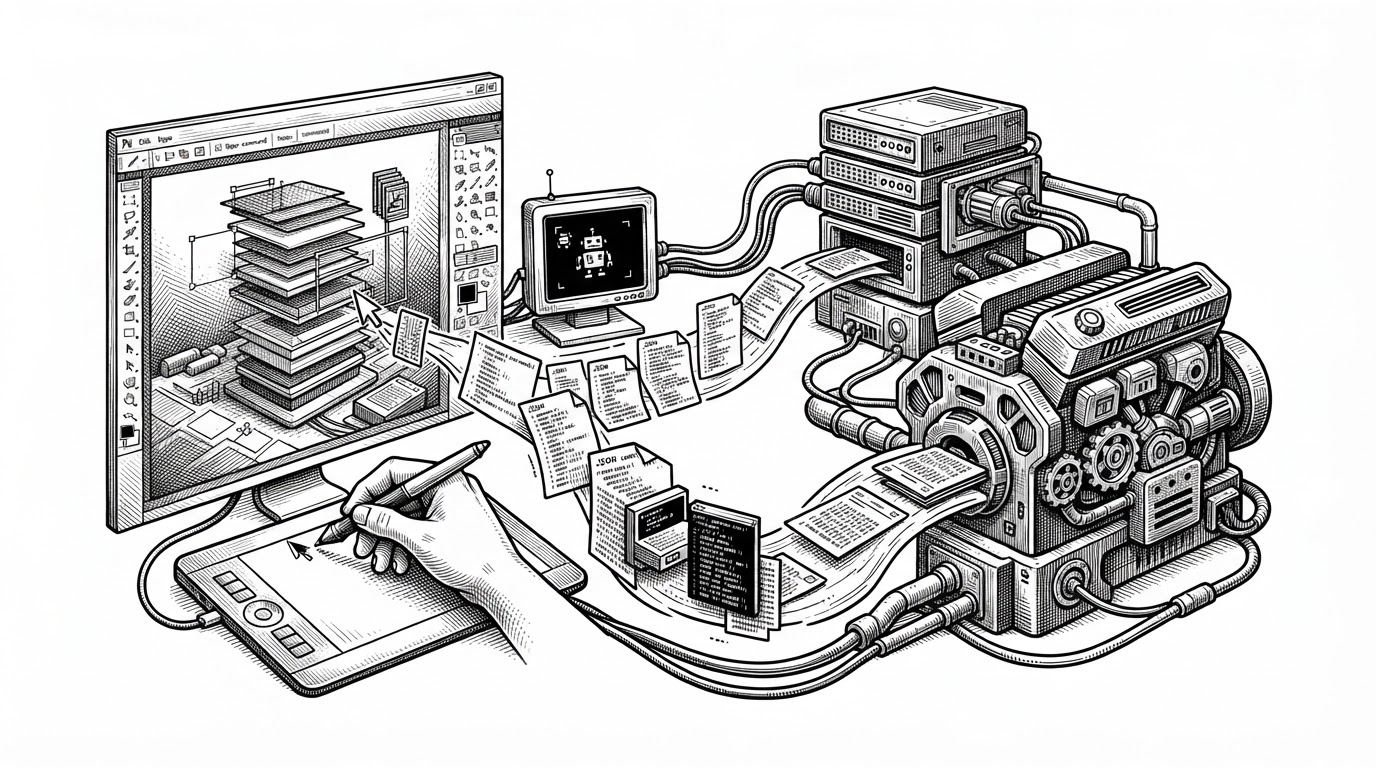
WordCraft’s most unusual feature is not that it can be automated. It is that automation is built into the shape of the app. Commands have IDs, the control surface can be reached through JSON, and the same actions can be driven from the CLI or through MCP.
| Workflow | Human-first editors | WordCraft |
|---|---|---|
| Input model | Click or type directly | Commands can come from UI, CLI, or agent protocols |
| Automation | Extra scripting layer | Core actions are addressable by ID |
| State changes | Often hidden inside the app | Explicit enough to trace and replay |
| Best fit | Single-user editing | Human and agent collaboration |
Rust is the constraint, and the advantage
Rust is doing more than providing syntax here. It is shaping the architecture. The repo’s zero-unsafe posture, persistent data structures, and GPU-backed rendering stack all fit together because the language pushes the project toward explicit ownership and clear boundaries.
That matters in a desktop app that has to juggle text shaping, layout, input latency, and graphics drivers. WordCraft uses egui for the UI and wgpu plus vello for rendering, which keeps the app native without drifting into Electron-style abstraction debt.
Generating illustration...
The result is a rare combination. It is a system app with the safety profile of Rust, but it is still trying to solve one of the oldest and most user-hostile software categories on earth.
The hard part is not writing. It is matching expectations.
This is where WordCraft runs into the real competition. It is not just fighting Microsoft Word. It is fighting muscle memory, formatting trust, and the assumption that documents should survive round trips through enterprise workflows without surprises.
| Project | Strength | Where WordCraft is different |
|---|---|---|
| Microsoft Word | Default standard for document workflows | WordCraft tries to reach compatibility without the proprietary core |
| LibreOffice | Broad open-source office coverage | WordCraft narrows focus to a modern word processor stack |
| OnlyOffice | Strong document interoperability | WordCraft emphasizes native Rust and agent control |
| AppFlowy / Anytype | Flexible block-based organization | WordCraft keeps pagination and traditional document structure first |
What WordCraft is really building
WordCraft is not merely a better editor. It is a proof that a modern systems-language stack can attack a category usually left to giant incumbents and legacy codebases. If it works, the deeper achievement is not only .docx compatibility or faster redraws. It is the idea that a document app can be both human-friendly and machine-addressable without collapsing into a toy.