DiskTree: The Rust Treemap That Turns Disk Bloat Into a Visual Decision
A GPU-accelerated disk analyzer for Omarchy and beyond, built to scan fast, show reclaimable space clearly, and make cleanup feel safe.
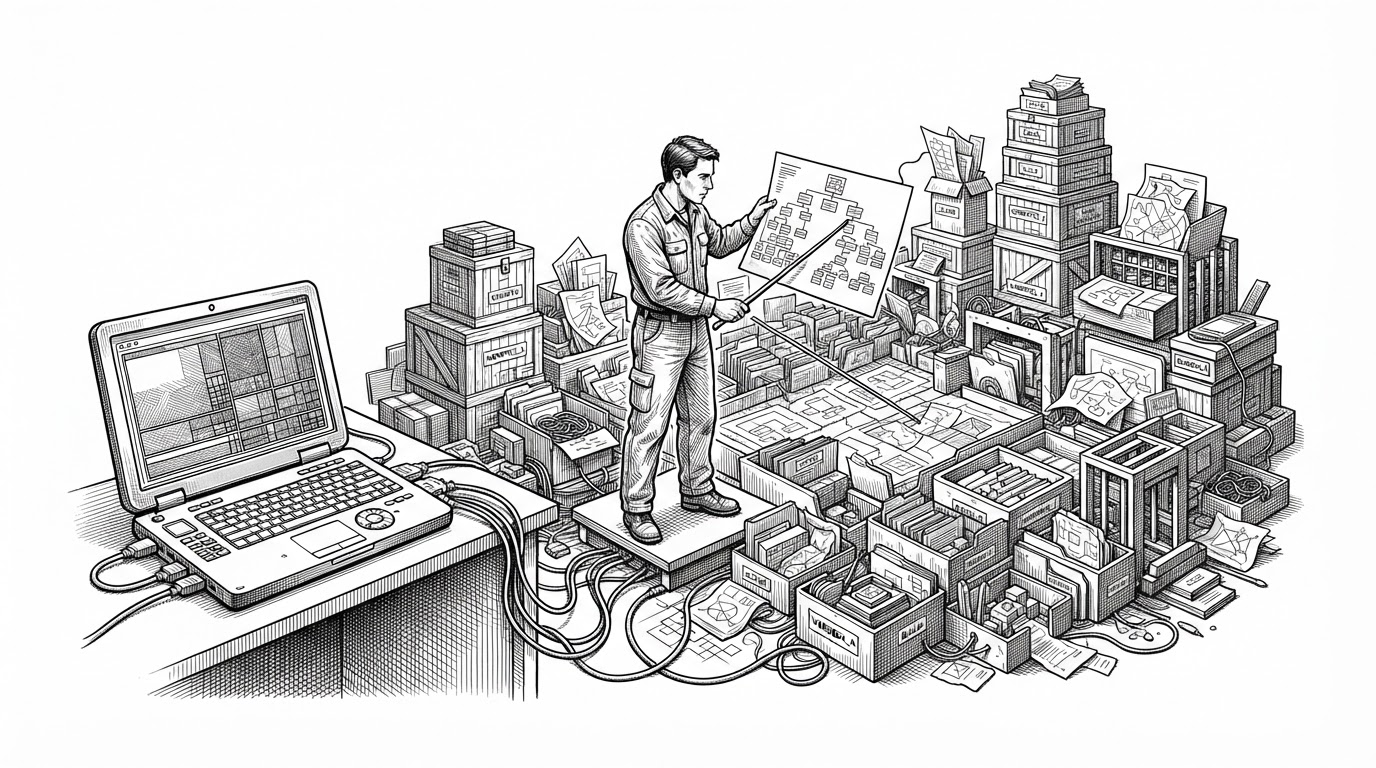

Was wondering where my disk space went. Therefore this exists now. You can simply wish software into existence.
- DiskTree treats disk cleanup as a visual decision problem, not a terminal chore.
- Its data model separates what a folder contains from what it directly contributes, which makes reclaimable space easier to judge.
- Parallel scanning, live progress, and hardlink-aware accounting keep the app responsive under ugly developer-machine workloads.
- The project competes by combining open-source treemap visualization with a keyboard-first, safety-conscious cleanup flow for modern Linux desktops.
Modern developer machines are full of invisible sprawl. AI agent sandboxes, worktrees, caches, build artifacts, and abandoned folders accumulate fast, and a plain byte count rarely tells you what is safe to delete. DiskTree turns that problem into a map you can act on.
The repo is at tobi/disktree. It is a Rust desktop app built around GPU rendering, fast filesystem traversal, and a cleanup flow that tries to make deletion feel deliberate instead of risky.
The New Kind of Disk Problem
Disk cleanup used to mean emptying Downloads or pruning a few log files. That model breaks down once your laptop starts hosting transient AI workspaces, cloned repos, language caches, and tools that regenerate most of what they store. The problem is no longer “find a big folder.” It is “find the stuff that matters, and separate it from the stuff that can come back.”
That origin matters because DiskTree is not a generic utility with a shiny surface. It is shaped by Omarchy, by keyboard-first habits, and by the reality that modern developer machines need a cleanup tool that can keep up with a high-churn workflow.
The Core Trick: It Measures Space Twice
The key data structure in tree.rs tracks two different kinds of size. One is the folder’s own contribution. The other is the recursive total of everything underneath it. That split is the whole game: a parent can look large because it contains many descendants, or because it is itself the source of the bloat.
pub struct Node {
    pub own_bytes: u64,
    pub bytes: u64,
    pub kind: NodeKind,
    pub children: Vec<Node>,
}

// own_bytes = what this node directly consumes
// bytes = own_bytes + all descendant bytes
That distinction sounds minor until you are deciding what to remove. A directory that only aggregates other directories needs a different reading than one that is itself the source of the mess. DiskTree keeps both numbers on hand so the UI can show structure and responsibility at the same time.
How the Scanner Stays Fast Without Freezing the UI
The scanner walks the filesystem in parallel using Rayon, while atomic counters keep progress visible without forcing the workers to stop. That matters because a disk tool feels broken the moment it blocks the interface during a large scan. DiskTree keeps the UI live while the work continues underneath.
It also handles the annoying edge cases that make cleanup tools trustworthy or useless. Hardlink deduplication avoids double counting, filesystem boundaries keep the scan from wandering onto places you did not mean to inspect, and cancellation gives the user an escape hatch when the scan already answered the question.
Treemaps, But With Usable Hit Targets
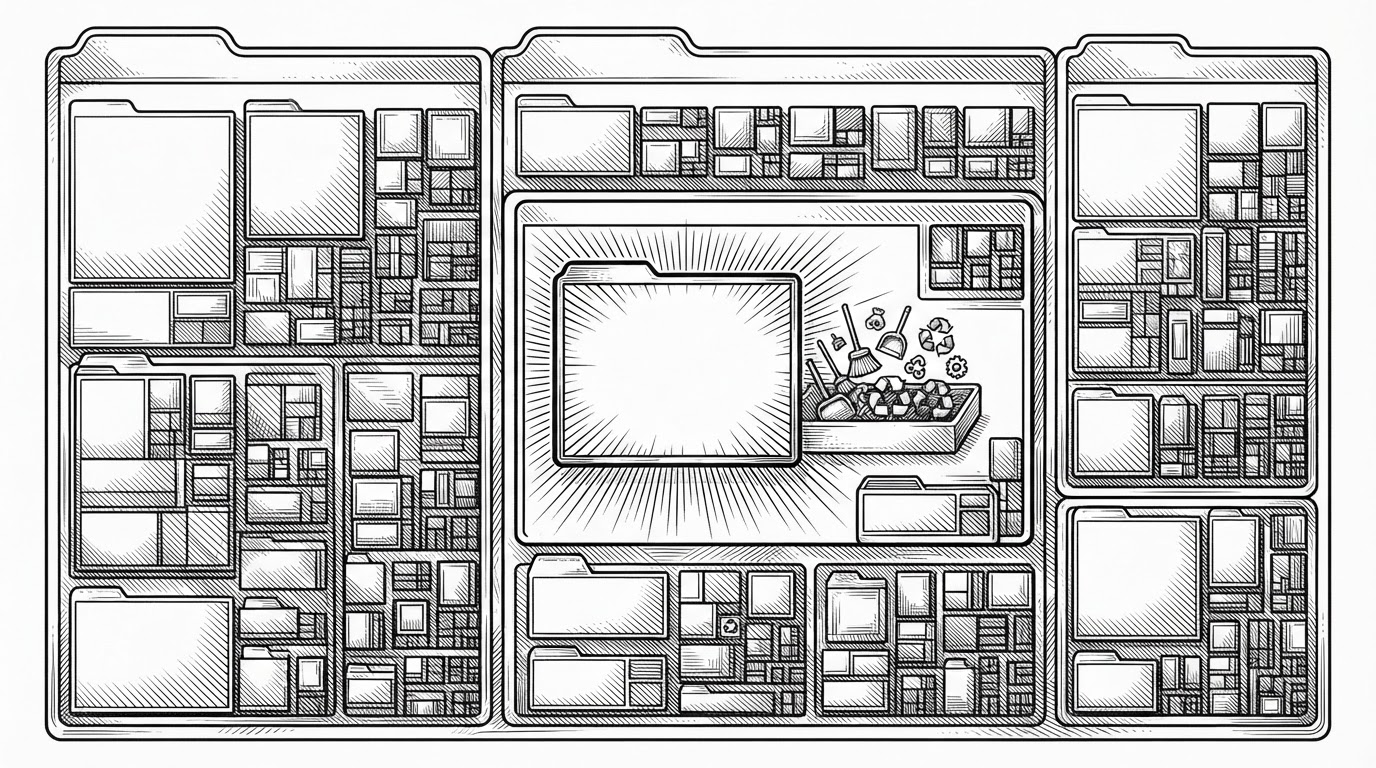
DiskTree uses a squarified treemap, which is the right classic answer for packing size into space without turning everything into slivers. But the interesting part is the header banding trick. The layout preserves a usable clickable region for folders, so navigation still works when the view is deeply nested and visually dense.
That makes the treemap feel like a working interface instead of a poster. The user is not just reading sizes. They are moving through structure, drilling into folders, and treating visual density as a navigable map.
Safe Deletion Is the Real Product
The deletion flow is where DiskTree stops being a viewer and becomes a decision system. It shows what will be removed, projects the effect on free space, and makes the user review the list before anything is committed. That review step is the difference between a visualizer and a cleanup tool.
The project also carries strong safety assumptions. System-critical paths and mounted filesystems are guarded, which keeps the app focused on reclaimable clutter instead of dangerous surprises. The point is not just speed. It is confidence.
disktree is a treemap for Omarchy. It scans your home directory by default, draws every directory as a nested mosaic sized by what it really costs on disk, and lets you walk into it with the keyboard or the mouse.
| Tool | Primary UI | Best at | Weak spot | Where DiskTree differs |
|---|---|---|---|---|
| DiskTree | GPU treemap | Visual cleanup on developer desktops | Newer ecosystem | Combines fast scanning, safe review, and keyboard-first navigation |
| ncdu | Terminal UI | Fast text-first inspection | Less visual explanation | DiskTree makes structure obvious at a glance |
| gdu | Terminal UI | Speed and interactive browsing | No GPU treemap focus | DiskTree is more visual and decision-oriented |
| DaisyDisk | Native macOS app | Polished treemap exploration | macOS-centric | DiskTree targets open-source Linux-first workflows |
| GrandPerspective | macOS visualizer | Classic disk mapping | Platform-specific | DiskTree is cross-platform and more workflow-aware |
| WizTree / TreeSize | Windows utility | Very fast scanning and reporting | Windows-centric | DiskTree is tuned for Omarchy-style desktops and open-source use |
What DiskTree Is Really Competing With
The honest comparison is not about raw speed alone. DiskTree is competing on interaction model, cleanup safety, and the ability to explain a messy machine in a way that makes action feel obvious. That puts it in a lane that overlaps with ncdu and gdu on speed, and with DaisyDisk and GrandPerspective on visual clarity, but it is not copying either side exactly.
Its bet is narrower and more interesting: the modern Linux desktop, especially one shaped by AI-heavy workflows, needs a cleanup tool that feels native to how people actually work now.
Why the Stack Matters
The repository split between disktree-core and the app layer is not a packaging detail. It keeps the filesystem logic headless, testable, and independent from the UI lifecycle. That is what makes the project feel like a system tool instead of a thin interface wrapped around ad hoc file walks.
Rust is doing more than supplying performance here. It gives the project a place to keep correctness, concurrency, and layout math in the same disciplined codebase. The result is a utility that looks polished but still behaves like an engine.
The Bigger Thesis
DiskTree is a good signal of where desktop software is heading. The next generation of local tools will need to understand AI-era clutter, stay responsive under heavy parallel work, and present complex system state as something a human can actually decide on. DiskTree is one version of that future: not a prettier du, but a cleanup interface for a keyboard-first, AI-heavy machine.