Glass: The Browser Becomes a Pane
A Rust fork of Zed that turns the browser, editor, terminal, and agents into one workspace, then pays the engineering cost to keep that promise fast.
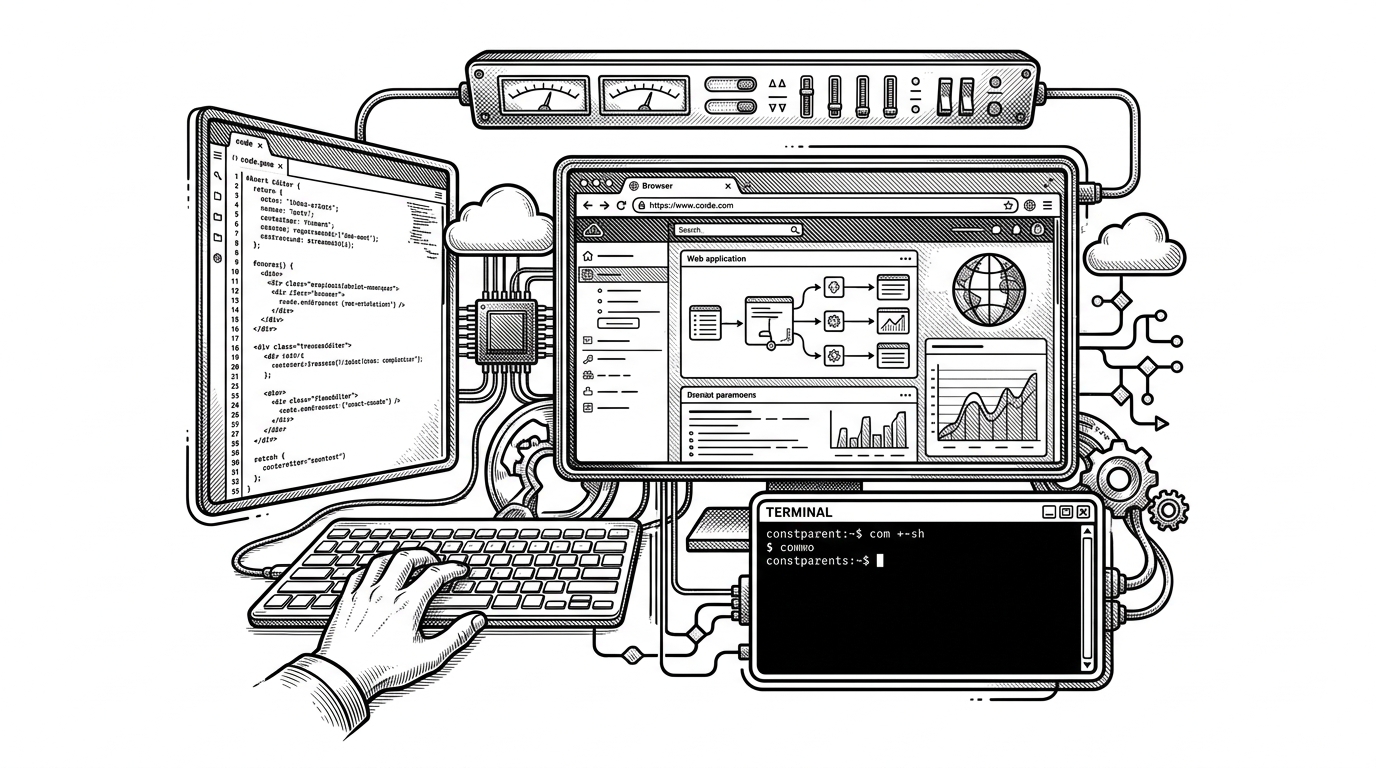
- Glass is trying to eliminate the browser as a separate destination by making it a native surface inside the developer workspace.
- The fork of Zed gives Glass a fast Rust and GPUI foundation, but it also turns upstream sync into part of the product cost.
- Its real architectural bet is shared context, so edits, previews, terminal commands, and agent actions can all point at the same state.
- Glass competes less with a single editor than with the friction of juggling separate tools for the same task.
Most editors still assume the browser lives somewhere else. Glass starts from the opposite premise: if the browser is where a lot of real development work happens, it should sit inside the workspace, not across the room from it. That is a small interface idea with a big architectural consequence.
The browser is not outside the IDE anymore
The README is blunt about the thesis: Glass unifies your browser, and development environment into one app. That is not just a feature list. It changes the unit of work from separate apps and tabs to a single environment where code, docs, previews, and execution all share the same context.
Glass unifies your browser, and development environment into one app.
Why Glass forked Zed instead of starting from zero
Glass is a fork of Zed, and that choice explains the project better than any slogan. Zed gives Glass a serious Rust and GPUI base, which matters because the whole promise depends on speed. Glass then takes on the expensive part: diverging enough to make the browser a first-class pane without turning the app into a pile of embedded widgets.
Glass is a fork of Zed. We actively sync with upstream every week. Glass would not be possible without the incredible work the Zed team continues to do.
We separated it [GPUI] into its own standalone repository at Glass-HQ/gpui and extended it with native iOS and macOS components, making it a framework that multiple apps can build on.
That is a strategic tradeoff, not an implementation detail. Reusing Zed and GPUI buys a high-performance foundation. Staying in sync with upstream means every Glass-specific idea has to survive merge pressure, which is how forks earn their keep or die under maintenance debt.
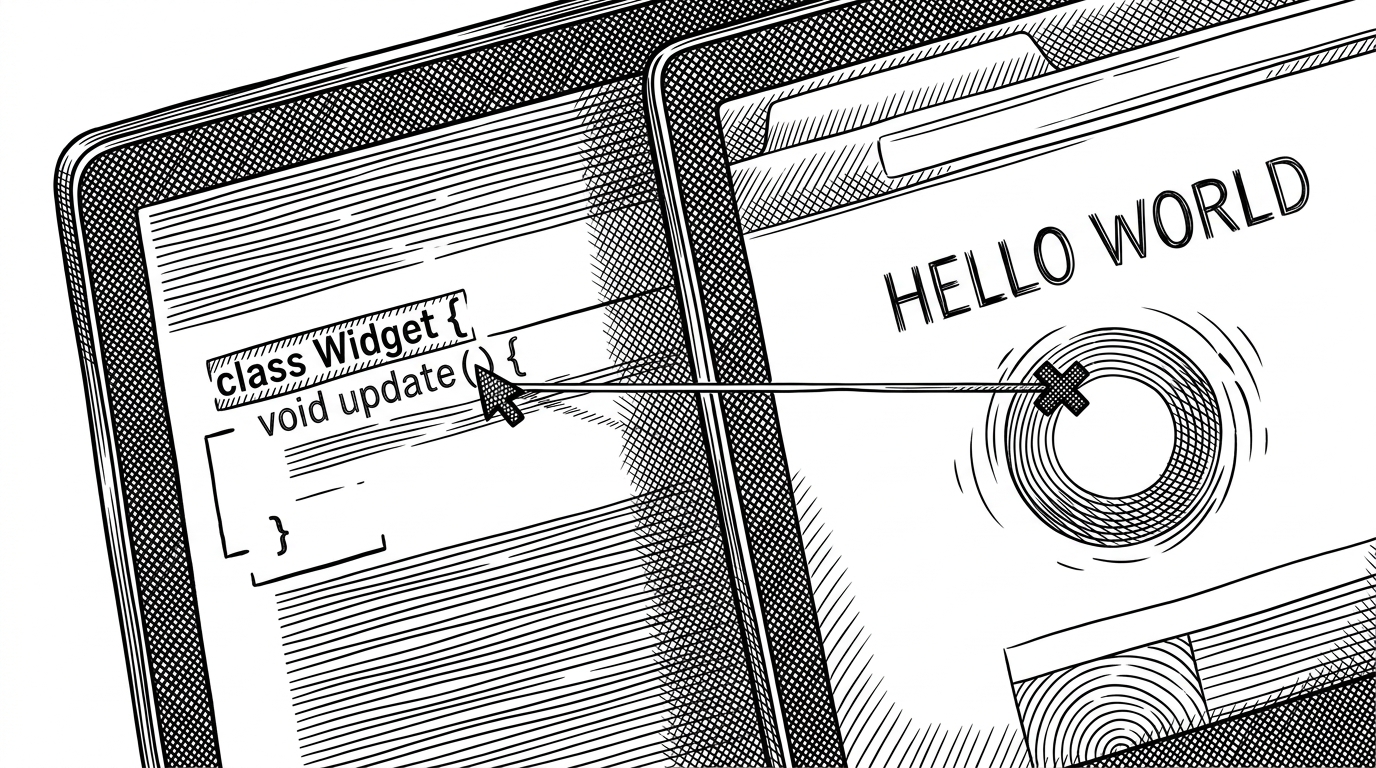
The workspace is a shared state machine
The repository structure makes the product idea plain. There is a browser crate, editor and terminal modules, and a cluster of agent-related crates. That is not a random pile of features. It is a workspace designed so that the browser, terminal, and editor can all act on the same project state instead of maintaining separate versions of reality.
That shared loop is the real architectural bet. If a browser error can travel back into the same workspace that produced it, the editor does not feel disconnected from the problem. If the terminal and agent can see the same state, the fix can move faster than a human's attention span.
Agents are wired in, not bolted on
The agent layer is not presented as a chat box tacked onto the side. Crates like acp_tools, acp_thread, and agent-client-protocol point to a structured protocol for AI systems to participate inside the workspace. That is a different posture from most editors. The agent is not just advising the user. It can be part of the operating loop.

That matters because it changes the unit of trust. In a conventional setup, the assistant is a separate surface that asks for permission. In Glass, the surrounding workspace is the permission model, the context model, and the execution model all at once. Provider-specific crates and prompt plumbing become infrastructure, not product garnish.
What Glass gains, and what it pays
The upside is easy to see. Glass reduces context switching, keeps inspection and execution close to the code, and makes browser-heavy development feel native instead of bolted on. The cost is just as real: a large fork needs disciplined upstream sync, browser integration raises the complexity bar, and the app has to justify itself with performance because it is asking to replace several familiar tools at once.
| Dimension | Glass | Zed | VS Code | Cursor |
|---|---|---|---|---|
| Browser integration | Native pane inside the workspace | No browser-first model | Usually external browser or preview | AI and preview features exist, but the browser is still separate from the core editor |
| Runtime | Rust and GPUI fork | Rust and GPUI | Electron | Electron |
| AI posture | Agents as workspace participants | Lightweight AI ecosystem | Extension driven | AI assistant first |
| Main bet | Collapse context switching | Fast editing and collaboration | General purpose extensibility | AI-assisted coding |
| Main cost | Ongoing upstream sync and browser complexity | Less browser ambition | Memory and latency overhead | Heavier dependence on vendor workflow |
Glass is closest to Zed in architecture, but its product thesis is different. Zed is still an editor. Glass is trying to become the place where the browser, the terminal, and the agent all live without leaving the user behind. That is a much harder promise, which is exactly why it is interesting.