PhotoCraft: The Rust Editor That Turns Photoshop Into a Command Stream
A clean-room image editor that chases Photoshop parity in native code, but its real innovation is a programmable control plane built for humans, scripts, and AI agents.
These are clean room, rust-only implementations that are fully open source. You can clone them, fork them, own them. There's still work to do, so please join our Discord and give us feedback.
- PhotoCraft's sharpest idea is not Photoshop parity, but a control plane that lets the same edit path accept humans, scripts, and agents.
- Its Rust workspace is designed like real infrastructure, with GPU acceleration, tiled processing, atomic saves, and a no-unsafe policy.
- The project treats reliability as a feature, especially in crash-prone GPU startup and fallback logic.
- Compared with Photoshop, GIMP, Photopea, and Graphite, PhotoCraft stands out for combining classic layer editing with machine-addressable automation.
Why PhotoCraft Feels Different Immediately
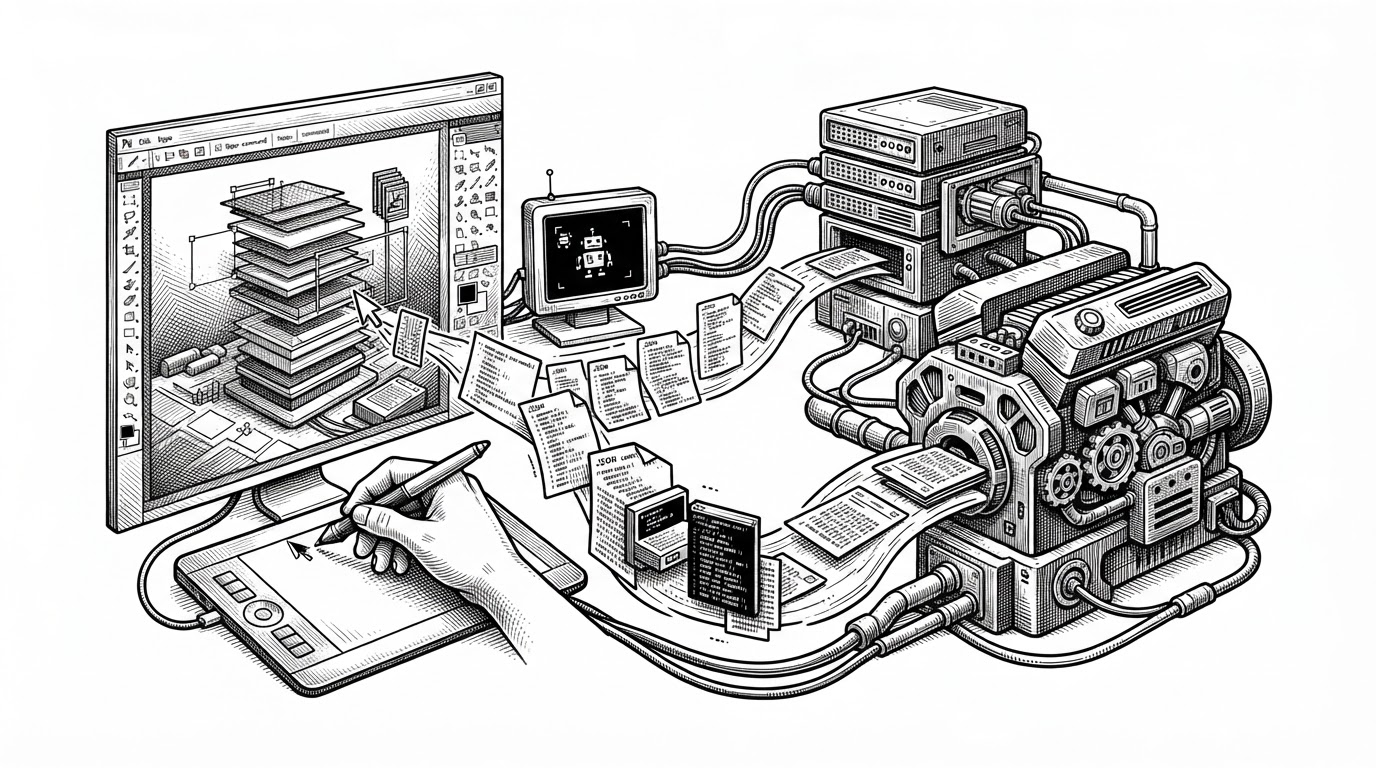
Most image editors expose automation as an afterthought. PhotoCraft flips that relationship. Its command system is not a plugin lane bolted onto a GUI, it is the core route through which editing intent moves.
That matters because it changes the product shape. A human click, a script, or an agent can all talk to the same editor in the same language. PhotoCraft starts to look less like a clone and more like a programmable image engine wearing a familiar Photoshop-shaped interface.
The Control Plane Behind the Canvas
The repo's automation layer makes the idea concrete. PhotoCraft exposes a localhost control server, uses token-based authentication, and limits connections so the editor does not become an open socket with a UI attached.
That setup is small but important. It means the command registry can serve both the interface and external automation. In practice, that is the bridge from a normal creative app to something MCP-style agents can actually drive.
{"action":"set_brush_size","layer":"adjustment-3","value":24}The point is not that PhotoCraft has APIs. The point is that edit operations are first-class data. Once intent is serializable, the editor becomes much easier to test, script, replay, and eventually delegate.
Clean-Room Photoshop, Rebuilt in Rust
PhotoCraft is not trying to redefine image editing from first principles. It is trying to rebuild the familiar Photoshop workflow in a clean-room way, with Rust instead of a web stack or Electron shell.
That is a harder problem than it sounds. PSD round-tripping, adjustment layers, patterns, and layer styles all have to behave close enough to the incumbent that users can move real files through the system without losing trust.
| Project | Control model | Runtime model | Primary bet |
|---|---|---|---|
| Photoshop | Closed UI and native tools | Proprietary desktop app | Industry standard fidelity and ecosystem |
| GIMP | Traditional desktop UI | Native open-source app | Deep editing power with a different workflow |
| Photopea | Browser-first editor | Web app | Convenience and broad compatibility |
| Graphite | Node-based composition | Rust-native editor | Modern non-destructive design |
| PhotoCraft | Serializable command stream | Pure Rust desktop, CLI, and web targets | Photoshop parity plus agent-ready automation |
The comparison is useful because it clarifies the ambition. PhotoCraft is not trying to win by being novel in the UI. It is trying to win by making familiar workflows programmable without losing the native-app feel.
The Engine Choices That Make It Credible
The codebase is split like a serious platform project. Apps live in one part of the workspace, while the engine is broken into focused crates for raster handling, GPU work, PSD support, automation, and algorithms.
That separation is what makes the project legible. It is easier to reason about a filter crate that only handles image math, or a PSD crate that only deals with file structure, than a monolith that mixes UI, storage, and rendering concerns.
A few engineering choices stand out. Filters work on normalized floating-point data so the same code can handle multiple bit depths. Tiled rendering uses halo handling so parallel work does not leave seams. Saves are atomic, so an interrupted write does not destroy the previous file.
The no-unsafe policy is a strong signal too. In a high-performance editor, that is not a purity test. It is a statement that the core system should be fast, but still boring in the places where users need boring.
The Hardest Problem Is Not Filters. It Is Failure
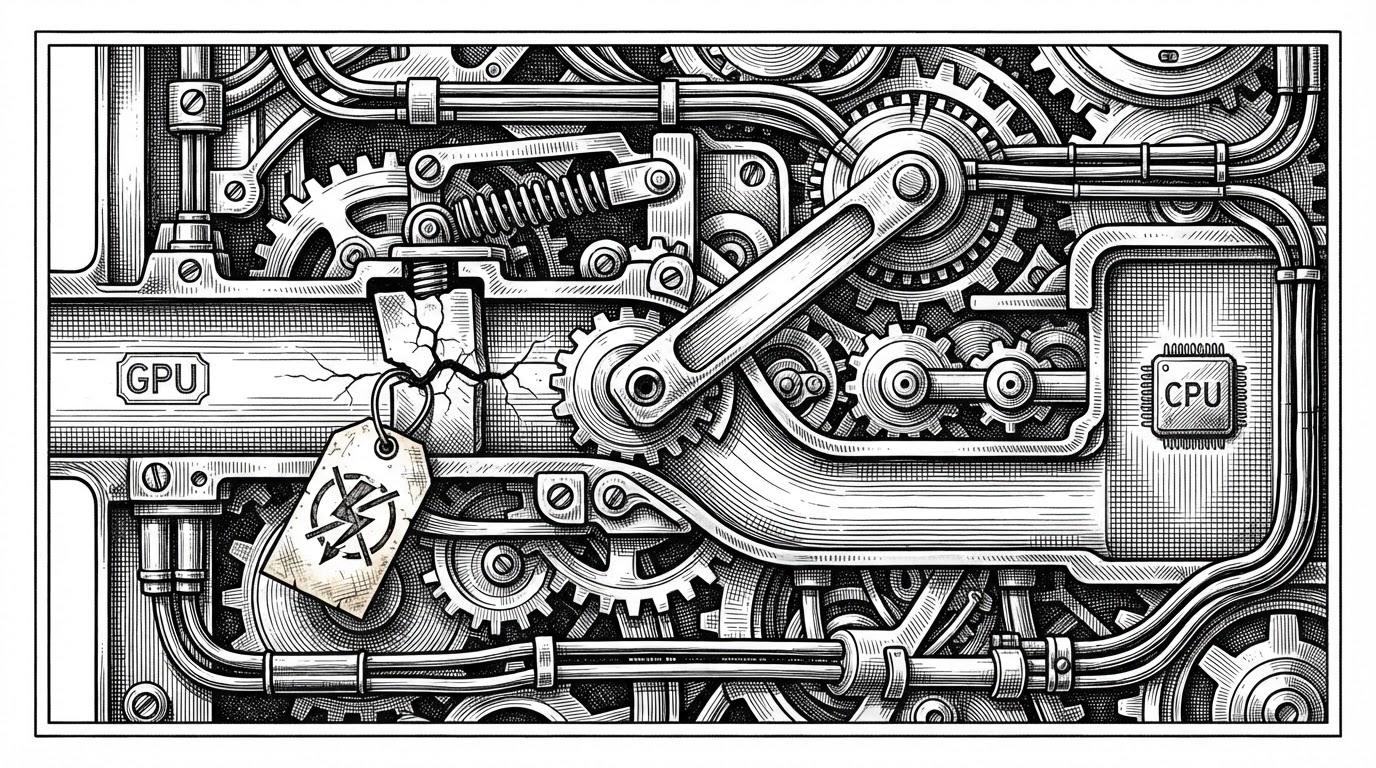
The smartest reliability work in the repo sits in GPU startup. The project treats driver trouble as an expected condition, not an edge case. If a graphics backend wedges, PhotoCraft falls back rather than stranding the user before the canvas even appears.
That is a product choice as much as a technical one. An editor earns trust when it opens, recovers, and keeps moving. PhotoCraft's fallback chain turns that idea into code.
I just one-shotted Photoshop. The whole thing. You're telling me it's not the entirety of photoshop? ... I wasn't ready for this to be posted on HN, but this is moving so fast. 99% parity will take a while, but I'm sure it'll be measured in months and not years.
How It Stacks Up Against the Alternatives
| Project | Strength | Weakness | Why PhotoCraft is different |
|---|---|---|---|
| Photoshop | Default pro standard | Closed and subscription bound | PhotoCraft wants familiar parity with open automation |
| GIMP | Open and capable | Workflow feels different to many users | PhotoCraft chases Photoshop-native habits more directly |
| Photopea | Fast browser access | Different runtime and platform model | PhotoCraft is native Rust with a command server |
| Graphite | Modern Rust architecture | Different editing philosophy | PhotoCraft stays closer to layer-based Photoshop behavior |
PhotoCraft's market position is easy to summarize and hard to execute. It is not just another open-source editor. It is an attempt to make professional image editing both native and machine-addressable.
That combination is the bet. If it works, the app is not only a Photoshop alternative. It is a better substrate for the workflows that are starting to matter now, where humans and agents share the same tool surface.
The Bet PhotoCraft Is Making
The project is still early, and the README's caution matters. But the architecture tells a bigger story than a feature checklist. PhotoCraft assumes the next creative tool will need to be reliable, scriptable, and usable by an agent without becoming a science experiment.
That is the most interesting thing about it. The UI may look like the past, but the control model points forward.