Resume-Builder: The AI Pipeline That Turns a Messy CV Into Structured Data
A MERN app that uses AI to parse raw resume text into MongoDB, swaps templates without changing the data model, and leans on the browser for PDF output instead of heavy server-side rendering.
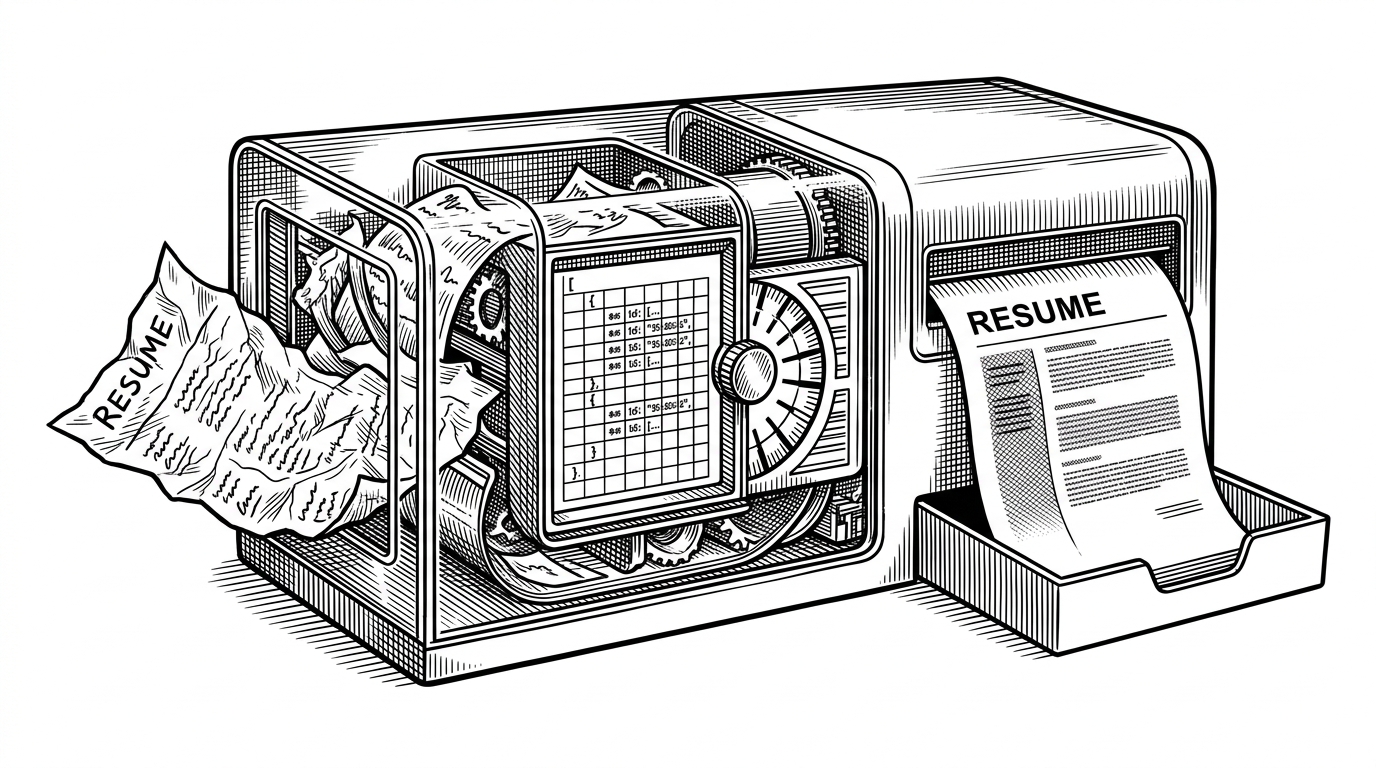
- Resume-Builder treats resume creation as a data pipeline, not a document editor, which makes the app easier to extend and reason about.
- Its AI layer is most interesting when it produces schema-safe JSON, because that turns messy input into durable application state.
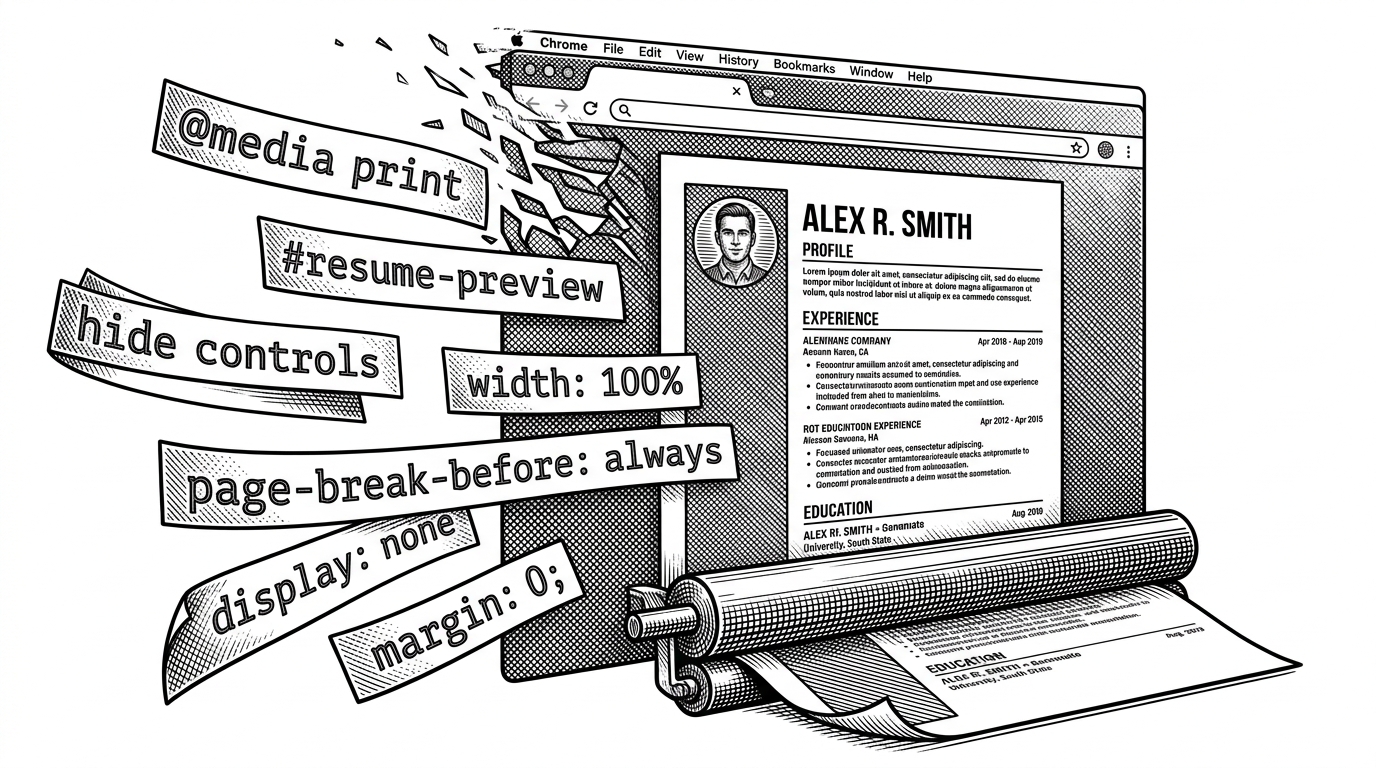
- The browser print stack keeps PDF export lean by hiding app chrome with CSS instead of adding a server-side renderer.
- Template changes stay modular because the same resume data can feed multiple visual skins without changing the underlying model.
The resume builder that behaves like a parser
Most resume tools start with fields and end with export. This repo starts with a blob of text and ends with a structured document. That shift matters because it changes the product from a form editor into a transformation system.
The surprising part is how little machinery it needs. A user can paste or upload raw resume content, the backend turns it into schema-shaped data, and the frontend can preview that same object across templates. The result is a cleaner separation between input, structure, and presentation.
How the AI layer turns text into schema
The backend controller is the real brain of the app. The research points to three AI tasks: enhancing professional summaries, rewriting job descriptions, and handling the structured resume upload flow. The last one is the key move because it asks the model for machine-safe output, not freeform prose.
That matters. A good resume assistant does not just make sentences prettier. It needs to map loosely organized content into predictable fields that a database can store and the UI can render. In this repo, the goal is less “write for me” and more “normalize this into something the rest of the system can trust.”
{
  "summary": "Concise professional summary",
  "experience": [
    {
      "company": "...",
      "role": "...",
      "startDate": "...",
      "endDate": "...",
      "highlights": ["...", "..."]
    }
  ],
  "education": [
    {
      "school": "...",
      "degree": "..."
    }
  ],
  "skills": ["..."]
}
Why the browser prints the PDF
The print story is quietly elegant. Instead of introducing a separate PDF service, the app uses browser print behavior and CSS to isolate the resume from the surrounding interface. The preview becomes the export surface.
| Approach | Export strategy | AI role | Template flexibility | Infrastructure weight | Tradeoff |
|---|---|---|---|---|---|
| Browser print CSS | Native print dialog, no server renderer | Schema extraction and copy enhancement | High, because templates are data-driven | Low | Depends on browser behavior and careful print styles |
| Server-rendered PDF | Headless render or PDF library | Often optional or separate | Medium | Higher | More infrastructure and more failure points |
| Commercial builders | Hosted export pipeline | Usually hidden behind product features | Medium to high | Medium to high | Polished, but less transparent and less portable |
Templates as a switch, not a fork
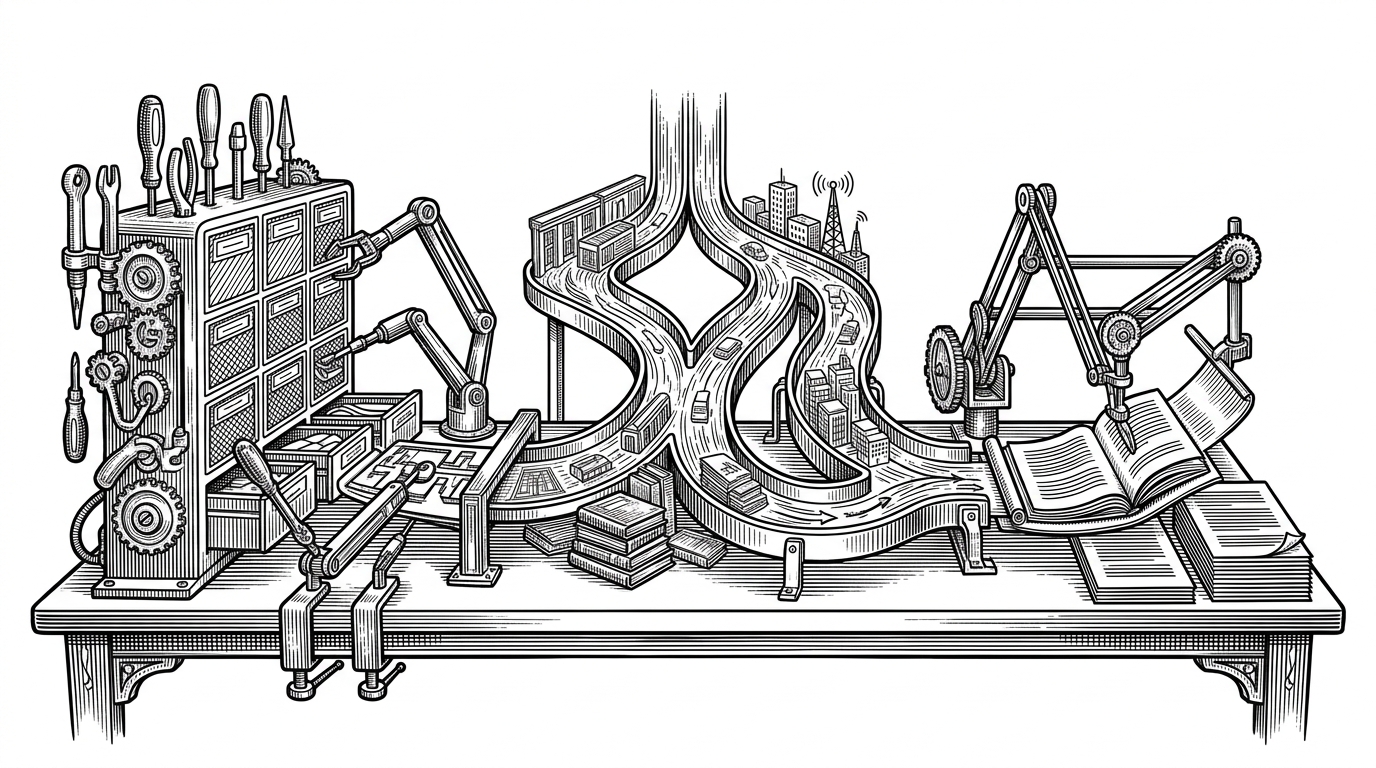
This is where the architecture starts to feel modular. The preview component routes the same resume data into specialized templates through a switch-case pattern, which means design variation does not force a new data model. That is a good sign for maintainability.
In practice, it means the app can offer different visual styles without letting presentation logic leak into storage or AI output. The data stays stable. The skin changes.
The image pipeline that quietly upgrades trust
The background-removal flow is smaller than the AI parser, but it serves the same architectural instinct. ImageKit handles transformations at the API level, including background removal, so the frontend does not need to solve image processing in the browser.
That keeps the interface simpler and the output more professional. For a resume, image quality is part of credibility. A clean headshot or profile image is one of those details that users notice even when they do not consciously register the pipeline behind it.
- API-level image transformations reduce frontend complexity.
- Background removal improves profile image presentation without a separate canvas workflow.
- The feature fits the repo’s pattern: push transformation work into specialized services.
How this stacks up against mainstream resume builders
Compared with Reactive Resume, JSON Resume tools, and commercial services like Resume.io, Zety, and Canva, this repo is not trying to win on breadth. It is optimizing for a narrower thesis: structured AI intake, modular template rendering, and lightweight export.
| Project type | Best at | What it sacrifices |
|---|---|---|
| This repo | Turning raw text into schema-backed resume data | Polish, depth of features, and maturity |
| Reactive Resume | Broad feature set and established open-source UX | Simplicity and the focused AI ingestion story |
| JSON Resume ecosystem | Portable resume data format | End-user polish and opinionated workflow |
| Commercial builders | Templates, polish, and guided UX | Transparency, portability, and customization control |
What this architecture gets right, and where it is brittle
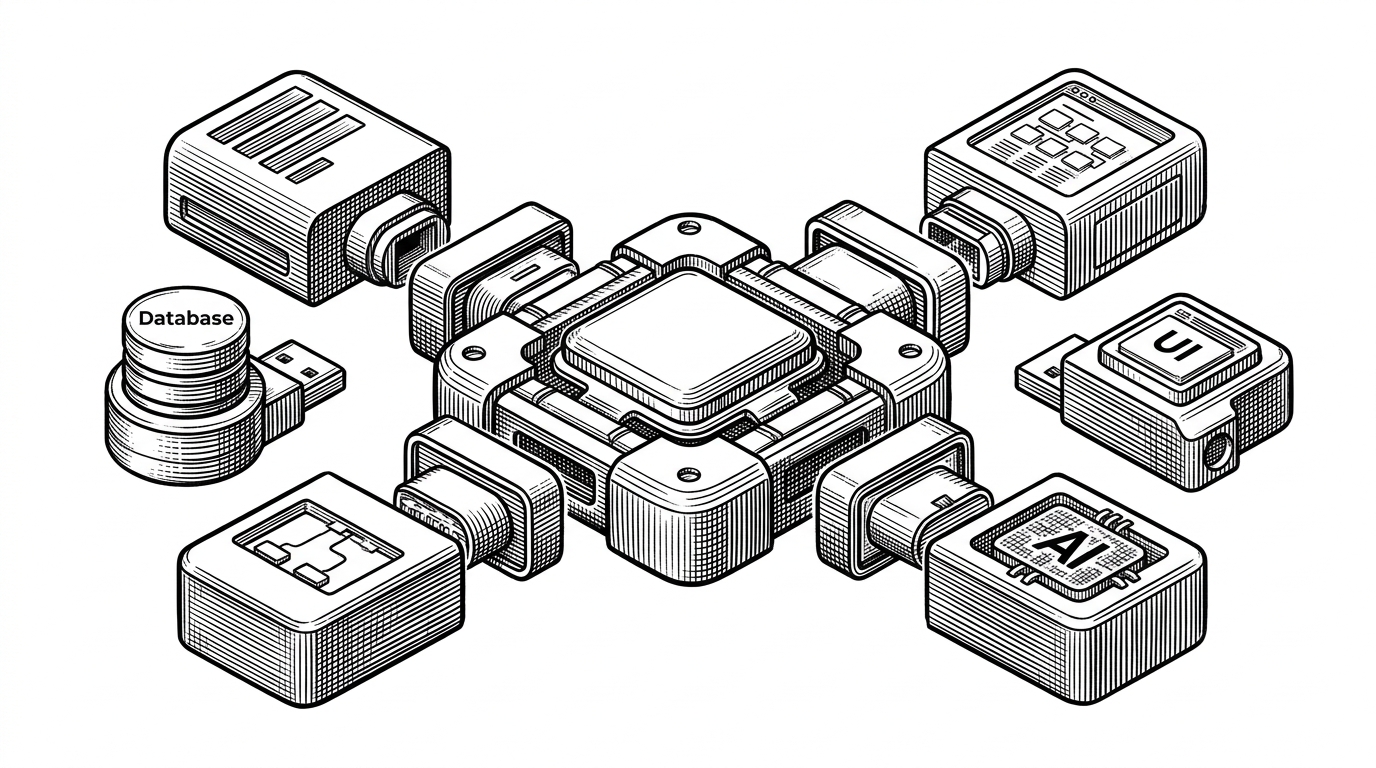
The strongest decision here is separation of concerns. AI handles normalization, MongoDB stores the structured record, templates handle appearance, and the browser handles print output. Each layer does one job.
The weak spot is equally clear. Any system that asks AI to produce structured output lives or dies on validation and prompt discipline. If the schema drifts, the whole pipeline gets noisy. That is not fatal, but it is the first place a real production version would need stronger guardrails.