Azure-Samples/azure-search-openai-demo: The RAG Template That Shows Its Work
A deep look at the Azure sample that turns enterprise search, semantic reranking, secure citations, and multimodal ingestion into one production-minded reference app.
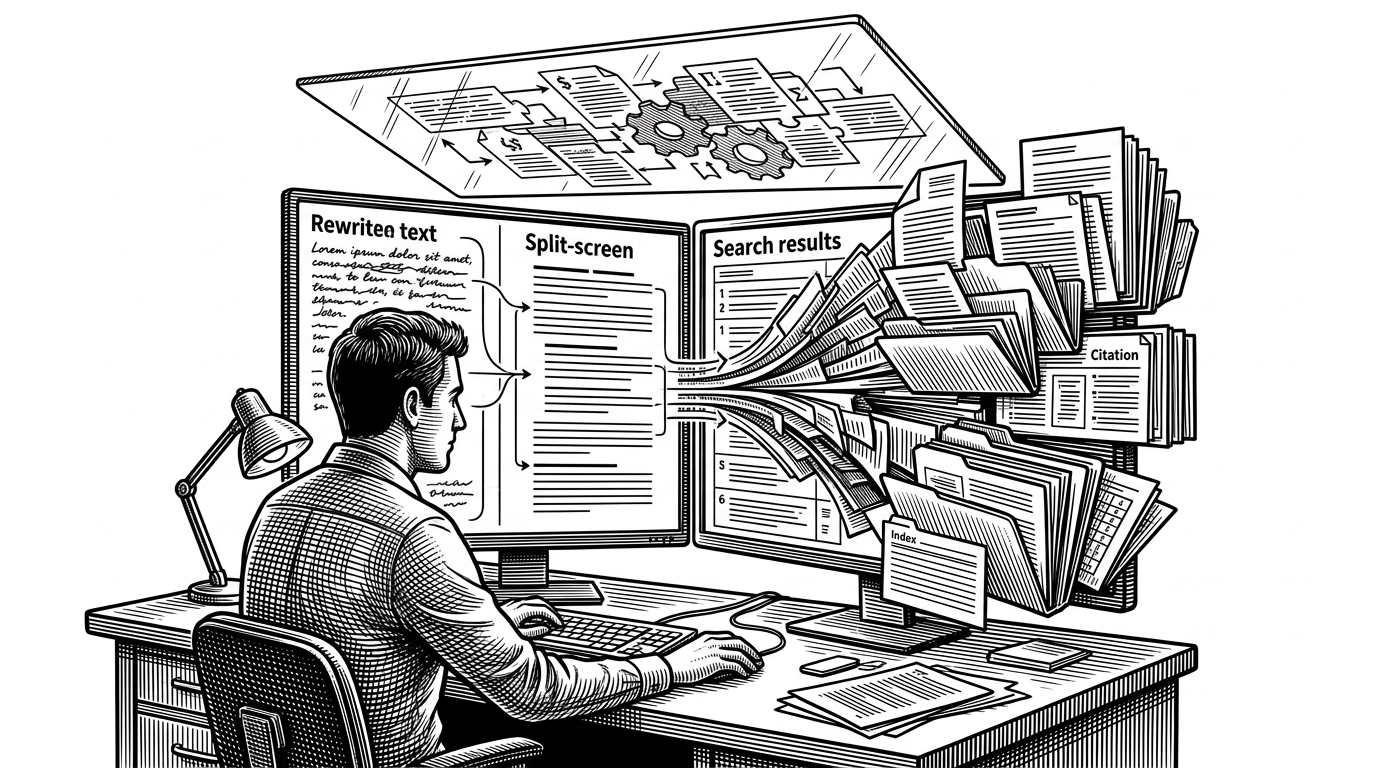

We've combined the power of Azure OpenAI Service with Azure Cognitive Search to create a unique experience that allows you to chat with your own data.
- This repo matters because it makes retrieval-augmented generation legible, not magical.
- Its signature contribution is a visible rewrite, retrieve, read loop with citations and a Thought Process panel.
- The sample treats ingestion, identity, and search ranking as product surfaces, not backend chores.
- Its value is less as a library than as an Azure-native blueprint for shipping enterprise RAG.
Most RAG demos promise a chat interface. This one promises something harder to ship: a system that can explain why an answer exists. The moment you open the app’s Thought Process view, the project stops feeling like a toy and starts feeling like an audit trail.
The app does not just answer. It explains.
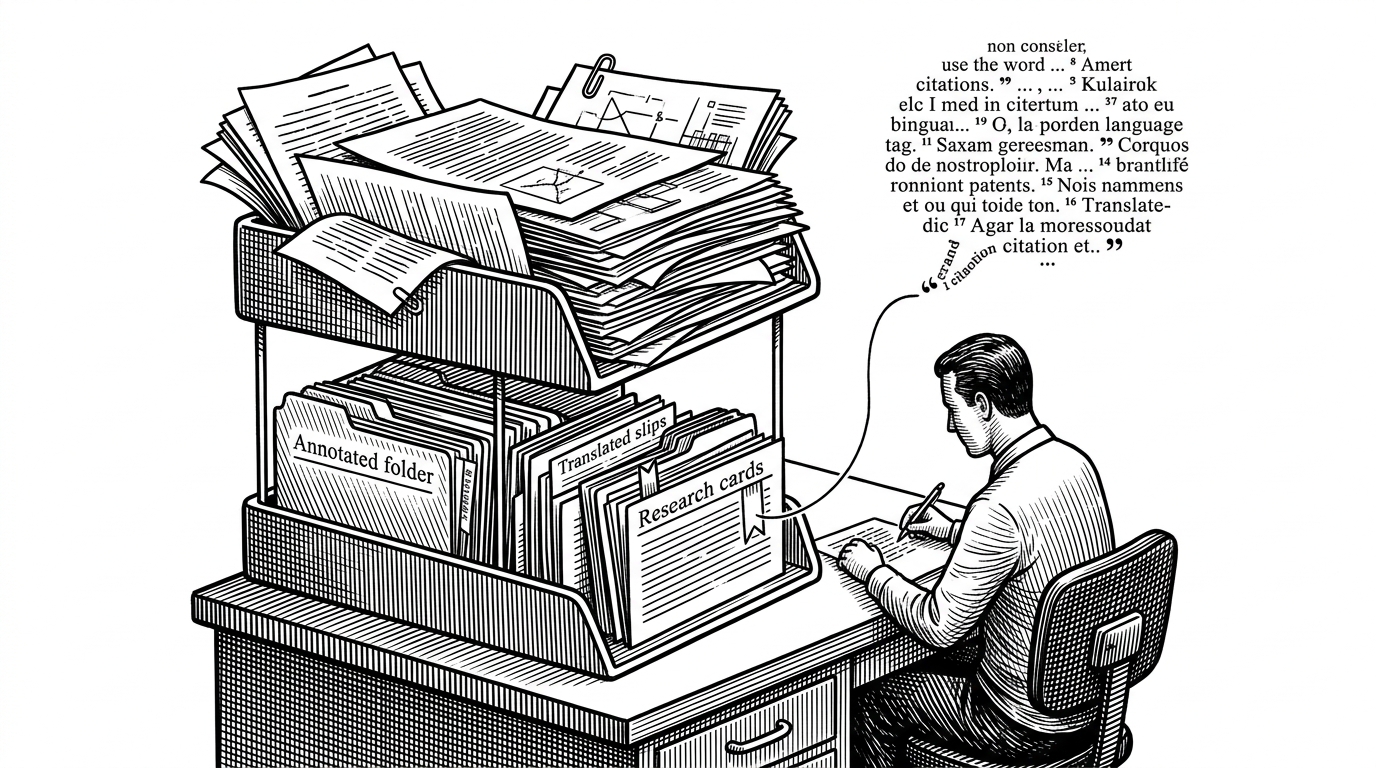
That is the central idea behind Azure-Samples/azure-search-openai-demo. A user asks a question, but the app surfaces the rewritten query, the retrieval path, and the citations that shaped the final response. For enterprise teams, that is not a nice-to-have. It is the difference between a demo you admire and a system you can debug.
Why Microsoft built the whole stack, not just a library
This is a Microsoft sample, but it behaves like a reference architecture. The repo ties together frontend, backend, search, identity, ingestion, and deployment so the hard parts live in one place. That matters because enterprise RAG fails in the seams: auth, citations, observability, and infrastructure are where nice ideas go to die.
This sample demonstrates how to implement the RAG (Retrieval-Augmented Generation) pattern, which is a powerful way to enhance the capabilities of large language models by grounding them in your own data.
The real core is a three-step retrieval loop
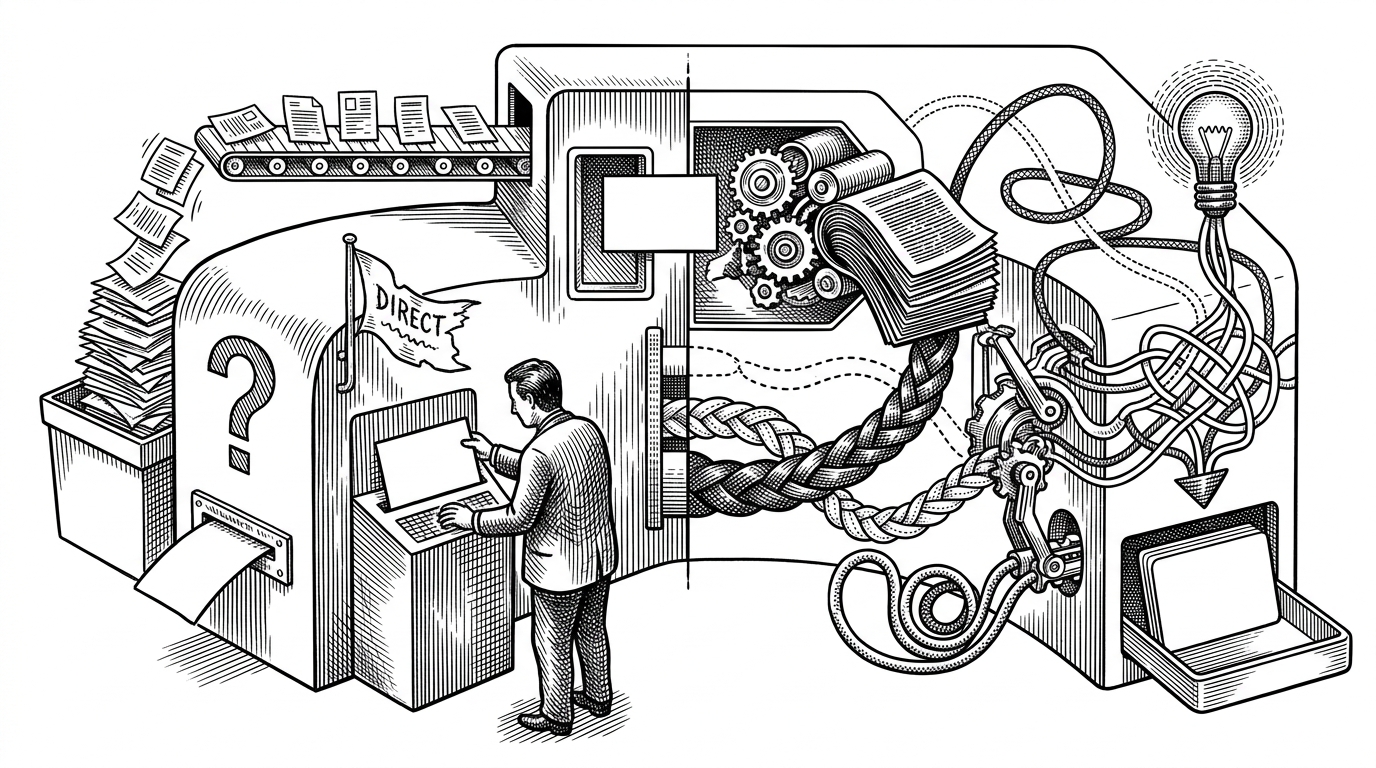
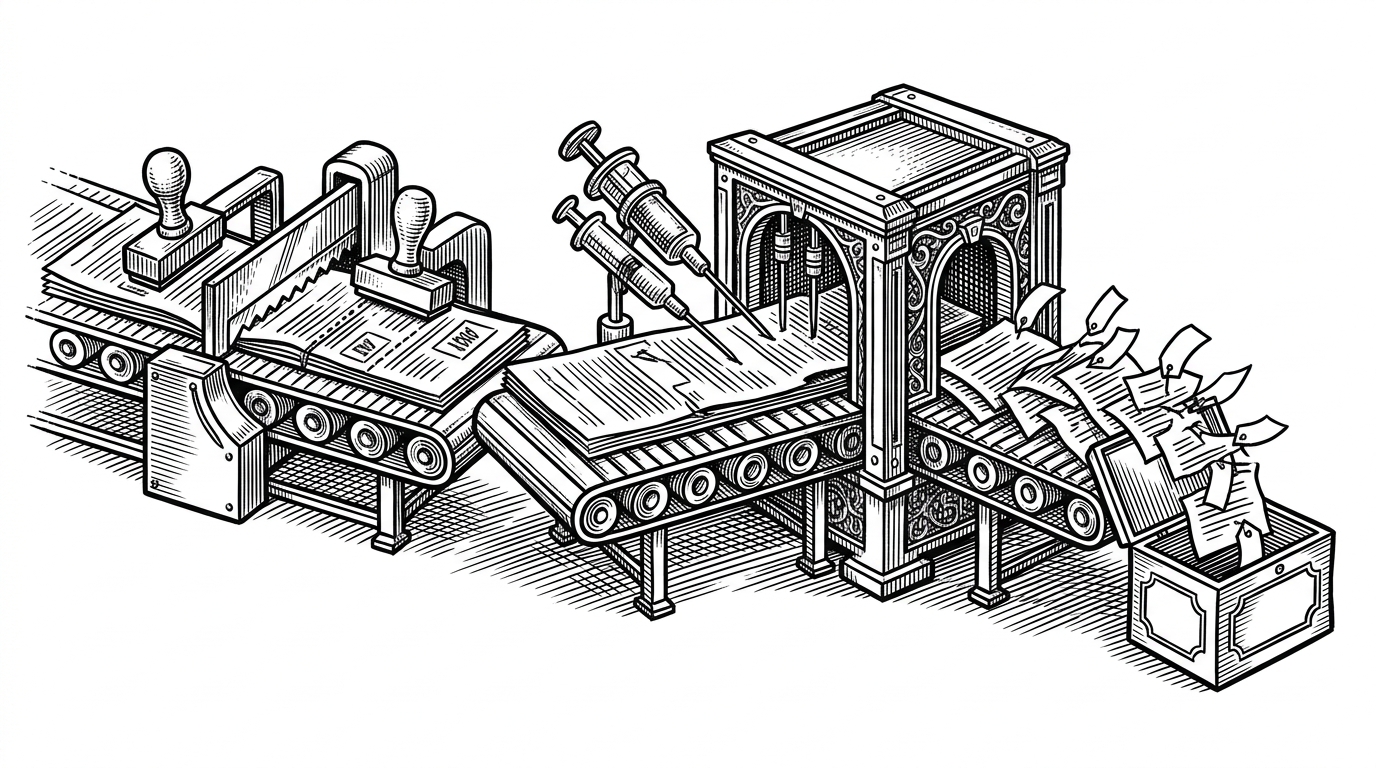
At the heart of the backend is a simple pattern: rewrite, retrieve, read. The user’s question and conversation history are first condensed into a better search query. That rewritten query then fans out into Azure AI Search. The best matches are passed into the model, which composes a grounded answer from the retrieved context.
# Conceptual flow from the backend approach layer
rewritten_query = rewrite_question(chat_history, user_question)
results = search(rewritten_query, modes=["vector", "keyword", "hybrid"])
ranked = semantic_rank(results)
answer = synthesize_answer(ranked, chat_history)
return {
    "answer": answer,
    "citations": extract_citations(ranked),
    "thought_process": build_thought_steps(rewritten_query, ranked),
}
Retrieval is not one search. It is a stack of search behaviors.
The repo teaches a decision system, not just an API call. It can combine keyword and vector retrieval, then let Azure AI Search’s semantic ranker reorder the results before the model sees them. That layered approach is the difference between "found something" and "found the right thing."
| Layer | Plain vector demo | This Azure sample |
|---|---|---|
| Query handling | Send the user prompt as-is | Rewrite the question before retrieval |
| Retrieval | Single vector lookup | Hybrid search with keyword and vector signals |
| Ranking | Top-k similarity only | Semantic reranking before answer generation |
| Transparency | Hidden chain of thought | Thought Process UI shows the path |
| Output | Answer text | Answer text plus citations and provenance |
The implementation also leans on strategy classes under approaches/, which makes the retrieval logic swappable instead of hardwired. That is useful in production because search behavior changes faster than UI expectations.
The ingestion pipeline is where enterprise becomes real
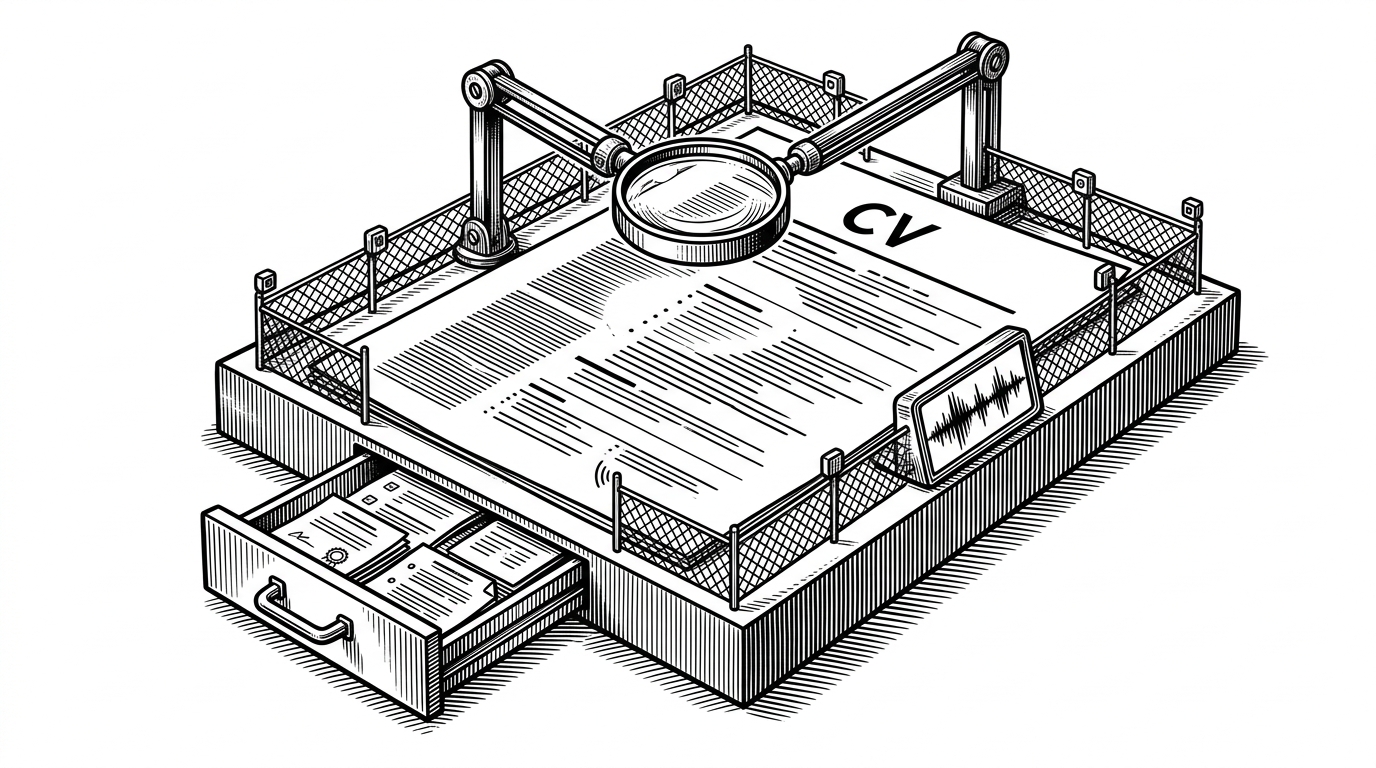
If the frontend is the promise, prepdocs.py is the machinery that keeps it honest. The pipeline parses files, chunks content, generates embeddings, and loads documents into Azure AI Search. Integrated vectorization can even push part of the embedding work into the search service itself, which is exactly the kind of detail teams need when the corpus is large or messy.
This is also where the sample stops looking like a notebook and starts looking like a platform. Documents are not an afterthought. They are the product, and the ingestion path is part of the user experience because it determines what the model can know.
Security is not bolted on here
The repo treats identity and access as part of retrieval, not a separate concern. Microsoft Entra ID, RBAC, and permission-aware citations help ensure users only see what they are allowed to see. That is a major differentiator versus generic RAG demos, which often discover security only after the first internal pilot goes sideways.
| Concern | Generic RAG demo | This Azure sample |
|---|---|---|
| Identity | Optional or deferred | Integrated with Microsoft Entra ID |
| Citation access | Assumed public | Permission-aware content delivery |
| Deployment | Ad hoc | Bicep and azd friendly |
| Observability | Usually missing | OpenTelemetry and Azure Monitor aligned |
Multimodal support hints at where RAG is going
The sample is not frozen in text-only search. Image embeddings and media description support point toward a broader model of document understanding, where charts, screenshots, and layouts can become first-class retrieval targets. That shift matters because many enterprise documents are visual before they are textual.
The result is a sample that keeps moving up the abstraction ladder. It starts with chunks and citations, then pulls in images and richer document interpretation without abandoning the core RAG discipline.
Why this sample still matters compared with LangChain, LlamaIndex, Semantic Kernel, and AWS
The cleanest way to read this repo is as an application template, not a framework. LangChain and LlamaIndex are broader libraries. Semantic Kernel is a middleware layer. AWS has its own enterprise search solution. Azure-Samples/azure-search-openai-demo is different because it gives you an opinionated Azure-native stack with a working UI, deployment path, security defaults, and a retrieval story you can inspect.
| Option | What it is | Why this repo is different |
|---|---|---|
| LangChain | General-purpose LLM framework | This repo is a full application template, not a library |
| LlamaIndex | Data framework for LLM apps | This repo is more deployment-ready and Azure-specific |
| Semantic Kernel | Microsoft orchestration SDK | This repo is simpler and more transparent about the underlying calls |
| AWS enterprise search | Cloud-specific enterprise solution | This repo is tightly aligned to Azure identity, search, and deployment |
That is why the sample has endured. It does not just show what is possible. It shows what a serious Azure RAG app needs before anyone can trust the answer.