Swiggy-: The MERN Clone That Still Works When MongoDB Doesn’t
A closer look at the database fallback, dual-mode controllers, and time-based order tracking that make this repo feel production-ready without production complexity.
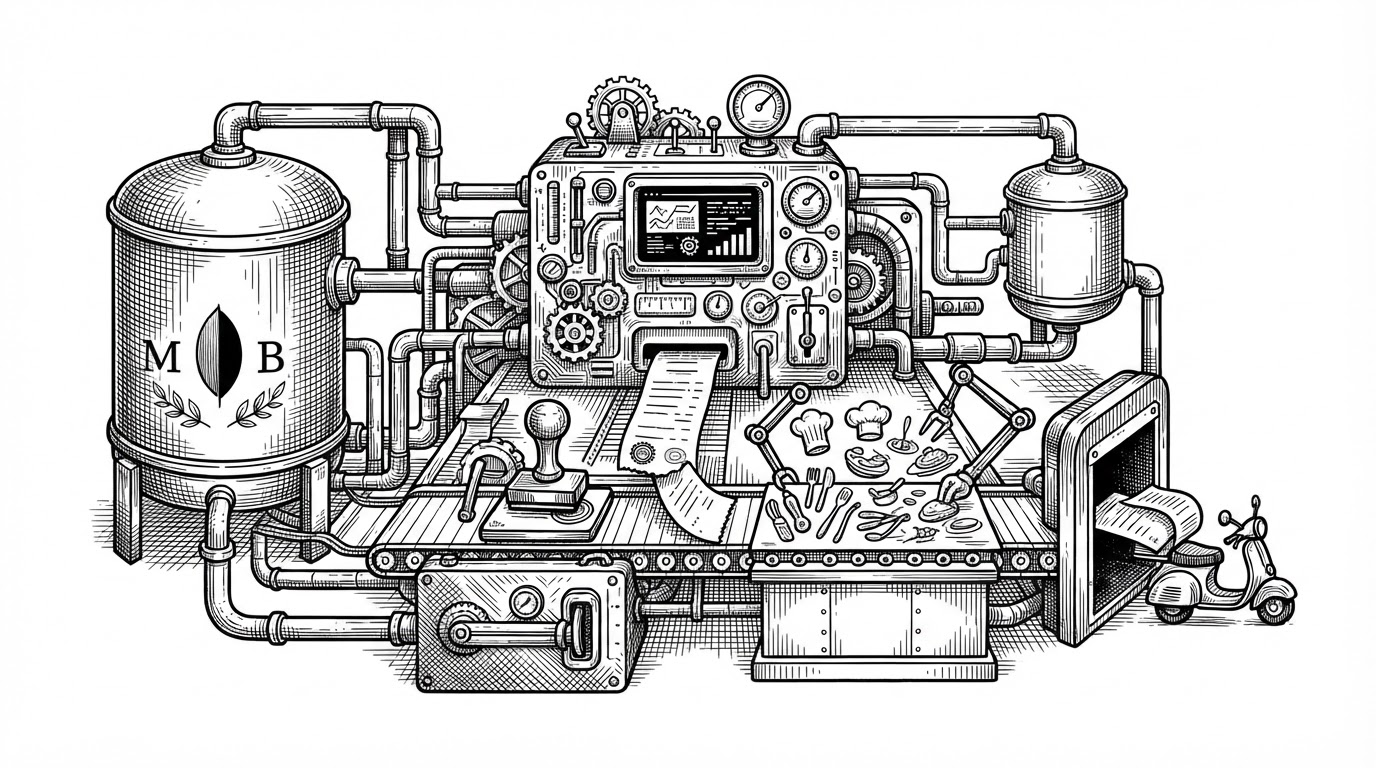
- Swiggy- treats database availability as a runtime detail, not a gate that blocks the demo.
- Its controllers preserve one API shape while switching between MongoDB queries and in-memory JavaScript logic.
- The order tracker simulates motion with elapsed time, which gives the app a live feel without WebSockets or a queue.
- The repo’s strongest lesson is how to lower setup friction without sacrificing the feeling of a complete product.
The clone that doesn’t need its database to impress you
Most clones try to win by looking polished. Swiggy- wins earlier than that: it is built so you can run it, click around, and understand it even if MongoDB is missing. That makes the repo feel less like a static portfolio piece and more like a demo architecture with a safety net.
The practical effect is simple. A reviewer does not have to solve infrastructure before the app becomes legible. That lowers the entry cost, but it also telegraphs a design philosophy: keep the experience consistent, even when the storage layer changes underneath it.
How the app chooses between MongoDB and memory
The backend’s strongest move is its dual-mode behavior. When MongoDB is connected, the controllers use normal database queries. When it is not, they fall back to in-memory arrays and native JavaScript filtering and sorting, while still returning the same kind of response to the frontend.
// Conceptual shape of the controller logic
if (getDBStatus()) {
  return await Restaurant.find({
    $or: [
      { name: /query/i },
      { cuisines: /query/i },
      { "menuItems.name": /query/i }
    ]
  })
}

return inMemoryRestaurants
  .filter(r => matchesQuery(r, query))
.sort((a, b) => b.rating - a.rating)| Mode | What changes | What stays the same |
|---|---|---|
| MongoDB connected | Queries hit the database and use its search and sort capabilities. | The frontend still receives the same API shape. |
| MongoDB unavailable | Controllers fall back to JavaScript arrays, filters, and sorts. | Users can still browse and test the app immediately. |
| Production-like UX surface | The app keeps cart, auth, and tracking flows intact. | The experience feels complete even when persistence is simplified. |
Why the order tracker feels live without real-time infrastructure
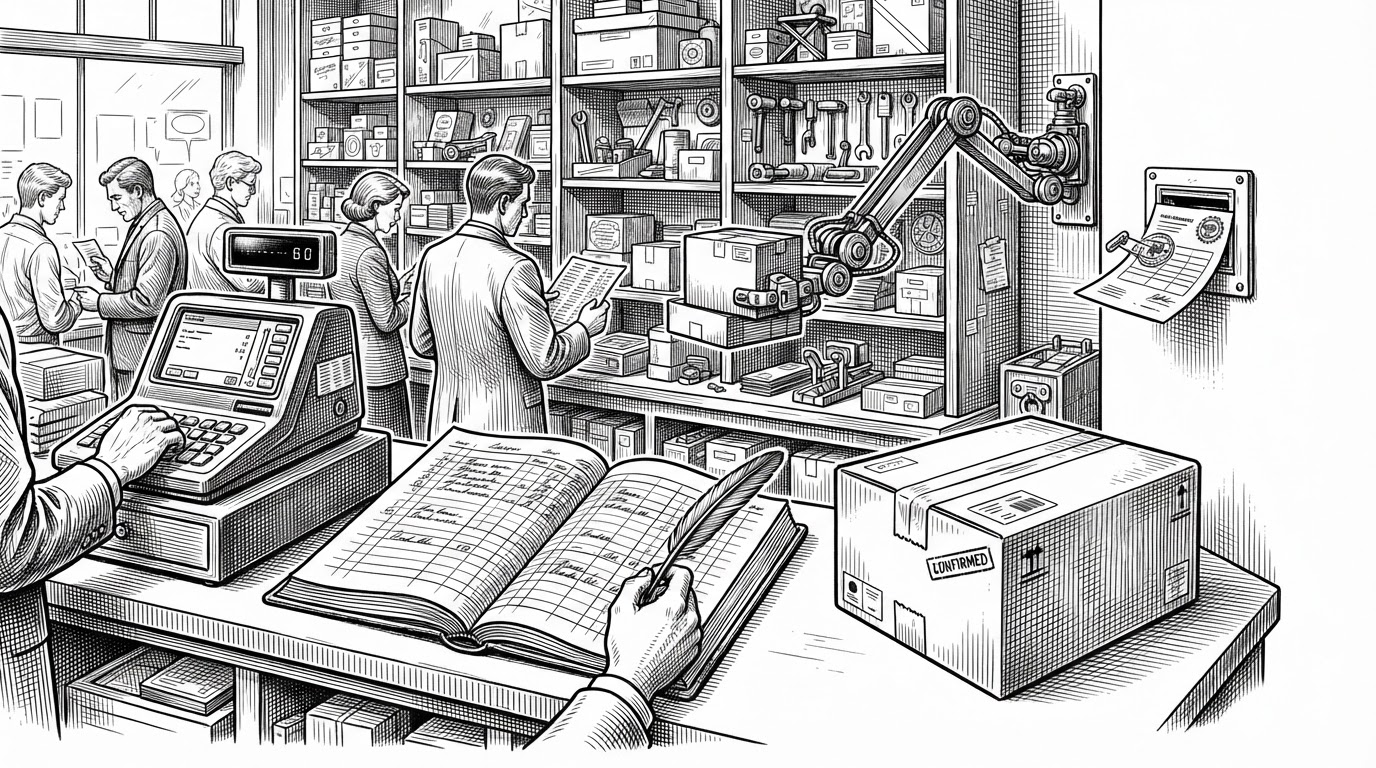
The most memorable trick in the repo is the order tracker. Instead of relying on WebSockets or a queue, it derives status from elapsed time since createdAt. That means a fresh order can appear confirmed, then preparing, then out for delivery as time passes, all from a simple calculation.
It is a small idea with a big payoff. The interface feels active because the state changes are predictable and readable, not because a lot of infrastructure is hiding behind the curtain. For a demo clone, that is exactly the right trade-off.
A storefront built to look expensive
The frontend does not behave like a barebones clone. Tailwind, Framer Motion, skeleton loaders, cart interactions, and celebratory touches like confetti push the app toward the feel of a polished consumer product. The point is not decoration for its own sake. The point is to make the flows feel trustworthy.
That polish matters because the backend is already making a bold promise: this is a working demo, not a half-built scaffold. The UI has to carry that claim, and it does. The result is a storefront that feels more expensive than the amount of setup it asks from you.
| Feature | What it does | Why it matters |
|---|---|---|
| Skeleton loaders | Reserve space while content loads. | The app feels responsive instead of empty. |
| Conflict warning modal | Blocks items from different restaurants in one cart. | The checkout flow matches real delivery-app constraints. |
| Confetti and motion | Adds a celebratory finish to order placement. | The demo lands with a product-like sense of completion. |
The trade-off: perfect for demos, dangerous in production
The same choices that make Swiggy- friendly can also make it fragile in the wrong context. Demo login shortcuts, optional auth fallbacks, and in-memory state are ideal when your goal is onboarding and exploration. They are not acceptable if the app is expected to hold real users or real orders.
That is not a flaw in the repo’s purpose. It is the purpose. The code is honest about what it optimizes for: frictionless demonstration, convincing behavior, and a consistent API surface. It is a prototype with discipline, not a production system pretending to be one.
What this repo teaches better than a tutorial
The lesson here is bigger than food delivery. Good demos do not merely show features. They reduce setup friction, preserve API consistency, and simulate realism only where it changes the user’s experience. Swiggy- does all three.
That is why the repo stands out. It shows how to make a full-stack app feel complete before you have paid the full infrastructure cost. For a clone project, that is a surprisingly useful standard.