GlintCode Wants to Turn the Browser Back Into a Scripting Environment
A tiny runtime, a custom .glint loader, and aggressive global injection make this project feel less like a library and more like a language for the HTML era.
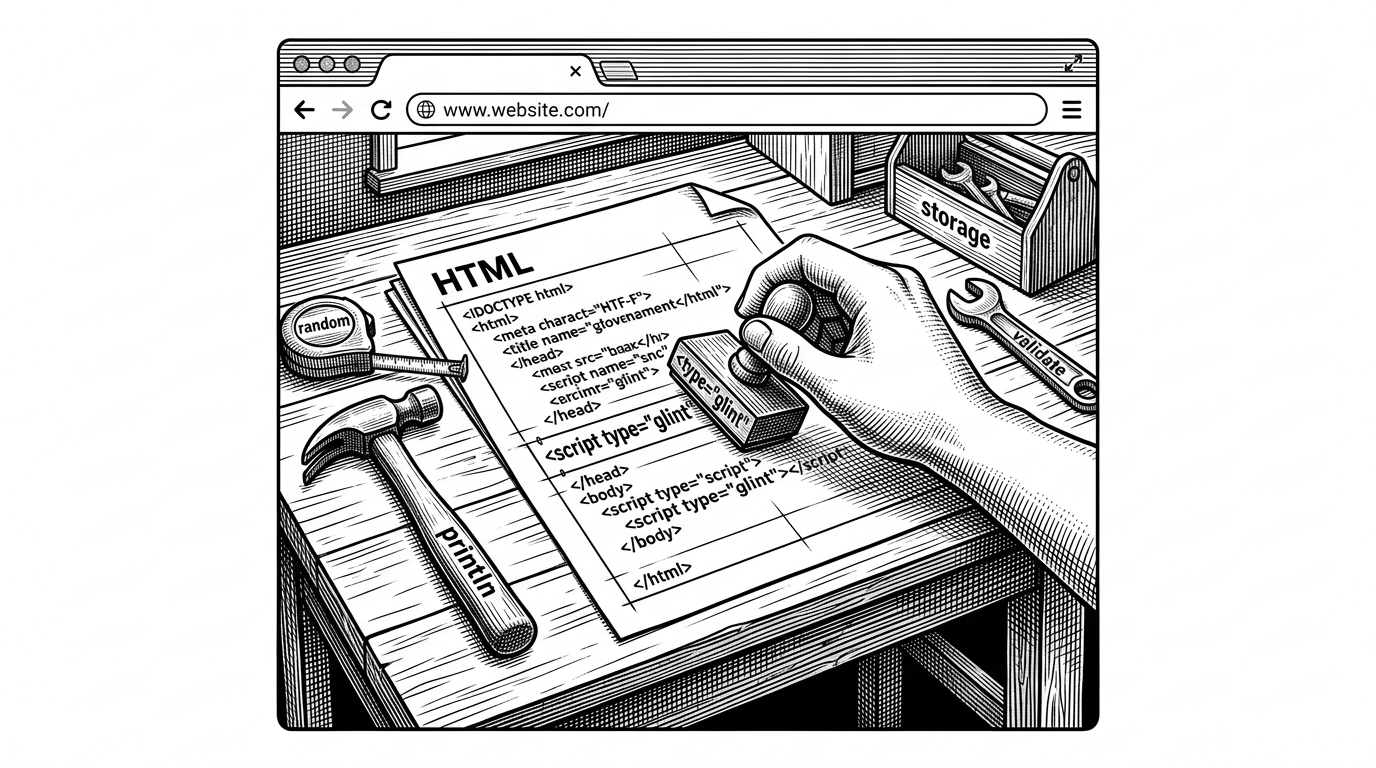
- GlintCode is most interesting as a browser scripting layer that tries to feel like a tiny language rather than a helper library.
- Its core trick is global injection plus a custom .glint loading path, which turns ordinary HTML into a bespoke execution surface.
- The built-ins compress common browser chores into friendlier verbs, but that same convenience makes the abstraction harder to reason about as projects grow.
- GlintCode competes less with React than with HTML-first, low-tooling approaches that trade power for immediacy.
Why GlintCode Feels Like a Language, Not a Library
Most tiny web projects promise less code. GlintCode promises a different feeling. It wants the browser to behave like it has a custom scripting layer, where a page can load a type="glint" script and immediately speak in its own vocabulary.
That is the useful provocation here. Instead of asking developers to think in packages, bundles, and framework conventions, GlintCode asks them to think in browser-native verbs: print, randomize, validate, persist, repeat. The result is closer to a DSL than a micro-library.
The Smallest Possible Runtime That Still Changes the Mental Model
The heart of the repo is glint.js. It is not a compiler in the usual sense. It is a browser runtime that claims custom script blocks, loads a project-level .glint file, and wires in a standard library built on native APIs.
module(name, functions) {
  this.modules[name] = functions;
  window[name] = functions;
}

async function loadModules() {
  const res = await fetch('.glint');
  const list = await res.text();
  // sequentially inject module scripts in order
}
That tiny registration pattern is doing a lot of work. By pushing modules onto window, GlintCode makes its helpers feel like language keywords. By reading a .glint file, it gives the project a dependency list without a package manager.
The Glint runtime executes your code directly in the browser while providing a clean standard library for output, math, strings, arrays, DOM manipulation, and more.
The Built-In Abstractions Are the Real Product
The interesting part is not just that GlintCode can load code. It is that it packages ordinary browser chores into friendlier language. The repo’s helpers wrap randomness, storage, validation, loops, and form building into a vocabulary that lowers the first step.

That matters because beginner tools usually fail in one of two ways. They are either too thin to help, or they hide so much that you never learn the underlying platform. GlintCode tries to sit in the middle, but the middle is unstable.
// Conceptual shape of the API surface
println('hello')
random(1, 10)
validate(formData, { required: true, email: true })
forever(() => update())
repeat(() => tick())
Where the Simplicity Helps, and Where It Starts to Leak
The upside is obvious. There is no build step, no install ceremony, and no dependency graph to untangle. A small project can stay in one HTML file and still feel structured.
The cost is also obvious. Global injection invites collisions. Hidden execution rules make debugging harder. And once the code grows, the path back to standard JavaScript is less clean than it looks at first glance.
| Project | Authoring style | Build step | New syntax | Runtime weight | Best fit |
|---|---|---|---|---|---|
| GlintCode | HTML plus browser-level scripting keywords | No | Yes, via globals and .glint loading | Very light | Beginners, prototypers, tiny apps |
| Alpine.js | HTML directives and small reactive snippets | No | No | Light | HTML-first interactivity |
| htmx | HTML attributes for server-driven UI | No | No | Light | Progressive enhancement |
| CoffeeScript | Source language that compiles to JavaScript | Often yes | Yes, but compiled away | Light to medium | People who want alternate syntax |
| PyScript | Python in the browser | Usually no traditional build step | Yes, through Python runtime | Heavy | Python-centric experiments |
GlintCode is closest to a language shell, not a framework. Alpine and htmx extend HTML. CoffeeScript historically compiled into JavaScript. PyScript brings a full runtime into the page. GlintCode stays smaller than all of them, and that is both its charm and its ceiling.
What GlintCode Is Really Competing With
This is not a React competitor. It lives in a different mental category. The real comparison set is a family of tools that try to make HTML more expressive without making developers learn a full app stack.
That is why the project feels historically familiar. Older web experiments often tried to let the browser host more than one way of writing behavior. GlintCode revives that instinct, but strips it down to a modern zero-config minimum.
--- Hello World --- Modules Glint supports optional modules loaded from a project-level .glint file.
The Case for and Against Browser-Native Mini Languages
The case for GlintCode is easy to respect. It makes small browser tasks feel immediate, readable, and self-contained. It reduces ceremony to a minimum and gives newcomers a friendlier on-ramp than raw DOM scripting.
The case against it is just as strong. The more a system depends on magical globals and custom loading rules, the more its clarity depends on staying small. That is a fine trade for demos, prototypes, and teaching. It is a harder trade for long-lived software.
GlintCode is interesting because it asks a serious question in a playful form: what if the browser could host a second, smaller programming style beside JavaScript? The answer may not be production software. But as a design idea, it is sharp.