WinUtil: The PowerShell Project That Treats Windows Like Configurable State
A look at how Chris Titus Tech built a GUI, a package launcher, and a reversible tweak engine out of plain PowerShell, JSON, and XAML.
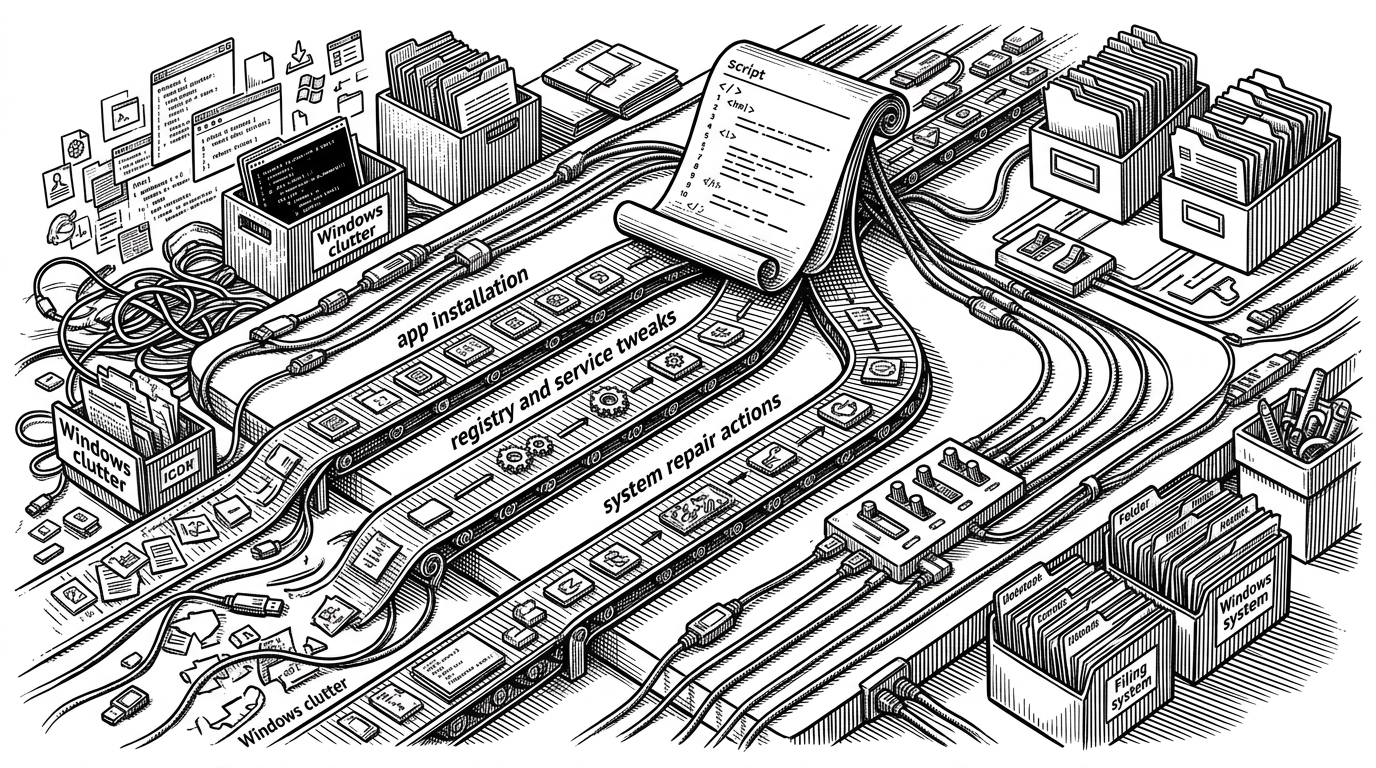
- WinUtil is best understood as a declarative Windows state manager, not a one-off debloat script.
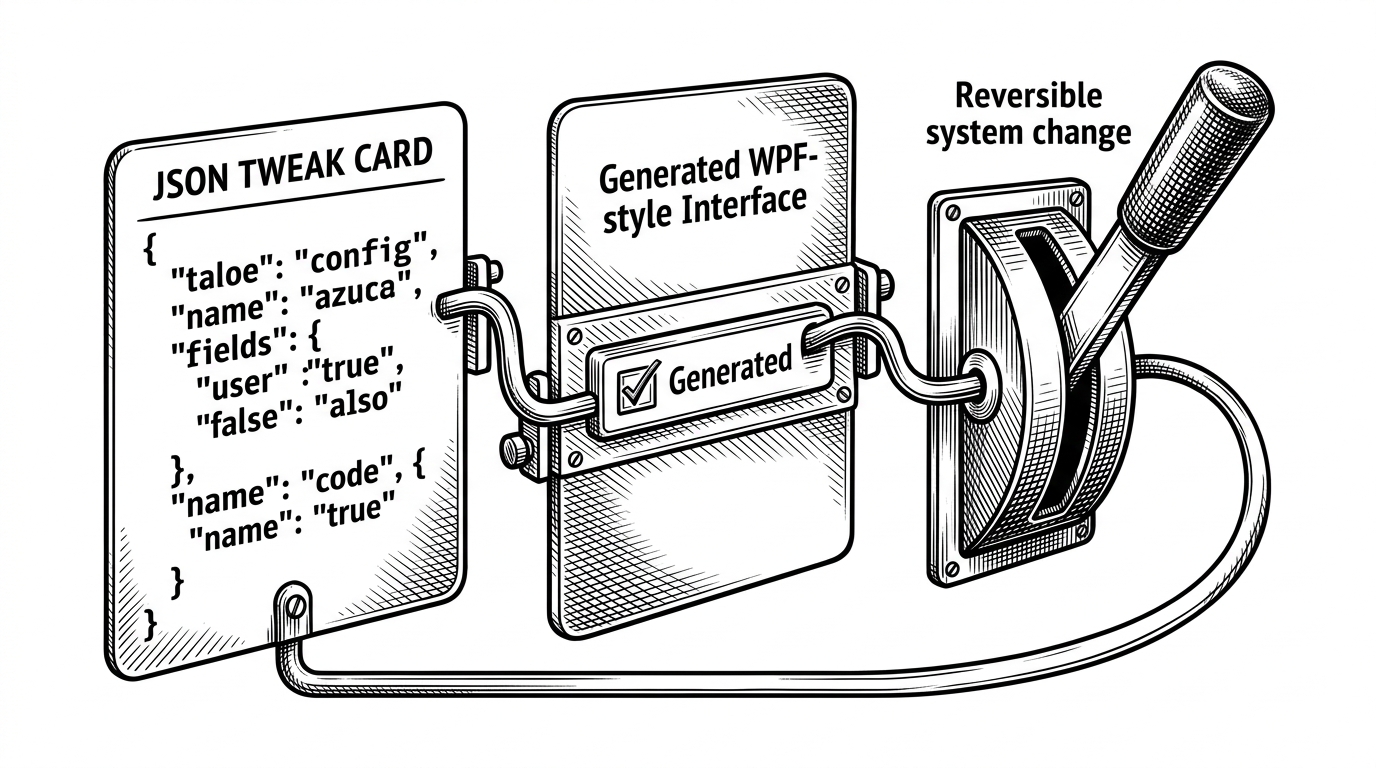
- A single data object can drive the UI, the action, and the undo path, which is why the tool feels simple without being simple underneath.
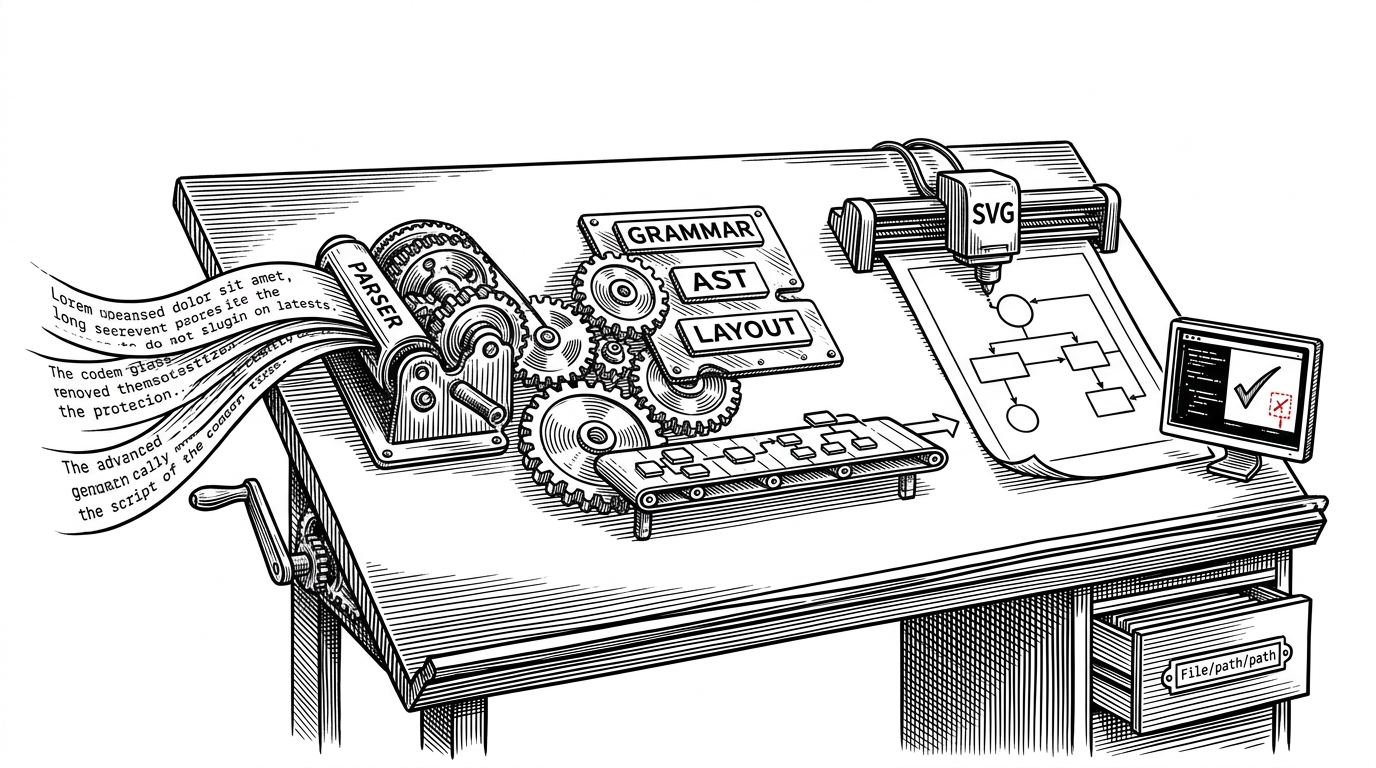
- Compile.ps1 is the real manufacturing line, turning modular source files into a single distributable script without collapsing the codebase into chaos.
- WinUtil stands out because it combines breadth, reversibility, and a GUI-first workflow in a space dominated by narrower scripts.
The Real Product Is the Model
WinUtil looks like a friendly Windows utility. Underneath, it behaves more like a lightweight state engine. The important move is not that it removes apps or flips registry keys, but that it treats those changes as data, then generates the experience around that data.
That changes the shape of the tool. Instead of a pile of hard-coded checkboxes, WinUtil can describe a tweak once and let the rest of the system turn it into interface, execution, and rollback. The one-liner is just the delivery mechanism.
I cannot recommend the Chris Titus Win Util enough here. It's a powershell GUI over power shell scripts overseen by one talented windows engineer with contributions from hundreds.
One JSON Entry Becomes a UI, an Action, and an Undo Button
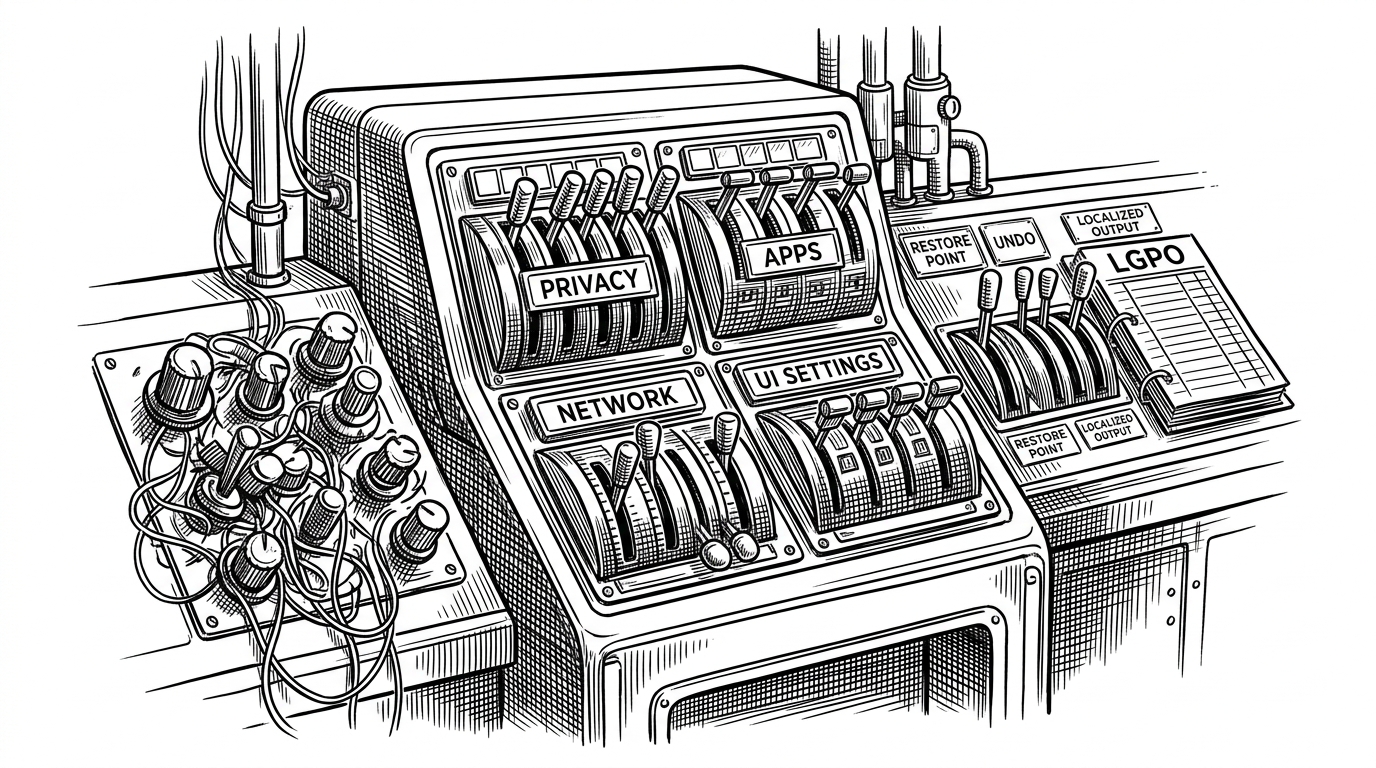
The repo’s core trick is easy to miss because it is spread across a few different layers. A tweak definition in config/tweaks.json carries the metadata, the apply logic, and the undo logic. The UI is generated from that same record, so the checkbox the user sees is not a separate invention. It is the rendered face of a data object.
{
  "name": "WPFTweaksHiber",
  "description": "Disable hibernation",
  "registry": [
    {
      "path": "HKLM:\\SYSTEM\\CurrentControlSet\\Control\\Power",
      "name": "HibernateEnabled",
      "value": 0,
      "type": "DWord"
    }
  ],
  "invokeScript": "powercfg /h off",
  "undoScript": "powercfg /h on"
}
That is the real product insight. A project that most people describe as a debloater is actually closer to a declarative control plane for Windows preferences. The GUI matters, but only because it makes the data model legible.
The Compiler Is the Secret Product Team
WinUtil’s maintainability comes from Compile.ps1. Rather than forcing contributors to work inside one giant script, the repo keeps functions, configs, and XAML separate, then assembles them into the final artifact at build time. That is a product decision as much as a technical one.
The result is a strange but effective split. Contributors edit modular source files. End users get a single PowerShell experience. The compiler is what lets those two realities coexist.
I've had good luck with the winutil tool, which is wrapper for a bunch of powershell commands and registry edits in a .ps1 to remove bloat. After using it on a fresh install I can't recall the last time I've had any of the mentioned issues.
PowerShell as Front End, Back End, and Build System
The stack is more interesting than it first appears. PowerShell handles orchestration. WPF and XAML handle the interface. JSON handles the configuration. Runspaces keep long tasks from freezing the app. The custom compiler handles release packaging.
That combination is why WinUtil feels intentional instead of improvised. It uses PowerShell in places where most teams would reach for a compiled desktop app, but it keeps the UX coherent by giving each layer a narrow job. The code base is opinionated about structure, not just about tweaks.
Why the UI stays responsive
Long-running work such as app installs or system repair runs off the main UI thread. The background worker updates the interface through dispatcher calls, which keeps the window alive while the heavy lifting happens elsewhere. That detail sounds small. It is the difference between a script and a tool.
Architecture snapshot: config data defines the task, XAML renders the control, a runspace executes the work, and the UI thread only paints state changes. The whole system is built to prevent the common failure mode of PowerShell GUIs, which is freezing the moment the interesting work begins.
Why Reversible Tweaks Matter More Than Debloat
Reversibility is the maturity signal here. A lot of Windows debloat tools are optimized for the emotional satisfaction of removal. WinUtil cares about getting back. Undo scripts, validation, and a non-destructive posture make it feel like infrastructure, not a hack.
| Trait | WinUtil | Typical debloat script |
|---|---|---|
| Scope | Apps, tweaks, repair, and setup | Mostly removal and registry edits |
| UI | Generated GUI on top of PowerShell | Often CLI-only or static checklists |
| Reversibility | Undo paths are first-class | Rollback is inconsistent or missing |
| Maintenance | Modular source with a compiler step | Single growing script or ad hoc files |
| User fit | Power users who want a guided surface | Users comfortable reading script docs |
That matters because Windows changes are rarely one-way in practice. Users experiment, undo, retry, and revisit settings after updates. WinUtil acknowledges that reality instead of pretending the first pass will be perfect.
How It Stacks Up Against Other Windows Debloat Tools
WinUtil sits in a useful middle zone. Compared with Sophia Script and Windows10Debloater, it is broader in scope and friendlier to non-scripters. Compared with Bulk Crap Uninstaller, it reaches beyond app removal into system tuning and repair.
| Project | Best known for | Interface | Reversibility | Positioning |
|---|---|---|---|---|
| WinUtil | Broad Windows management | GUI-first PowerShell | Strong undo support | Declarative state manager |
| Sophia Script | Deep Windows fine-tuning | Script-driven | Varies by action | Power-user tuning toolkit |
| Windows10Debloater | Debloating and removal | Script-driven | Limited and task-specific | Fast cleanup script |
| Bulk Crap Uninstaller | Program removal | Native desktop app | Good for uninstall workflows | Specialized app remover |
The comparison makes WinUtil’s niche obvious. It is not the sharpest tool for any single task. It is the tool that tries to make the whole Windows maintenance loop feel coherent.
The Bigger Bet
WinUtil points to a better pattern for Windows tooling. It borrows from package managers, declarative infra, and modern app design without forcing the user to live inside a terminal. That is a strong model for software that needs to serve both enthusiasts and regular users.
The project’s real win is that it compresses three layers into one experience: the UI, the automation engine, and the release artifact. That is why it feels light in the hand and serious under the hood. It is not just a script that launches apps. It is a way of treating Windows as configurable state.