Sophia-Script-for-Windows: Sophia Script for Windows: The Debloater That Speaks Windows’ Native Language
A PowerShell framework for tuning Windows 10 and 11 that favors reversibility, official policy paths, and system safety over brute-force registry hacks.
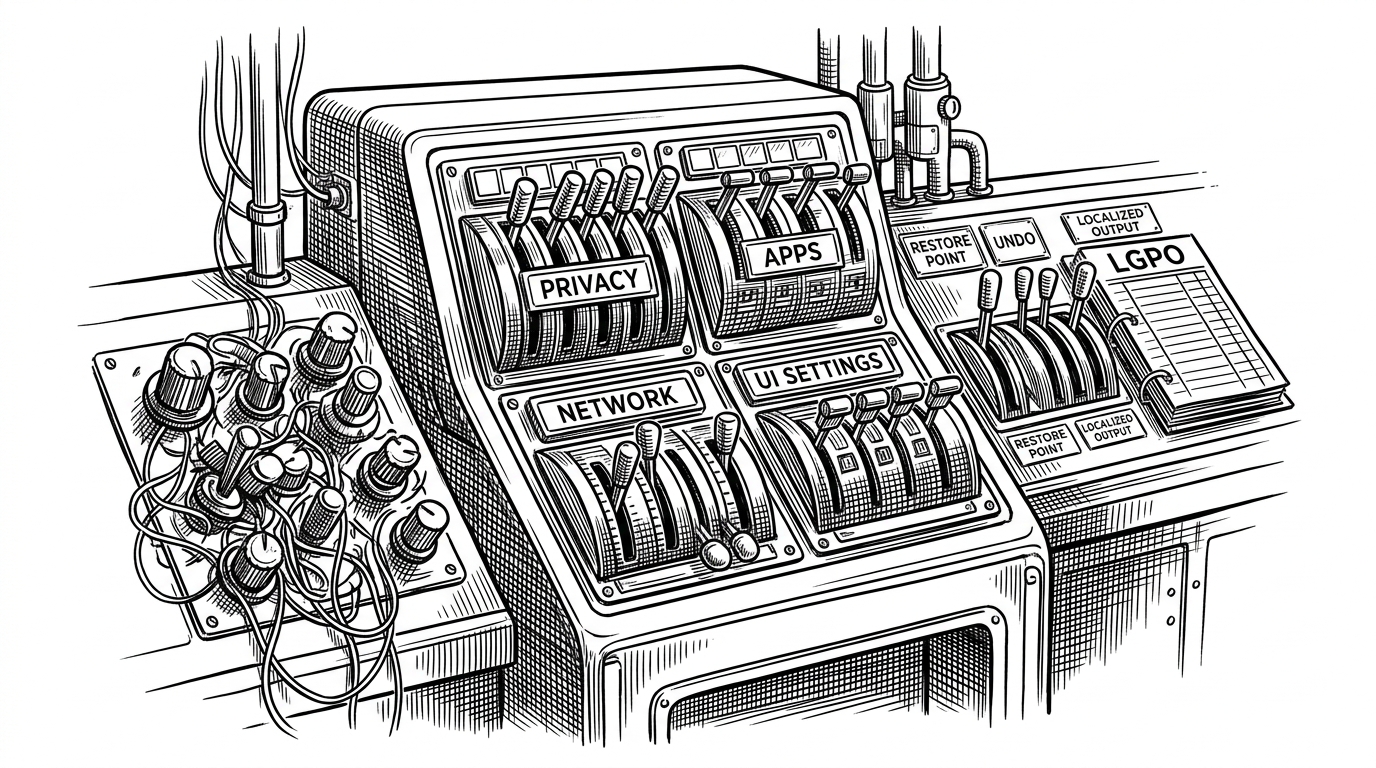
- Sophia Script is really a Windows configuration framework, not a one-off debloat script.
- Its most important trick is policy visibility, because it tries to make changes show up through Windows’ own management paths.
- Undo symmetry and restore points turn tweaking into state management instead of a series of irreversible hacks.
- The repo’s breadth matters because it covers privacy, apps, file associations, localization, and post-change cleanup in one system.
Why Sophia Script Feels More Like a Framework Than a Script
Sophia Script earns its reputation by refusing the usual debloater tradeoff. It does not just spray registry edits across a machine and call it a day. It treats Windows setup as a repeatable configuration problem, with guardrails, symmetry, and enough structure that you can reason about what changed.
The most powerful PowerShell module for fine-tuning Windows on GitHub
That framing matters because the project’s core promise is not speed. It is legibility. When a tool tries to stay aligned with Windows’ own configuration model, it becomes easier to trust, easier to undo, and easier to maintain across Windows 10 and 11.
The Part That Changes the Story: Policy, Not Just Registry Keys
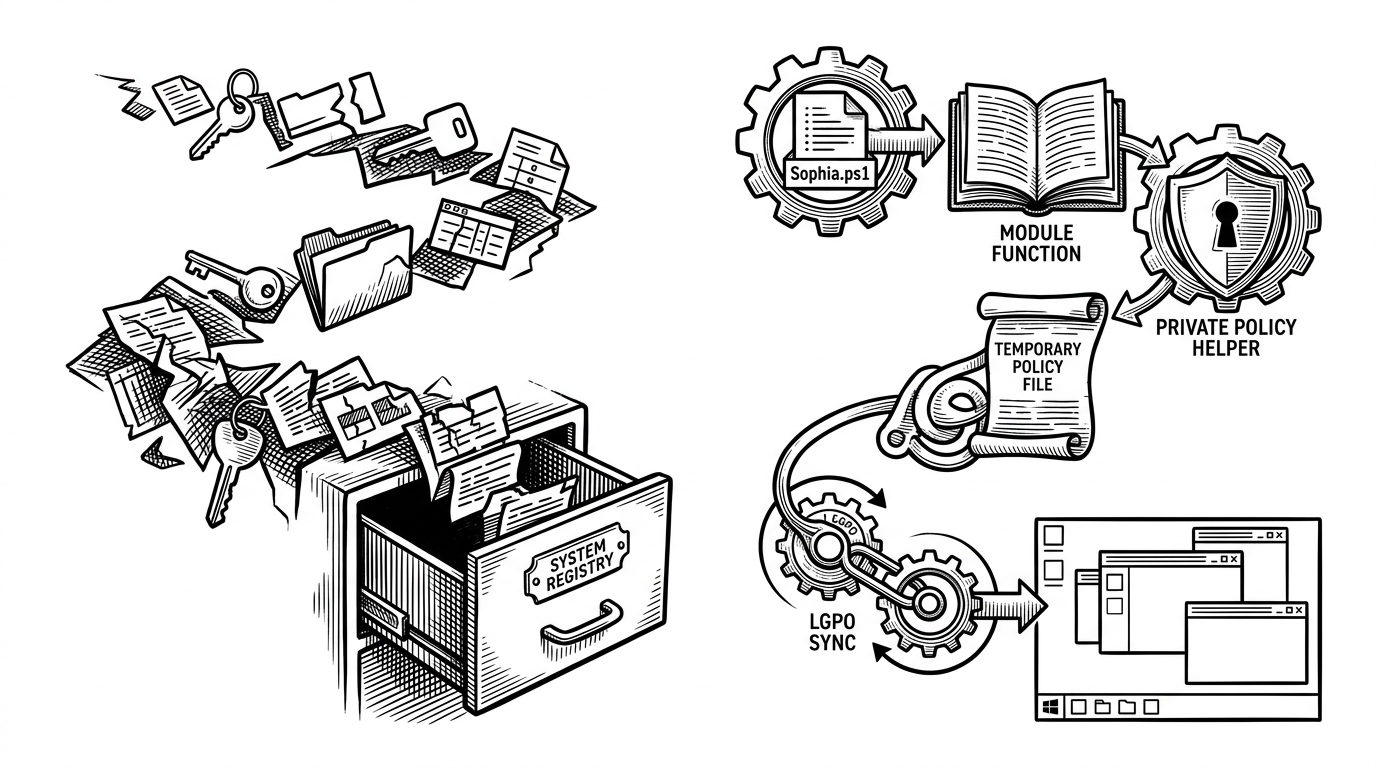
The conceptual center of the repo is Set-Policy.ps1. Instead of leaving everything as invisible registry drift, Sophia Script can rebuild local policy state through LGPO.exe, which means the result can surface in gpedit.msc and related Windows UI surfaces. That is a very different posture from most tweak scripts, which alter state but do not make that state legible to the operating system.
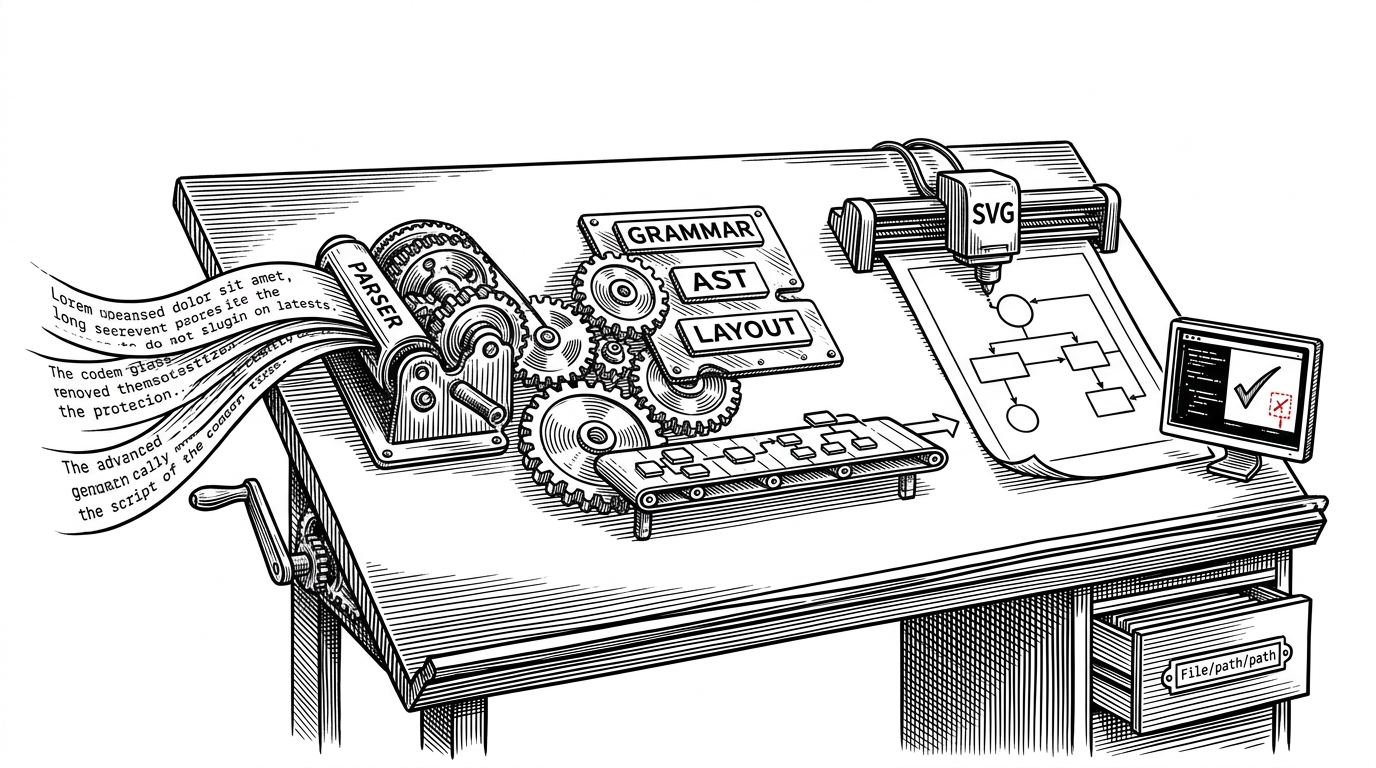
That layering is the big idea. The preset file calls module functions, module functions call private helpers, the helper writes a temporary config for LGPO, and LGPO updates the local policy database. The result is a change path that Windows can understand, preserve, and reflect back to the user.
How the Repository Is Split Into Responsibilities
The repo is organized like software, not like a pile of commands. The main preset lives at the edge, the module carries the behavior, private helpers handle specialized jobs, and localization keeps the output usable in more than one language. That structure is why the project can cover so much ground without becoming unreadable.
| Part | What it does | Why it matters |
|---|---|---|
| Sophia.ps1 preset | Declarative entry point with user-selected function calls | Keeps the script editable and explicit |
| Sophia.psm1 module | Main implementation for tweaks and state changes | Centralizes behavior in reusable functions |
| Private helpers | Policy, post-actions, and other internal utilities | Keeps complex operations isolated |
| Localizations | String files for translated UI text | Makes the tool accessible across languages |
| Wrapper | Third-party GUI front end | Provides a mouse-driven path without changing the engine |
That split also explains why the project scales. The repo can add new tweaks, new Windows versions, and new output languages without collapsing into a single monolithic script. In practice, that means a user can see where a change lives, and a maintainer can update one piece without disturbing the rest.
It's tedious to go through Windows' scattered settings one by one every time you set up a new PC or reinstall the OS. That's where ' Sophia Script for Windows ,' a tool for changing Windows settings all at once, comes in handy.
Undo Is the Real Feature
The best debloat tools are not the ones that change the most. They are the ones that can return the machine to a known state. Sophia Script leans into that with a consistent -Enable and -Disable pattern, which changes the mental model from hacking to managing. You are not just applying tweaks. You are toggling state.
DiagTrackService -Disable
CreateRestorePoint
Set-Policy -Enable
Write-AdditionalKeys -Disable
That symmetry is paired with safety plumbing. The restore point flow is not a decorative checkbox. It is part of the operating model, especially when changes touch privacy, apps, shell behavior, or association handling. If something goes sideways, there is a clean exit path.
| Capability | Typical debloat script | Sophia Script |
|---|---|---|
| Change model | One-way tweaks | Enable and disable symmetry |
| Safety | Often manual or absent | Restore point aware |
| Policy handling | Registry edits only | Can bridge into LGPO and local policy |
| Maintenance | Brittle one-offs | Reusable module functions |
| Visibility | Hidden drift | Changes can surface in Windows UI |
Where Sophia Script Goes Beyond Debloating
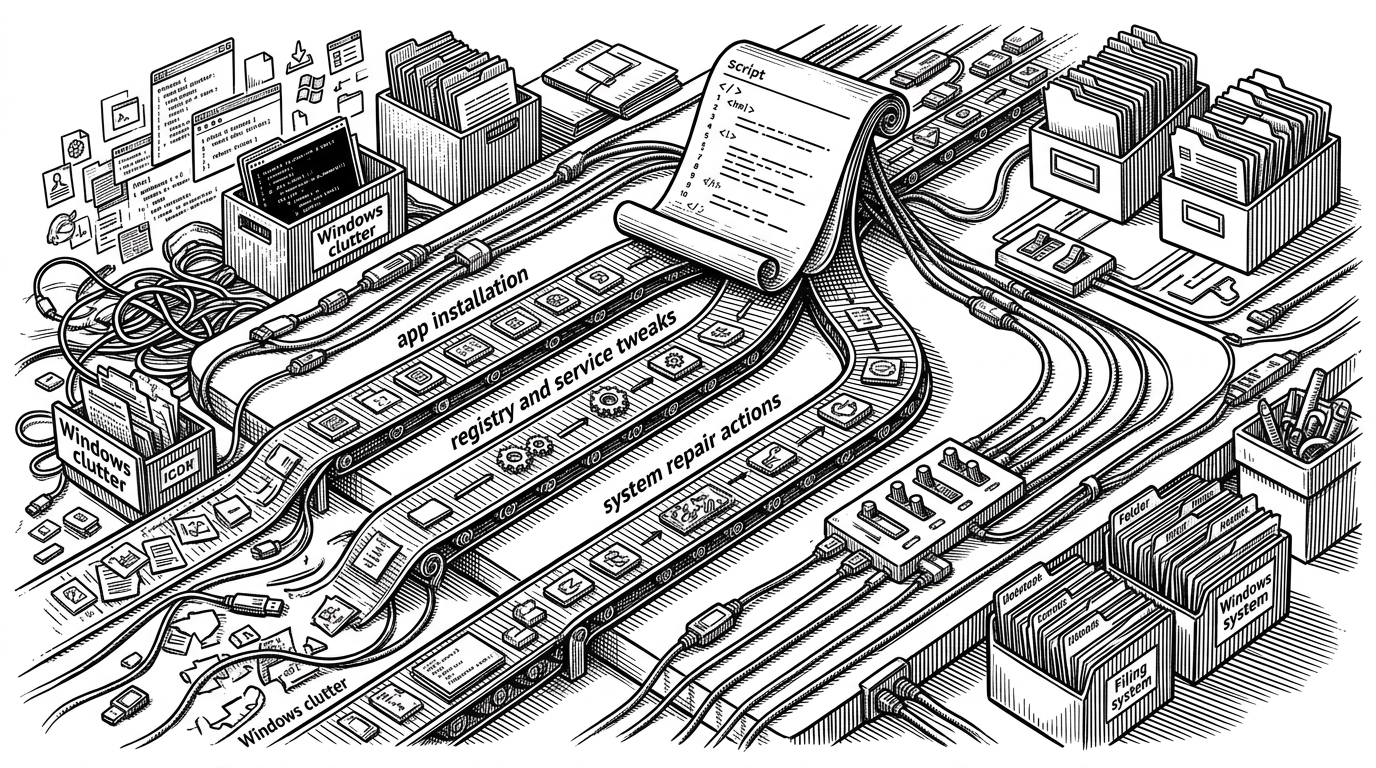
The repo’s scope is broader than privacy toggles. It can dynamically enumerate UWP apps, manage file associations, refresh shell state after changes, adjust DNS-over-HTTPS settings, and even change user folder locations without moving the files. That makes it more like an operational toolkit for a fresh install than a single-purpose remover.
- Dynamic UWP handling means the script works from what is actually installed, not from a stale removal list.
- Localized package names make destructive choices easier to read before you commit them.
- Post-actions refresh UI state so users do not have to wonder whether a tweak really landed.
- Scheduled tasks and cleanup helpers extend the tool beyond first-run setup into ongoing maintenance.
How It Compares to the Usual Windows Tweakers
Sophia Script is not the simplest tool in this space, and it does not try to be. Its advantage is the combination of transparency, breadth, and reversibility. Compared with closed GUI utilities or privacy-only apps, it gives power users more of the underlying mechanism, not less.
| Tool type | Transparency | Reversibility | Policy-aware | Breadth |
|---|---|---|---|---|
| Ad hoc PowerShell debloater | Mixed | Often weak | Usually no | Narrow |
| Closed GUI tweaker | Low to medium | Varies | Unclear | Medium |
| Privacy-only app | High within a narrow scope | Usually good | Sometimes | Narrow |
| Sophia Script | High | Strong | Yes, when possible | Broad |
The optional wrapper matters here, too. It gives the project a mouse-friendly front end without changing the fact that the engine is still open PowerShell under the hood. That is a good compromise for a tool that needs both reach and auditability.
Who Built This, and Why That Matters
The project is strongly shaped by a central maintainer model around farag2, which helps explain the consistency of its design language. The code reads like a system that has been curated rather than assembled. In a category full of fast, disposable scripts, that discipline is part of the product.
It's tedious to go through Windows' scattered settings one by one every time you set up a new PC or reinstall the OS. That's where ' Sophia Script for Windows ,' a tool for changing Windows settings all at once, comes in handy.
That is also why the project’s philosophy lands. It is not trying to make Windows smaller for its own sake. It is trying to make Windows more governable, and to do that without hiding the changes from the system itself.