metamask-desktop: MetaMask Desktop: The Browser Extension That Built Itself a Fortress
A deep dive into how MetaMask keeps Web3 compatibility, provider injection, and security hardening intact while moving the wallet out of the browser and into a dedicated desktop host.
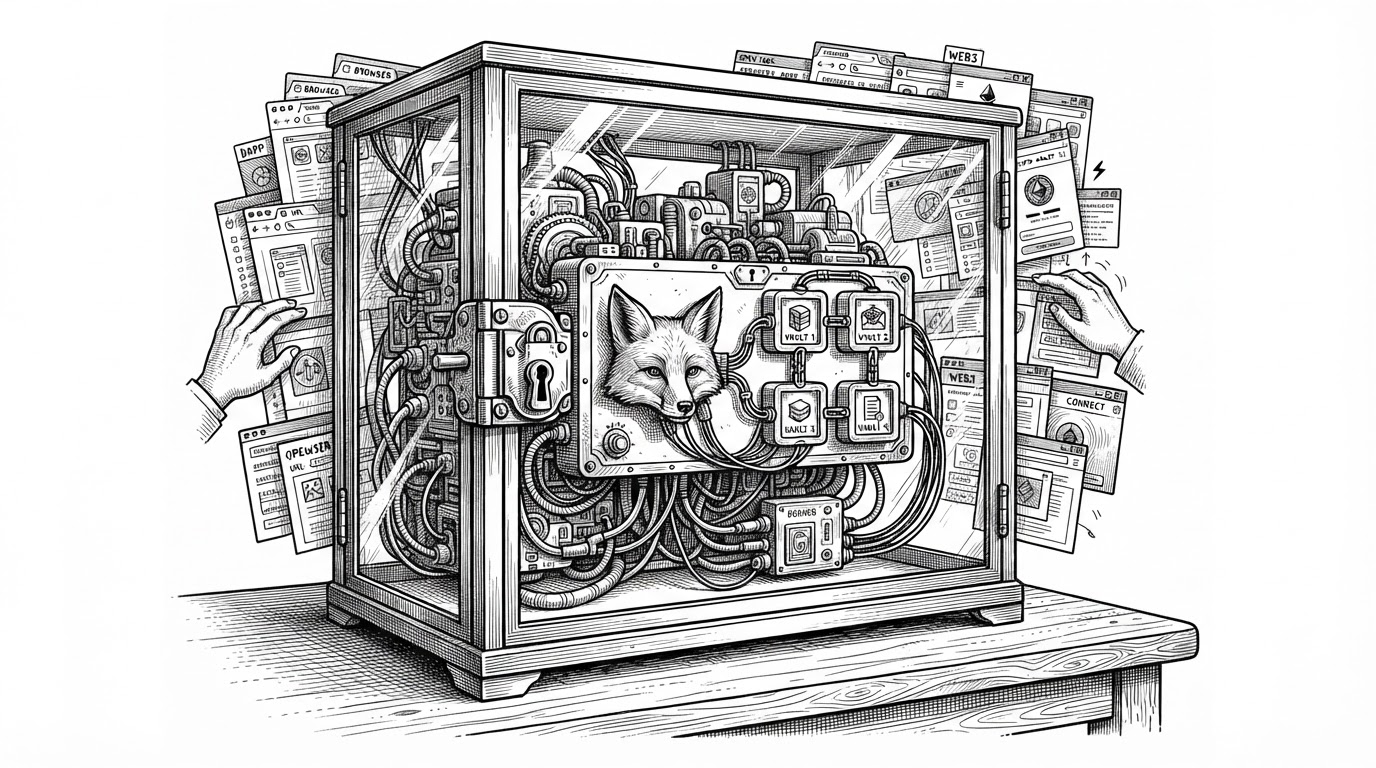
- MetaMask Desktop is less a rewrite than a relocation of the browser extension model into a tighter host.
- Its value comes from preserving Web3 compatibility while shrinking the runtime’s trust surface with SES and LavaMoat.
- The boot sequence matters because the app removes dangerous assumptions before wallet code fully loads.
- The project’s real trade-off is clear: more isolation and control, but also more compatibility machinery to maintain.
MetaMask Desktop is not trying to look native. That is the interesting part. It keeps the extension-shaped contract that DApps already expect, then moves that contract into a desktop host that can lock down globals, compartmentalize dependencies, and reduce the browser’s influence over the runtime.
The repository makes that intent obvious. The root still looks like an extension build, with manifest.json, background entry points, content scripts, and provider injection files. The difference is that the desktop app is built to behave like a browser wallet without actually living inside the browser.
The extension moved out, but the model stayed
A normal desktop rewrite would simplify the stack. MetaMask Desktop does the opposite. It preserves extension semantics because the wallet’s real job is not just signing transactions, but fitting into a huge, messy ecosystem of injected providers, site expectations, and long-lived browser assumptions.
| Dimension | Browser extension | MetaMask Desktop |
|---|---|---|
| Runtime | Runs inside the browser process | Runs inside a dedicated desktop host |
| Provider contract | Injected into web pages from the browser | Injected through a controlled desktop bridge |
| Security shape | Depends heavily on browser isolation | Adds SES, LavaMoat, and scuttling before app code runs |
| Compatibility | Very high with existing DApps | High, because it preserves the same contract |
| Main constraint | Browser quirks and extension limits | Maintaining compatibility layers and hardening |
| Best fit | Users who want the classic extension workflow | Users who want the same workflow with a more controlled runtime |
That is the hidden product requirement. The wallet is not only software for humans. It is infrastructure for websites that already know how to talk to MetaMask. Break that contract, and the wallet becomes cleaner in theory but less useful in practice.
The MetaMask desktop app enables browsing Ethereum blockchain enabled websites
Why preserve the extension shape?
Because compatibility is the product. The same injection model that made the browser extension ubiquitous also makes it hard to replace. DApps expect an ethereum provider, familiar messaging flows, and a wallet that behaves like a browser-native presence even when it is not technically one.
The desktop version keeps that promise. It does not ask the ecosystem to re-learn the interface. It changes the execution environment underneath it.
| Approach | What changes | What stays the same |
|---|---|---|
| Native desktop rewrite | The app becomes a new interaction model | Not much, unless DApps are also updated |
| MetaMask Desktop | The runtime is relocated and hardened | The browser-facing wallet contract |
| Browser-native wallet model | Wallet logic moves into the browser itself | The browser remains the trust boundary |
| Extension model in exile | The host changes, the extension shape persists | Provider injection and DApp compatibility |
How the fortress boots
The boot sequence is where the project stops being a wallet app and starts being a controlled environment. The manifest loads staged scripts. Those scripts narrow the runtime before the wallet logic fully wakes up. The order matters more than any single file.
{
  "content_scripts": [
    {
      "js": [
        "scripts/disable-console.js",
        "scripts/lockdown-1.js",
        "scripts/lockdown-2.js",
        "scripts/lockdown-3.js",
        "scripts/contentscript.js"
      ]
    }
  ],
  "background": {
    "service_worker": "scripts/app-init.js"
  }
}
The point is not that one script saves the day. It is that the app narrows what the runtime can see before third-party code gets a vote. That is a very different security posture from simply placing a wallet inside a browser window.
LavaMoat and SES are the real product
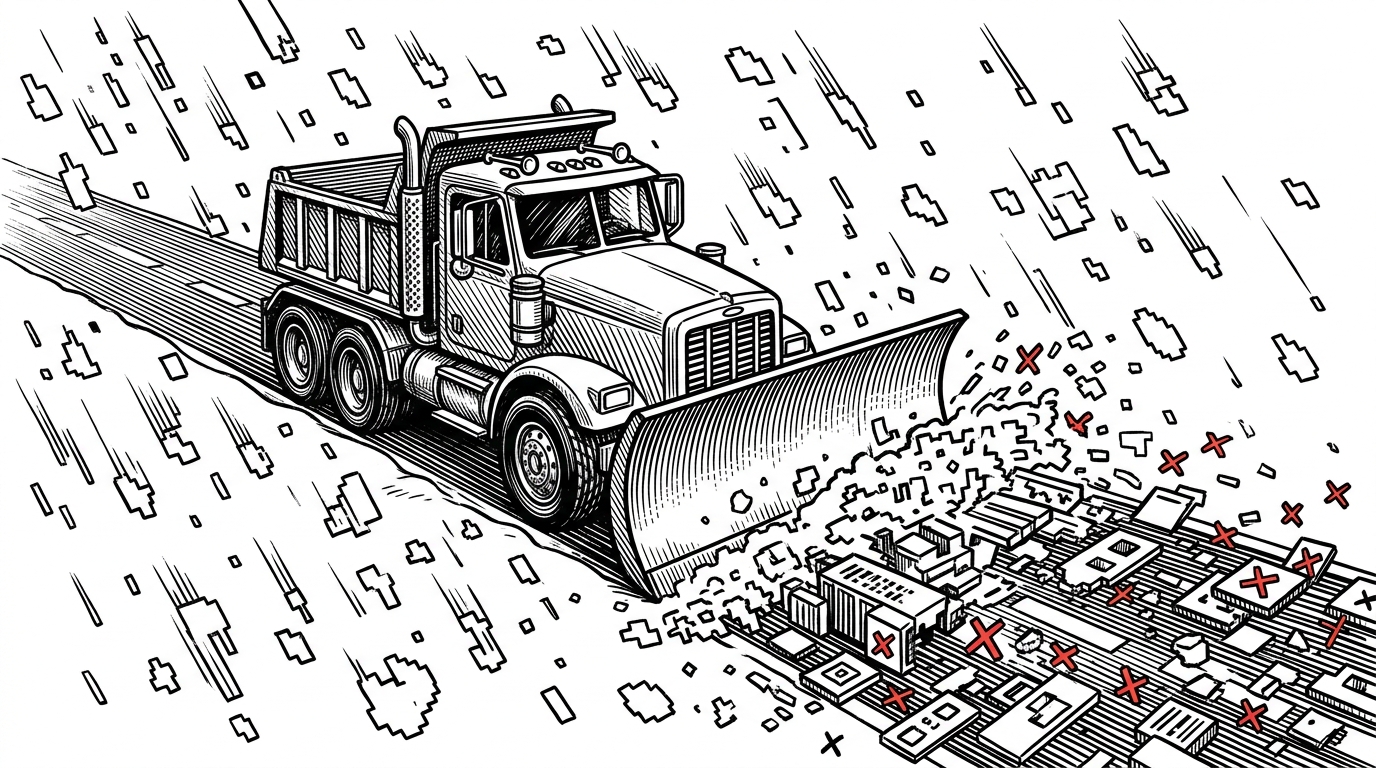
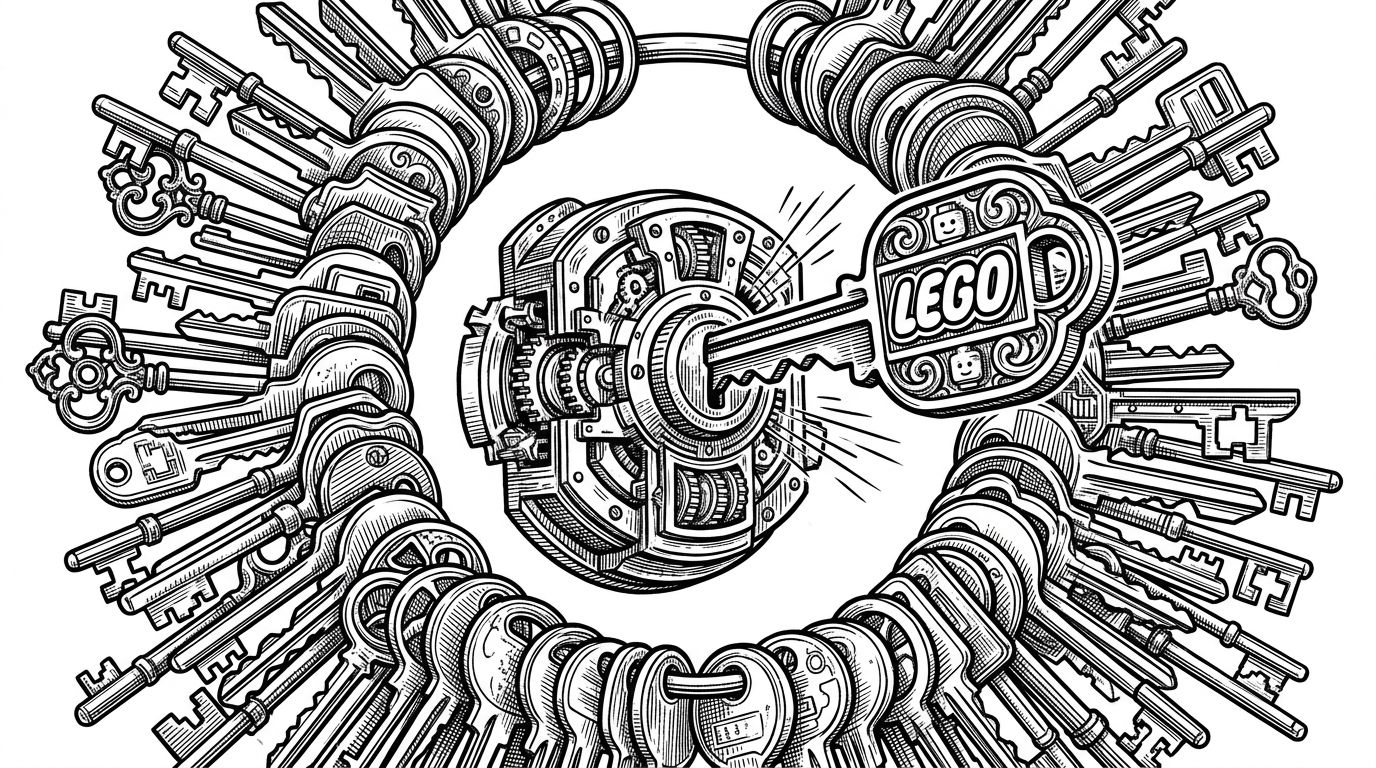
This is the core idea. MetaMask Desktop is not just sandboxed. It is preemptively disarmed. SES and LavaMoat shape the world the code runs in, while scuttling removes globals that old JavaScript libraries would normally assume are there.
That means the security model is not an add-on. It is the design constraint. Code is not merely isolated from the network or the page. It is denied easy access to the ambient browser-shaped universe it would normally rely on.
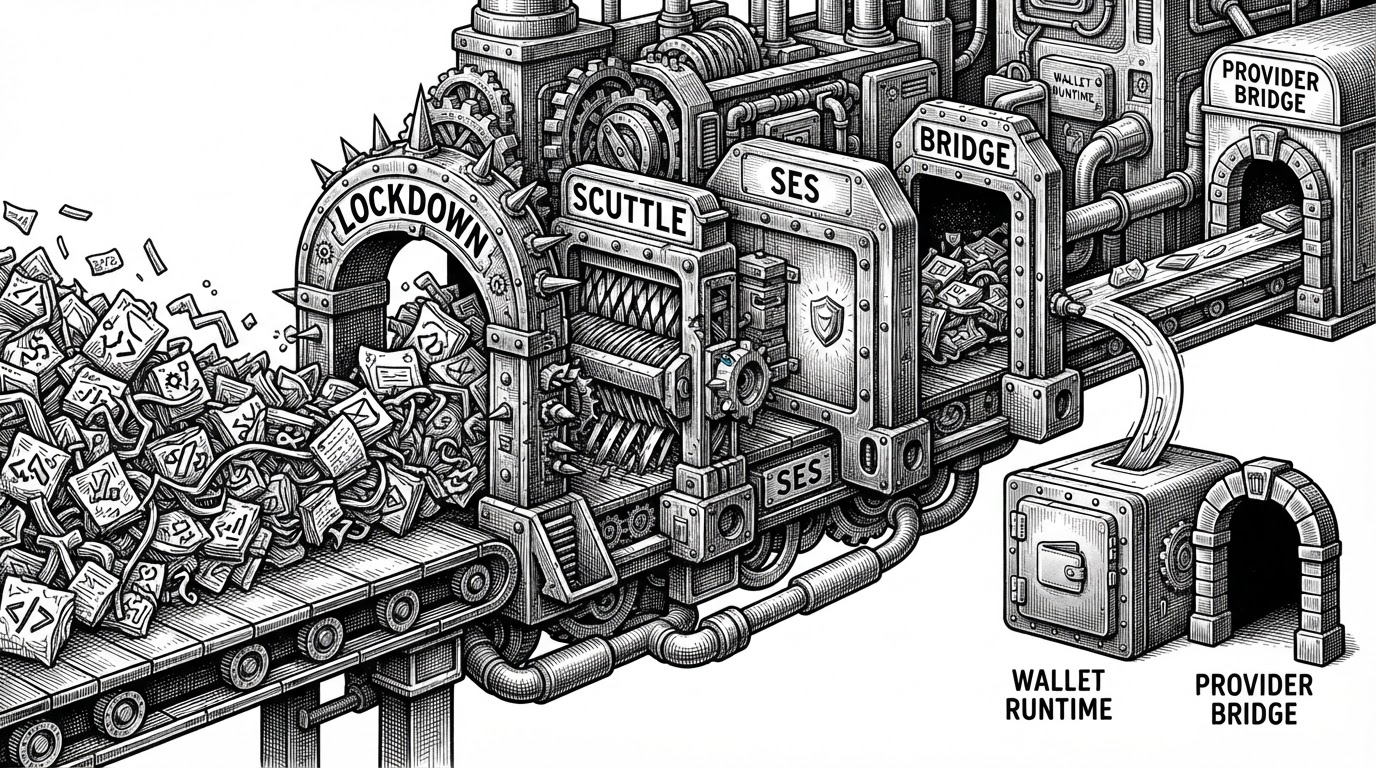
That is why runtime-lavamoat.js matters so much. It is not a helper file. It is the thing that makes the rest of the architecture credible.
| Runtime behavior | Standard extension runtime | MetaMask Desktop |
|---|---|---|
| Global access | Broad and assumption-heavy | Scuttled and whitelisted |
| Dependency isolation | Usually lighter weight | Compartmentalized with LavaMoat |
| Legacy compatibility | Often implicit | Preserved through explicit shims |
| Threat model | Mostly extension and browser boundaries | Also supply chain and JavaScript capability abuse |
Provider injection still has to work
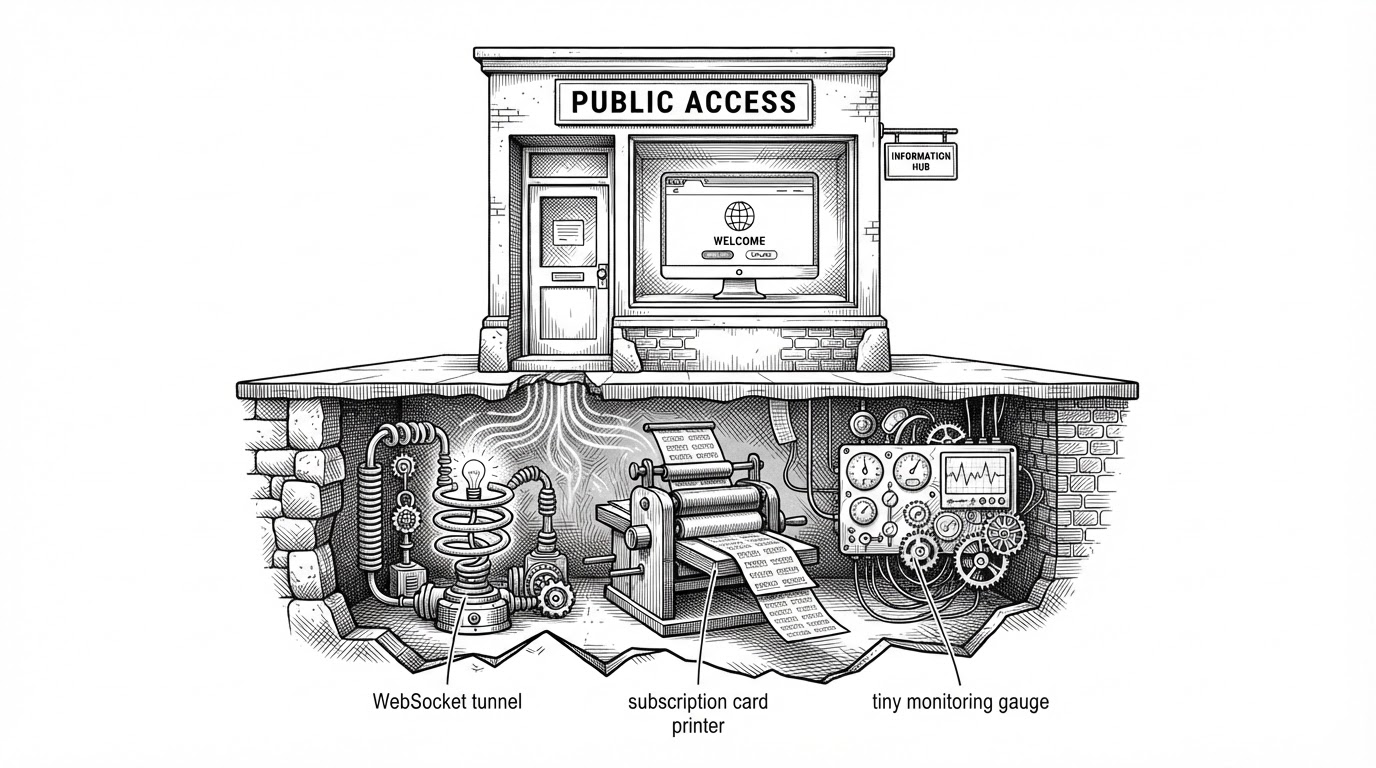
The paradox of hardening a wallet is that it still has to look normal to websites. That is the job of inpage.js and contentscript.js. They preserve the Web3 handshake, but do it through a narrow bridge rather than a free-for-all global surface.
In practice, that means a controlled postMessage path, careful global exposure, and a background runtime that can mediate requests without giving the page direct access to the wallet’s internals.
// Conceptual shape of the provider bridge
window.postMessage({
  target: 'inpage',
  data: { method: 'eth_requestAccounts' }
}, '*')

// The wallet side receives, validates, and routes the request
// through the controlled background runtime.
This is the real engineering trick. The app has to be strict enough to protect keys, yet familiar enough that a DApp still thinks it is talking to MetaMask in the usual way.
The trade-off: isolation versus convenience
MetaMask Desktop clearly buys something real. The host can be more stable than the browser, the runtime can be more aggressively locked down, and the wallet can be less exposed to browser-specific failure modes.
But the cost is also real. Every compatibility promise requires a bridge, a shim, or a carefully staged initialization path. That is the price of preserving the extension model instead of replacing it.
| Benefit | What improves | What remains expensive |
|---|---|---|
| Isolation | Less ambient browser risk | Managing compatibility layers |
| Stability | Fewer browser-specific surprises | Keeping the boot sequence aligned |
| Security | Smaller trust surface | Maintaining explicit bridges |
| Developer experience | Familiar wallet contract | More architecture to reason about |
Where this fits in the wallet landscape
Compared with the extension, MetaMask Desktop is a controlled host. Compared with Frame, it is more committed to preserving the browser wallet contract. Compared with a browser-native wallet model, it keeps the browser at arm’s length instead of making it the runtime center.
| Project | Runtime location | Provider model | Best fit |
|---|---|---|---|
| MetaMask Extension | Browser | Native extension injection | Users who want the default MetaMask experience |
| MetaMask Desktop | Desktop host | Bridge-based injection with hardened runtime | Users who want the same workflow with more control |
| Frame | Desktop app and system provider | System-level provider | Power users who want a native signing layer |
| Browser-native wallet model | Inside the browser | Built into the browser itself | Users who prefer an integrated browser wallet |
That makes MetaMask Desktop feel less like a replacement and more like a statement. It says the extension model was worth preserving, even if it had to be rebuilt inside a fortress.
Why this matters beyond MetaMask
The bigger lesson is architectural, not just crypto-specific. Some browser-era products do not need a clean-sheet rewrite. They need a new host, a tighter runtime, and a willingness to keep the old interface contract intact while changing the ground underneath it.
MetaMask Desktop is a good example of that pattern. It treats compatibility as a feature worth defending, then uses the desktop shell to make that defense stronger.