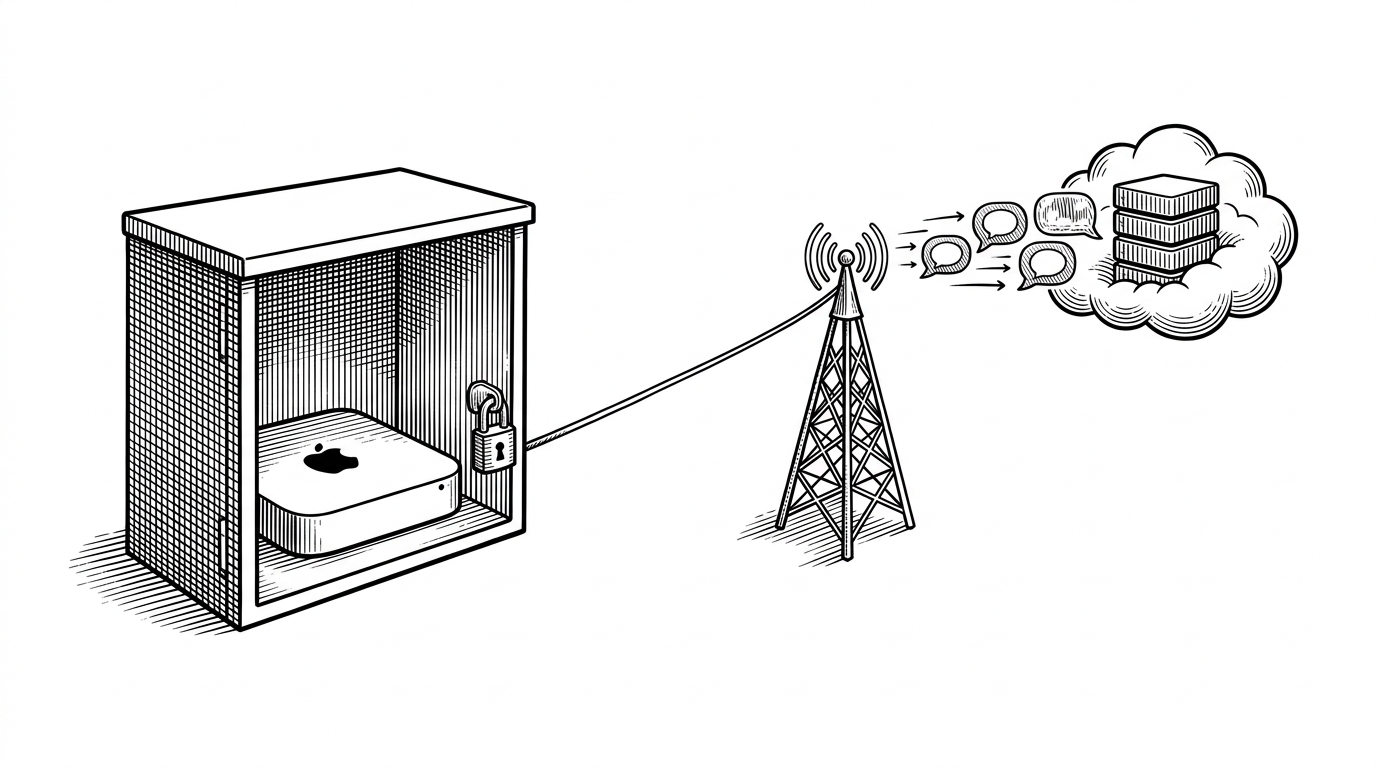
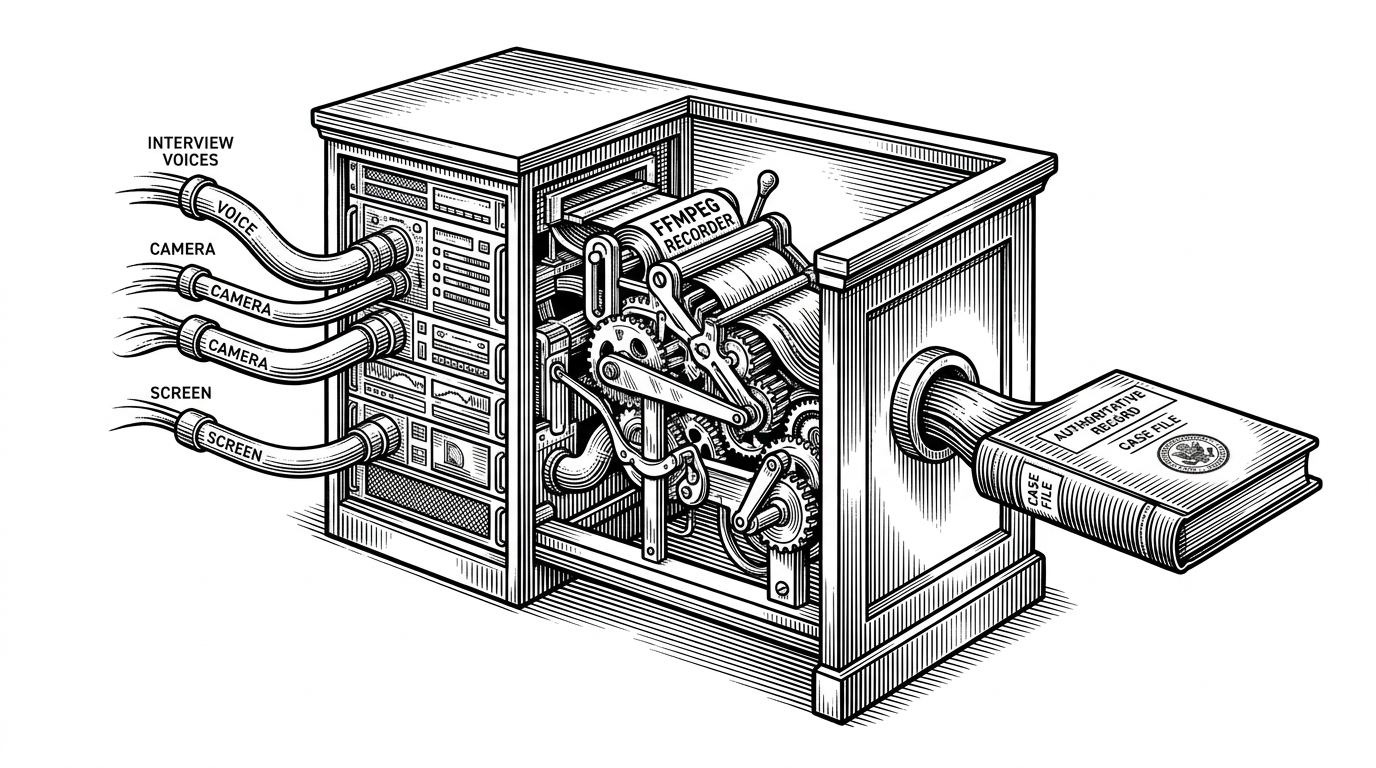
jarvis-interview-platform: Jarvis Interview Platform: How a Browser Pretends to Be a High-Stakes Interview Room
A voice-first mock interview app uses Gemini, Web Speech, and Firebase to turn a simple frontend into a tense, cinematic coaching loop that survives failed mic input, slow models, and empty transcripts.

- Jarvis is compelling because it makes a browser session feel continuous, not because it asks clever interview questions.
- The interview loop depends on explicit state transitions and transcript buffering, which is how the app survives re-renders and live speech input.
- Gemini is wrapped in fallback logic so question generation and evaluation keep working when the model or microphone fails.
- Firebase, session storage, and protected routes are there to preserve mood and continuity, not just to add standard app plumbing.
Most AI interview tools optimize for convenience. This one optimizes for tension. The Jarvis branding, the voice-first loop, and the HUD styling all push the same idea: the user should feel like they are in a real interview room, not a chat window.
That distinction matters because the product’s hardest problem is not intelligence. It is continuity. If the mic drops, if the model stalls, or if the transcript gets lost during a re-render, the illusion breaks. The repo is interesting because it treats that risk as a core product problem, not an edge case.
Why This Feels Like an Interview, Not a Chatbot
The first win is psychological. The interface does not greet you like a helper. It stages you like a candidate. That changes the user’s posture before the first prompt arrives, which is exactly what a mock interview tool should do.
The code supports that effect with more than branding. `JarvisIntro`, the Arc Reactor-style visual language, and the voice interaction sequence all work together to create a deliberate boot sequence. The point is not novelty. The point is to make the session feel ceremonial enough that the feedback lands with more weight.
The Interview Loop Is a State Machine in Disguise
Under the theatrics, the interview flow behaves like a state machine: `intro -> speaking -> listening -> complete`. That is the right shape for a browser speech app because speech synthesis, recognition, interim results, and transcript assembly all need explicit boundaries.
useEffect(() => {
  if (phase === 'speaking') {
    speakQuestion(currentQuestion);
  }

  if (phase === 'listening') {
    recognition.continuous = true;
    recognition.interimResults = true;
    recognition.onresult = (event) => {
      for (let i = event.resultIndex; i < event.results.length; i++) {
        const chunk = event.results[i][0].transcript;
        if (event.results[i].isFinal) {
          finalRef.current += chunk + ' ';
        }
      }
    };
  }
}, [phase]);
The important detail is the ref. `finalRef` accumulates speech outside React state, which keeps the transcript stable while the UI re-renders. That is a small implementation choice with a big consequence: the app can listen continuously without losing the user’s answer halfway through.
Gemini Does Two Jobs Here, and the App Guards Both
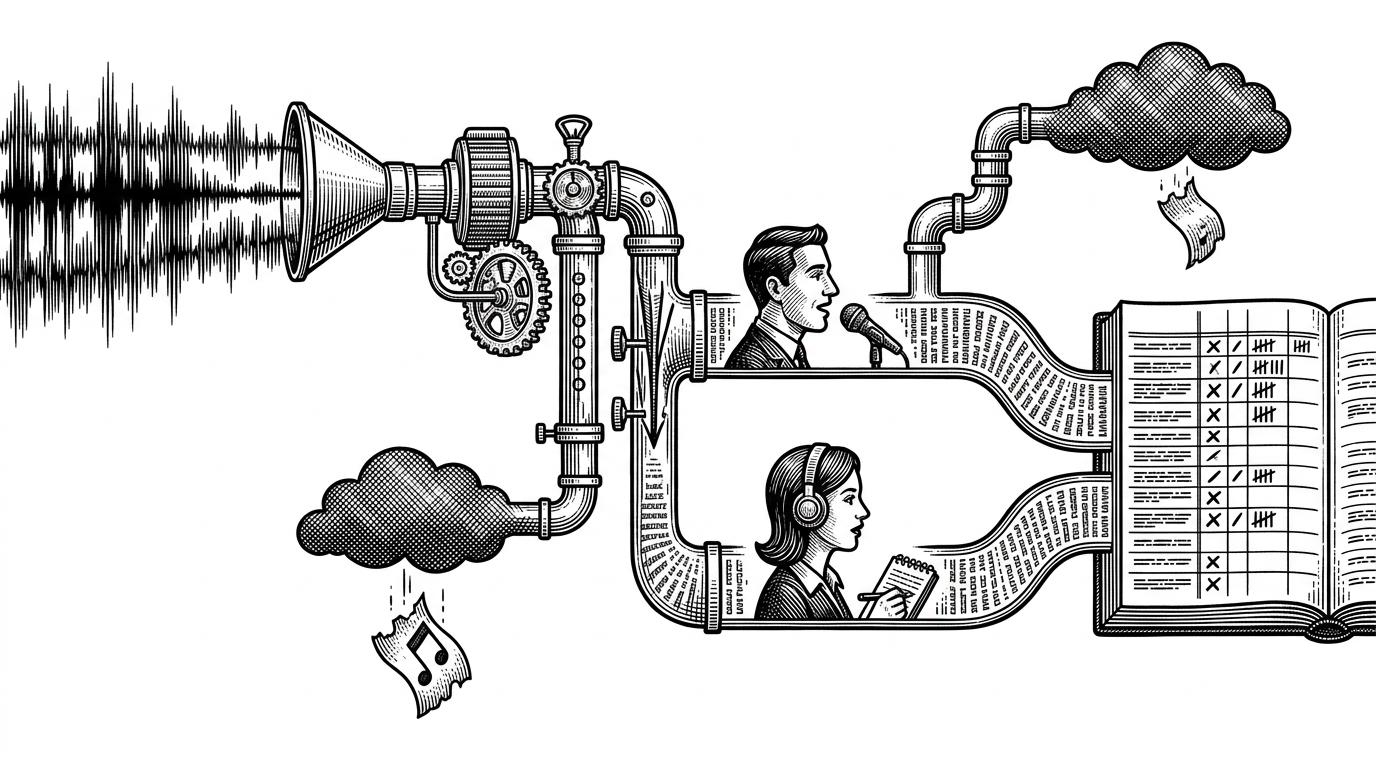
The repo uses Gemini in two distinct places. First, it generates interview questions. Then it evaluates the finished transcript. Those are different tasks, so the code treats them differently: structured output on the front end of the session, then role-aware scoring on the back end of the loop.
That separation matters because interview feedback is easy to distort. If the transcript is empty, or if the browser never granted mic access, the app should not hallucinate a meaningful evaluation. The fallback logic makes that constraint explicit, which is a sign the developer has thought about failure modes instead of hoping they never happen.
| Mode | What it takes in | Where it breaks | What the app does about it |
|---|---|---|---|
| Question generation | A structured prompt and JSON output | API failure or rate limits | Falls back to a hardcoded question set |
| Interview evaluation | Candidate and interviewer transcript roles | Empty transcript or no mic input | Uses guardrails to avoid scoring silence |
| Voice interaction | Speech synthesis and recognition | Browser incompatibility or timeout | Keeps the loop alive with defensive state handling |
That architecture is not flashy, but it is disciplined. The product does not depend on Gemini being perfect. It depends on Gemini being useful, then wraps it in enough fallback behavior that the session can keep moving when it is not.
The Product Depends on Frictionless Setup
`Setup.jsx`, Firestore, and protected routes are not the headline, but they are what make the experience feel like a product instead of a demo. The user needs a saved session, a generated question set, and a clean return path so the interview atmosphere does not reset every time the page changes.
| Layer | What it protects | Why it matters here |
|---|---|---|
| Protected routes | Authenticated sessions | The interview should feel private and continuous |
| Firestore | Generated setup data and questions | The app needs state ready when the interview page loads |
| Session storage | One-time intro playback | The cinematic opening should not become repetitive noise |
This is the difference between a feature and a flow. Authentication and persistence are usually framed as infrastructure. In this repo, they are mood management.
What the Stack Optimizes For
The stack choices line up with a single product goal: time-to-feel. Firebase reduces backend weight. Gemini reduces content authoring overhead. Web Speech reduces latency by keeping the interaction in the browser where the conversation happens.
That makes the app a useful blueprint for a certain kind of AI product. If the goal is not to build the smartest assistant, but to build the most convincing one, then speed, continuity, and graceful failure matter more than raw model novelty.
| Layer | Typical default | Jarvis choice | Strategic effect |
|---|---|---|---|
| Backend | Custom server logic | Firebase | Less plumbing, faster product iteration |
| Conversation brain | Single chat prompt | Question generation plus evaluation | Separates creation from judgment |
| Voice I/O | Server round trips | Browser speech APIs | Keeps the experience immediate |
| Failure handling | Manual retry buttons | Built-in fallbacks | Preserves the interview mood |
How This Differs From Text-Based Interview Prep
Plain text interview prep tools are easier to build and easier to reason about. They also feel easier to ignore. This repo makes a different trade: it accepts more browser complexity in exchange for a more believable simulation of pressure.
| Dimension | Plain text chatbot | Generic voice assistant | Jarvis Interview Platform |
|---|---|---|---|
| Input mode | Typing | Speaking | Speaking with transcript retention |
| Latency sensitivity | Low | Medium | High |
| Emotional realism | Modest | Moderate | High |
| Failure handling | Simple retry | Partial recovery | Fallback questions and no-mic guards |
| Feedback quality | Broadly generic | Often shallow | Transcript-aware and role-aware |
That is the core editorial point. Jarvis is not trying to be the smartest interviewer. It is trying to feel the most like a real one. The repo’s best work is not in the model call itself. It is in the small pieces of engineering that keep the illusion intact long enough for the feedback to matter.