LensVault: The Self-Hosted Photo App That Turns Raw Media Into a Private, Searchable Archive
A FastAPI and React stack that deduplicates uploads, extracts metadata, clusters faces locally, and serves Google Photos-style convenience without sending your library to the cloud.
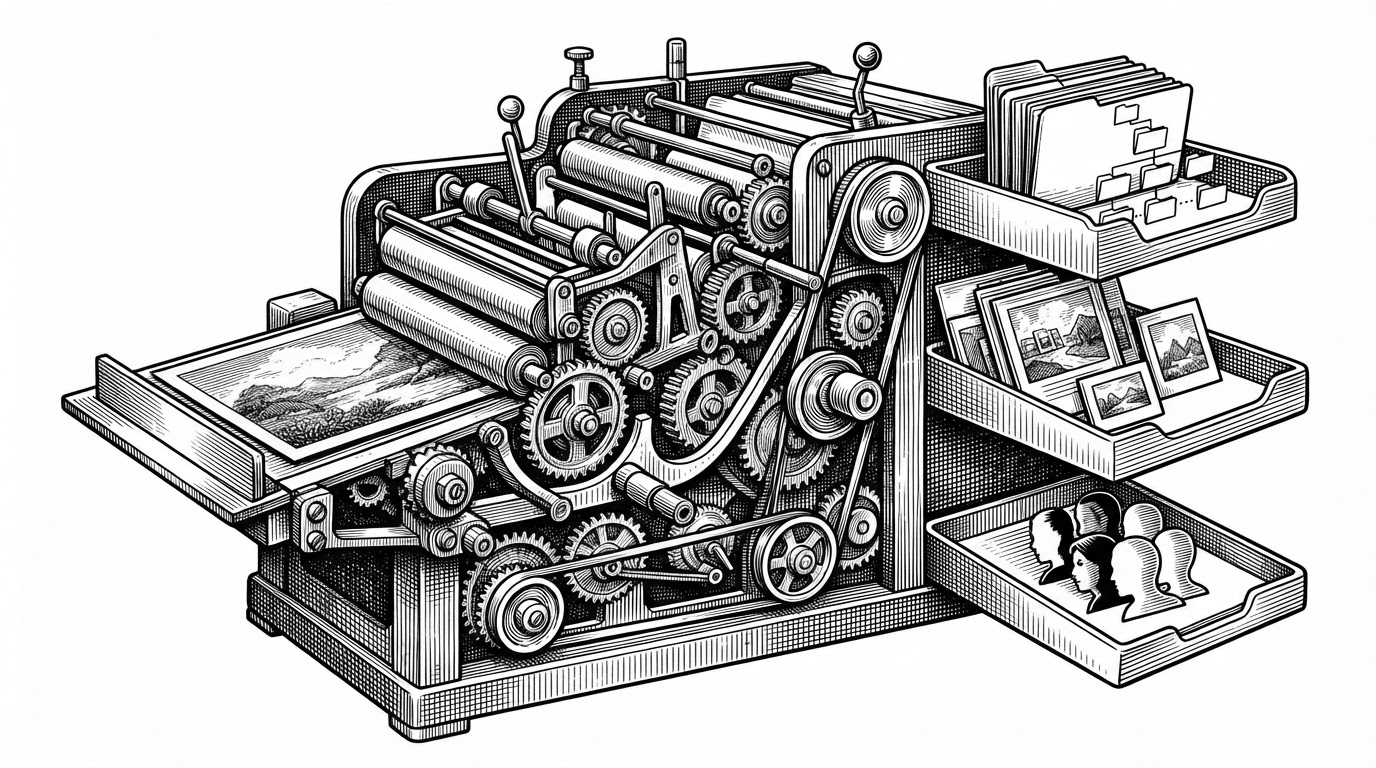
- LensVault’s real product is not browsing, it is turning every upload into a deduped, enriched asset that is ready for search, clustering, and timeline views.
- Its strongest idea is local intelligence, where face detection, semantic tagging, and metadata parsing happen on the user’s own stack instead of a cloud service.
- The architecture treats ingestion as a pipeline, so FastAPI handles the request while Celery, Redis, and background jobs do the expensive work.
- Compared with larger self-hosted photo suites, LensVault reads as a lighter, more opinionated proof that private media intelligence can be built with a modern Python stack.
What LensVault Actually Does to a Photo
LensVault is most interesting when you follow a single upload through the system. A file comes in, gets hashed, checked for duplication, parsed for EXIF and GPS, written into a human-readable year/month path, then fanned out to background workers for thumbnails and AI enrichment.
That sequence matters because it reframes the app. LensVault is not a gallery wrapped around storage. It is a media pipeline that converts raw uploads into a private archive with structure, search, and intelligence baked in.
Why Self-Hosting Matters Here
Photo libraries are not disposable data. They hold family history, location traces, and the kinds of search patterns that reveal a lot about a person. Once a cloud platform becomes your memory layer, convenience starts to look like lock-in.
LensVault answers that problem with a simple thesis: the intelligence can stay local. The stack gives you most of the useful behaviors people expect from modern photo apps, but it does it without shipping the library, the embeddings, or the metadata to someone else’s cloud.
| Dimension | Cloud photos | LensVault |
|---|---|---|
| Ownership | Provider controls storage and inference | You control the stack and the data |
| Search | Convenient, but platform dependent | Structured queries over local metadata |
| AI processing | Usually remote and opaque | Face clustering and tagging run locally |
| Storage discipline | Hidden behind product abstractions | Content hash, year/month paths, and dedupe logic |
| Best fit | Hands-off consumer convenience | Self-hosted users who want control and insight |
The Upload Path Is the Product
The core endpoint, upload_photo, shows what the project values. It hashes first, stores second, enriches third, and hands the expensive work to workers after the request is already done. That is a clean separation between user interaction and media processing.
def upload_photo(file, user_id):
    file_hash = sha256(file)
    if photo_exists(user_id, file_hash):
        return existing_photo_record()

    metadata = extract_exif(file)
    path = save_original(file, metadata)
    record = create_photo_record(user_id, file_hash, path, metadata)
    queue_thumbnail_job(record.id)
    queue_ai_enrichment_job(record.id)
    return record
The implementation is pragmatic. FastAPI handles the API edge, Celery and Redis absorb the heavy lifting, and the database becomes the source of truth for everything the UI later surfaces.
The Local Intelligence Stack
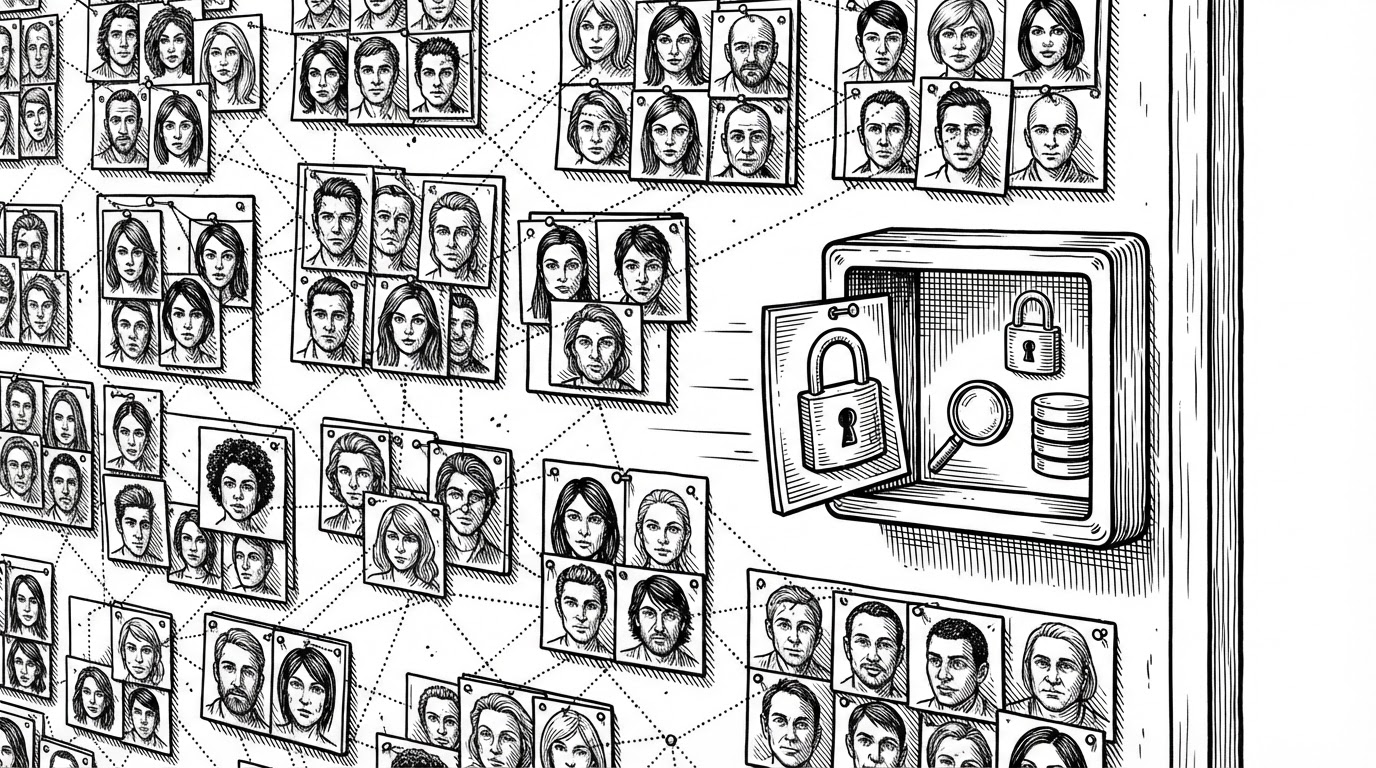
LensVault’s AI story is not generic. It uses InsightFace for detection and embeddings, DBSCAN for clustering, and CLIP for semantic tagging. That combination is important because each step solves a different problem: who is in the photo, which photos belong together, and what is in the scene.
The interesting part is not that those models exist. It is that the app treats them as background infrastructure. Uploading a photo does not block on inference, and browsing does not wait on a model call. The pipeline is designed so intelligence accumulates in the background while the user keeps moving.
Why the Search Feels Smarter Than a Folder Browser
LensVault’s search is more than filename lookup. The query syntax supports structured filters like camera, date ranges, and metadata-aware retrieval, then falls back to text search when the query is more open-ended. That makes the interface feel closer to an archive system than a folder tree.
| Query style | What it does well | What it misses |
|---|---|---|
| Folder browsing | Simple, predictable, familiar | Breaks down once a library gets large |
| Filename search | Fast for known files | Ignores the actual content of the media |
| LensVault structured search | Uses metadata, time, and capture context | Depends on good extraction and indexing |
The Architecture Bet: FastAPI, Celery, and Self-Healing Migrations
This is a small but serious architecture. FastAPI handles request traffic, Celery handles expensive jobs, PostgreSQL stores the record of truth, and Redis moves work through the queue. The split is obvious, but that is the point: media apps live or die by whether they can keep ingest fast while work piles up behind the scenes.
The most opinionated choice is the startup behavior. LensVault includes schema patching on launch, so the app can try to heal older databases instead of forcing every self-hosted operator to manually babysit migrations. That is not elegant in a purity sense, but it is very friendly to the reality of home deployments.
🖼️ LensVault — Hackathon build Smart photo organizer that clusters faces (InsightFace buffalo_l + DBSCAN) and auto-tags objects/scenes using OpenAI CLIP
Where LensVault Fits in the Self-Hosted Photo Market
LensVault is not trying to beat every incumbent on depth. It is sharper than that. Its identity is pipeline-first, local-first, and compact enough to feel like a focused implementation of a strong idea rather than a sprawling suite.
| Project | Primary focus | Stack | AI approach | Strength | Trade-off | Best fit |
|---|---|---|---|---|---|---|
| LensVault | Private media pipeline | FastAPI, React, Celery, PostgreSQL | Local face clustering and semantic tagging | Clear ingestion-to-intelligence story | Less mature than the biggest incumbents | Builders who want control and clarity |
| Immich | Mobile-first photo backup | Go backend, mobile apps | Broad ML features | Polished product experience | Heavier surface area | Users who want a fuller replacement |
| PhotoPrism | Browsing and classification | Go and related services | Classification and indexing | Established browsing model | Less pipeline-centric | Users who prioritize browsing and indexing |
| LibrePhotos | Self-hosted photo management | Python stack | Face recognition and browsing features | Similar privacy thesis | Less sharply differentiated pipeline | Users who want a familiar open-source path |
What This Project Suggests About the Next Wave of Personal Media Tools
The bigger pattern is clear. Personal media apps are shifting from passive viewers to active systems that organize, infer, and enrich. The winning products will not just show you files. They will understand enough about those files to make them searchable, sortable, and useful without giving up ownership.
LensVault is compelling because it shows how far that can go with a modern self-hosted stack. It is small enough to read, opinionated enough to learn from, and ambitious enough to hint at what a private media operating system could look like.