DIT-PYQ-hub Turns Old Exam Papers Into a Secure Campus Product
A student-built repository that does more than host files. It watermarks documents on delivery, supports offline access, and uses a modern frontend-backend split to make a campus resource feel like software.
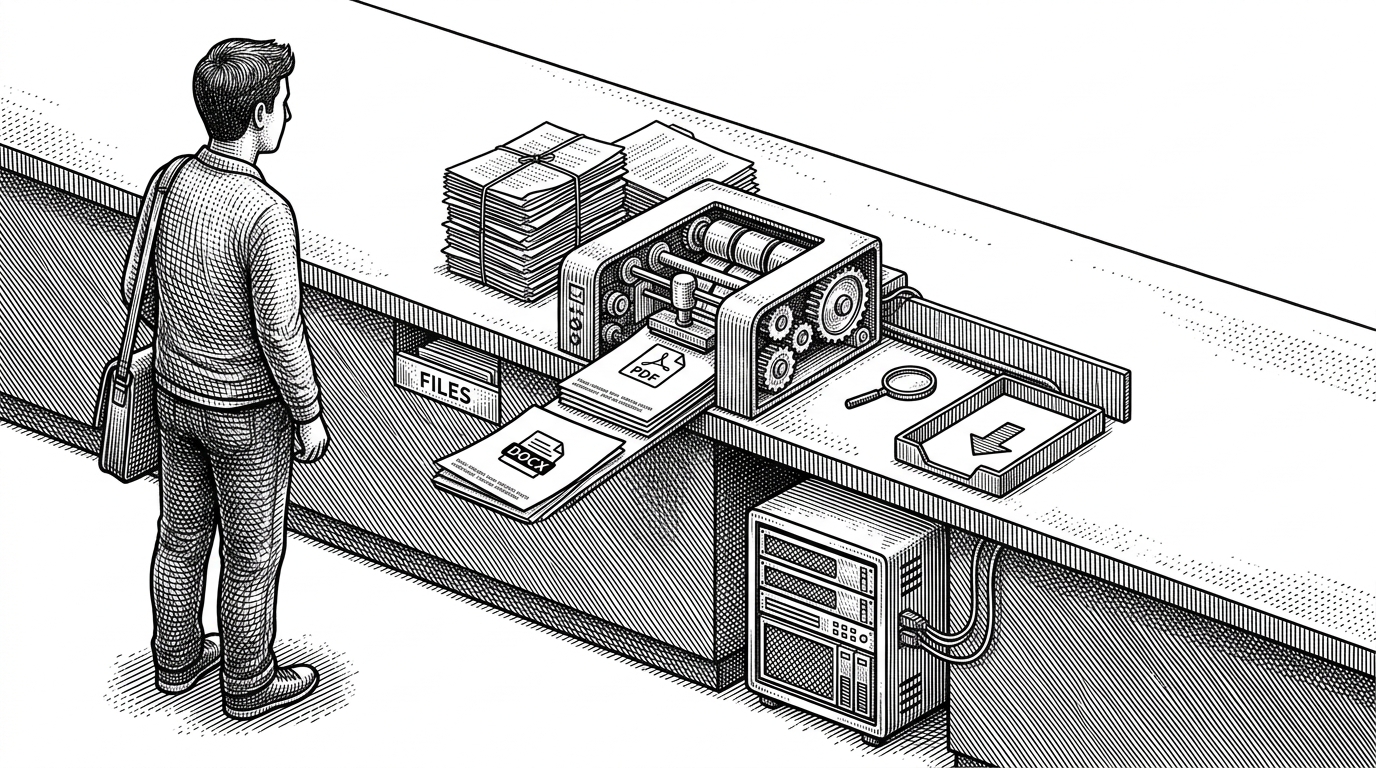
- DIT-PYQ-hub treats document delivery as the core product, not a side effect of hosting files.
- Its most distinctive move is cross-format watermarking, with separate server-side handling for PDFs and DOCX files.
- The stack is split on purpose: the frontend stays responsive while heavier document processing runs elsewhere.
- The project looks like a campus archive, but its architecture borrows from a small SaaS product.
Most repositories that collect previous-year questions stop at organization. DIT-PYQ-hub goes further. It tries to solve the ugly part of campus file sharing: how to centralize documents, keep them usable on unreliable networks, and still add enough control that a download is not just a leak waiting to happen.
The download button is the product
The most interesting thing in this repo happens after a student clicks download. The server does not simply hand back a static file. It checks access, fetches the source from Cloudinary, rewrites the document in memory, and streams a protected version back to the browser.
That changes the meaning of the interface. Search, filters, and upload matter, but the real product decision is that every download becomes a controlled event. The paper is not only retrieved. It is personalized.
Why a campus PYQ hub needs more than storage
A generic file host can store papers. An official library can authenticate users. Neither one is automatically good at the actual student problem, which is getting to the right paper fast, on bad Wi-Fi, without losing trust in what was downloaded.
| System | What it does well | What it misses |
|---|---|---|
| Generic document host | Large volume and simple sharing | Weak structure, weak trust, weak control |
| Official university library | Access control and official sources | Usually slower, less searchable, less student-friendly |
| Plain PDF repository | Easy to publish | No delivery logic, no personalization, no offline polish |
| DIT-PYQ-hub | Search-first access with protected delivery | More engineering than a bare archive, which is the point |
That comparison is the real frame. DIT-PYQ-hub is not trying to win on raw file count. It is trying to make campus documents feel organized, resilient, and accountable.
How the watermarking pipeline works
The backend route does the heavy lifting. A request arrives, passes through rate limiting, pulls the source file from Cloudinary, then applies a format-specific transformation before streaming the result back. The server never treats the file as a dumb blob.
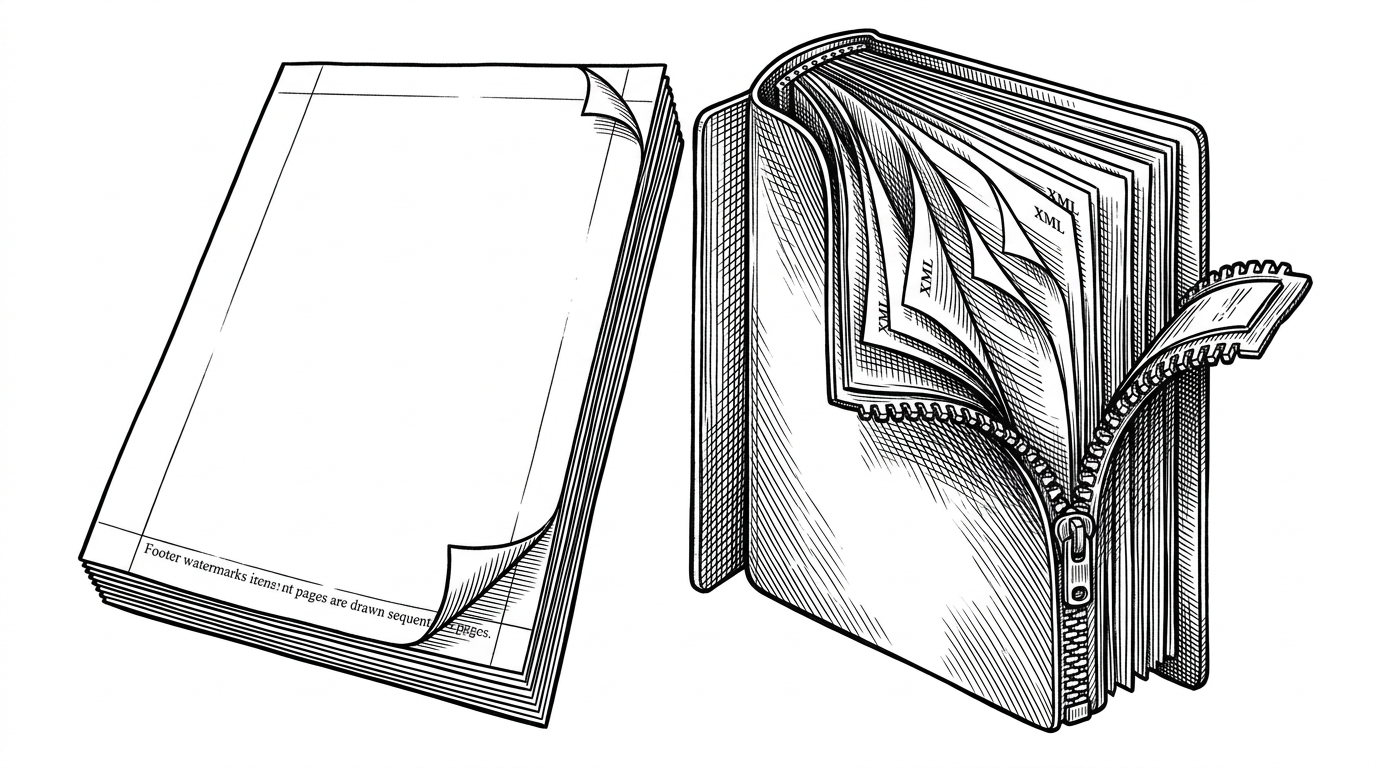
For PDFs, the process is straightforward in concept and expensive in intent. Each page gets a footer watermark, so the user identity travels with the document. For DOCX, the repository does something rarer: it unzips the package, edits the internal XML and relationship structure, then reassembles the file. That is a real product choice, not a cosmetic stamp.
// Simplified flow from the download route
const file = await fetchFromCloudinary(fileId);
const isPdf = file.mimeType === 'application/pdf';

if (isPdf) {
  const protectedFile = await addPdfFooterWatermark(file.buffer, userMeta);
  return streamToClient(protectedFile, 'pdf');
}

if (isDocx) {
  const protectedFile = await addDocxFooterWatermark(file.buffer, userMeta);
  return streamToClient(protectedFile, 'docx');
}

throw new Error('Unsupported format');
That split matters because it keeps the implementation honest. A PDF and a DOCX are not the same artifact, so they should not share the same fake abstraction.
The app behaves like a real product, not a folder of PDFs
The repo’s front end is not just a gallery with a search box. It layers authentication, protected routes, role separation, caching around profile fetches, and PWA support into the same user journey. That is what makes it feel like software instead of storage.
The role model is especially important. Students and admins do not need the same surfaces, and the code reflects that. A small project often gets messy here. DIT-PYQ-hub seems to have made the separation explicit early.
The PWA layer pushes the same idea further. If the campus connection is flaky, the app still has to behave gracefully. Offline support is not a nice-to-have in this context. It is part of the product promise.
The architecture choice that makes the stack practical
The deployment story is pragmatic. The frontend can live close to users, while the heavy file work runs in a separate backend environment. That avoids asking serverless infrastructure to do long-lived document processing it was never meant to own.
| Layer | Why it exists | Why it is practical |
|---|---|---|
| Vercel frontend | Fast UI delivery and routing | Keeps the app snappy for students |
| Separate backend | PDF and DOCX processing | Avoids file-size and execution limits |
| Cloudinary storage | File retrieval and management | Reduces the burden on the app server |
| Supabase auth and data | Identity and access control | Keeps the product coherent without custom auth plumbing |
This is the kind of stack choice that signals maturity. The team is not forcing every responsibility into one deployment target. It is matching the job to the platform.
What it says about modern campus software
DIT-PYQ-hub is a small repo with a bigger lesson. A student-built internal tool can now borrow the same primitives that power polished SaaS products: authenticated access, analytics, offline support, controlled document delivery, and a UI tuned for real usage rather than demo value.
That matters because campus tools are often treated as disposable. This project takes the opposite position. It says a university utility deserves product thinking, and that exam papers deserve more than a public folder full of downloads.