Unrud/video-downloader: The GNOME App That Hides yt-dlp’s Chaos Behind One Clean Click
A deep dive into the slave-process architecture, state-driven UI, and packaging tricks that make a video downloader feel native instead of fragile.

Download videos from websites like YouTube and many others (based on yt-dlp)
- Unrud/video-downloader succeeds by turning a blocking media pipeline into a responsive desktop system with a strict state model and a worker boundary.
- Its strongest idea is not the feature list, but the architecture that keeps GTK alive while yt-dlp, FFmpeg, and extractors do the slow work elsewhere.
- The app feels native because the UI is thin, the model is explicit, and the packaging assumes a real GNOME desktop rather than a generic wrapper.
- Compared with CLI-only or web-hosted downloaders, it is a containment strategy for yt-dlp power that prioritizes local control and trust.
The Simple App That Is Not Simple
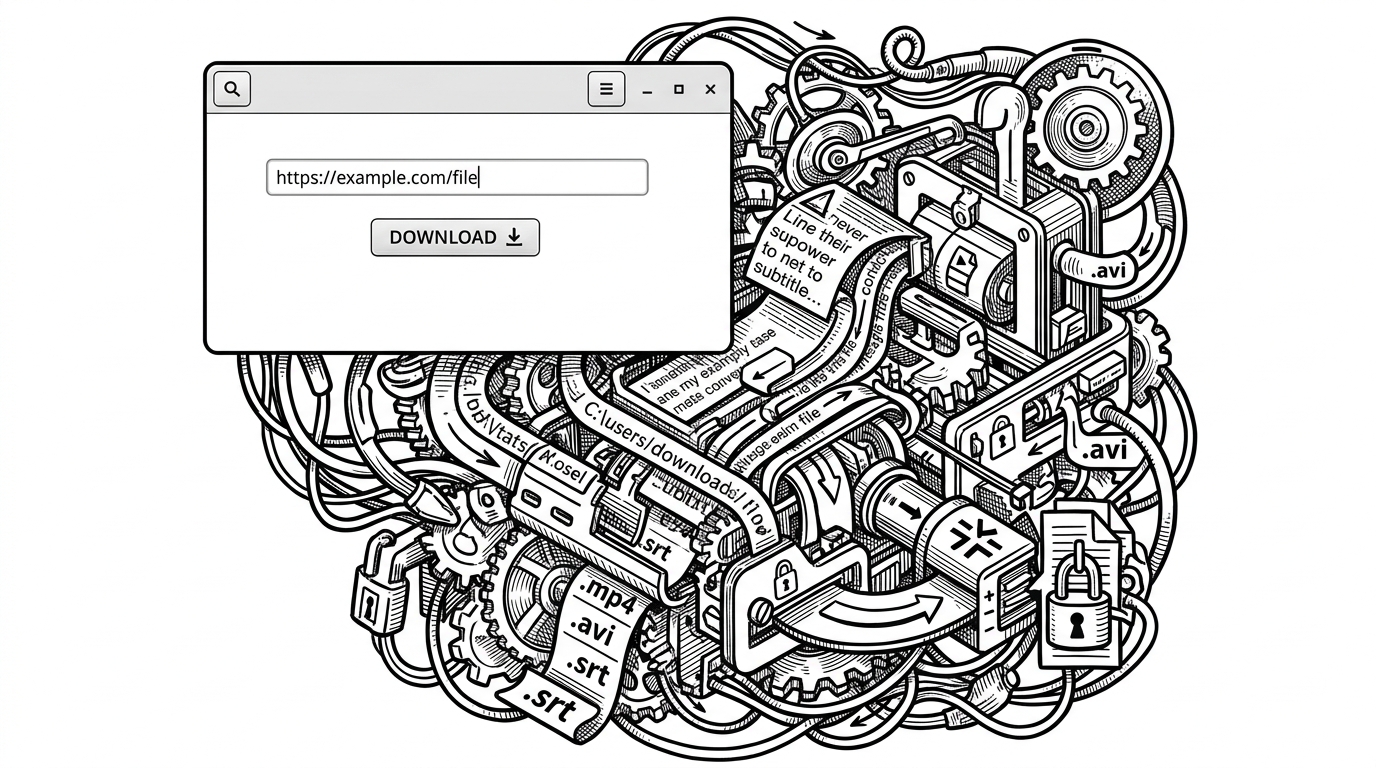
Unrud/video-downloader looks like a small utility. Paste a link, click download, move on. That is the point, and it is also the trick: the app makes a hostile, blocking, constantly changing media pipeline feel ordinary.
Under that calm surface sits yt-dlp, FFmpeg, subtitle handling, metadata writing, format selection, sandbox constraints, and a desktop UI that must never freeze. The interesting part of this repo is how deliberately it refuses to let those concerns leak into the window.
The Core Trick: A Slave Process That Keeps the Window Alive
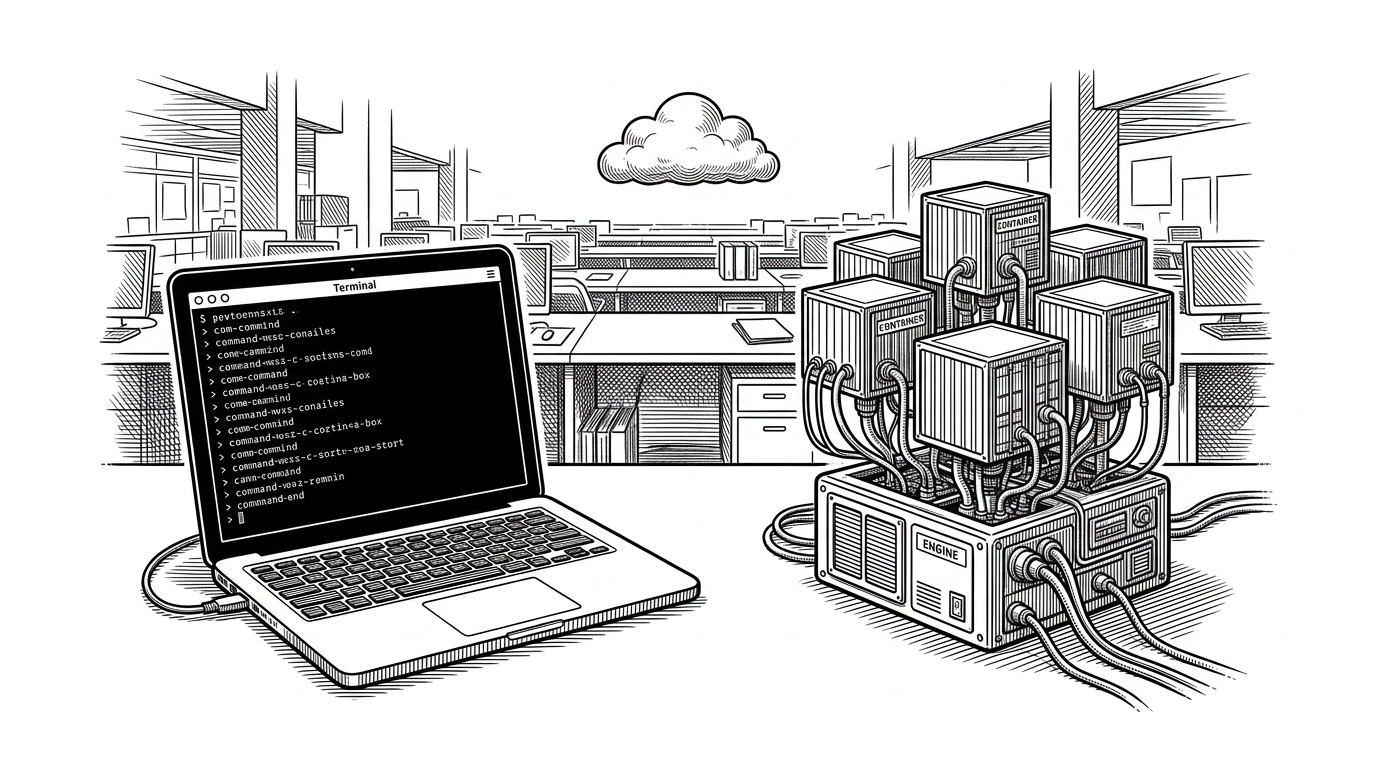
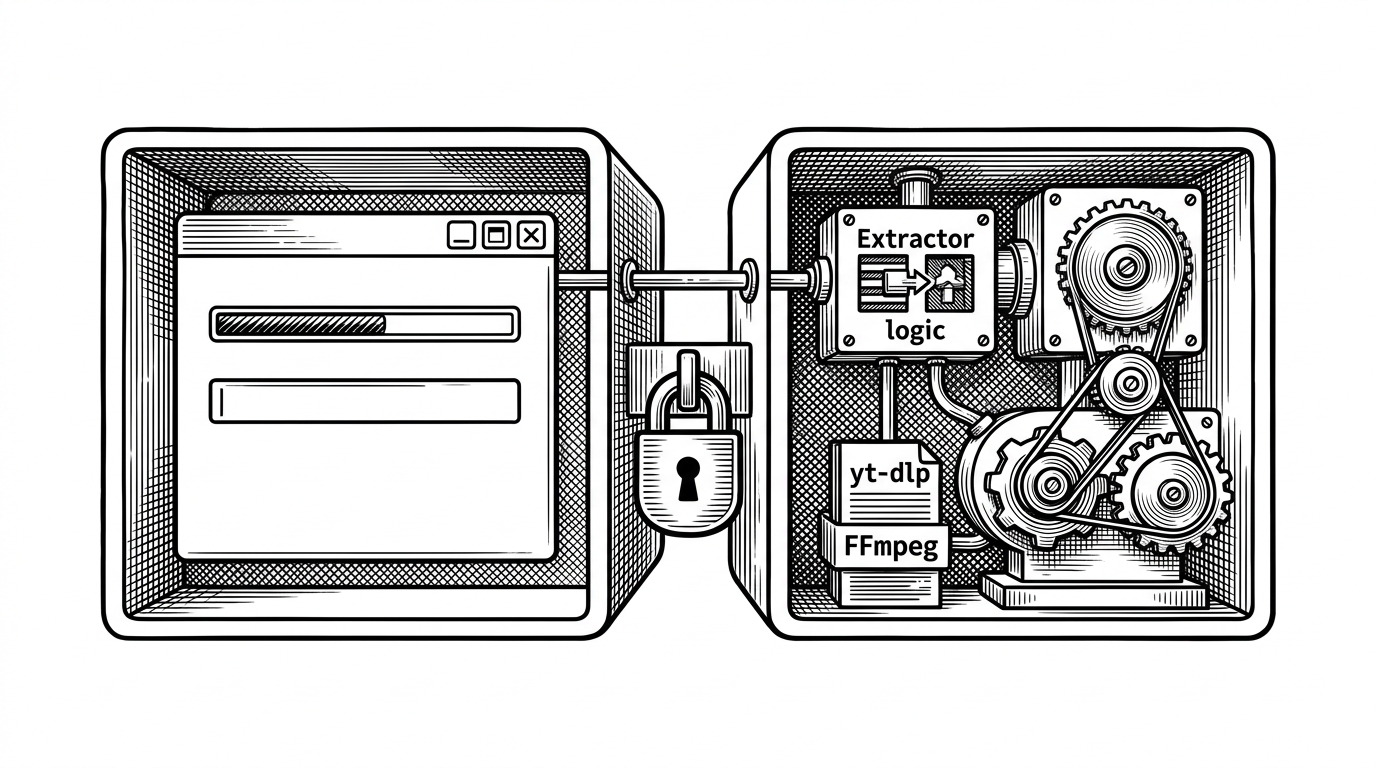
The heart of the project is its split-brain design. The GTK window stays responsive while the heavy work runs in a separate slave process, which means the UI thread is free to repaint, accept input, and update state instead of waiting on network calls or conversion steps.
That matters because yt-dlp is powerful but not gentle. It can hang on extractor logic, fetch pages, negotiate formats, or spend time in FFmpeg conversion. Isolating that work is what turns a downloader from a frozen dialog into a desktop app.
The Model Is the Brain
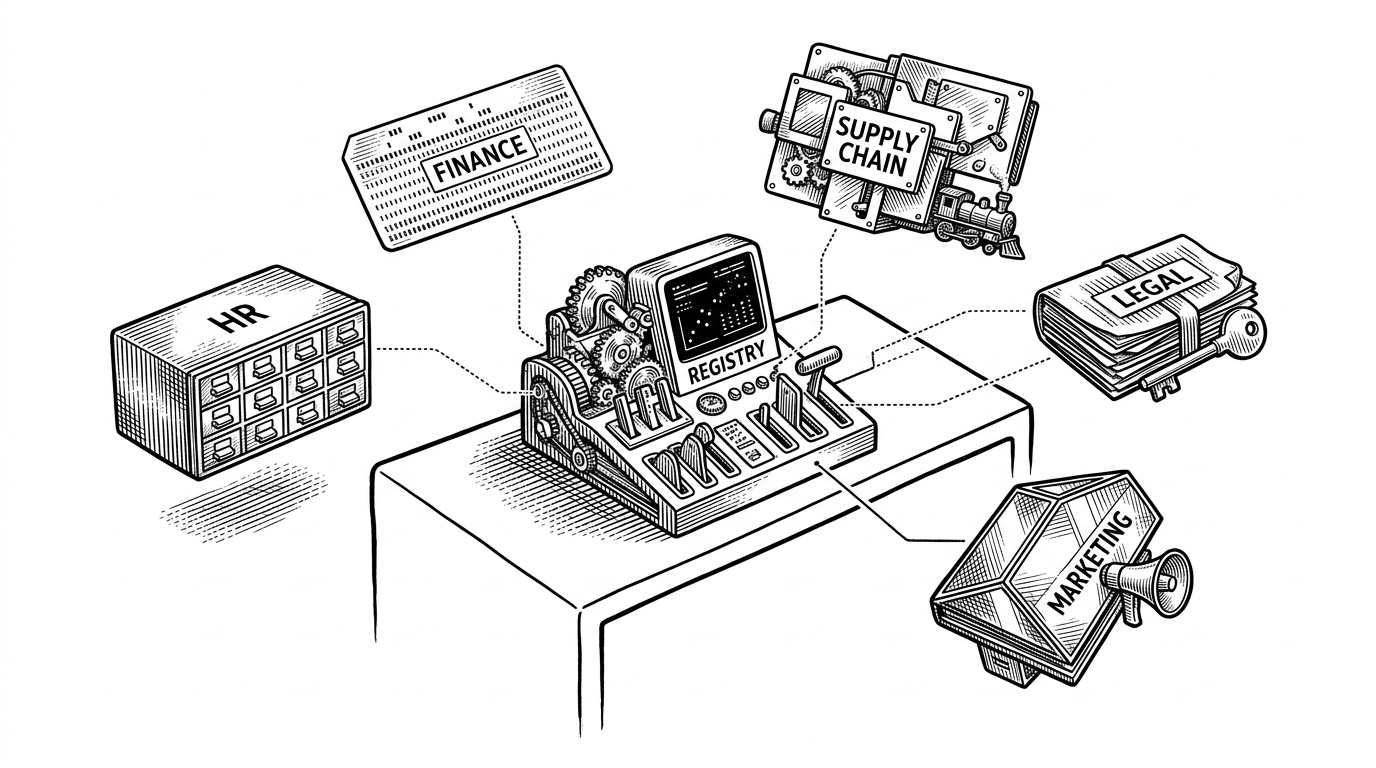
The app’s state machine is where the design becomes visible. Instead of sprinkling download logic across callbacks, the model centralizes the states: start, prepare, download, cancel, success, and error. That gives the window a single source of truth.
Because the model is built on GObject properties, the UI can bind directly to state and progress values. The result is declarative behavior: the window reacts to state changes instead of orchestrating them.
# Conceptual shape of the model
state = GObject.Property(type=str, default='start')
download_progress = GObject.Property(type=float, default=0.0)

# UI widgets bind to these properties, so the window updates itself
# when state changes instead of manually pushing every change.
The Window Is Thin on Purpose
That model-first approach is why window.py and window.ui stay clean. The template defines the interface, while property bindings wire it to behavior. The window does not micromanage jobs. It expresses the current state and lets the model do the coordination.
This is a classic GNOME pattern at its best. The UI is not a controller disguised as a view. It is a view that knows how to listen.
The Hidden Weight of “Downloading a Video”
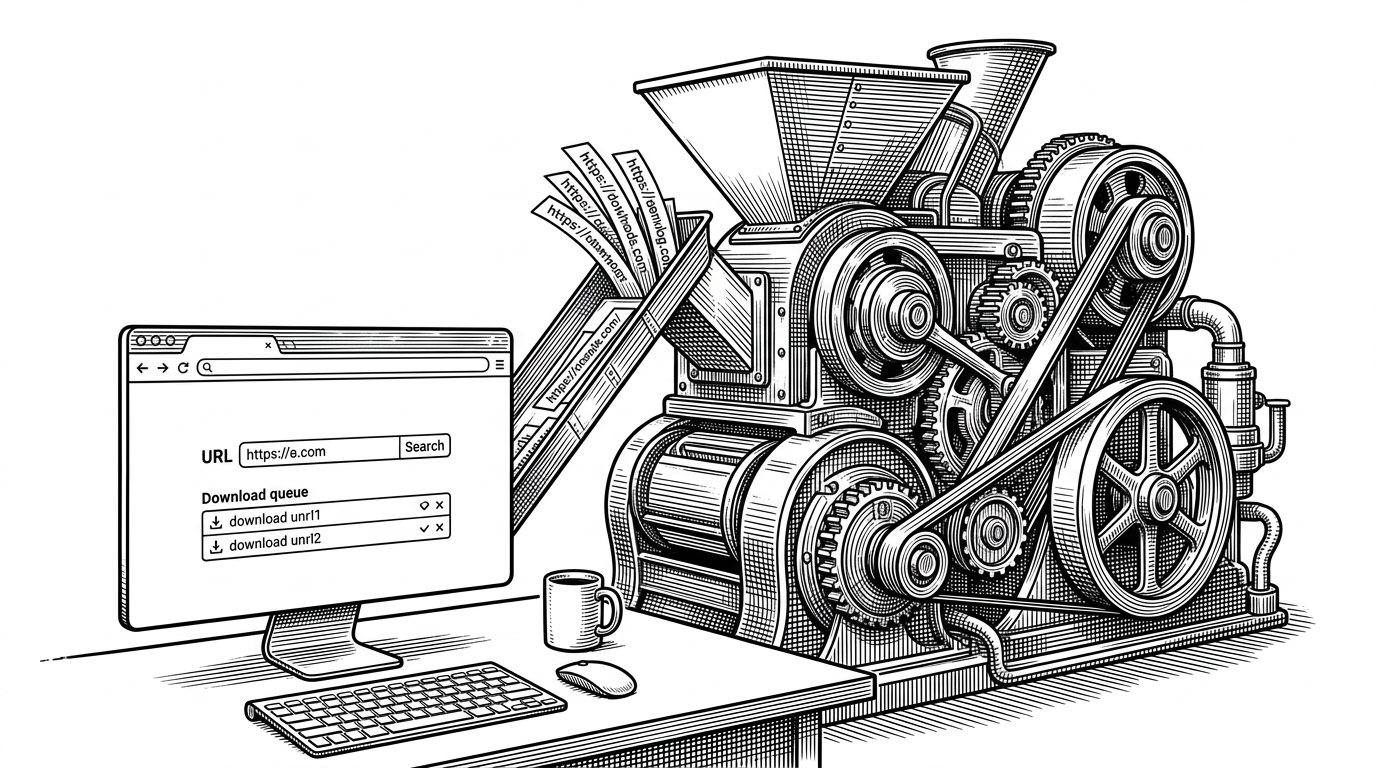
A one-click downloader has to absorb a ridiculous amount of backend reality. This repo pulls in yt-dlp, FFmpeg, Deno for extractor edge cases, cryptography, metadata tools, playlist handling, subtitle handling, and packaging glue for Flatpak and beyond.
That stack is the real product. The UI is only valuable because it hides all of it without pretending the complexity does not exist.
Why This Feels Native on Linux
The project speaks GNOME fluently: GTK 4, Libadwaita, GSettings, gettext, Meson, and Flatpak packaging. That matters because the app does not feel bolted together from a generic toolkit. It behaves like it belongs on the desktop it targets.
The localization story matters too. A downloader used across many regions has to be understandable outside English, and the repo’s translation-first posture says the maintainer expects real users, not just hobbyists.
| Path | Input style | Responsiveness | Desktop integration | Install friction | Power-user controls | Trust posture |
|---|---|---|---|---|---|---|
| Unrud/video-downloader | Paste URL in a native window | High, because work runs in a slave process | Strong, with GTK 4, Libadwaita, GSettings, Flatpak | Moderate, but packaged for Linux desktops | Strong, with format, subtitle, and conversion controls | Local, open-source, and user-controlled |
| yt-dlp CLI | Terminal commands and flags | Depends on the shell session | Low, it is a command-line tool | Low for developers, higher for everyone else | Very strong, with maximal flag-level control | Local, open-source, and explicit |
| Web-based downloader | Paste URL into a browser form | Depends on remote service design | Low on the desktop itself | Lowest for the user if the service exists | Usually limited by the service’s UI | Requires trust in a third-party host |
The comparison is not about replacing the CLI. It is about packaging its power into a desktop experience that feels ordinary. Unrud/video-downloader is strongest when judged as a containment strategy for yt-dlp, not as a generic downloader.
What It Beats, and What It Isn’t
Compared with terminal-only workflows, this app lowers friction without flattening capability. Compared with web downloaders, it keeps the control local, which is often the more trustworthy choice for private links, personal media, and desktop-first habits.
It is not trying to be universal, and that restraint is part of the appeal. This is a Linux-native tool for people who want yt-dlp power without living in the shell.
Great to see video-downloader back, thanks ! :)
Hello! For the time that Unrud was away, I maintained Video Downloader and implemented a dark mode. There is no difference functionality-wise, but the code on my repo is less organized.