Mike: The Open-Source Legal AI That Writes Redlines, Not Just Drafts
An inside look at the document engine, multi-model orchestration, and citation system that make this platform feel built for lawyers instead of demo users.
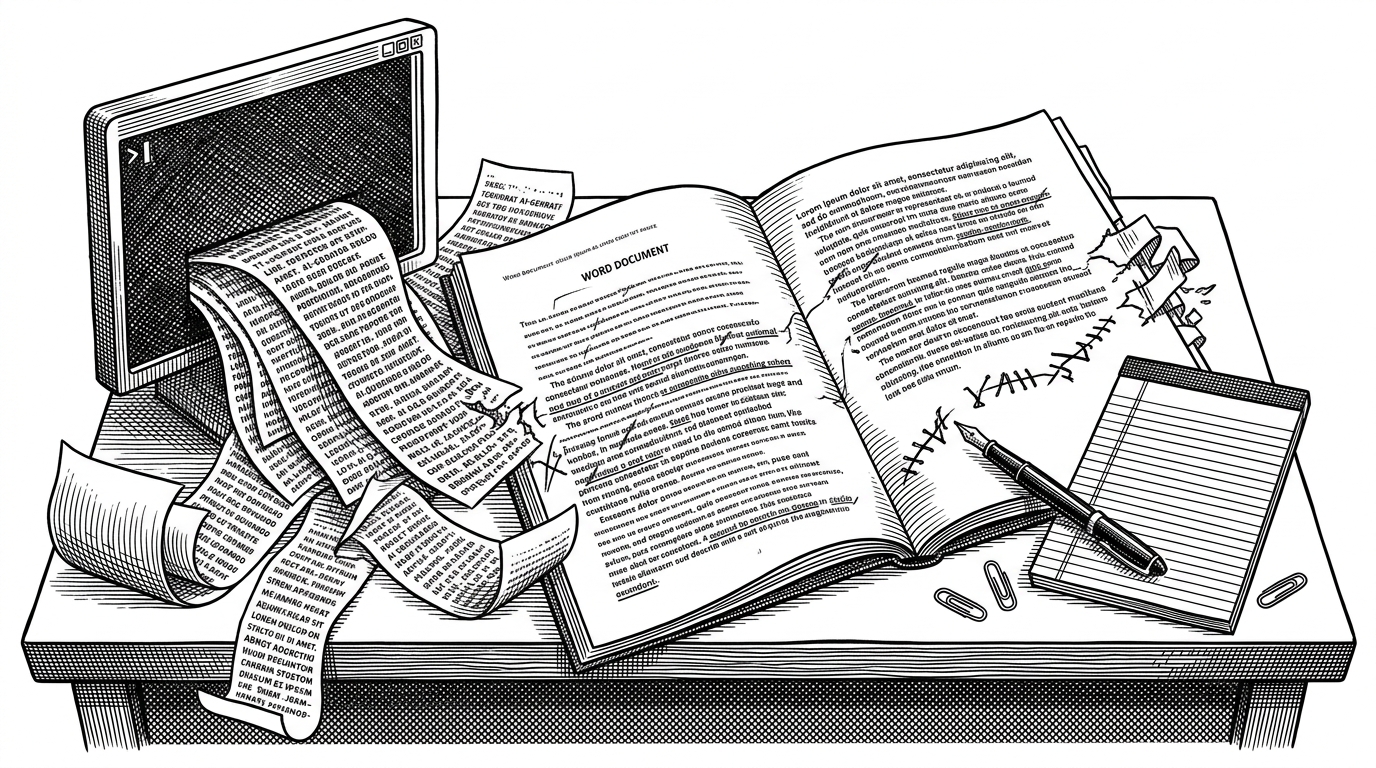
- Mike's main breakthrough is not text generation. It is document-native editing that produces redlines lawyers can inspect inside Word.
- The platform pairs that workflow with a model router, so expensive models handle interactive work while cheaper ones absorb background tasks.
- Its citation system matters because legal trust depends on traceable evidence, not fluent answers.
- Mike's real competition is not another chatbot. It is any system that can survive the review process without forcing lawyers to change habits.
Why Redlines Are the Real Product
Most legal AI tools stop at a draft, a summary, or a chat response. Mike aims at the part that actually gets reviewed: the redline. That is a meaningful shift, because lawyers do not just need text that sounds right. They need changes they can accept, reject, and audit in the same surface they already trust.
That makes the product feel less like a chatbot and more like a document system. The goal is not to replace Word. It is to make AI behave like a careful collaborator inside Word's rules.
What Mike Actually Does
The repo centers on legal document workflows such as credit agreement analysis, CP checklist generation, and tabular review across many files. Those are not generic assistant tasks. They are the routines of transaction work, where the value is in extracting, comparing, and editing structure.
| Capability | Mike | Typical legal chatbot |
|---|---|---|
| Output | Tracked changes in .docx and structured review tables | Plain chat answers or draft text |
| Workflow | Fits document review and revision | Stops at generation |
| Evidence | Verbatim citations and page references | Often lightweight or implicit |
| Modeling | Multi-LLM orchestration | Usually one model path |
| Focus | Document operations | Conversation |
The Hidden Trick: Writing Real Word Redlines
This is the technical center of gravity. Mike manipulates the underlying `.docx` package instead of overwriting content like a normal text generator. In practice, that means editing the XML inside the file and inserting tracked-change tags such as `
<w:ins w:author="Mike" w:date="2024-04-01T12:00:00Z">
  <w:r><w:t>inserted language</w:t></w:r>
</w:ins>
<w:del w:author="Mike" w:date="2024-04-01T12:00:00Z">
  <w:r><w:delText>deleted language</w:delText></w:r>
</w:del>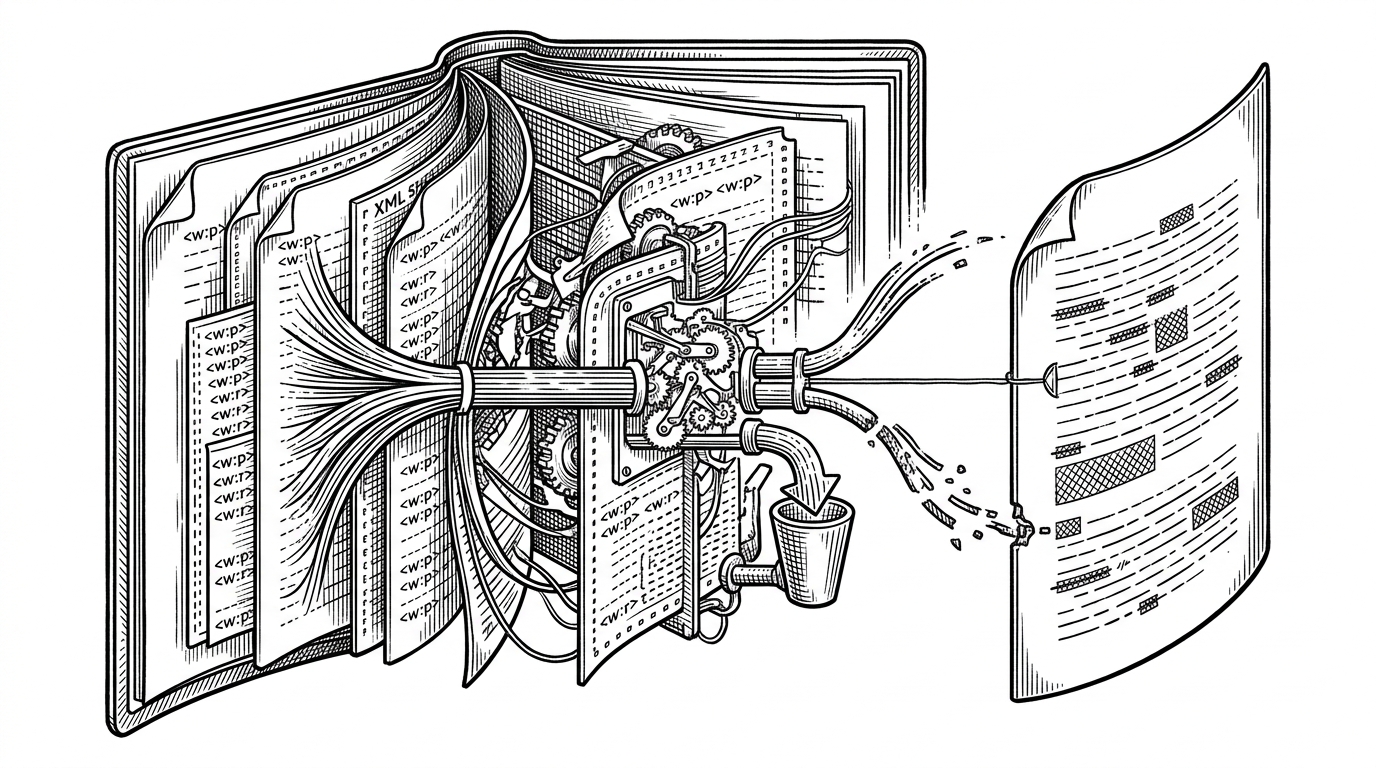
How Mike Chooses and Routes Models
The backend is not married to a single model. It uses a tiered strategy, with stronger models for interactive work and cheaper ones for background tasks like lightweight generation. That is a sensible move for an open-source legal tool, where cost and latency matter as much as quality.
Just as important, the tool layer normalizes provider differences. The repo includes an adapter that maps a single tool schema into the shapes Claude and Gemini expect. That lets the product switch providers without rewriting the higher-level workflow.
| Layer | Role | Why it matters |
|---|---|---|
| Main models | Interactive drafting and analysis | Quality where the user feels it |
| Mid models | Document extraction and structured review | Good enough for repetitive work |
| Low models | Background chores like titles | Keeps costs down |
| Tool adapter | Normalizes provider schema | Prevents vendor-specific logic from spreading |
Why Citations Matter More Than Fluency
Legal AI lives or dies on traceability. Mike's system prompt pushes the assistant to return citations as verbatim evidence with page references, which changes the standard from plausible to inspectable. That is the right bar for a legal workflow.
Tabular Review Is the Second Big Bet
Mike is not only about drafting. Its tabular review workflow extracts fields across many documents and presents them in a spreadsheet-like interface. That matters because legal work is often a search for the same clause, fee, or date across a pile of similar contracts.
This complements redlining neatly. One surface edits a single document. The other turns a document set into a dataset. Together they cover two of the hardest parts of transactional review.
| Workflow | Best for | Output shape |
|---|---|---|
| Redlining | Single-document revision | Tracked changes in Word |
| Tabular review | Multi-document comparison | Structured table |
| Chat | Ad hoc questions | Natural language reply |
Mike vs. the Legal AI Market
| Product | Strength | Gap Mike fills |
|---|---|---|
| Harvey | Enterprise legal AI with strong brand trust | Mike is open source and document-native |
| CoCounsel | Broad legal workflow maturity | Mike is more transparent and customizable |
| Ironclad | CLM and contract operations | Mike focuses on generative editing and review |
| Docassemble | Open-source legal automation | Mike adds generative AI and redline mechanics |
What the Project Reveals About Open-Source Legal AI
Mike suggests that the real contest in legal AI is not who can sound smartest in a chat window. It is who can fit into a high-trust workflow without breaking auditability, format, or habit. That is a harder engineering problem, and a more interesting one.
The repo also hints at a practical open-source strategy. Use multiple models, keep the tool layer portable, support BYOK economics, and put the output where users already work. In legal tech, that combination may be more valuable than a better prompt.