<a href="https://github.com/VoltAgent/awesome-design-md">awesome-design-md</a>: The Markdown Library That Teaches AI How to Design
A collection of `DESIGN.md` files that turns brand aesthetics into context for coding agents, replacing the blank page with a reusable visual language.
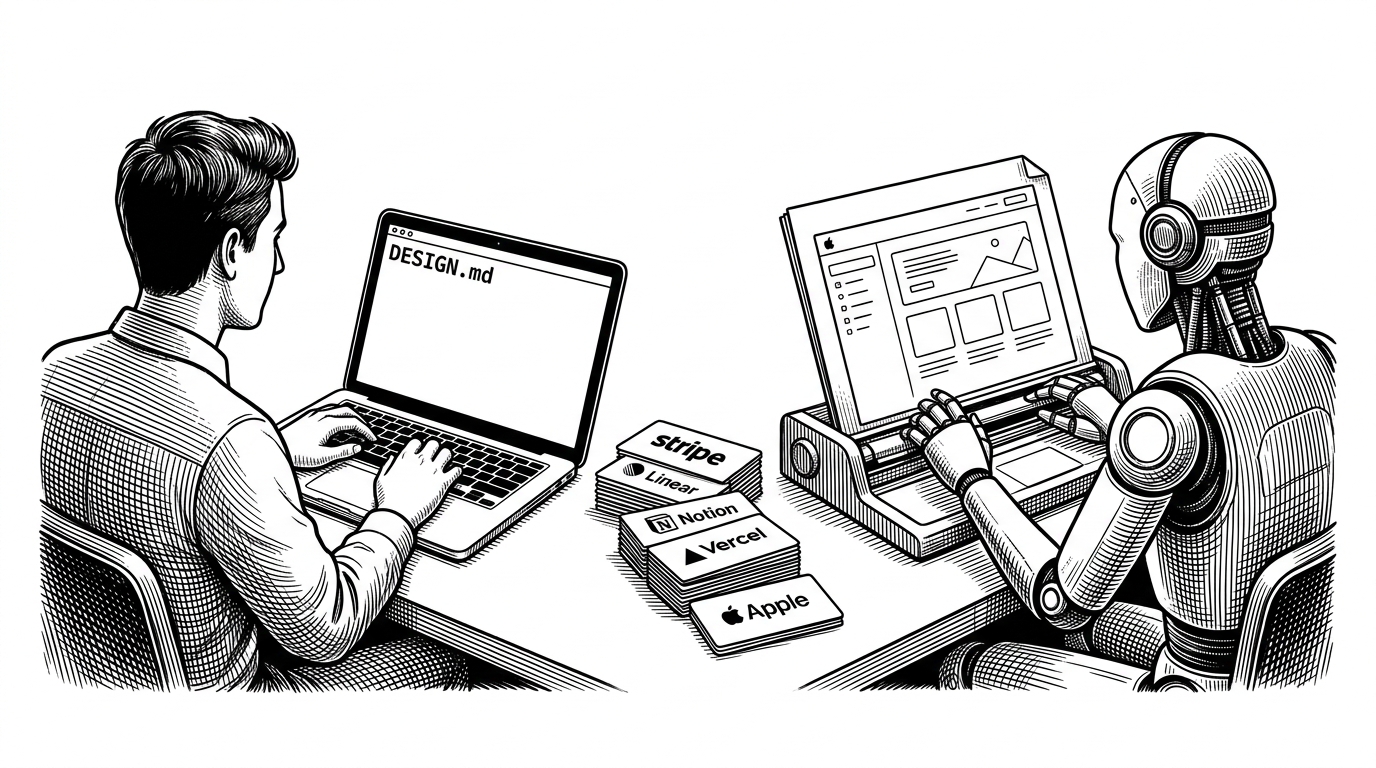
- awesome-design-md treats design taste as a portable text artifact that AI agents can ingest directly.
- The repo matters because it replaces a fragile file handoff with a reusable visual language that lives in Markdown.
- Its curation model is the point: this is a catalog of aesthetic constraints, not a pile of screenshots or random templates.
- The bigger shift is from shipping components to shipping context, which changes how teams prototype and standardize UI.
The blank page problem
AI coding agents are fast at producing interfaces and oddly good at making them look generic. That is the gap awesome-design-md is trying to close. It gives agents something they usually lack: a design language they can read before they generate the first button.
Every developer who’s used an AI coding agent knows the pain. You prompt Claude or Cursor to build a dashboard, and what comes back works — technically. But it looks like a 2014 Bootstrap template.
That is the premise in one sentence. The repo is not selling prettier mockups. It is selling a different unit of input for AI: style, encoded as Markdown.
DESIGN.md as a new layer in the stack
The key abstraction is simple. A `DESIGN.md` file is not implementation code, and it is not a Figma export. It is a plain-text description of visual intent: color, spacing, typography, rhythm, and the general mood of the interface.
design-md/
  stripe/
    DESIGN.md
  linear/
    DESIGN.md
  notion/
    DESIGN.md
That structure matters because Markdown is already a native language for AI workflows. It is lightweight, readable, and easy to paste into an agent context window. In a system like this, the file format is not a convenience. It is the product.
Why this repository is more than a list
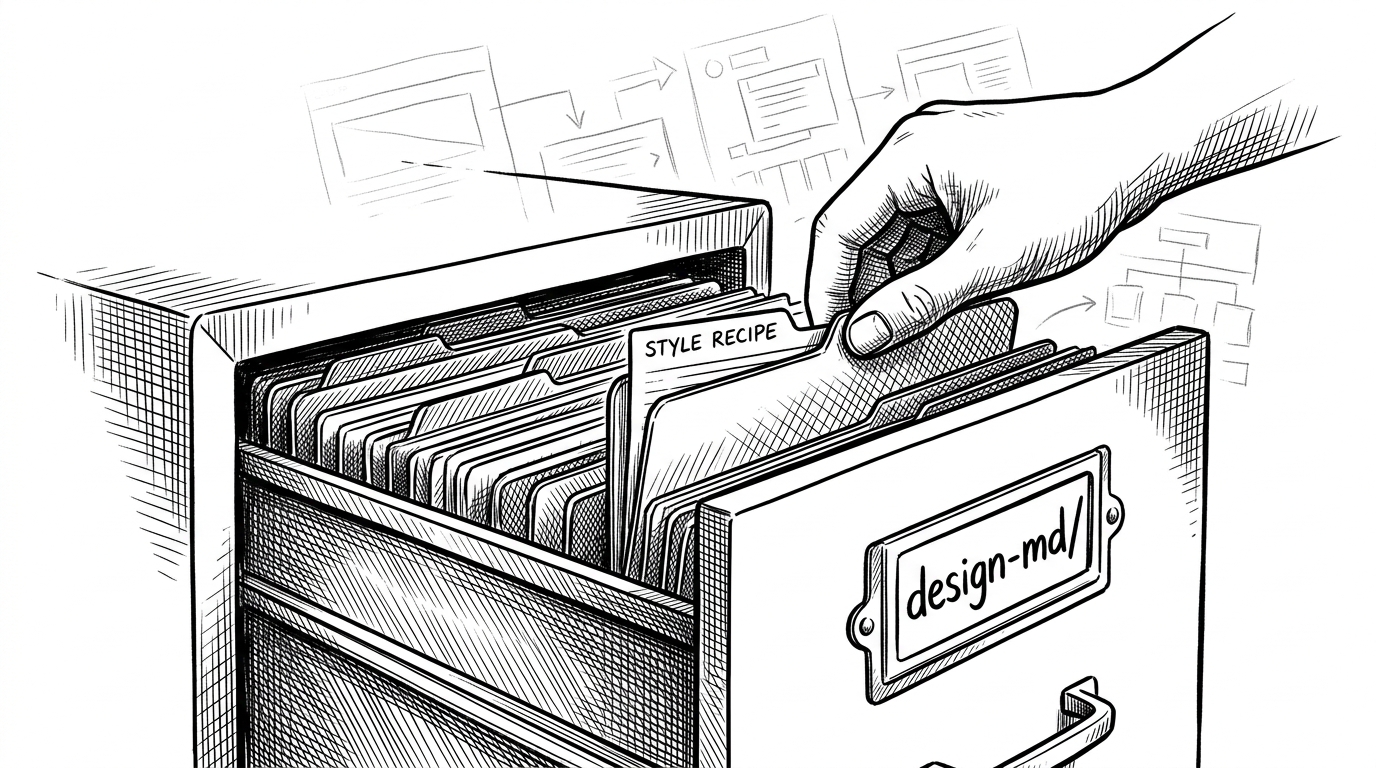
The repository looks like a collection, but it behaves like a catalog with rules. The `design-md/[brand]/` pattern gives each style a home, while the README acts as the discovery layer. Together they turn individual design references into a reusable system of aesthetic constraints.
| Workflow | What you ship | What the agent receives | Setup cost |
|---|---|---|---|
| Traditional Figma handoff | Screens, components, and visual mocks | A design reference that still needs translation | High |
| Component library or token kit | Buttons, tokens, and UI primitives | Implementation building blocks | Medium |
| `DESIGN.md` for AI agents | A concise visual language | Direct context the model can act on | Low |
That last column is the real shift. The repo is useful because it compresses the distance between taste and code.
The curation gate matters
The strict contribution model signals seriousness. The project is not trying to become an open dumping ground for arbitrary brand notes. It is protecting fidelity, which is exactly what makes the library credible to builders who want reliable output.
That choice is a trade-off. It reduces community volume, but it raises trust. If the files are meant to guide an AI toward a brand-accurate result, quality control is not optional.
What makes the collection distinctive
The collection is organized around vibe as much as brand. Some files point toward editorial warmth. Others lean terminal-first, monochrome, or minimal. That taxonomy matters because it matches how builders actually choose an interface style: by feel, not by a corporate category tree.
| Aesthetic family | What it signals | Why it matters |
|---|---|---|
| Editorial and warm | Clean hierarchy, generous whitespace, polished typography | Good for product storytelling and trust |
| Terminal-first minimal | Monochrome discipline, compact layouts, functional density | Good for developer tools and fast scanning |
| Brand-rich consumer polish | Distinctive visual voice and strong identity cues | Good for apps that need instant memorability |
The point is not that one vibe wins. The point is that the repo packages taste in a way an agent can actually use.
The new handoff: from Figma to context
This is where the article stops being about a repository and starts being about a workflow shift. Traditional handoff moves from design to code through artifacts. `DESIGN.md` moves from design to code through context. That sounds small, but it changes the unit of transfer.
That is why the comparison with Figma is useful, but incomplete. Figma is still excellent for collaborative design. `DESIGN.md` is solving a different problem. It is trying to give an agent enough semantic structure to create something on-brand without needing a visual editor in the loop.
| Workflow | Strength | Blind spot |
|---|---|---|
| Figma-first handoff | Precise visual collaboration | Heavier translation step for agents |
| Token-driven UI kits | Strong implementation discipline | Can feel abstract when taste is the main constraint |
| `DESIGN.md` for agents | Portable aesthetic context | Less precise than pixel-level design review |
What this means for builders
For teams, the immediate upside is obvious. You can try a style faster, prototype with more confidence, and keep your design language closer to the codebase. That reduces the friction between inspiration and shipping.
Figma for AI agents.
There is also a business implication. Open source becomes the discovery layer, while a hosted or premium layer can sit on top of the format. That is a familiar pattern, but the underlying asset is new: a reusable corpus of aesthetic instructions for AI.
The larger bet is that design language becomes portable text. If that happens, the winning teams will not just have better components. They will have better prompts, better constraints, and better context.