Huashu Design: The Skill That Turns AI Prompts Into Polished Design Files
A deep dive into the repo that treats HTML as a rendering engine, bakes design judgment into `SKILL.md`, and exports the same artifact to web, slides, and video.

- Huashu Design is not trying to be a broader UI kit, because it is built to turn agent intent into finished artifacts.
- `SKILL.md` is the real product surface, since it encodes persona, constraints, verification, and design judgment.
- The repo's edge comes from treating HTML as a rendering substrate that can branch into web prototypes, slide decks, and video.
- Its architecture matters because it constrains the model into a repeatable design pipeline instead of trusting free-form generation.
The prompt is not the product
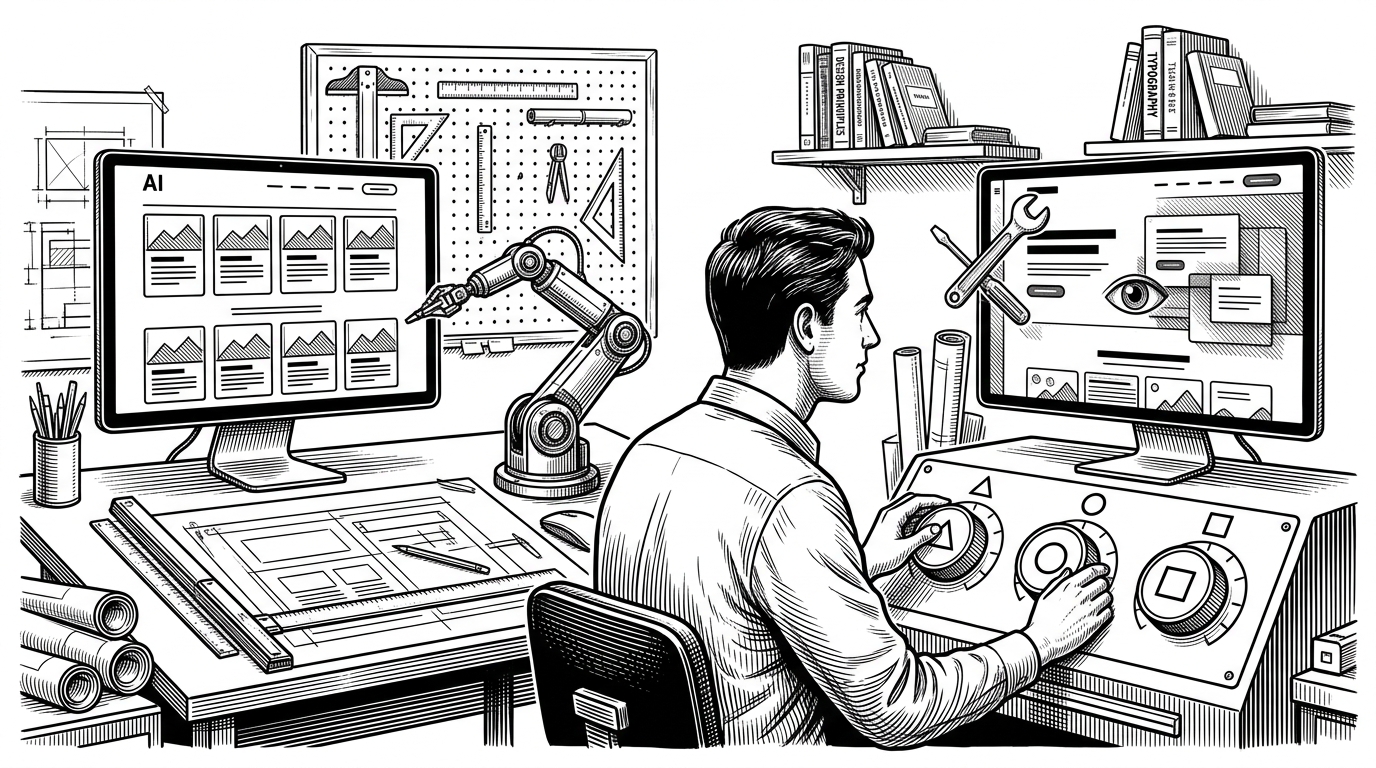
Huashu Design starts from a simple but unusual premise: the thing you ask for is not the thing you ship. The prompt is only the input. The output is a usable design artifact that can become an HTML prototype, a deck, or a video without needing a traditional app in between.
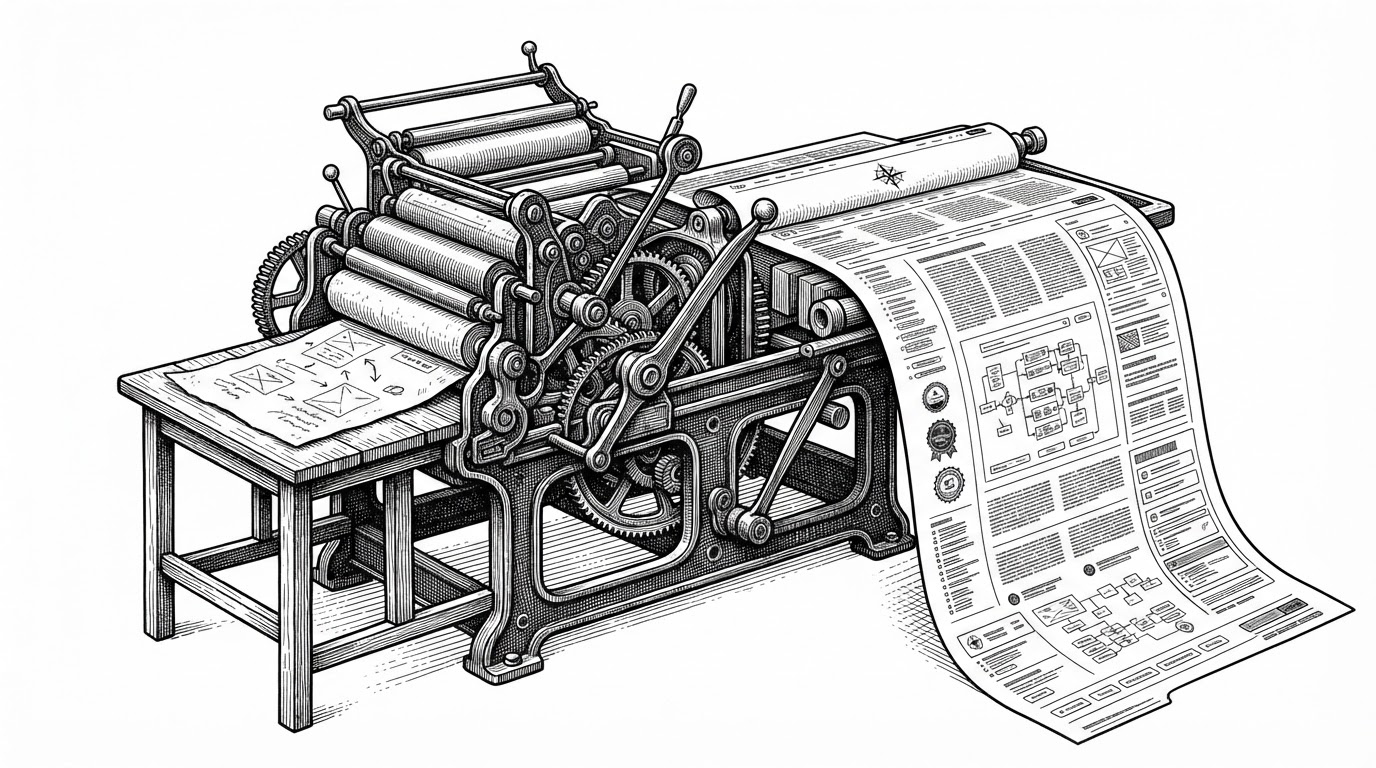
That matters because most agent tools still optimize for code completion. Huashu Design optimizes for artifact production. It uses HTML as a rendering substrate, then layers automation on top so the same source can be pushed into different formats.
That framing makes the repo feel less like a component library and more like a workflow engine. It is trying to close the gap between design intent and something a team can actually review, present, or iterate on.
`SKILL.md` is the real interface
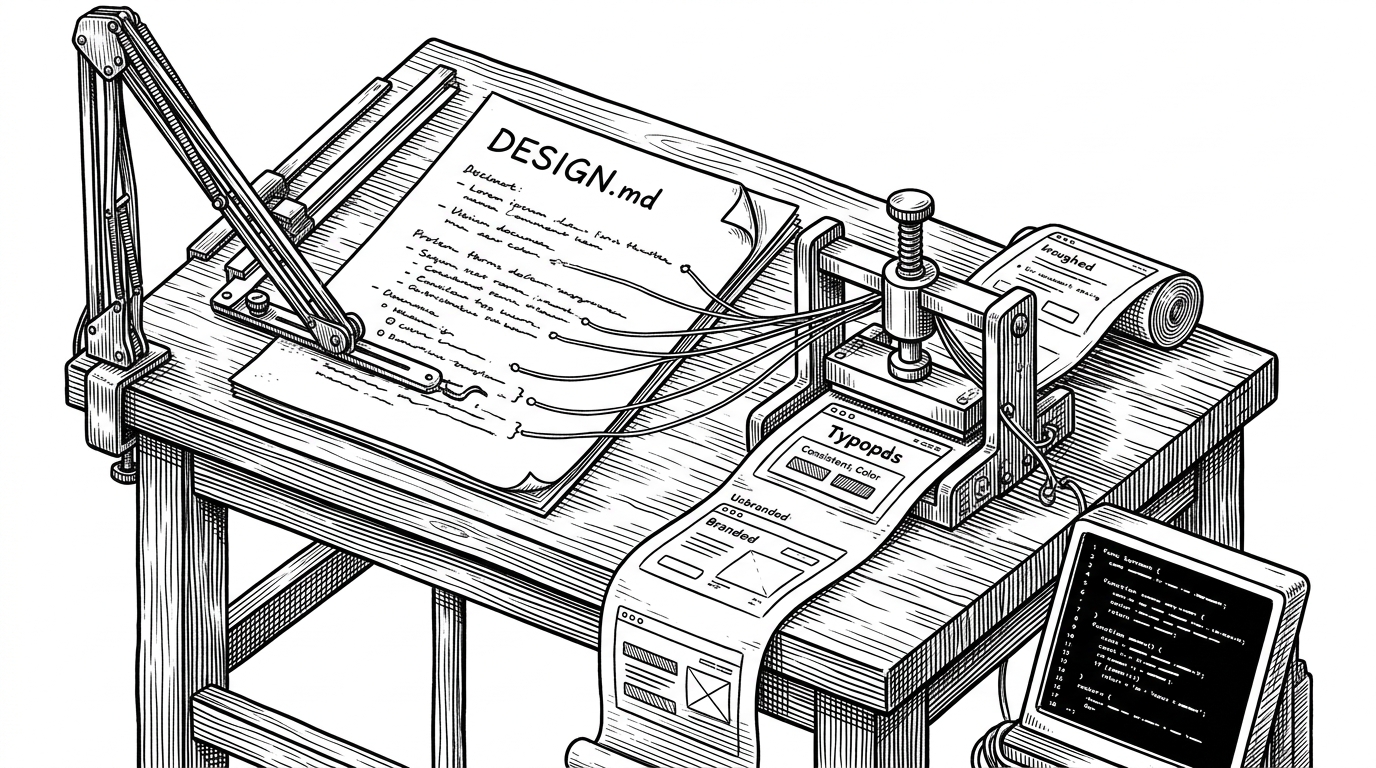
The center of gravity is `SKILL.md`. In this repo, the skill file is not a README dressed up as documentation. It is a policy layer that tells the agent how to think, what to verify, and how to shape output before any UI is rendered.
That is the big conceptual move. Instead of asking a model to improvise a design, Huashu Design constrains it into a persona-driven workflow with rules, checks, and design philosophies. The result is less like a plugin and more like a creative operating system.
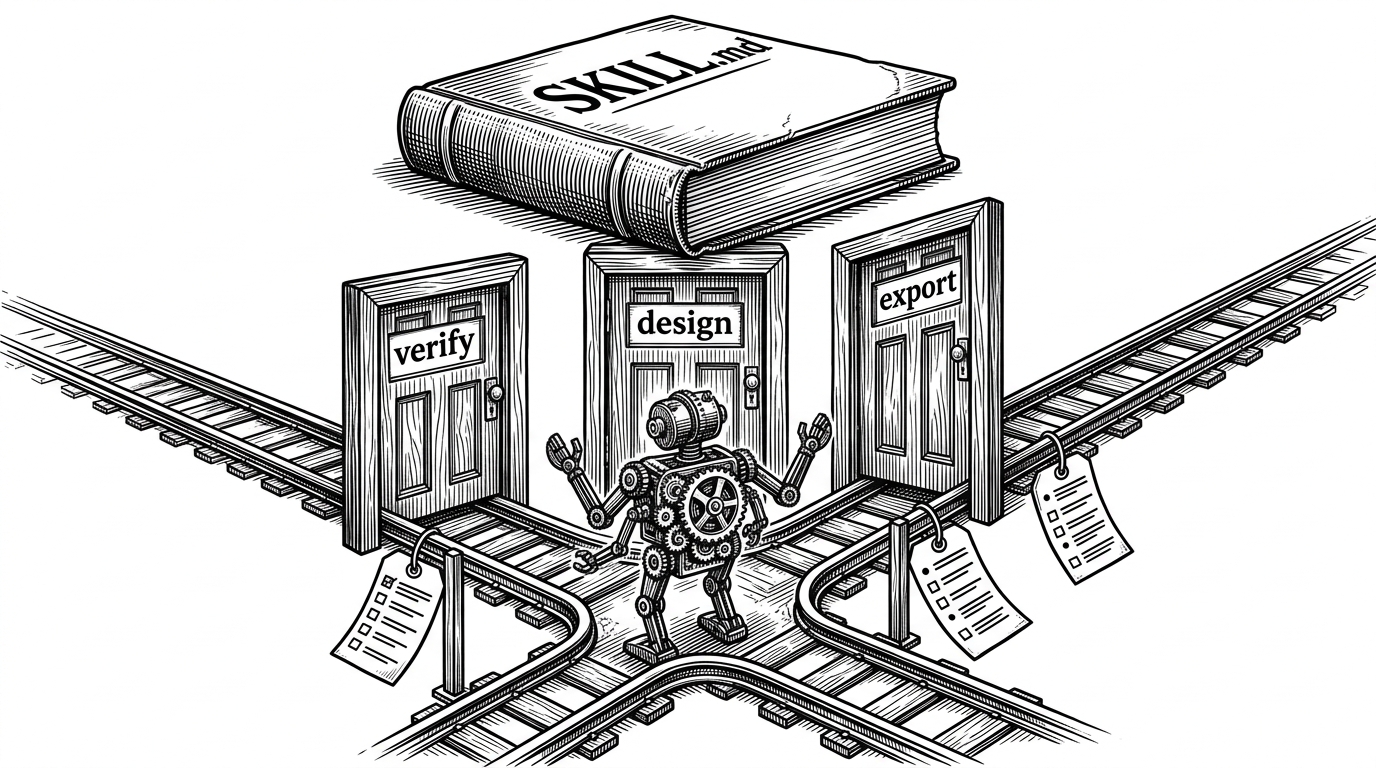
The repo's real interface is not a UI widget. It is the contract encoded in the skill. That contract decides whether the agent behaves like a designer, a verifier, or an exporter, and it keeps those roles from collapsing into generic slop.
Why the output feels high-fidelity
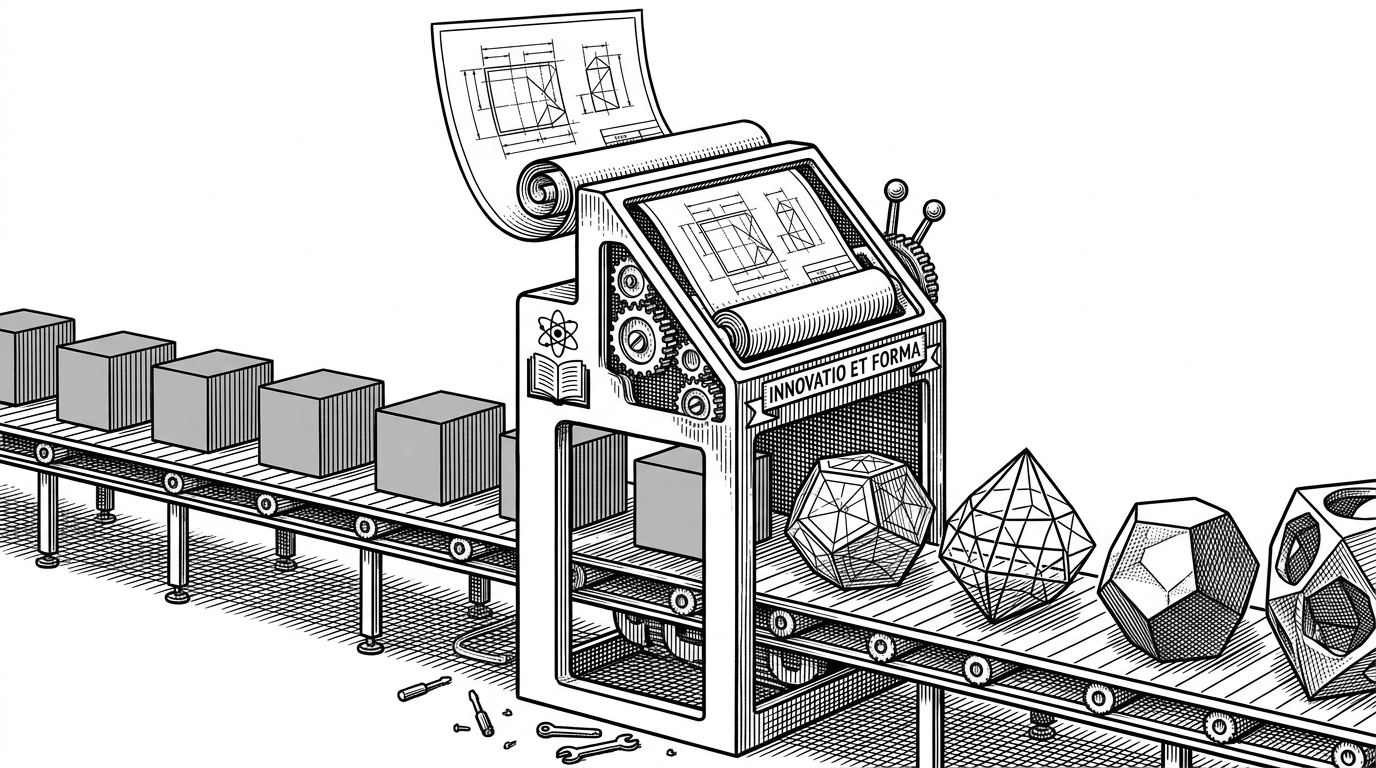
The outputs feel polished because the repo does not let the model stay abstract for long. Device shells, motion primitives, and rendering constraints force the design into concrete form. Once the agent has to land inside a real frame, generic answers get much harder to hide.
The research points to a small but important stack: device wrappers, animation helpers, and export scripts. Together they create a narrow path from concept to artifact. Narrow paths are good when the goal is quality, not novelty for its own sake.
function Sprite({ from = 0, to = 1, children }) {
  const t = useTime();
  const localT = clamp((t - from) / (to - from), 0, 1);
  const eased = Easing.expoOut(localT);
  return children(eased);
}

function Stage({ duration, children }) {
  return <TimeContext.Provider value={duration}>{children}</TimeContext.Provider>;
}
The important detail is not the syntax. It is the discipline. The model is being asked to render within wrappers that already know how a device should look and how motion should behave.
How motion is manufactured
The motion system described in the research is small, but it is enough. A `Stage` provides the timeline, `Sprite` objects map global time to local time, and interpolation plus easing functions turn that time into movement. That is a clean abstraction for agent-generated motion because it makes animation predictable.
This is the right level of runtime for a project like this. It does not need a giant animation framework. It needs a model that can say, with confidence, when something enters, when it settles, and how it exits.
const localT = clamp((t - from) / (to - from), 0, 1);
const eased = Easing.expoOut(localT);
const x = interpolate(eased, [0, 1], [24, 0]);
const opacity = interpolate(eased, [0, 1], [0, 1]);
That tiny runtime is the bridge between a static design and a movement-aware artifact. It gives the agent enough structure to produce something that feels authored rather than merely generated.
The escape hatches into slides and video
The practical payoff shows up in the export path. `html2pptx.js` translates DOM into editable slide objects. `render-video.js` uses Playwright and FFmpeg to turn timeline-based HTML into video. That means one source artifact can become several presentation formats without being redrawn by hand.
| Workflow | Primary output | Strength | Weakness | What Huashu Design changes |
|---|---|---|---|---|
| Traditional UI library | Reusable components | Broad coverage and familiar patterns | Still requires a human to assemble the story | Moves the system toward finished artifacts, not just parts |
| Prompt to screenshot | Static image | Fast visual feedback | Not editable and usually brittle | Keeps the source alive as HTML and DOM |
| Huashu Design | Web, PPTX, video | One governed pipeline, multiple deliverables | Narrower than a full design system | Treats export as part of design, not a separate step |
That shift matters because it changes the unit of work. The unit is no longer a component or a screenshot. It is a design artifact with export paths.
The real comparison is with conventional UI kits
Compared with Ant Design, MUI, Chakra, or a plain React stack, Huashu Design is not competing on breadth. It is competing on workflow compression. Traditional UI kits help you assemble interfaces. This repo tries to help an agent produce something closer to a finished deliverable.
That makes the trade-off clear. A UI kit gives you many components and a mature ecosystem. Huashu Design gives you a narrower path with stronger constraints around output quality, verification, and export.
| Approach | Optimized for | Best at | Less good at | Huashu Design's difference |
|---|---|---|---|---|
| Traditional UI kit | Reusable UI construction | Shipping app interfaces fast | Artifact generation across formats | Turns HTML into a design runtime |
| Prompt-to-screenshot tools | Visual speed | Quick mockups | Editability and downstream use | Keeps outputs structured and exportable |
| Normal design-to-code flow | Human handoff | Moving from design to implementation | Bridging the gap cleanly | Collapses the gap into one governed pipeline |
The comparison is not about superiority. It is about category. Huashu Design is not a bigger UI kit. It is a different answer to how agents should produce design work.
What this means for agentic design
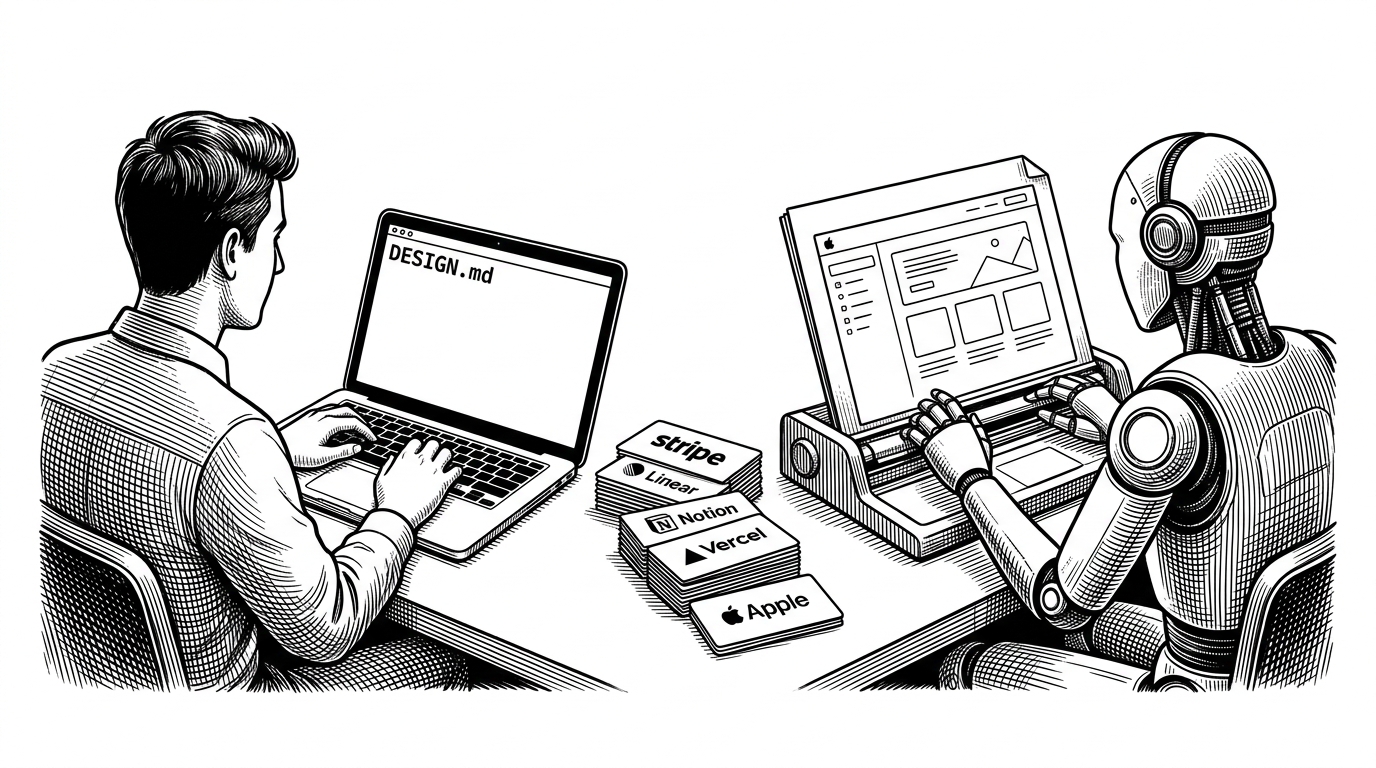
The most interesting implication is that the future may reward systems that constrain models well, not just systems that generate a lot. Huashu Design suggests that agentic design gets better when the model is forced to verify facts, follow a design philosophy, and render through a disciplined pipeline.
That is a meaningful shift. The question stops being, can the model make a screen. The question becomes, can it behave like a reliable designer who can produce something the rest of the team can use without a cleanup pass.