Notchy: Reclaiming the Hardware Compromise for the Agentic Era
How a lightweight Swift utility hijacks the MacBook notch to give Claude Code a permanent, context-aware home on macOS.
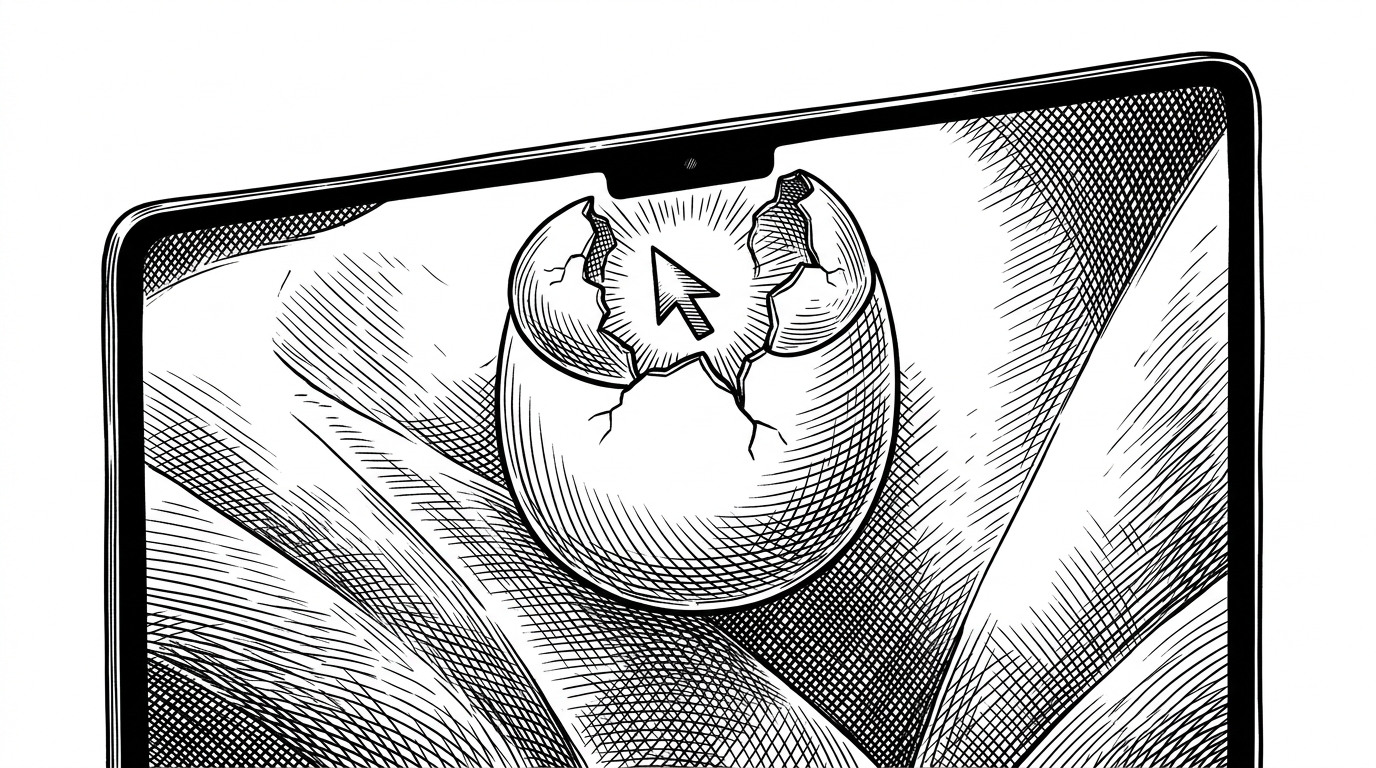
- Notchy repurposes the physical MacBook notch into a persistent, context-aware interface for AI coding agents.
- The utility uses AppleScript and window title parsing to automatically sync the terminal's working directory with active Xcode projects.
- A custom state machine scrapes the terminal buffer to provide ambient status updates through a visual "Bot Face" pill.
- Specialized AppKit orchestration anchors a floating terminal panel to the hardware notch to minimize screen real estate consumption.
The Dead Space Dividend
The MacBook notch was originally a design compromise, a black void slicing into the menu bar. Notchy flips this narrative by turning that dead space into a status indicator for background AI agents. The real story is not just putting a terminal in a notch. It is the reduction of context-switching friction. By tying the AI's presence to a physical hardware anchor, Notchy transforms the agent from a separate tool you navigate toward into a persistent partner that lives inside your screen frame.
A macOS menu bar app that puts Claude Code right in your MacBook's notch. Hover over the notch or click the menu bar icon to open a floating terminal panel with embedded sessions that automatically detect your open Xcode projects.
Zero-Config Context
The magic of Notchy lies in its context awareness. Standard terminal wrappers require manual navigation to your working directory. Notchy bypasses this manual tax entirely.
It relies on a utility called XcodeDetector.swift. This component uses a two-tiered approach to find open projects. It first attempts AppleScript to query the workspace documents of Xcode. If permissions block that route, it falls back to parsing the project name from the window title string via the Window List API. This ensures the AI is always in the right folder before you even type.
The Ghost in the Machine
Notchy provides a Tamagotchi-like presence for the AI through its Bot Face status pill. It achieves this without relying on complex API integrations. Instead, the app relies on screen scraping.
A custom subclass periodically extracts text from the terminal buffer. It looks for specific strings used by the Claude CLI to determine if the AI is working, idle, or waiting for input. This state machine drives the UI in the notch, providing peripheral awareness without consuming valuable screen real estate.
Engineering the Floating Terminal
Building a window that does not act like a standard window requires careful AppKit orchestration. Notchy uses a specialized NSPanel that sits behind the physical camera notch. It manages a delicate hover-to-reveal mechanic.
Because AppKit's coordinate system starts at the bottom-left, Notchy manually adjusts the window origin when the height changes. This ensures the panel appears to grow downward from the top of the screen perfectly anchoring to the hardware notch.
| Feature | Standard Terminal | NotchNook | Notchy |
|---|---|---|---|
| Primary Focus | General CLI Tasks | Media & Widgets | AI Agent Workflows |
| Context Awareness | Manual Navigation | None | Auto-syncs with Xcode |
| Screen Footprint | Large Window | Drop-down Shelf | Minimalist Notch Pill |
| Agent Visualization | Text Output Only | N/A | Ambient Status Glow |
Minimalism as a Feature
The competitive landscape for notch utilities is crowded with tools offering everything from file drop zones to media controls. While others build complex productivity shelves, Notchy stays relentlessly focused on the developer loop.
It trades platform bloat for native speed. By leveraging SwiftTerm for robust terminal emulation and AppKit for precise window positioning, Notchy creates an interface that feels less like a third-party app and more like an OS-level feature tailored specifically for the age of AI coding assistants.