Ghast: The terminal that files your tabs by directory
A macOS multiplexer built on Ghostty that turns the filesystem into a living workspace map, then layers native SwiftUI tooling on top.
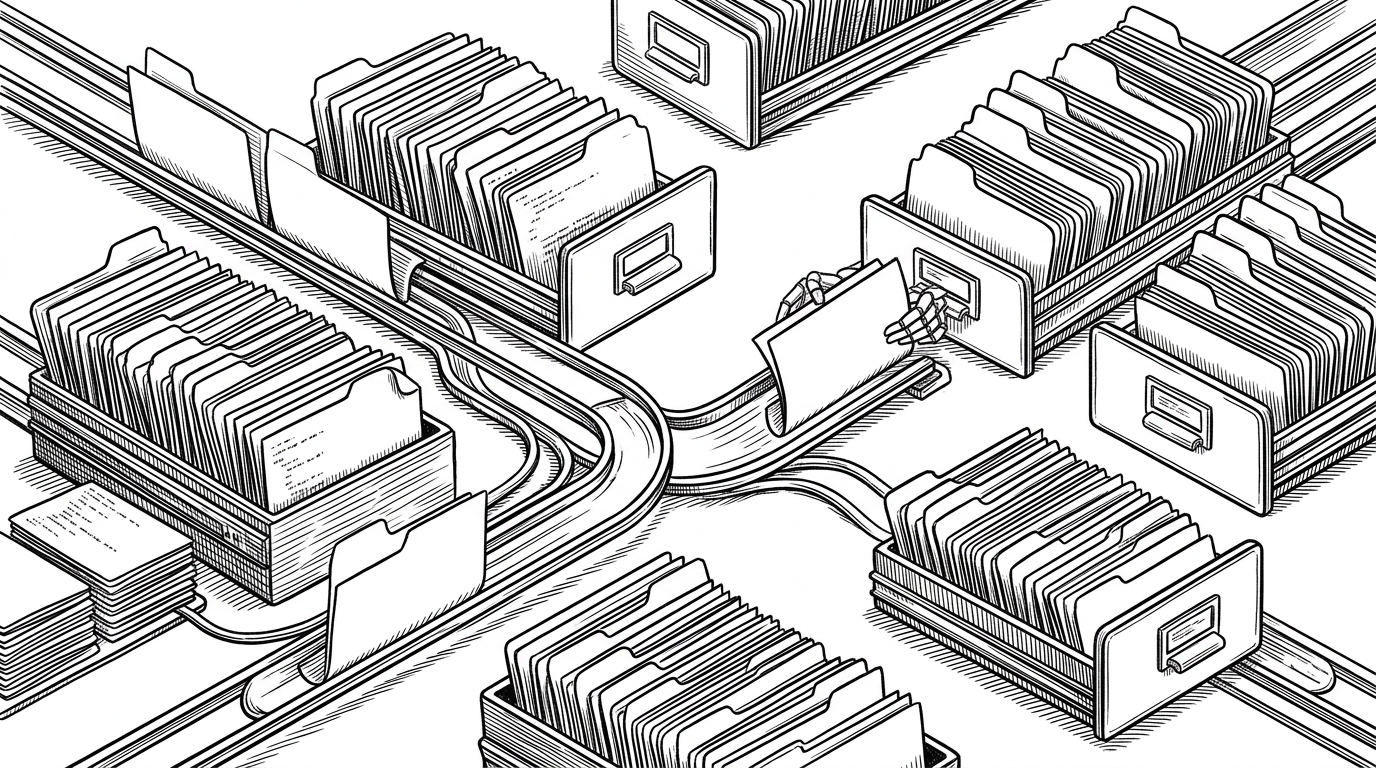
- Ghast turns directory changes into workspace routing, so the filesystem decides where a tab belongs.
- Its native shell works because SwiftUI, AppKit, and Ghostty each own a different layer of the job.
- The split layout is recursive, which keeps nested panes readable instead of flattening them into a grid.
- Compared with tmux, iTerm2, and Ghostty, Ghast adds a project-aware organizing layer rather than another terminal surface.
When cd changes the UI
Most terminals treat cd as a local act. Ghast treats it as a routing signal.
If the shell changes directories, the app can re-home the tab into the matching Workspace. That is a small behavior with a big consequence: the filesystem becomes the source of truth for the UI.
Workspaces, not just tabs
The core abstraction in the repo is a workspace keyed by directory, not a loose pile of tabs. In TabManager.swift and Workspace.swift, the app watches for directory changes and can move a tab into the workspace that matches the current path.
That matters because developers rarely think in anonymous panes. They think in projects, repos, scratch spaces, and the place where active work should live. Ghast makes that mental model visible.
Why this feels native on macOS
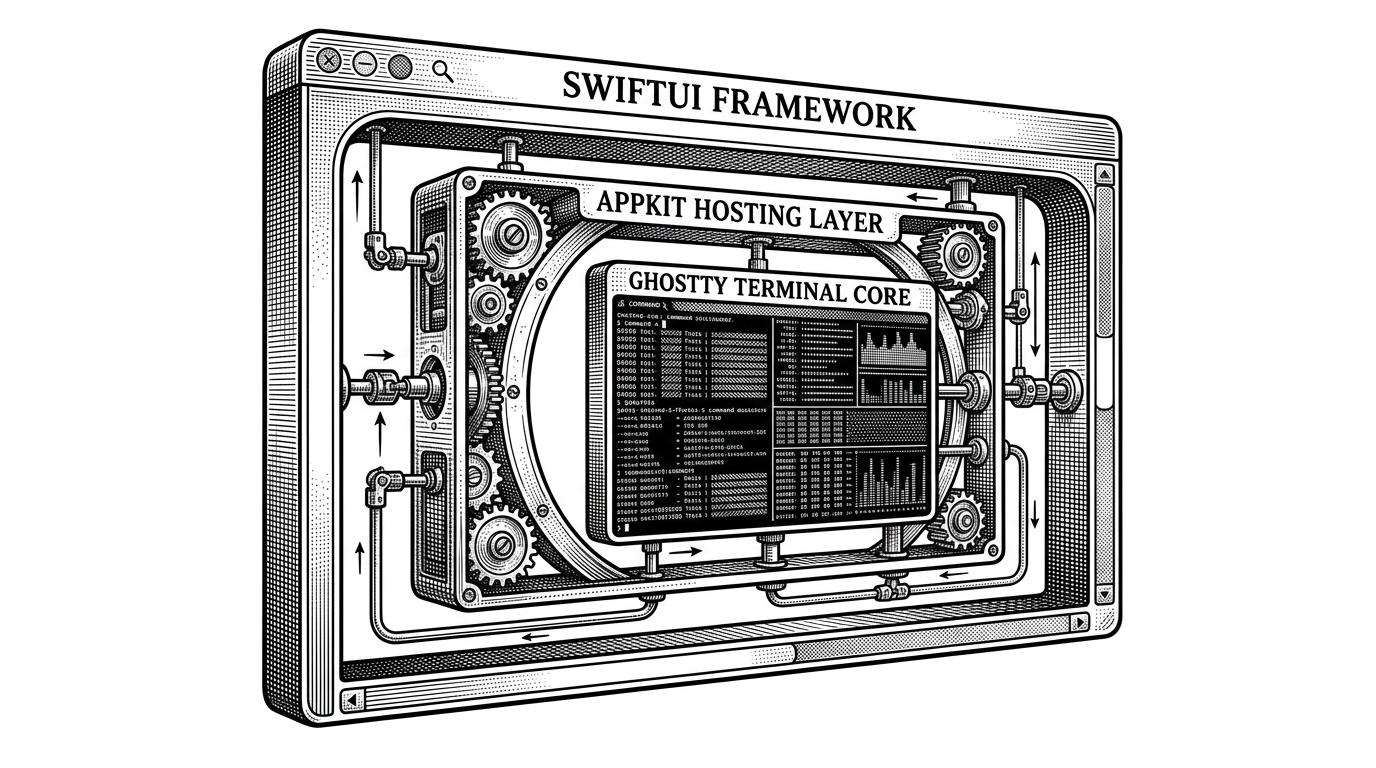
That split is pragmatic. SwiftUI is a strong fit for sidebars, tab chrome, and workspace state, while AppKit is still the safer home for a high-frequency NSView terminal surface.
The trade-off is build complexity. The repo leans on xcodegen, Zig, and the Ghostty build path, so the payoff in polish comes with more moving parts than a plain terminal wrapper.
The bridge to Ghostty
The most technical part of Ghast is not the chrome. It is the bridge. TerminalView.swift maps keyboard and mouse events into Ghostty-compatible structures, while GhosttyManager.swift owns the global lifecycle and callback plumbing.
Swift object references cross the C boundary through unmanaged pointers so the engine can call back into the right view. That is the classic native-app trick here: keep the fast engine in C, keep the state in Swift, and make the glue invisible to the user.
Splits as a tree, not a pile of panes
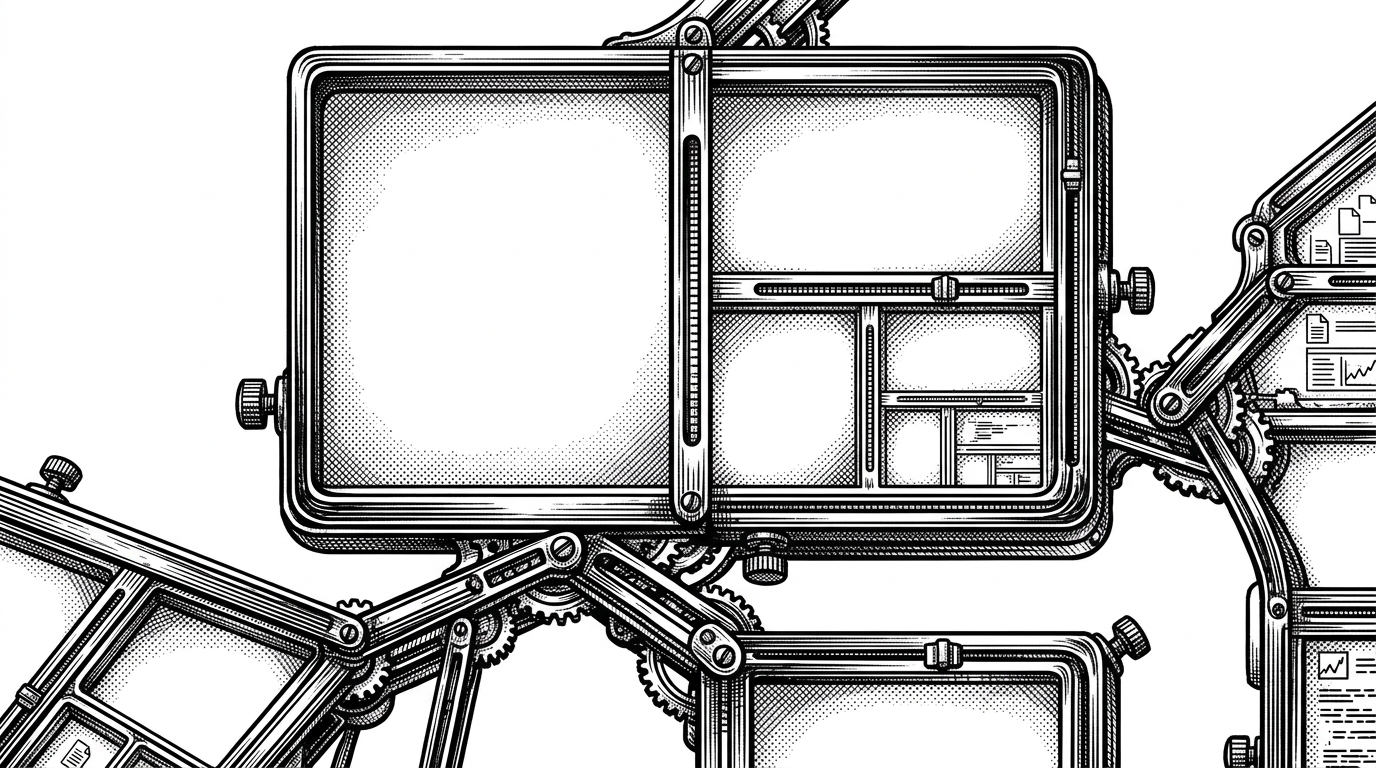
Ghast treats splits as a tree. A terminal leaf can divide vertically or horizontally, and that branch can split again without flattening the layout into a messy grid.
That recursive model matters because it keeps deep layouts readable. The app is managing nested containers, not a pile of unrelated panes, which makes divider logic and resize behavior easier to reason about.
Ghast vs tmux, iTerm2, and Ghostty
The cleanest way to place Ghast is by its organizing principle. It is not trying to beat every terminal tool at the same job.
| Tool | Primary organizing unit | Directory aware | Rendering core | What it optimizes |
|---|---|---|---|---|
| Ghast | Workspace tied to a directory | Yes. Tabs can migrate when cwd changes | Ghostty inside a native macOS shell | Project context and tab routing |
| tmux | Session and pane | No | Terminal-agnostic | Persistence and multiplexing |
| iTerm2 | Window and tab | Only indirectly | Native macOS terminal UI | Polished GUI control |
| Ghostty | Terminal surface | No | Ghostty itself | Speed and compatibility |
tmux is session-first. iTerm2 is window-first. Ghostty is engine-first. Ghast is workspace-first, which is why it feels like a new layer rather than a replacement.
What this repo is really testing
Ghast is testing a simple but nontrivial idea: the directory should be the primary noun in terminal UX. If the project folder is where work lives, then the UI should organize around that fact instead of around arbitrary tab order.
That is why the repo is interesting even if you never adopt it as-is. It is a bet that the filesystem can be more than a path string. It can be the map for your attention.