uv: The Rust Tool That Collapses Python’s Packaging Stack
How Astral built a single binary for resolution, installs, virtualenvs, Python versions, and project sync, and why its biggest trick is not speed but removing the need for the old toolchain altogether.
- uv matters because it removes the need to assemble Python’s packaging stack before you can use it.
- Its speed comes from a unified design: one binary, one cache, one resolver, one installer, and one Python manager.
- The most interesting trick is metadata-only wheel inspection, which lets uv resolve dependencies without downloading entire archives first.
- The practical effect is behavioral, not just benchmark-driven, because cheap syncs make environments easier to keep clean and current.
A Python Project From a Single Binary
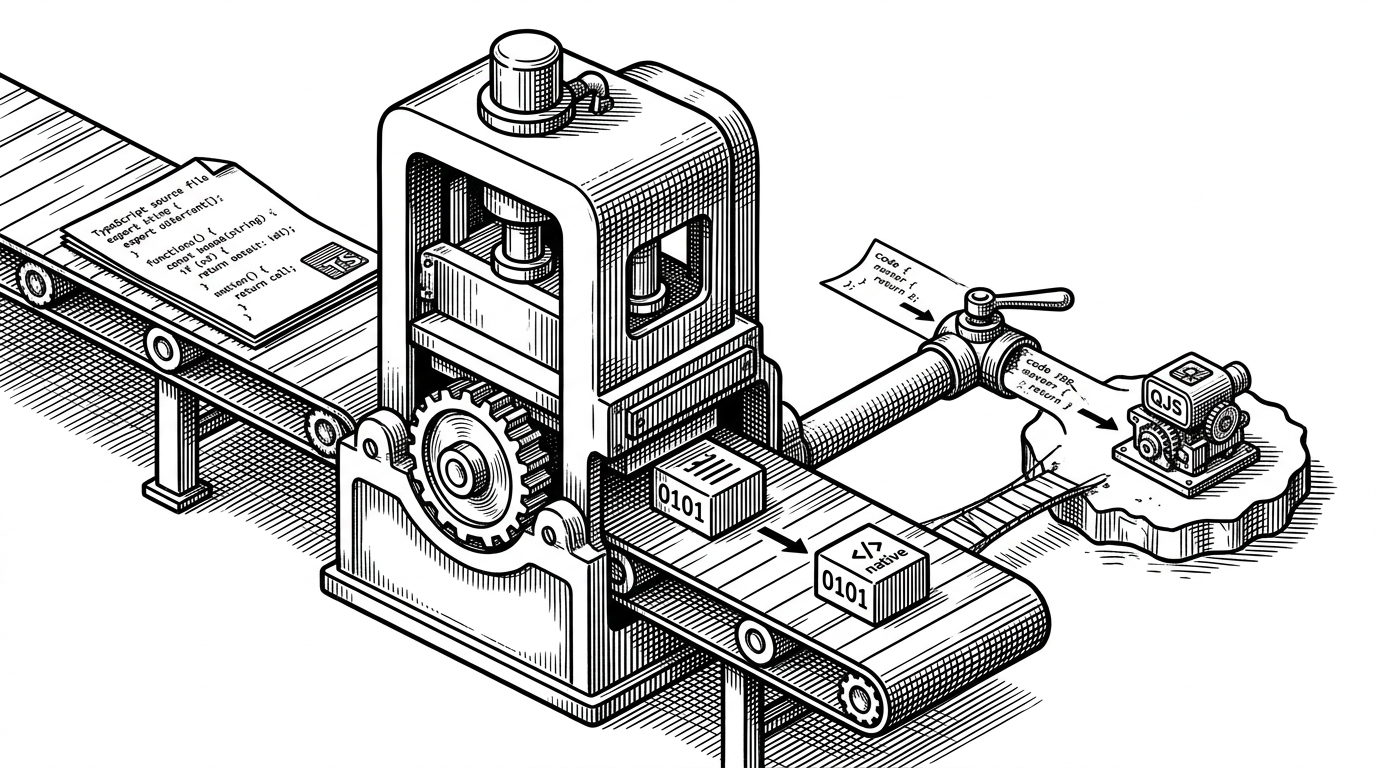
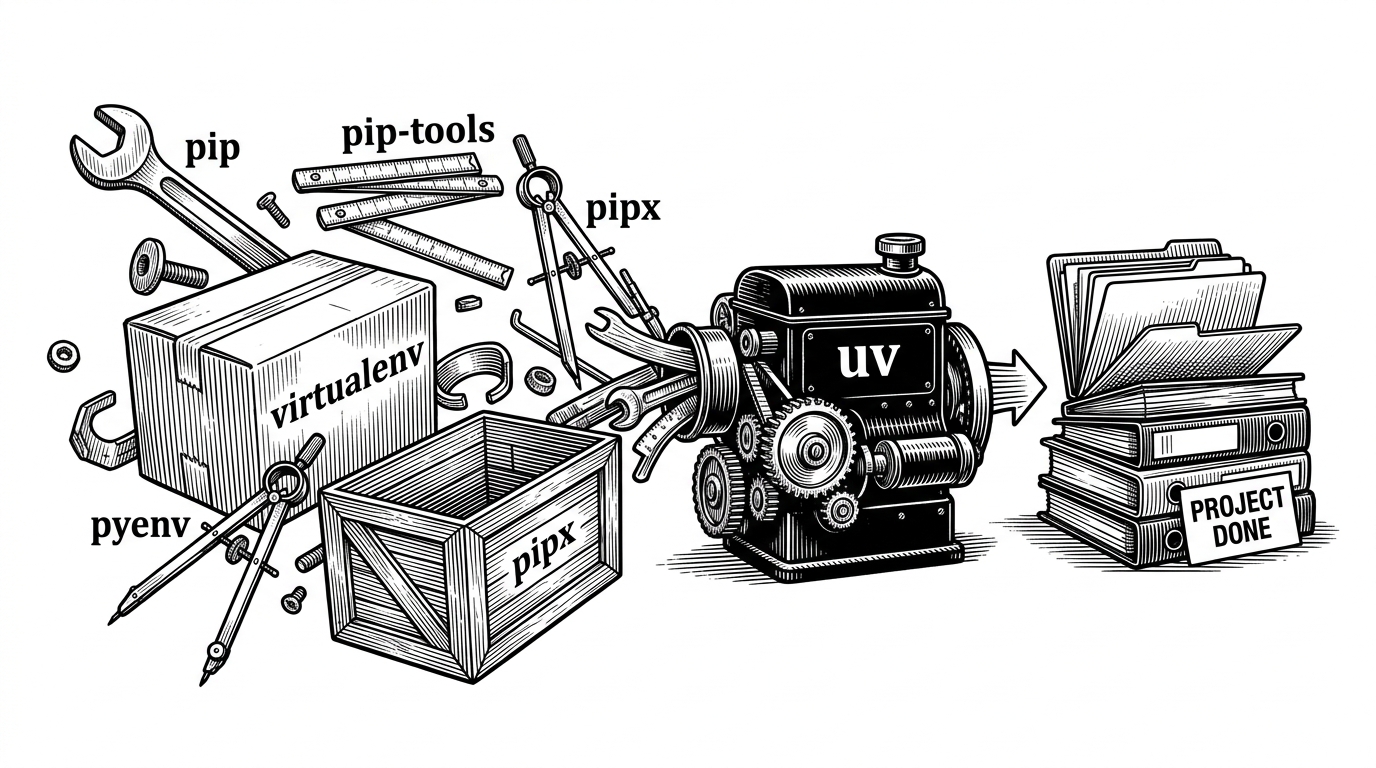
The old Python setup ritual was a scavenger hunt. You installed Python with one tool, made an environment with another, resolved dependencies with a third, and hoped the pieces stayed aligned. uv replaces that choreography with a single executable that can bootstrap Python itself, create the environment, resolve the graph, install the wheels, and sync the project.
That is the real story. Speed is the visible effect, but the deeper change is that uv makes the packaging stack feel like a system instead of a pile of handoffs.
# Start from almost nothing
uv python install 3.12
uv venv
uv add requests fastapi
uv sync
uv run python app.py
uv represents a milestone in our pursuit of a "Cargo for Python": a comprehensive Python project and package manager that's fast, reliable, and easy to use.
Why the Old Stack Was So Fractured
Python’s packaging ecosystem grew by accretion. pip installs packages. virtualenv creates isolation. pyenv manages interpreters. pip-tools helps with locking. pipx isolates tools. poetry and pdm try to make projects feel coherent, but they still live in a world shaped by the older split.
uv is interesting because it treats those boundaries as implementation details. Instead of asking you to stitch together separate utilities, it owns the whole lifecycle and keeps the state in one place.
| Task | Old workflow | uv workflow | Why it matters |
|---|---|---|---|
| Install Python | Use pyenv or system packages first | uv python install | No bootstrap dependency on a preexisting Python setup |
| Create environment | virtualenv or python -m venv | uv venv | The environment comes from the same tool that will manage it |
| Resolve dependencies | pip-tools or Poetry | uv lock | Resolution and lock generation happen in one command surface |
| Sync lockfile | pip install -r or a custom script | uv sync | Installed state is compared directly against the lock |
| Install CLI tools | pipx | uv tool install or uvx | Tools and projects use the same execution model |
| Run scripts | Manual activation or wrapper scripts | uv run | The command itself can provision the environment |
| Build packages | Separate build backend plumbing | uv build | Build support fits into the same project workflow |
The Architecture Behind the Unification
The repo is a Rust workspace with many crates, but the user only sees one binary. That split matters. The CLI is the entry point, while specialized crates handle resolution, installation, Python discovery, networking, builds, and auth.
In practice, that means uv is modular internally and unified externally. The organization is what makes the promise believable: each subsystem can be optimized without turning the user experience back into a pile of separate commands.
crates/uv               -> CLI entry point
crates/uv-resolver      -> dependency solving
crates/uv-installer     -> wheel download and install planning
crates/uv-python        -> interpreter discovery and download
crates/uv-client        -> registry and HTTP logic
crates/uv-build-frontend -> PEP 517 build orchestration
The Trick: Reading Wheel Metadata Without Downloading the Wheel
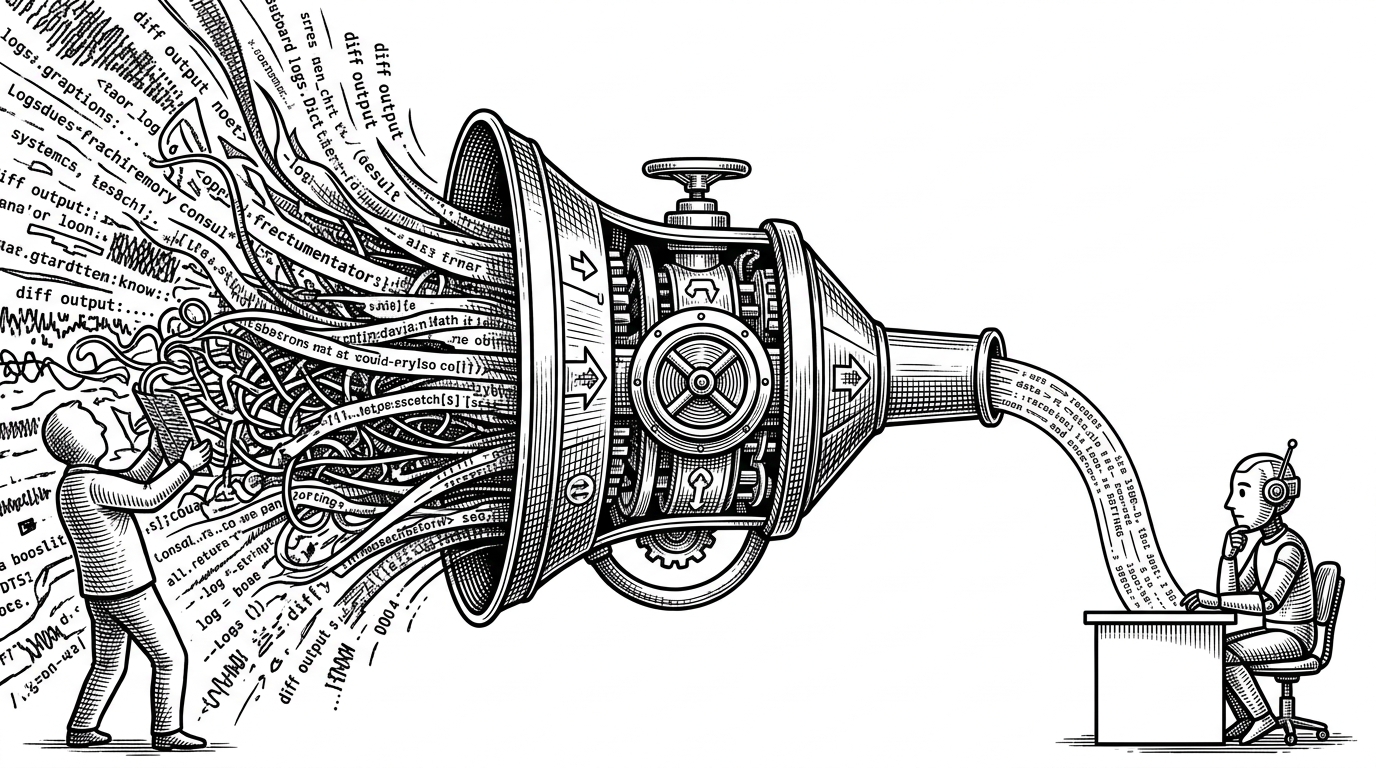
This is the move that makes uv feel uncanny. A wheel is a ZIP archive, and the metadata the resolver needs often lives near the end of that archive. uv uses HTTP Range requests to fetch only the relevant bytes, then reads the .dist-info/METADATA payload without downloading the full file first.
That matters because resolution is mostly a metadata problem. If you can inspect version, dependencies, and compatibility markers without paying for the whole archive, you cut the slowest part of the loop before installation even begins.
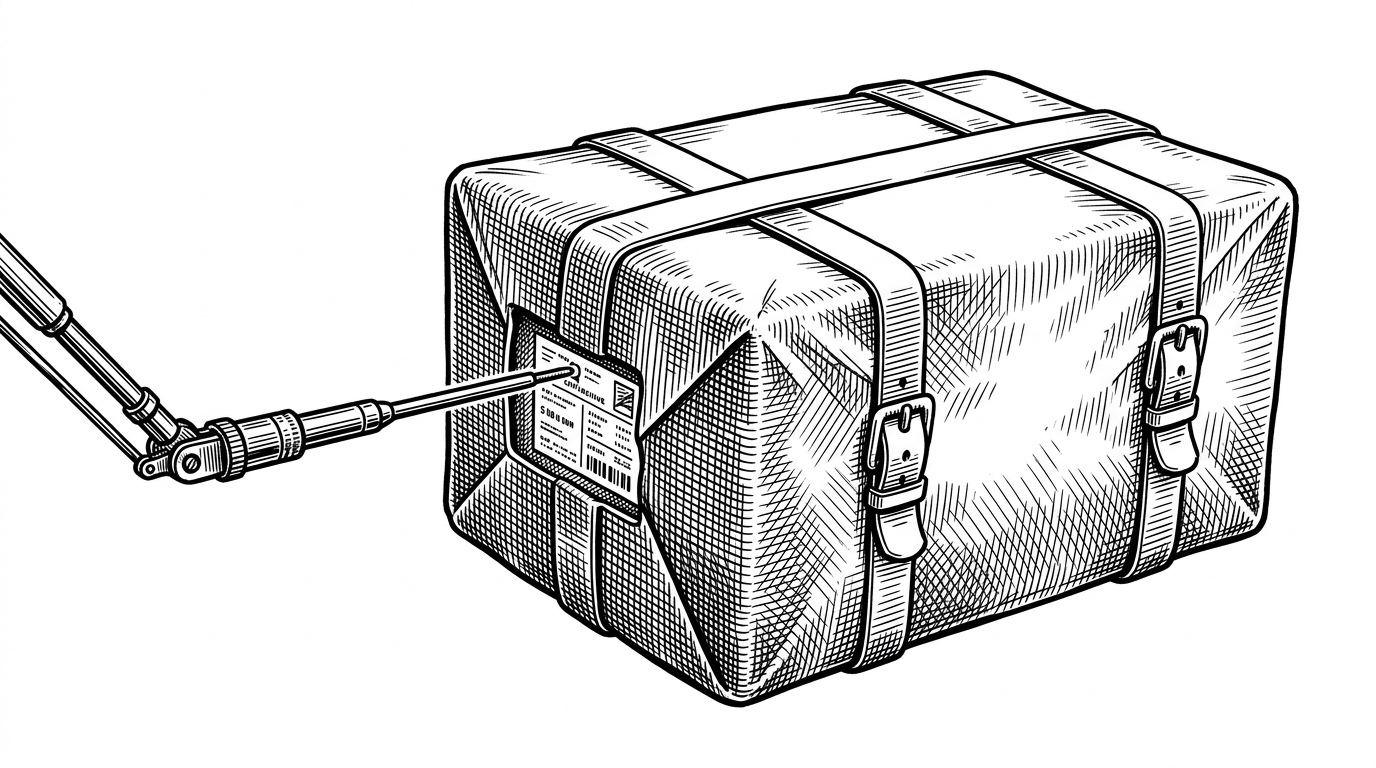
That shortcut is not a parlor trick. It is the kind of optimization that changes the shape of the system around it, because the resolver can ask better questions before the installer spends time and bandwidth.
Why the installer stays fast after resolution
uv’s planner compares the resolved environment against what is already on disk, then splits the work into cached, remote, reinstalls, and extraneous. That means the install phase is not a blind replay of everything in the lockfile. It is a diff against reality.
Today, we're announcing a series of features that extend uv beyond a `pip` alternative, and into an end-to-end solution for managing Python projects, command-line tools, single-file scripts, and even Python itself.
Planning Installs Like a Warehouse
The installer is best understood as a planner. It decides what can be reused from the global cache, what has to be fetched, what needs rebuilding, and what should be removed because it no longer belongs in the environment.
That strategy is why uv can feel almost local even when it is working against a remote index. Shared cache plus hardlinks or copy-on-write means repeated environments stop looking like repeated work.
| State | Traditional install | uv install | Effect |
|---|---|---|---|
| Already cached wheel | Often treated as a filesystem detail | Reused aggressively | Less network traffic and less disk churn |
| Fresh dependency set | Reinstall from scratch | Planner computes a delta | Only the real changes are applied |
| Multiple projects | Each env accumulates duplicates | Global cache is shared | One download can serve many environments |
| Old packages | Manual cleanup or hidden drift | Marked extraneous | The environment stays closer to the lock |
Why uv Changes Behavior, Not Just Benchmarks
Fast tools do more than save time. They change what people are willing to do. If a sync takes seconds instead of minutes, developers are more likely to refresh environments, regenerate locks, and stop carrying stale packages around out of habit.
That is the quiet product insight in uv. It does not just make Python tooling tolerable. It makes disciplined maintenance cheap enough to become normal.
The idea that you can install uv (a single Rust binary) and then start running all of these commands to manage Python installations and their dependencies is very appealing.
What uv Replaces, and What It Still Leaves Behind
uv covers a lot of ground, but it is still opinionated. It can replace common pip, pip-tools, virtualenv, pipx, and pyenv workflows for many teams, yet legacy corners of the ecosystem still matter. Some older packaging behaviors are not the focus of the tool, and that tradeoff is part of the design.
That is a strength, not a flaw. uv is not trying to preserve every historical quirk. It is trying to give Python a modern default path that is coherent from bootstrap to build.
| Question | Old answer | uv answer | Caveat |
|---|---|---|---|
| How do I get started? | Install Python, then tools, then dependencies | Install uv first | One binary becomes the entry point |
| How do I keep environments in sync? | Manual rituals and separate commands | uv sync | Works best when you adopt its full workflow |
| How do I manage tools? | pipx plus separate envs | uvx and uv tool install | Fits the unified model |
| Will it handle every legacy edge case? | Yes, if the old stack does | Mostly, but not always | A modern default sometimes means leaving old behavior behind |