Claude Quickstarts: Building a Digital Body for the Model
How Anthropic's reference implementations move AI from the chatbox to the desktop through "Computer Use" and autonomous loops.
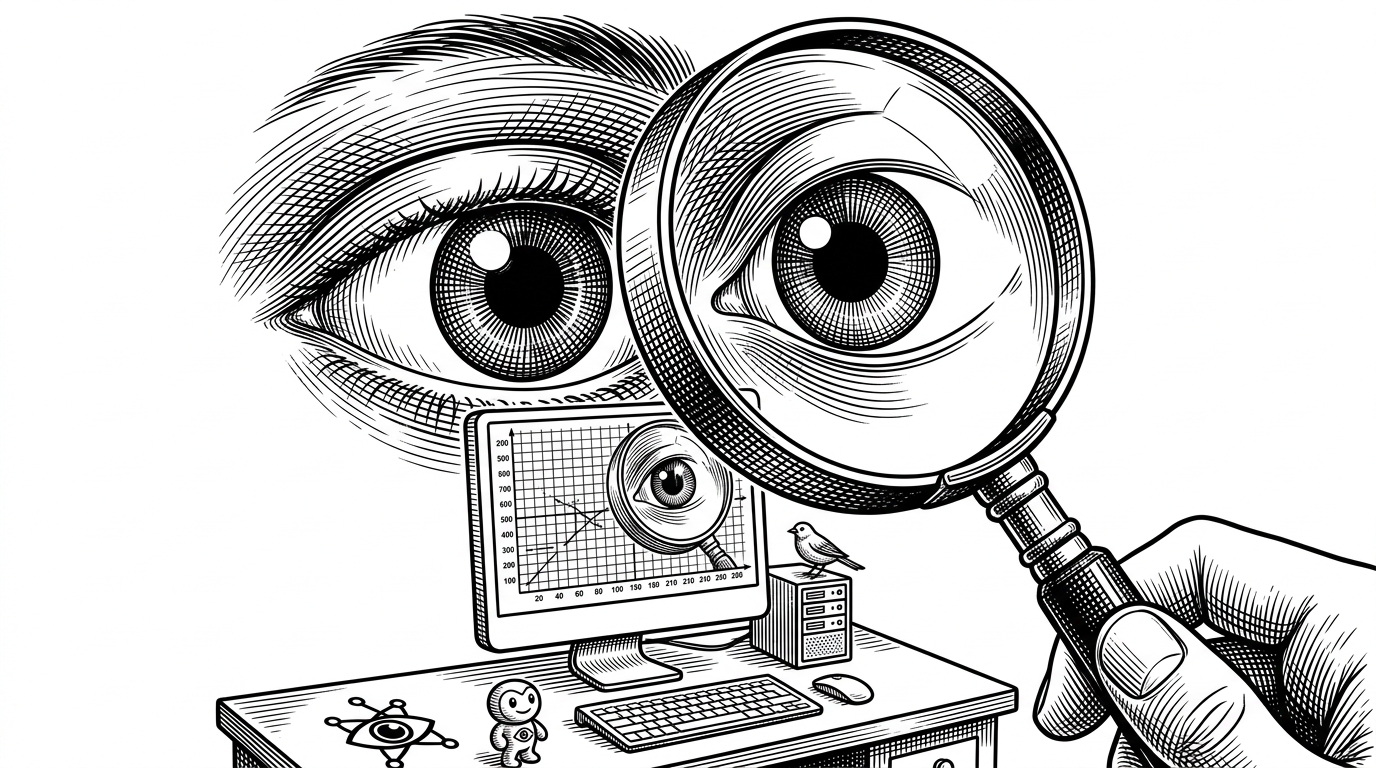
- Coordinate scaling translates Claude’s low-resolution spatial reasoning into precise pixel interactions on a standard desktop display.
- The repository uses a sentinel string pattern to monitor bash outputs and prevent long-running processes from blocking the agent's main loop.
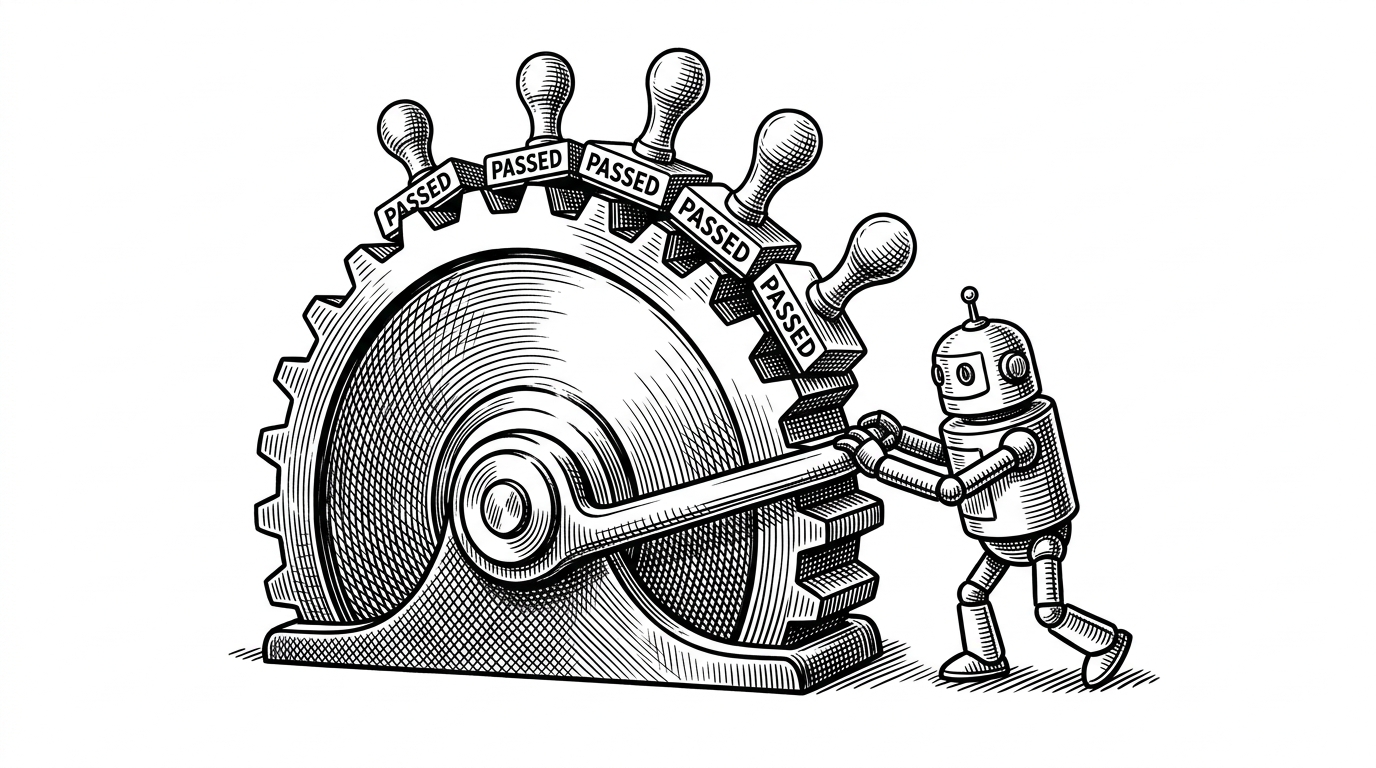
- The autonomous coding workflow uses an external JSON feature list to maintain a persistent state and prevent the model from drifting off-task.
- Anthropic prioritizes flat code over heavy abstractions to give developers direct visibility into the raw API payloads and scaling math.
Most large language model repositories focus on making inference faster or retrieval more accurate. They treat the AI as a disembodied brain waiting to answer questions. The anthropics/claude-quickstarts repository takes a radically different approach. It gives the model hands and eyes.
This collection of reference implementations is a masterclass in LLM agency. It demonstrates how to build a digital body around a stateless model, allowing it to inhabit an operating system, click buttons, and write software autonomously. The most surprising element is not the AI itself, but the relentless, mechanical "tight loop" of scripts required to turn text prediction into desktop automation.
The Geometry of a Click
To control a computer, an AI must first understand what it is looking at. The flagship demonstration in this repository is the Computer Use demo, which relies heavily on a vision-to-action pipeline. However, raw screenshots are large and expensive to process. Claude operates on a normalized internal resolution (such as 1456x819) to conserve tokens, while the target virtual machine might run at a standard 1080p.
The repository solves this with coordinate_scaling.py. This file acts as a mathematical translator between Claude's internal visual map and the actual pixels of the X11 display. When the model decides to click a button, it predicts the coordinates based on its scaled-down view. The scaling utility maps those predicted coordinates back to the true resolution of the user's browser viewport, ensuring the click lands exactly where intended.
The Sandbox as a World
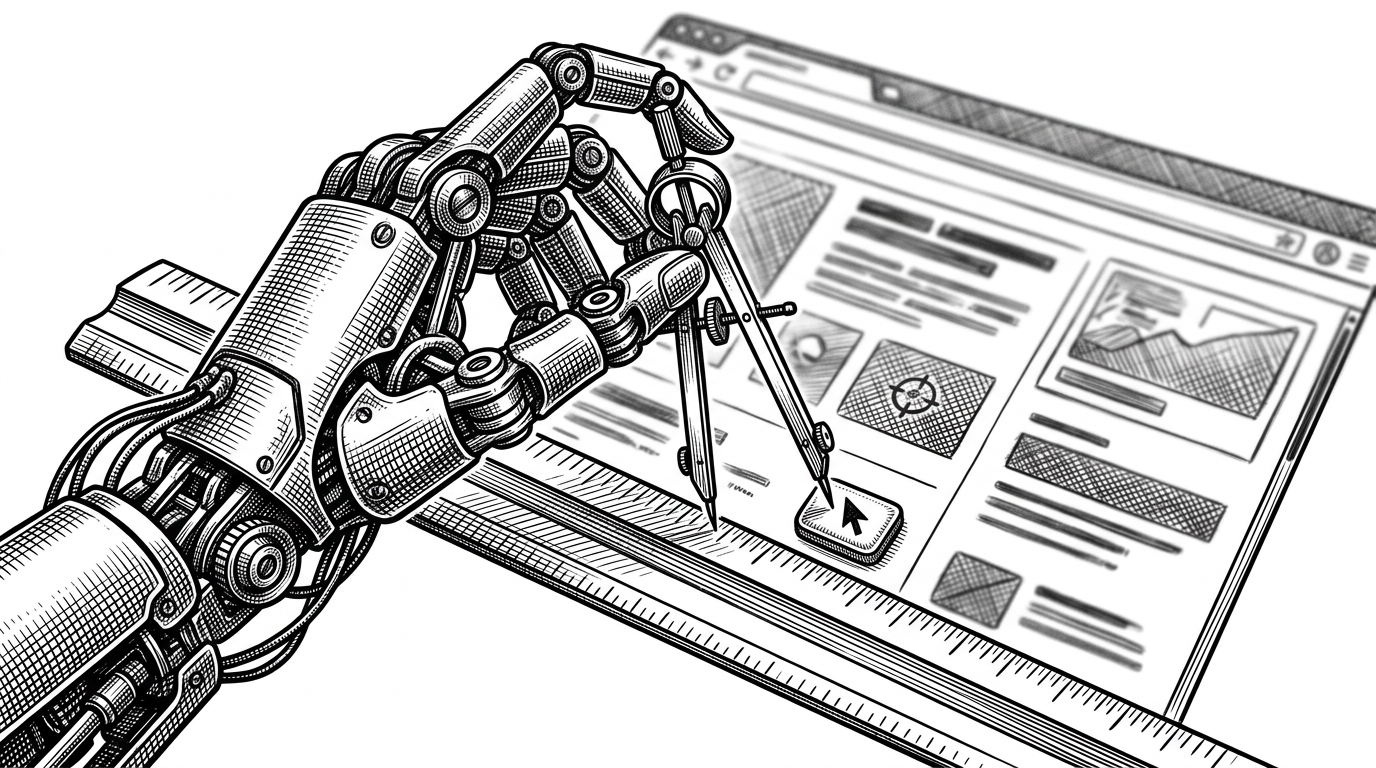
You cannot safely unleash an autonomous agent on a host machine. The quickstarts repository builds a bespoke, isolated universe for Claude to inhabit. The computer-use-demo container is not just a Python script. It is a fully functional Ubuntu environment bundled with a window manager (Mutter) and a taskbar (Tint2) that exist solely for the AI's benefit.
Inside this sandbox, the model interacts with the system using xdotool to simulate mouse movements and keystrokes. To maintain a persistent shell session without freezing the application, the repository uses a clever sentinel pattern. The bash.py tool appends a hidden <<exit>> string to every command. A Python buffer reads the output stream continuously until it spots the sentinel, allowing the system to handle long-running processes without blocking the main loop.
Claude Quickstarts is a collection of projects designed to help developers quickly get started with building applications using the Claude API. Each quickstart provides a foundation that you can easily build upon and customize for your specific needs.
Externalizing the Brain
Context windows are finite. If an AI agent attempts to build a large software project in a single session, it will eventually fill its memory context and begin forgetting early instructions. The autonomous-coding demo solves this by treating the local filesystem as an external brain.
The architecture splits the workload. An Initializer agent first analyzes the goal and generates a comprehensive feature_list.json file. This file becomes the absolute source of truth. A separate Coding agent then enters a loop, reading the feature list, writing code, and running tests. It is explicitly forbidden from deleting requirements. By forcing the model to mark features as passing in the JSON file, the system creates a ratchet effect. Progress is strictly additive, preventing the model from drifting off course across multiple sessions.
Frameworks vs. Blueprints
The AI orchestration landscape is dominated by heavy frameworks that attempt to abstract away the complexity of tool calling. Anthropic opted for a different path. These quickstarts are blueprints rather than black boxes. The code is intentionally flat, allowing developers to step through the exact API payloads being sent and received.
| Project | Abstraction Level | Primary Goal | State Management |
|---|---|---|---|
| Claude Quickstarts | Low (Direct API calls) | Deployable reference apps | Filesystem / Client-side |
| OpenAI Assistants | Medium (Managed threads) | Managed agent hosting | Server-side API |
| Vercel AI SDK | High (Multi-model router) | UI integration | React state / Serverless |
By avoiding heavy abstractions, developers can easily debug failure states. When a computer-use agent gets stuck in a loop clicking the wrong coordinate, a developer using these blueprints can inspect the raw scaling math and the base64 screenshot. In a magic framework, that same error is often buried behind layers of generic interfaces.
Sources: Code architecture and technical patterns derived from the anthropics/claude-quickstarts repository.