anthropics/tailscale-hint-extension: The Browser Error Page That Diagnoses Tailscale
A tiny Chrome extension turns NXDOMAIN into infrastructure-aware triage, separating bad DNS, dead tunnels, and broken services.
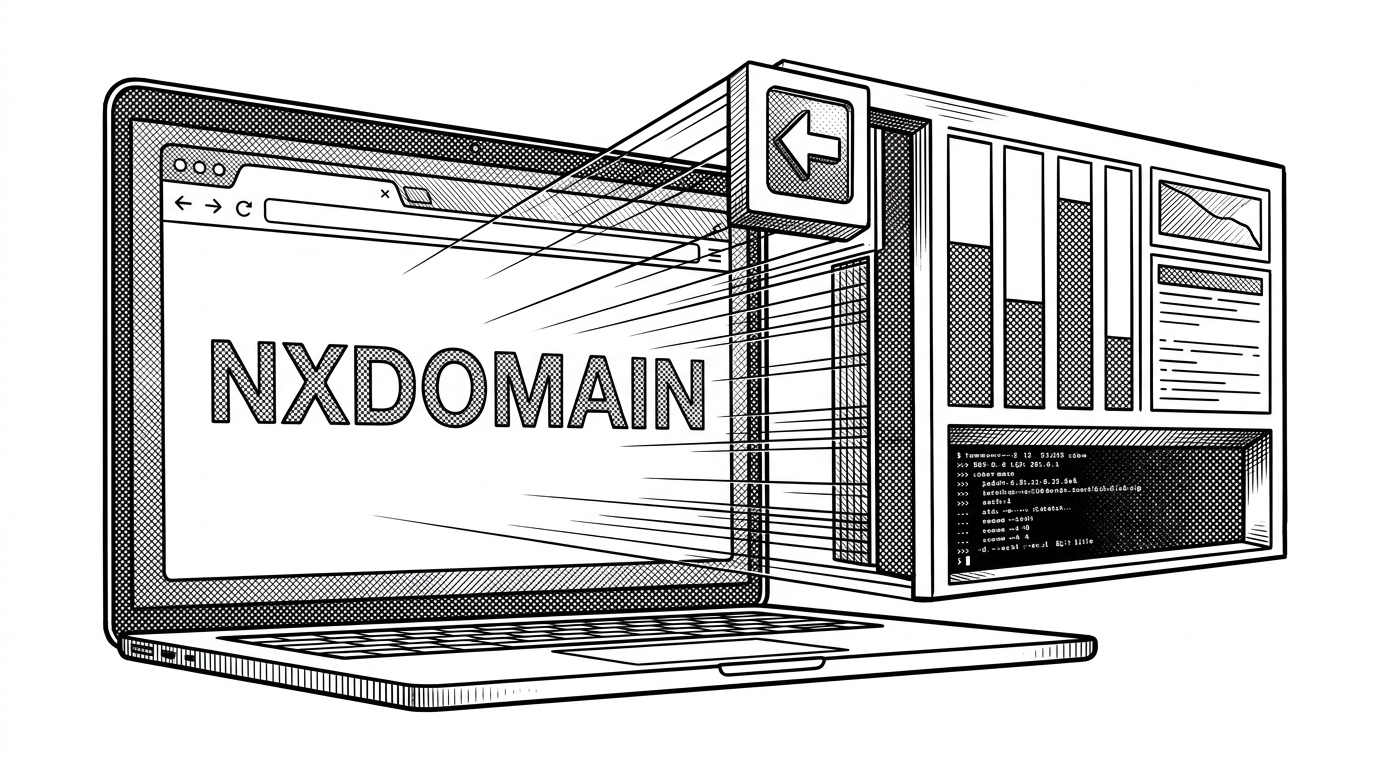
- The extension treats a generic NXDOMAIN as a branching point, not an endpoint, and turns it into a diagnosis flow that distinguishes DNS failure from a broken Tailscale tunnel.
- Its core trick is dual probing: it checks both the requested host and a known-good internal health path so the UI can separate a target problem from an infrastructure problem.
- The interface is intentionally calm under stress, with frozen charts, copyable diagnostics, and auto-redirect when connectivity returns.
- The project argues that internal tooling should classify failure fast enough to send people back to work without a manual refresh loop.
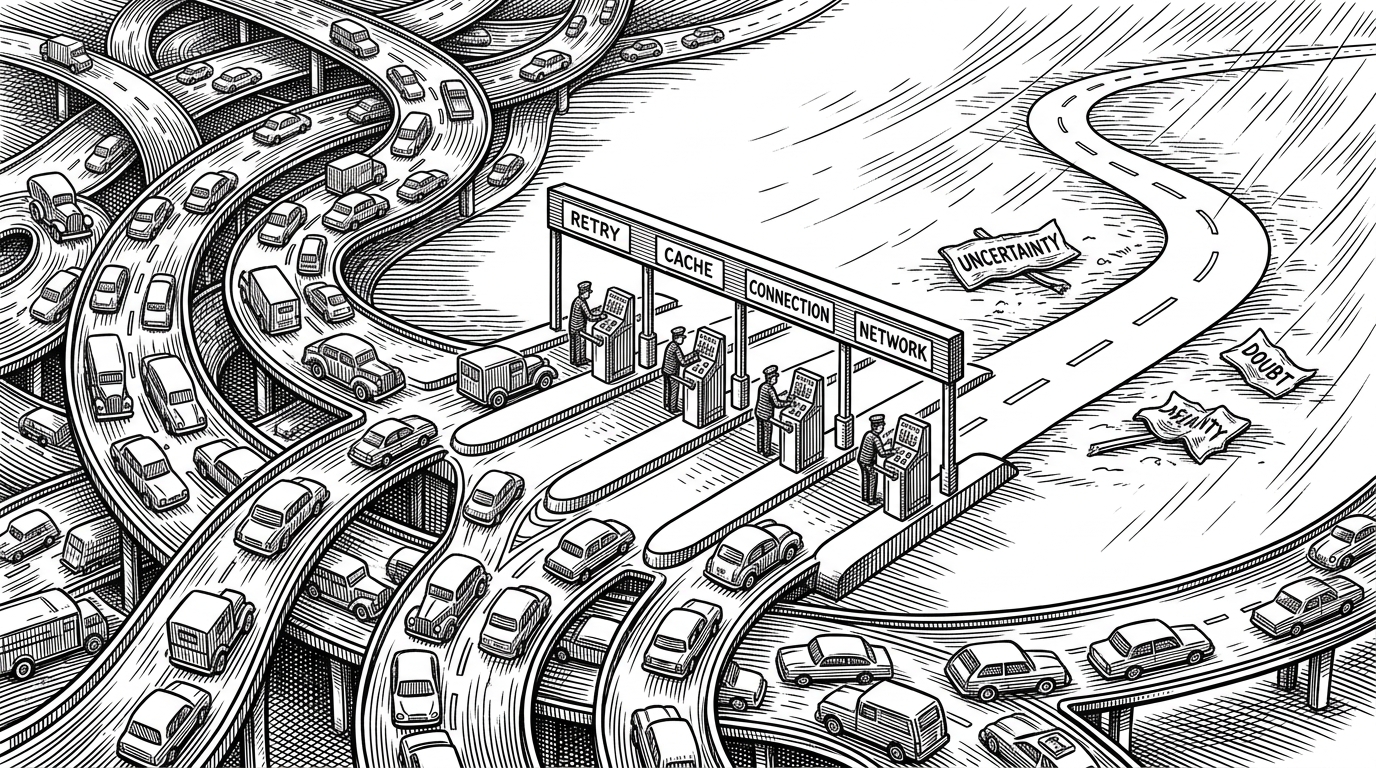
Chrome's default name-resolution failure is honest in the least useful way. It says the address did not resolve, but for anyone living inside a Tailscale network that answer still leaves three different questions open: is the host down, is the tunnel down, or is the path inside the mesh broken?
Why the dead-end error is so misleading
That ambiguity is the whole problem. A browser only sees ERR_NAME_NOT_RESOLVED or ERR_NAME_RESOLUTION_FAILED, while a human cares about the difference between a bad hostname, a missing VPN session, and a service outage that happens to look like DNS from the outside.
The repo's answer is not to hide the failure. It is to attach context to it. Instead of letting the browser stop at a dead-end page, the extension swaps in a diagnostic screen that understands the environment the user is actually working in.
How the interceptor stays invisible until it matters
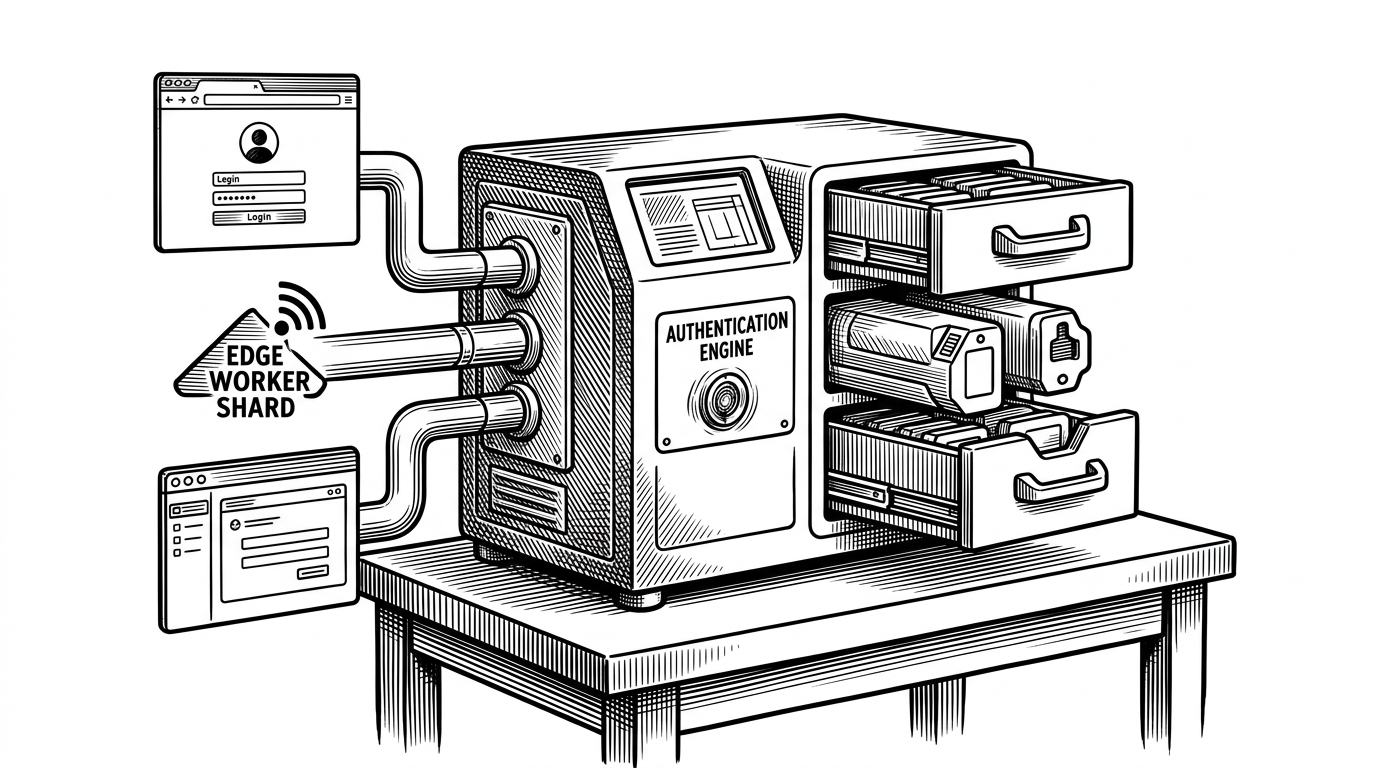
The architecture is deliberately small. A Manifest V3 background service worker listens for navigation errors with webNavigation.onErrorOccurred, filters for name-resolution failures, checks whether the hostname ends with .local, and then redirects the tab to tailscale-hint.html with the original target preserved in the query string.
That keeps the extension dormant on the happy path. No content script is waiting in every tab, no framework is booting just in case, and no UI appears until Chrome has already given up on the original request.
That is the part worth noticing. The page does not merely check whether the destination is alive. It also checks a known-good internal path, often the cluster's kcprr health route, so it can tell the difference between a service problem and a broken mesh connection.
Why the UI feels calm when the network does not
The interface has a terminal-like restraint, but it is not just aesthetic. The bar chart makes latency legible at a glance, the hover freeze keeps the evidence from moving while you inspect it, and the auto-redirect logic quietly removes one more manual step once the connection comes back.
That is a thoughtful design choice for a failure state. When people are already blocked, the best interface is the one that stops asking them to perform extra work just to understand what went wrong.
| Baseline | What it tells you | What still needs manual work | Can it separate tunnel from target? | Recovery path |
|---|---|---|---|---|
| Chrome NXDOMAIN page | Only that name resolution failed | Everything | No | None |
| Manual troubleshooting | Scattered clues from ping, VPN, and refreshes | A lot | Sometimes | Slow, human-driven |
| tailscale-hint-extension | Whether the target, tunnel, or internal path is broken | Very little | Yes | Automatic redirect when connectivity returns |
The broader lesson for internal DX
This repo is not really competing with another open-source project. It is competing with the browser's default dead end and the slow human ritual of opening a terminal, checking VPN state, pinging a host, and guessing which layer failed first.
The deeper idea is bigger than Tailscale. Good internal tools do not just report failure. They classify it quickly enough that the user can act, or better yet, walk away and let the tool bring them back when the path is healthy again.