Appwrite `sdk-for-md`: The Docs SDK That Turns Documentation Into a Dependency
A Markdown-first package for AI agents, built to make API knowledge searchable, versioned, and safe to load on demand.

We've just released one. Enjoy. https://appwrite.io/blog/post/announcing-appwrite-skills
- Appwrite treats documentation as a versioned dependency, not a static website, so AI tools can ask for the exact knowledge they need.
- The repo’s real product is a Markdown corpus wrapped in TypeScript glue for search, table of contents lookup, caching, and file selection.
- Selective retrieval is the point: Appwrite is trying to solve the gap between too much context and too little truth.
- This is a distribution model for agent knowledge, not just a different documentation format.
Most docs are built for scrolling. Appwrite `sdk-for-md` is built for loading. That shift sounds small until you realize what it changes: AI tools do not need a prettier website, they need a dependable way to fetch the right API truth at the right time.
The Strange Part Is the Point
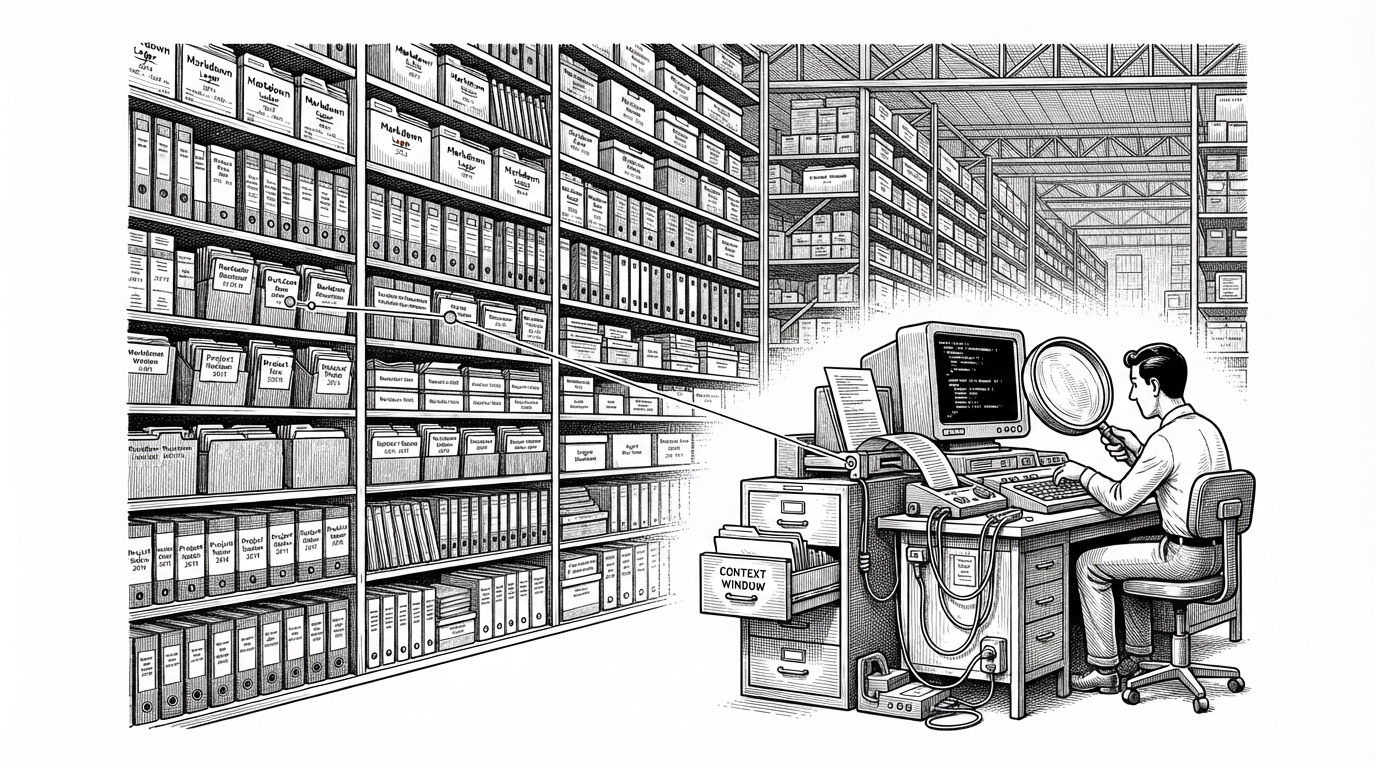
This repository treats documentation like software. It is packaged, queried, cached, versioned, and published with the same seriousness as a real SDK. The twist is that the payload is Markdown, while the TypeScript code mostly acts as the navigator.
This SDK provides programmatic access to Appwrite documentation, designed for AI consumption with lazy-loading and search capabilities.
Why AI Tools Need a Docs Dependency
The problem is not a lack of documentation. It is the mismatch between how documentation is stored and how agents need it. Dumping a whole manual into a model wastes context. Scraping a site risks stale paths, broken anchors, and version drift. A docs dependency solves for scope and freshness at once.
| Artifact | How agents consume it | Versioned | Queryable | Best use case |
|---|---|---|---|---|
| Traditional docs site | Scraped or browser-driven | Sometimes | Weakly | Human browsing and discovery |
| Raw OpenAPI spec | Parsed as machine schema | Yes | Somewhat | Endpoint shape and client generation |
| llms.txt-style docs | Read as a static prompt file | Usually | No | Lightweight grounding text |
| Appwrite `sdk-for-md` | Installed, searched, and loaded by file path | Yes | Yes | Version-correct agent context |
Inside the Markdown Stack
The repository structure matters because it reveals the product idea. Under `docs/`, Appwrite organizes content by language and service, which means an agent can walk from a broad topic to a specific file without ingesting everything. That is a narrow path from intent to answer.
docs/
  typescript/
    account/
      create-mfa-challenge.md
    databases/
    functions/
  dart/
  go/
.github/workflows/publish.yml
README.md
The main abstraction is a `DocsSDK` layer that exposes things like table of contents lookup, search, and cache clearing. That is a strong signal that the repository is optimized for repeated machine reads, not one-time human visits.
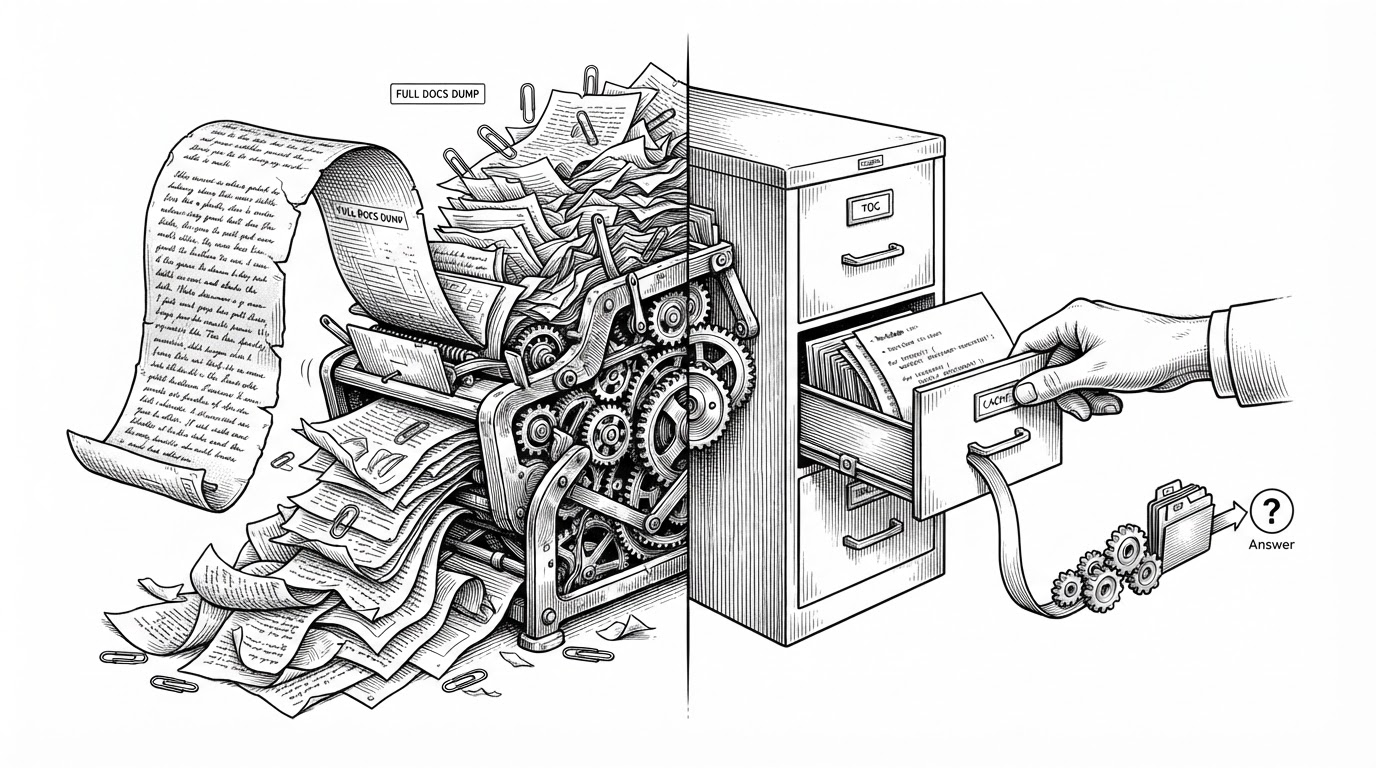
That is why the TypeScript layer feels almost invisible. The real asset is the Markdown tree. TypeScript exists to make the tree searchable, pin it to a release, and keep repeated lookups cheap.
The Release Pipeline Treats Docs Like Software
The publish workflow matters because it gives the docs a release discipline. With provenance and NPM distribution, the repository is not a loose collection of markdown files. It is a signed, versioned artifact that can be pulled into tooling with confidence.
That is a meaningful trust signal for agents. If a model is going to recommend code, the source material should be tied to a specific release, not the vague memory of a crawler.
How It Compares to Other AI-Ready Docs
| Approach | Strength | Weakness | Where Appwrite differs |
|---|---|---|---|
| Traditional docs site | Great for humans | Expensive to query in context | Appwrite packages the content for loading, not browsing |
| OpenAPI spec | Precise machine schema | Thin on examples and usage nuance | Appwrite adds human-readable Markdown as the primary payload |
| llms.txt | Simple and portable | Mostly static and coarse-grained | Appwrite adds search, lazy loading, and file-level resolution |
| MCP server | Live project interaction | Not a replacement for reference material | Appwrite pairs runtime access with a docs dependency |
The contrast is simple. Traditional docs answer people. OpenAPI helps machines understand shape. MCP connects agents to live systems. `sdk-for-md` sits in the middle, turning written knowledge into a queryable package that can be installed and version-locked.
What This Says About the Future of Docs
Appwrite is not just improving documentation. It is redefining the unit of distribution for knowledge. The site becomes less important than the package, and the package becomes part of the agent’s runtime stack.
That suggests a wider shift. In an agent-heavy workflow, the best docs will not only be readable. They will be fetchable, scoped, and safe to trust at the exact version the code is using.