wp-ai-client-streaming: The Adapter That Turns WordPress AI into a Live Stream
A small PHP package retrofits real-time streaming into the WordPress AI Client without making developers learn a second API surface.
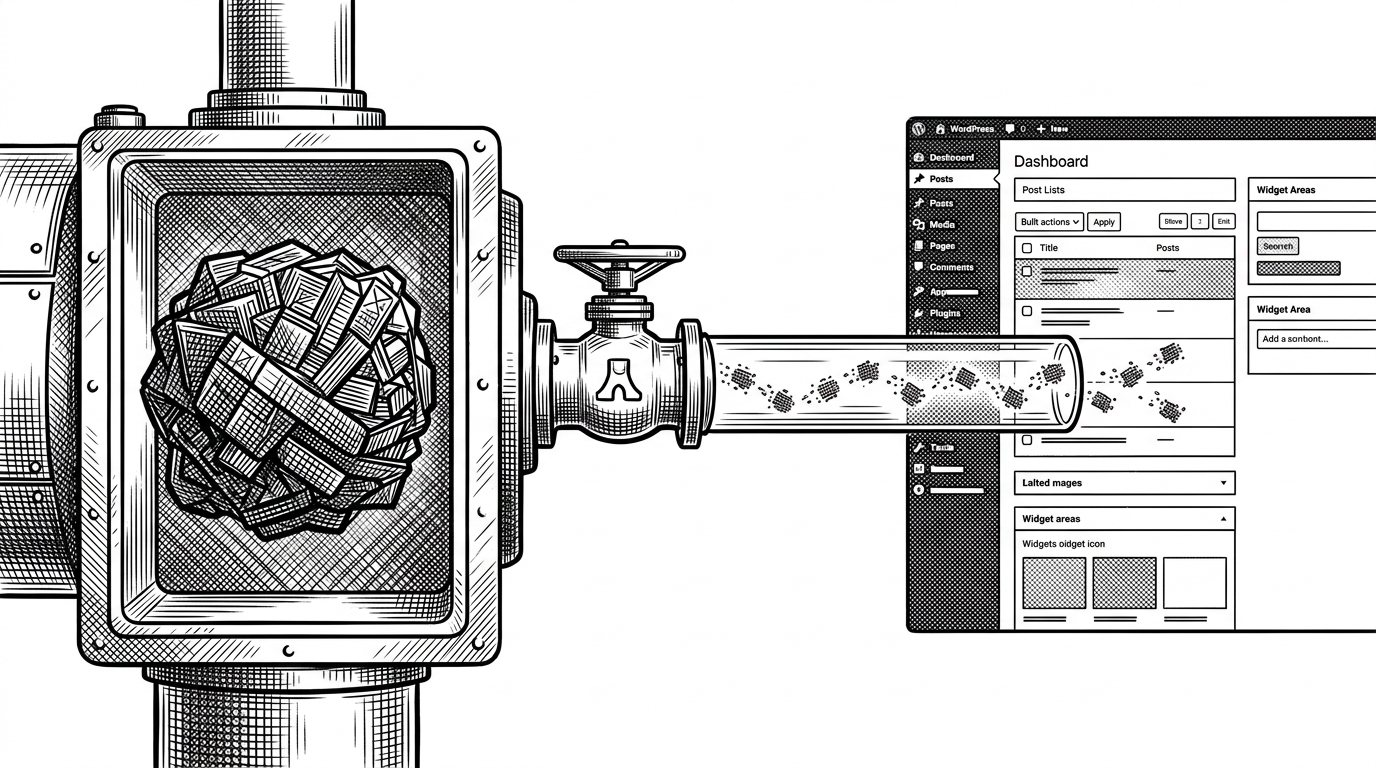
- wp-ai-client-streaming matters because it changes the feel of WordPress AI without forcing a new mental model on callers.
- The repo’s core move is an adapter pattern that uses discovery and reflection to swap in streaming behavior at the transport layer.
- Its SSE parser turns raw chunks into structured events, which makes the stream usable inside WordPress actions and hooks.
- The package is built to fail softly on constrained hosts, so streaming becomes an enhancement rather than a hard dependency.
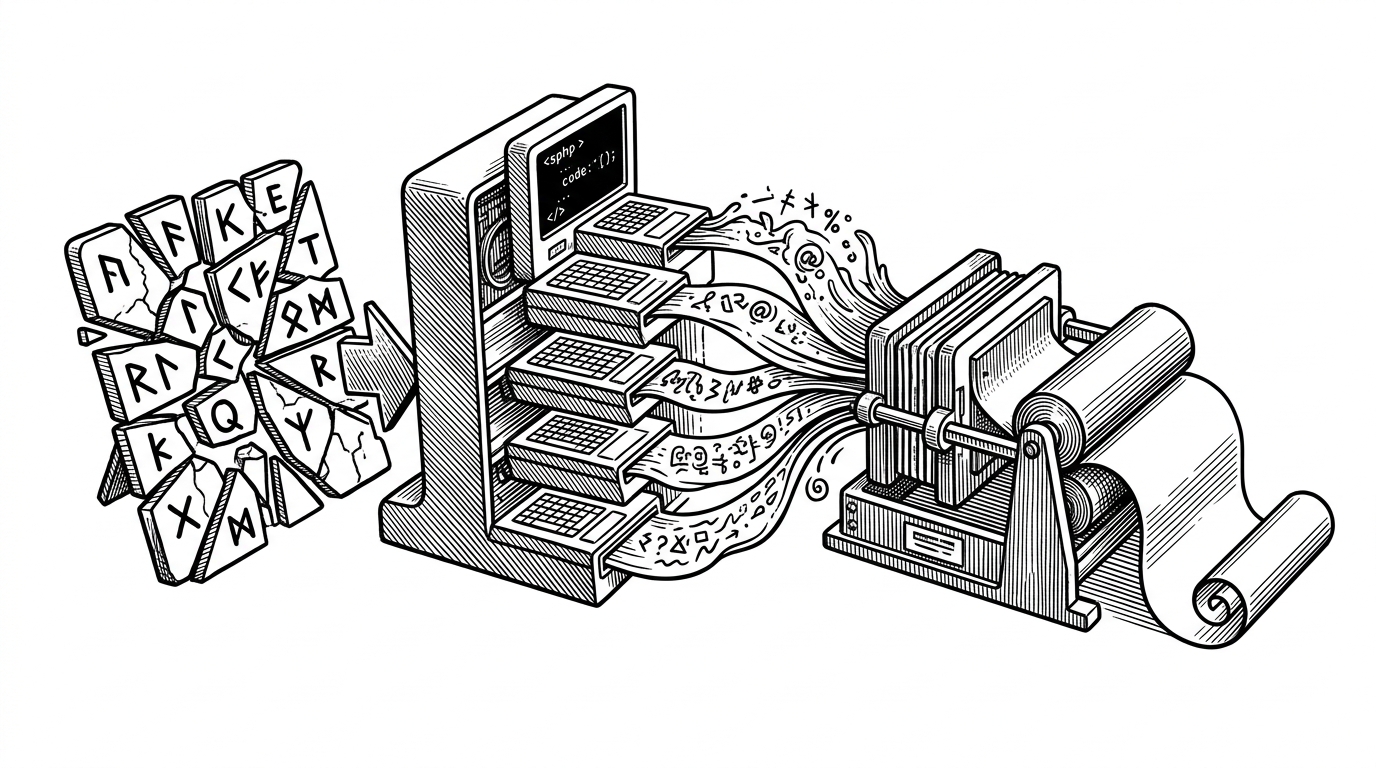
Most AI integrations sell speed. This one sells continuity. Instead of making WordPress developers rewrite against a separate streaming API, wp-ai-client-streaming slips into the existing client path and changes what users see: not a blank wait, but a response that starts arriving immediately.

The quiet trick: streaming without changing the call site
The repo is interesting because it solves a product problem with an adapter, not a new framework. WordPress AI Client is meant to be a shared layer. That makes compatibility more important than novelty, especially when the real goal is to reduce perceived latency without asking developers to relearn the call flow.
That framing explains the design. The package does not compete with the core client. It extends it, then keeps the escape hatch open when the environment cannot support streaming well.
Why this belongs inside WordPress, not beside it
| Axis | Default WordPress AI Client | wp-ai-client-streaming |
|---|---|---|
| Caller changes required | Standard request-response usage | Same calling pattern, with streaming enabled through context |
| Real-time output | No | Yes, when the host supports it |
| Fallback behavior | Synchronous by default | Falls back cleanly to synchronous mode |
| Compatibility with WordPress AI Client | Native baseline | Designed to extend that baseline |
| Dependency on cURL | Optional for normal requests | Required for true incremental streaming |
| Best fit | Simple completion flows | Interfaces where latency should feel alive |
The practical win is adoption friction. Developers do not need to choose between “core compatibility” and “real-time UX.” They can keep one mental model and let the adapter decide how the request is carried.
How the adapter gets itself into the transport layer
<?php

// Conceptual flow, simplified from the package.
$builder = wp_ai_client_prompt_builder();
$builder->set_streaming_context([
    'enabled' => true,
    'transport' => 'streaming',
]);

$response = $builder->generate_text('Write the draft.');
The discovery layer is the sleight of hand. The package inspects the default registry, then swaps in streaming-aware transport behavior so the rest of the WordPress AI stack does not have to know anything changed. That is a strong move in a core-adjacent API that is still settling.
From chunk to event: the SSE pipeline
Once the request is on the wire, the logic gets very specific. cURL captures bytes as they arrive. The parser buffers incomplete fragments until it sees the SSE delimiter, then turns the stream into structured events instead of raw text noise.
while ($chunk = curl_multi_getcontent($handle)) {
    $event = $parser->push($chunk);

    if ($event !== null) {
        do_action('wp_ai_client_stream_chunk', $event);
    }
}
That matters because it lets downstream code react to the stream as a sequence of discrete moments, not one giant completed blob. In WordPress terms, that means the live experience can still fit into the platform’s action-based habits.
The fail-soft design that makes this usable on messy hosts
| Condition | Streaming path | Fallback path |
|---|---|---|
| cURL available | Incremental chunks flow through the adapter | Not needed |
| cURL unavailable | Disabled | Used automatically |
| Host is constrained | Streaming may be limited | Request still completes normally |
| Developer experience | Real-time output where possible | No broken integration when streaming is impossible |
This is the part that makes the package feel like WordPress, not a lab demo. Shared hosting, old deployments, and uneven server capability are not edge cases in this ecosystem. They are the default reality. A streaming feature that breaks there is not a feature.
Brad Vincent is building toward a WordPress-native AI layer

Brad Vincent, who publishes as bradvin, has been building around WordPress infrastructure for years, and this package fits that pattern. It feels less like a product launch than a piece of platform plumbing being prepared for wider use.
What this adapter does better than the obvious alternatives
| Approach | What it asks of developers | What users feel | Main trade-off |
|---|---|---|---|
| Standard synchronous client | Nothing extra, but no live output | A wait until completion | Latency feels heavier |
| Separate streaming API surface | New code paths and branching | Live output, but only in the new path | Higher adoption friction |
| wp-ai-client-streaming | A familiar call with streaming context attached | Live output that feels native | Depends on transport support and a maturing core layer |
The best comparison is not speed versus speed. It is friction versus friction. This package is valuable because it preserves compatibility while still changing the interaction model.
The limits and the bet
This is beta-style infrastructure, and it should be read that way. Its long-term value depends on how the WordPress AI Client settles inside core. But if that foundation stabilizes, an adapter like this gives the ecosystem a low-friction path to real-time UX without splintering the API surface.