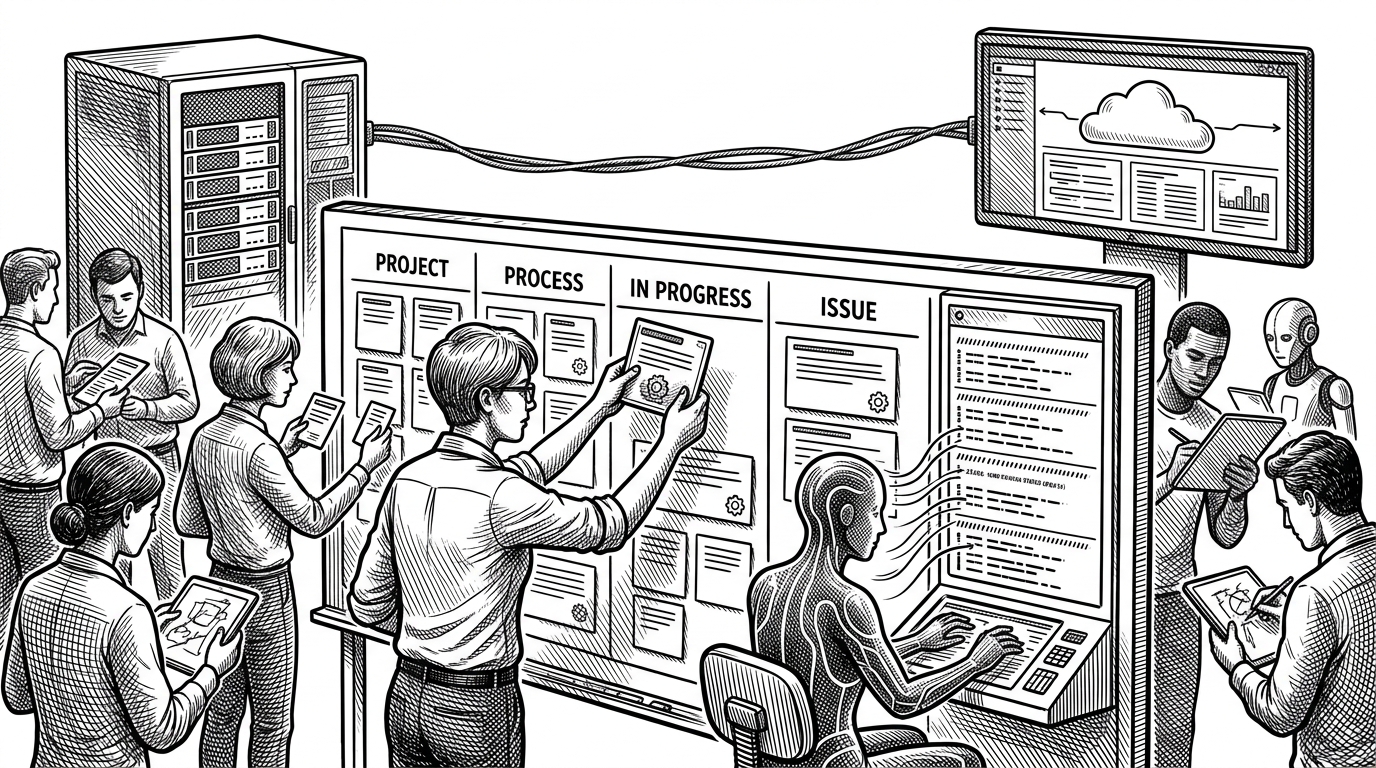
white_tides: Tidewave: the coding agent that questions the live app
It does not stop at source files. Tidewave uses a Model Context Protocol bridge and an in-browser agent so assistants can inspect logs, data, and app behavior before they write code.
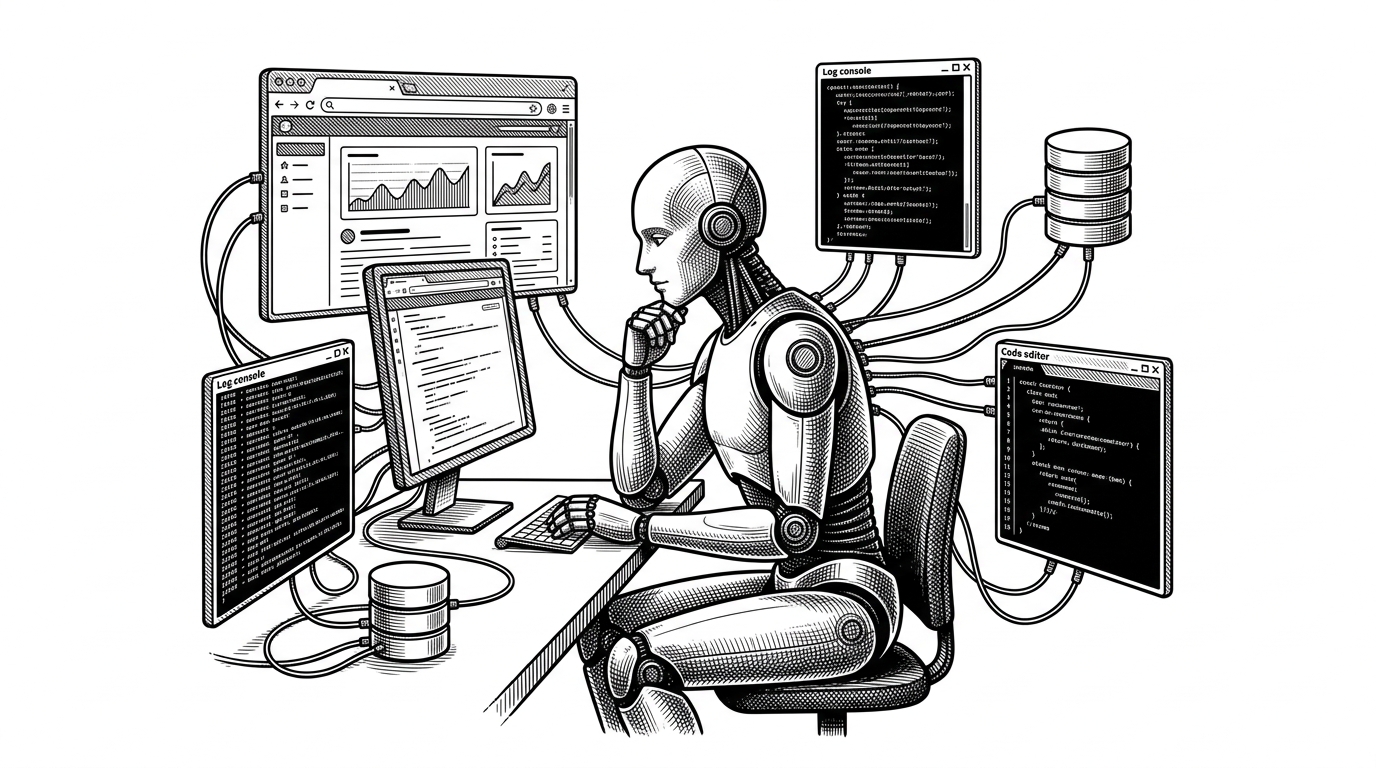
- Tidewave changes the evidence loop for coding agents by letting them inspect the live app instead of inferring behavior from source alone.
- Its split between Tidewave MCP and Tidewave Web makes runtime context available in both the language layer and the browser layer.
- That matters most for full-stack work, where logs, database state, and rendered UI often explain the bug faster than code search does.
- Tidewave points to a stricter standard for AI tools: do not just propose edits, validate them against the system that will run them.
The live app is the real source of truth
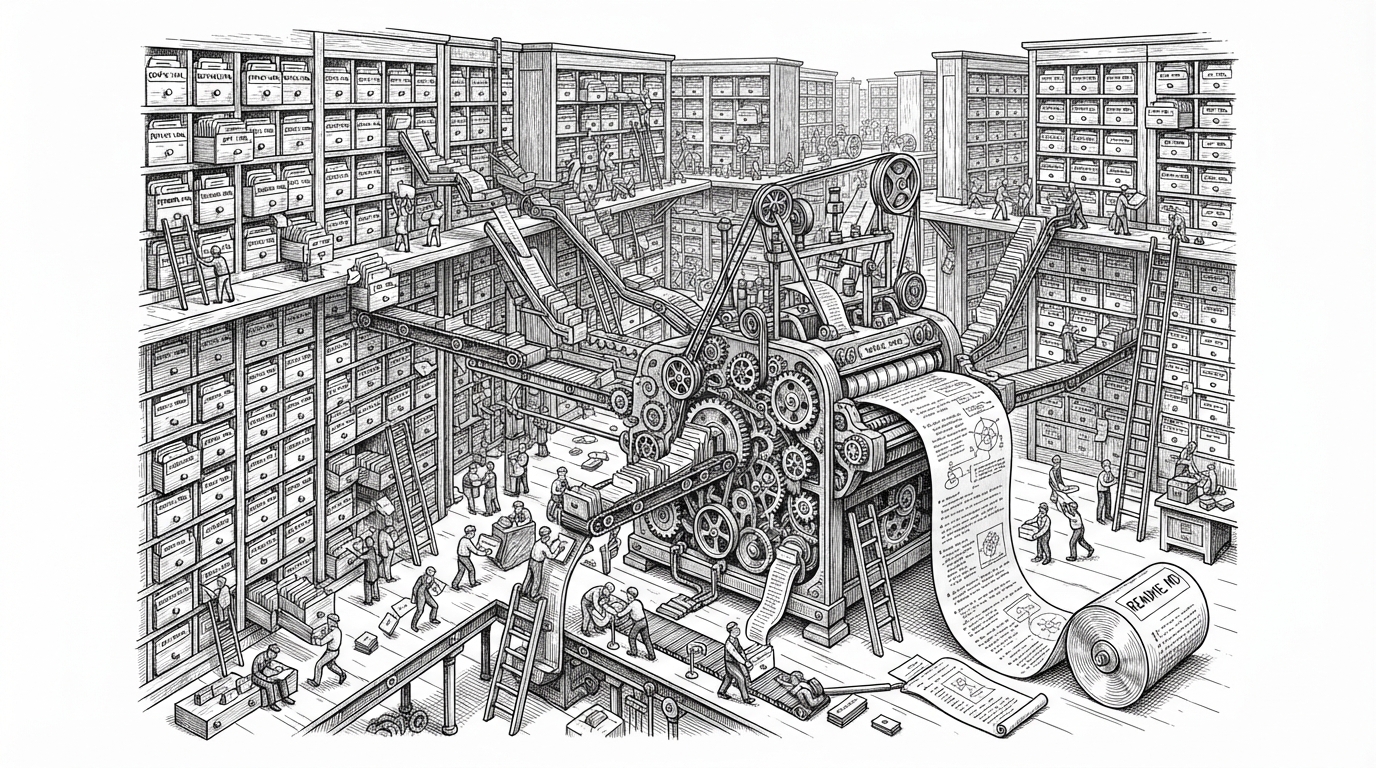
Most coding assistants start with the repository and stop there. Tidewave keeps going. It can inspect logs, database state, route behavior, browser state, and runtime docs, then feed that evidence back into the next edit.
That is the important shift. The assistant is no longer guessing from files alone. It is asking the running app what actually happened, which is a better foundation for debugging and feature work than static context ever was.
Why José Valim and Dashbit built it
The project fits José Valim's long habit of building for real web application pain rather than abstract demos. Dashbit's work around Elixir, Phoenix, and full-stack systems makes this feel less like a novelty and more like a practical answer to a familiar problem: the bug usually lives in the gap between code and runtime.
You can think of Tidewave MCP as integrating the agent with the language runtime, while Tidewave Web integrates the agent with your actual app and its interface. It knows your views and templates, it can correlate it with the rendered page, and then automate the browser to implement and validate features.
That framing matters because it explains why Tidewave is open source and why it feels opinionated. It is not trying to be an all-purpose chat layer. It is trying to make AI useful where developers lose the most time: inside a live app with moving parts.
Two pieces make the system work
Tidewave is easiest to understand as two layers. Tidewave MCP gives the assistant a standardized way to reach into the language runtime. Tidewave Web brings the agent into the app itself so it can correlate templates, views, and rendered UI with what the browser actually shows.
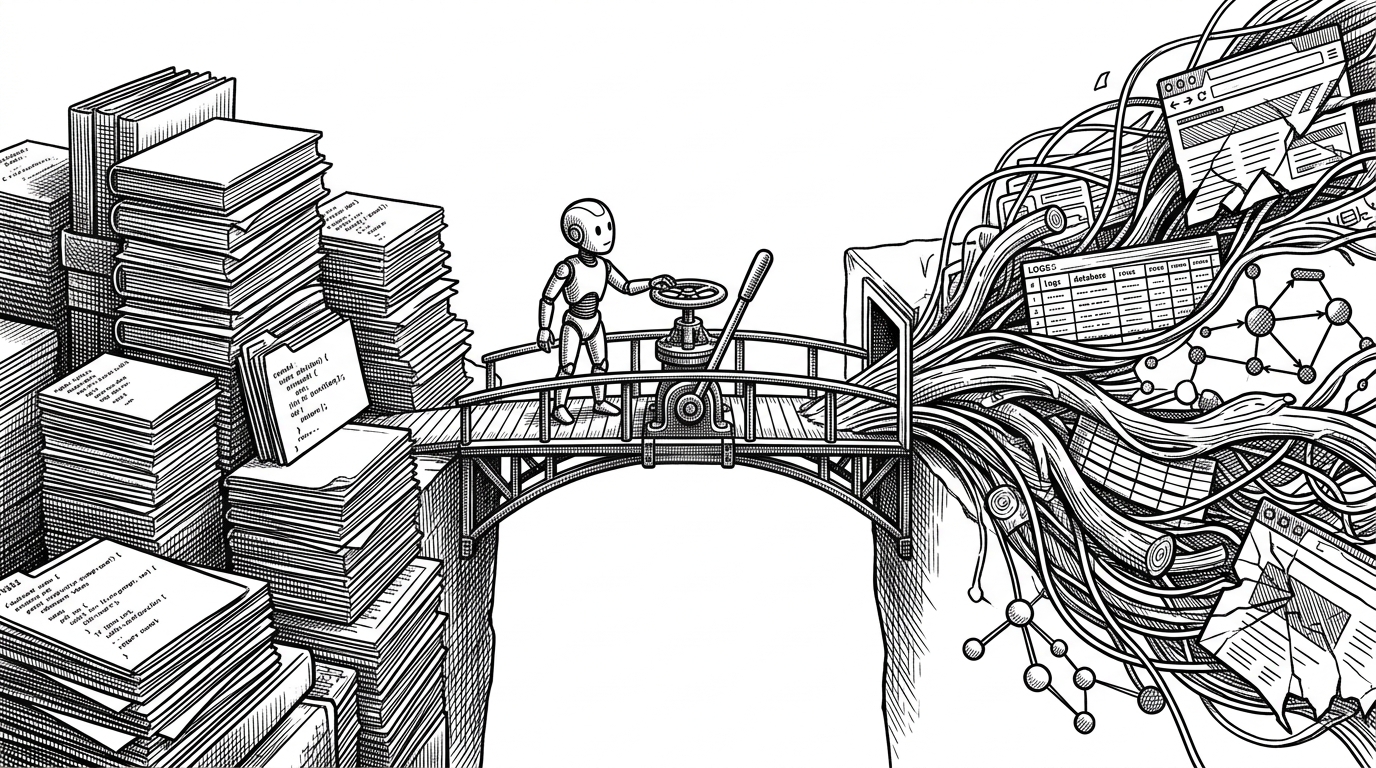
That split is the whole trick. One part lives behind the scenes and exposes runtime intelligence. The other part sits close to the app's surface, where the assistant can verify what users will actually see.
How the evidence loop closes
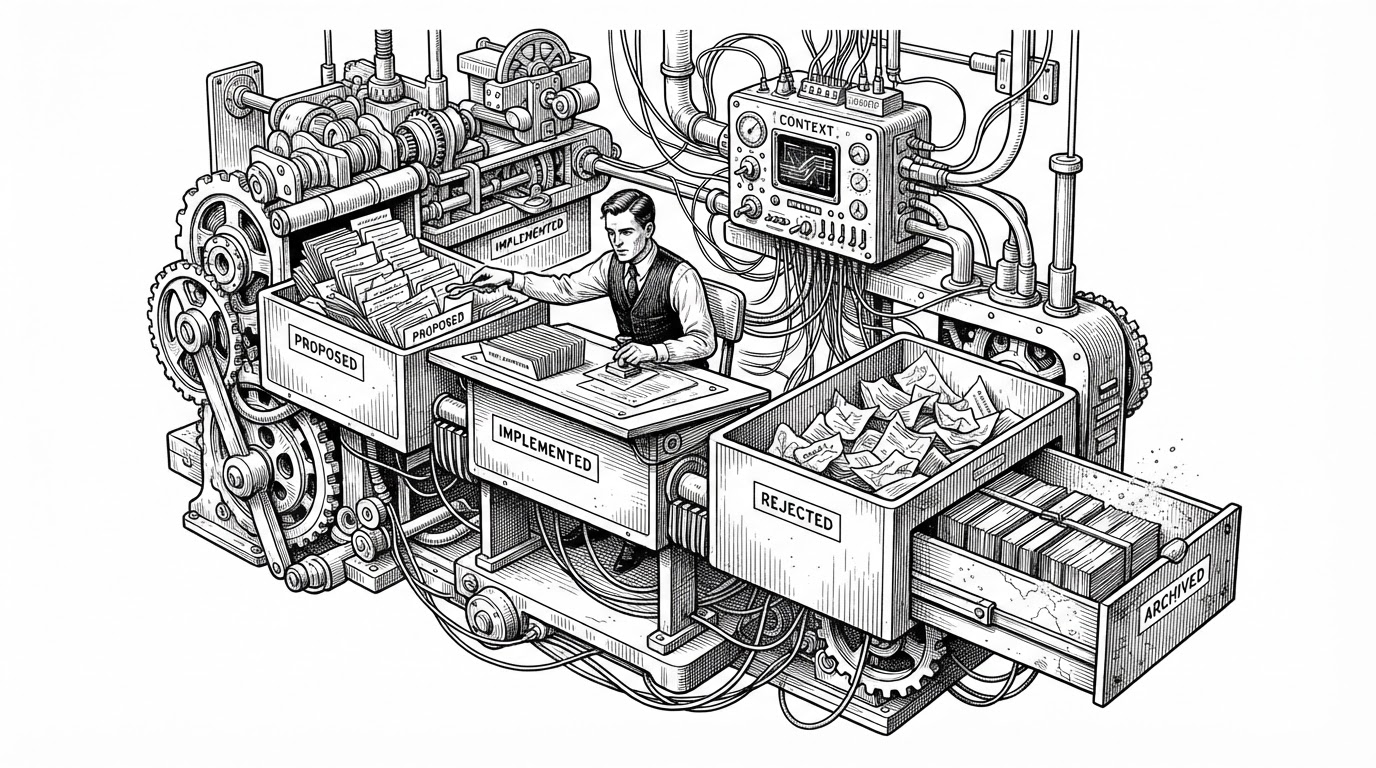
This is where Tidewave becomes more than an MCP implementation. The assistant can ask for a fact, get it from the running system, make an edit, and then check the result in the same environment. That shortens the distance between diagnosis and proof.
For full-stack work, that loop is often the difference between a plausible answer and a correct one. A file can tell you what the code intends. The live app tells you whether the intent survived contact with reality.
What Tidewave beats, and what it does not
| Tool | Context source | Live app access | Best for | Blind spot |
|---|---|---|---|---|
| Tidewave | Runtime signals, browser state, docs, and code | Yes | Full-stack debugging and validation | Narrower scope than general editor-first agents |
| Claude Code | Repository files and terminal output | Limited | Repo-wide edits and shell-driven tasks | It does not natively see the running app |
| Cursor | Editor context, file graph, and optional MCP tools | Partial | Interactive coding inside the IDE | It still centers on files unless extended |
| GitHub Copilot Workspace | Repo context and planning workflows | No | Planning and first-pass implementation | Weak at validating behavior against a live system |
| v0 or Lovable | Prompts and generated UI scaffolds | Limited | Fast frontend generation | Less useful for debugging an existing stack |
The comparison is not really about which assistant is smarter. It is about where each tool gets its truth. Tidewave is valuable because it moves the conversation closer to the system that will actually run the code.
That makes it especially strong for developers who already know how to think, but need better evidence. In that lane, runtime access is not a luxury. It is the feature.
Why this matters beyond one project
Tidewave suggests a new baseline for AI development tools. They should not only read repositories, they should inspect systems. The best assistant is not the one that writes the quickest answer. It is the one that can justify the answer against live evidence.
That is a bigger claim than a single product launch. If Tidewave's model spreads, coding agents will be judged less by how much code they can generate and more by how well they can verify what they generate. For full-stack teams, that is the metric that matters.