S3-Uploads: The WordPress Plugin That Makes S3 Feel Like a Local Disk
A deep look at the stream-wrapper trick, the no-UI philosophy, and the infrastructure decisions that let WordPress media live on object storage without turning the rest of the app upside down.

My favourite type of plugin is one that has focused single job, requires little configuration and “just works”. I’m not so interested in user facing features, or admin options; I want a plugin to do one thing and do it well.
- S3-Uploads is less a media plugin than a filesystem illusion that makes WordPress think S3 is just another disk.
- Its real design choice is not storage offload alone, but doing it with almost no UI, so configuration stays in code and deployment stays predictable.
- The stream-wrapper approach keeps normal WordPress file operations intact, but the hard parts are the edge cases where local-only tools still need temporary disk space.
- Compared with feature-rich media plugins, S3-Uploads trades breadth for control, which is exactly why infrastructure teams keep reaching for it.
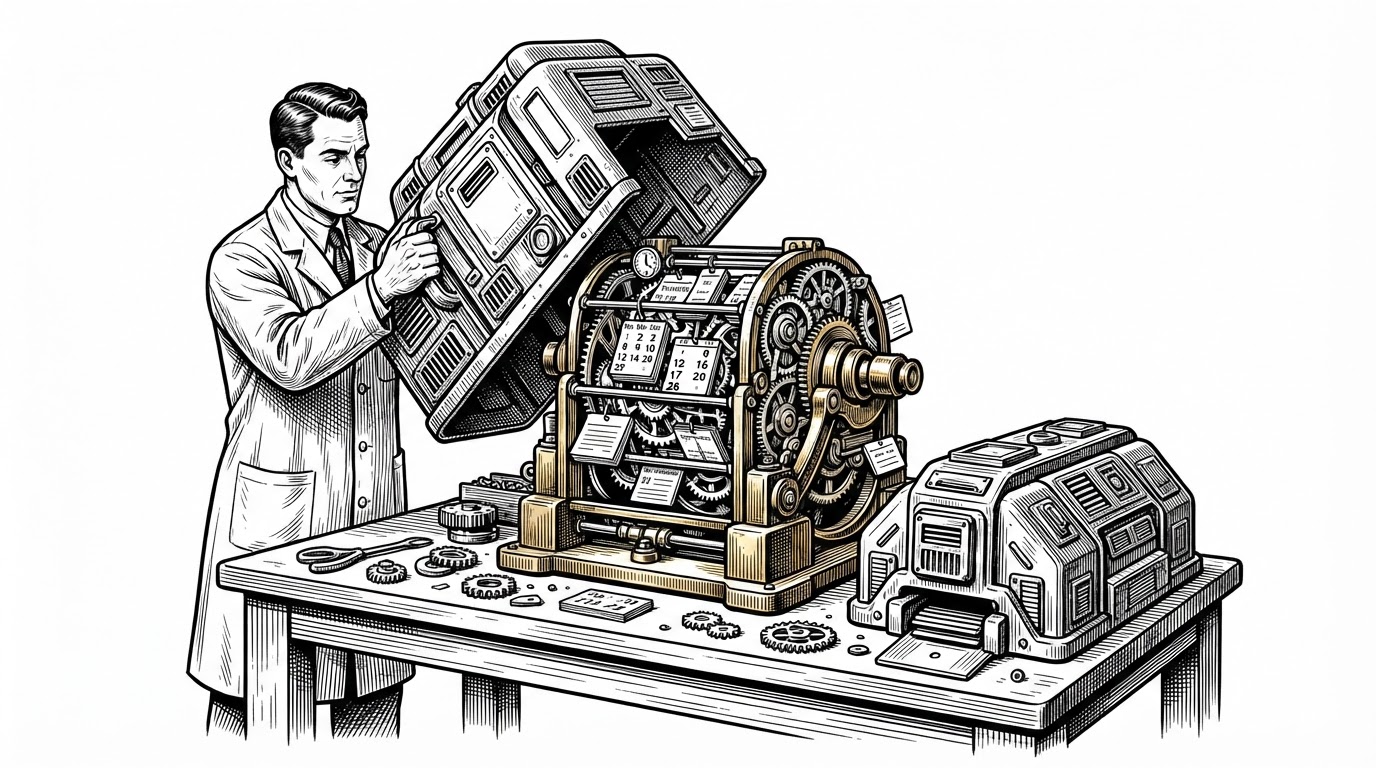
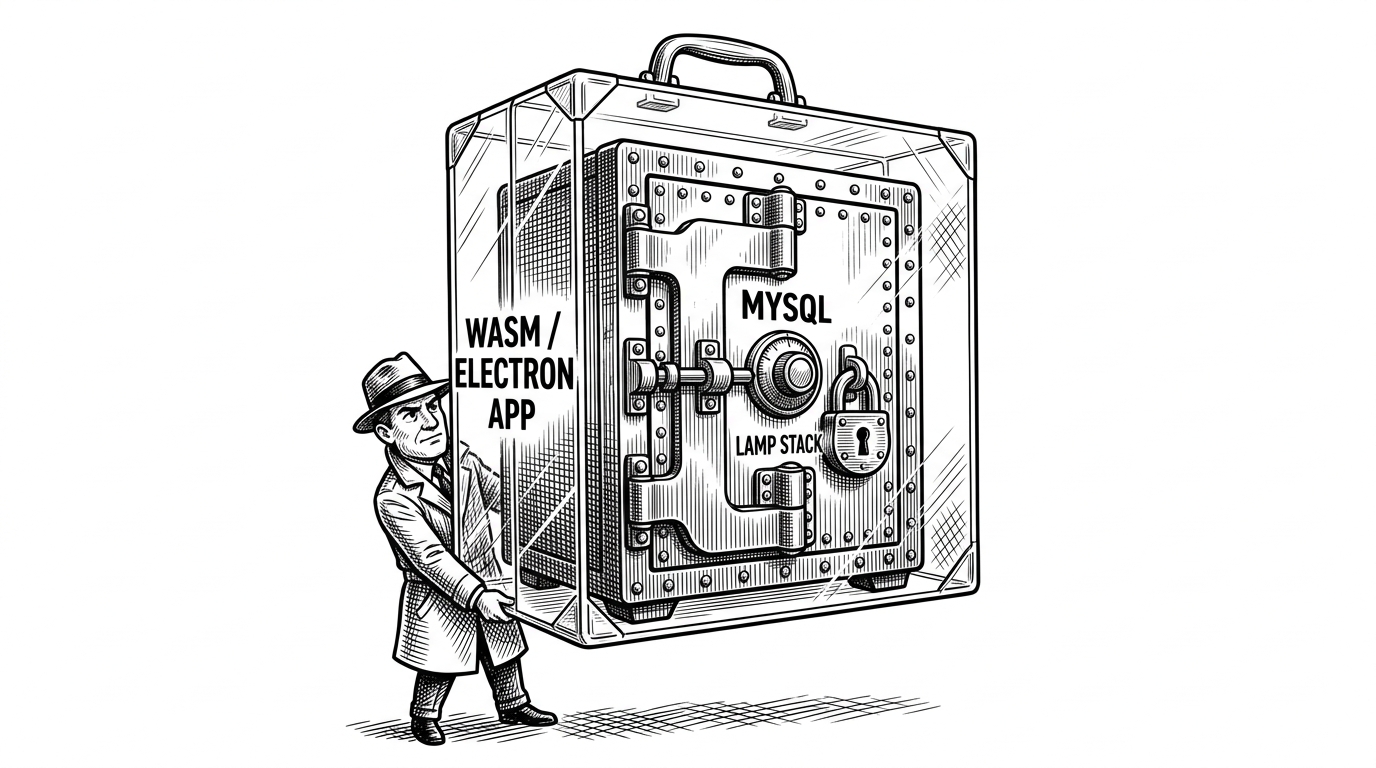
The cleanest way to understand S3-Uploads is not as a WordPress plugin, but as a lie told very carefully. WordPress keeps asking for a local uploads directory. The plugin quietly answers with an s3:// path and lets the rest of the app keep pretending nothing changed.
The Magic Trick: WordPress Thinks It Still Has a Disk
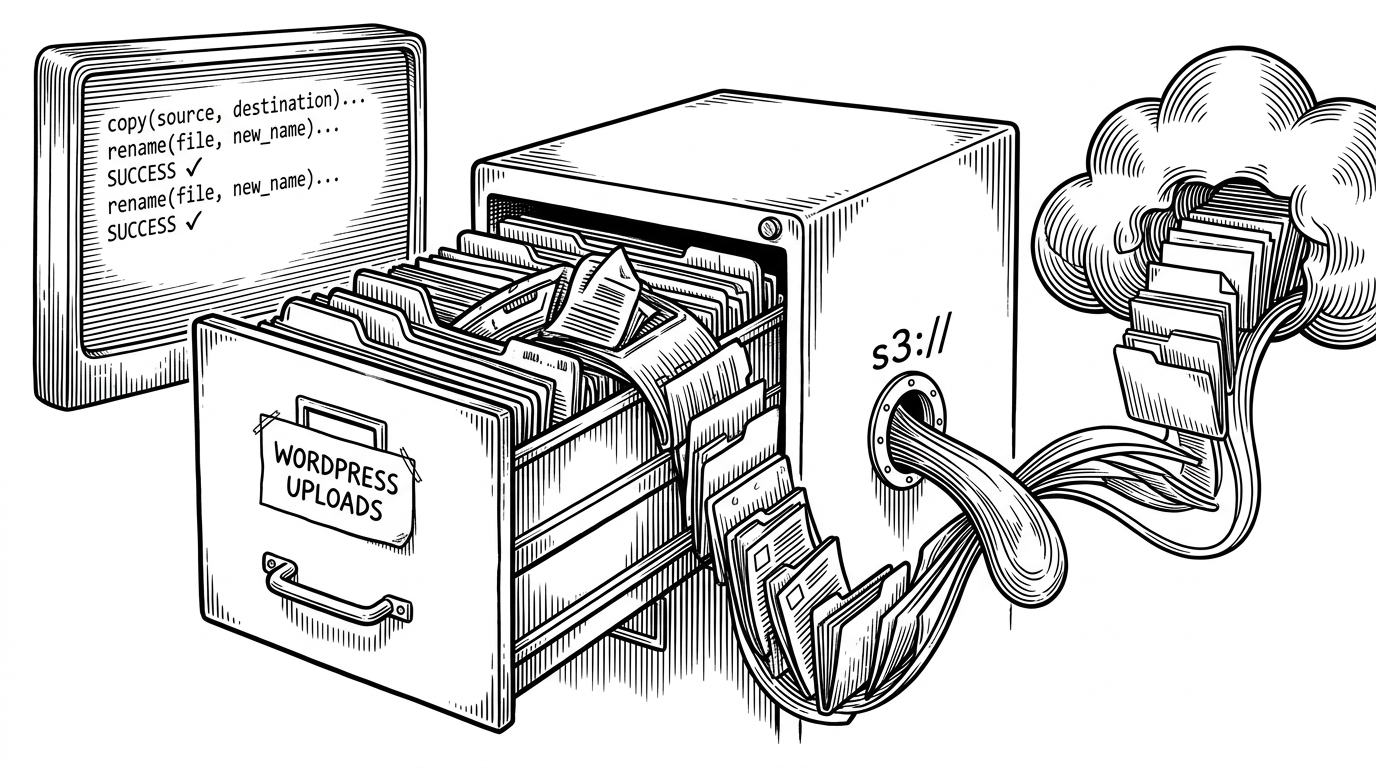
That is the core move. Instead of rewriting every place WordPress touches files, S3-Uploads hooks the upload path and registers a PHP stream wrapper so normal file operations can talk to S3. copy(), rename(), and related calls still feel local, even though the bytes are landing in object storage.
Why This Exists at All
S3-Uploads was built for teams that had outgrown a single server. Shared disk becomes a liability when WordPress scales horizontally, because media writes have to be visible across machines. Object storage solves that, but only if the application can be fooled into treating it like a filesystem.
That is why this project feels infrastructural. It is not trying to make media management pretty. It is trying to make media storage disappear as a concern, so the rest of the stack can scale without a storage drama tax.
No UI Is the Point
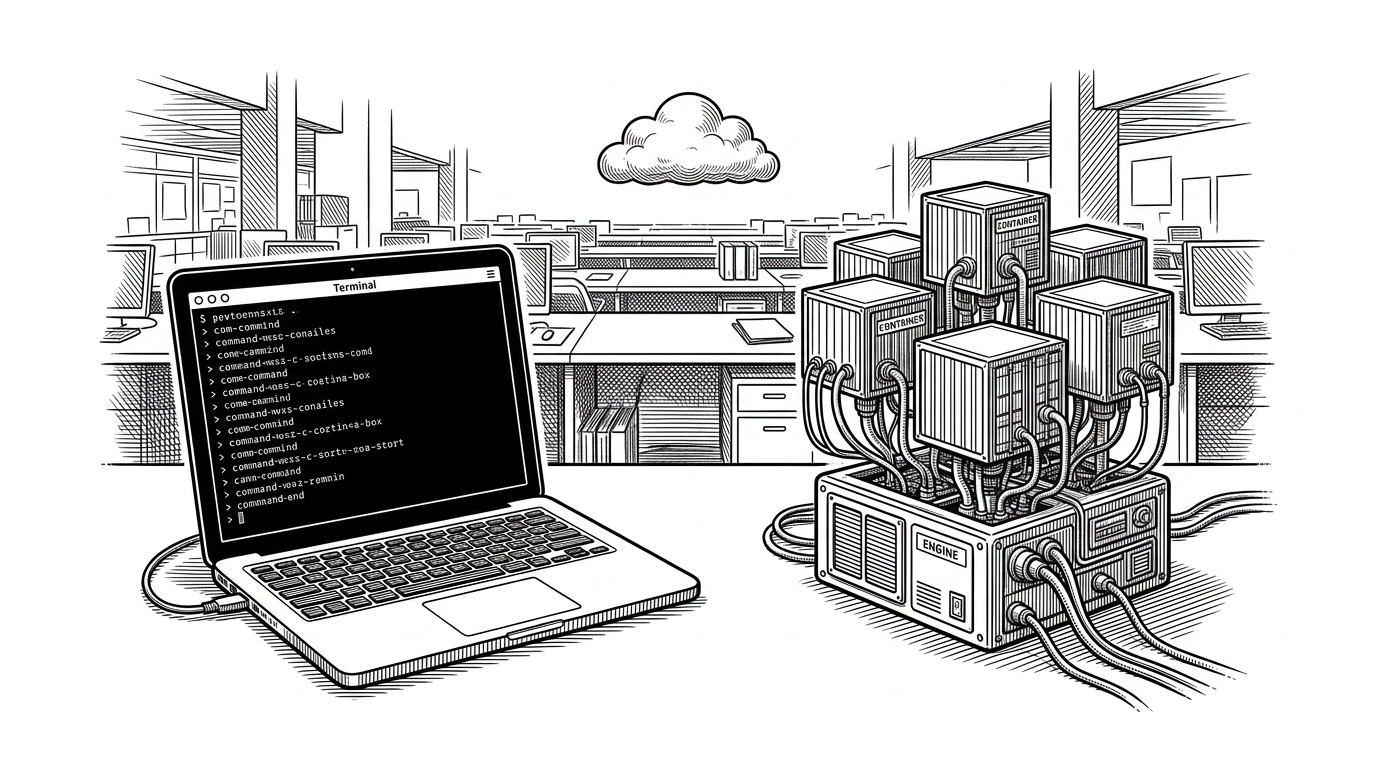
This repo makes a strong opinion: configuration belongs in code. There is no settings maze, no admin screen to drift out of sync with production, and no “click here to connect your bucket” workflow. Instead, you configure it through wp-config.php constants and WP-CLI.
That is a deliberate trade-off. It removes friendliness for casual site owners, but it also removes ambiguity for operators. The result is a plugin that behaves more like deployment infrastructure than a consumer tool.
| Dimension | S3-Uploads | Feature-rich media plugin |
|---|---|---|
| Setup | Constants in wp-config.php plus WP-CLI | Admin settings and dashboard flows |
| Primary abstraction | PHP stream wrapper and filesystem illusion | Higher-level media offload workflow |
| Audience | Developers and operators | Broader WordPress user base |
| Surface area | Small and focused | Large and feature-heavy |
| Philosophy | Keep WordPress unaware | Expose more controls in the UI |
How the Stream Wrapper Works
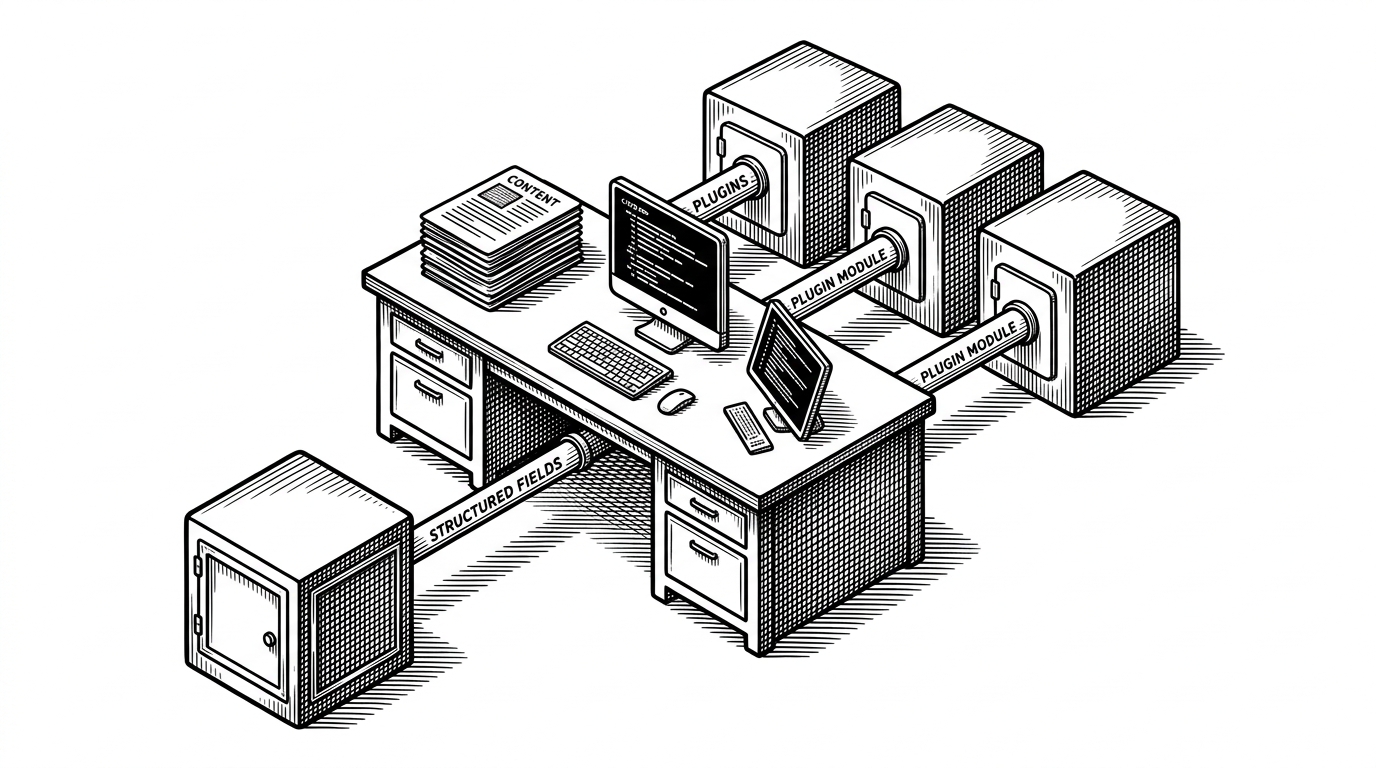
The heart of the repo is the custom stream wrapper. In practical terms, it creates a protocol that behaves enough like a filesystem for PHP to keep using familiar calls. WordPress and its plugins do not need to know they are dealing with an object store. They only need a path that responds correctly.
That compatibility matters more than it sounds. Once file access moves behind a protocol boundary, the plugin can preserve the assumptions of the wider WordPress ecosystem. The trick is not S3 itself. The trick is keeping the illusion stable.
The Hard Parts Are the Interesting Parts
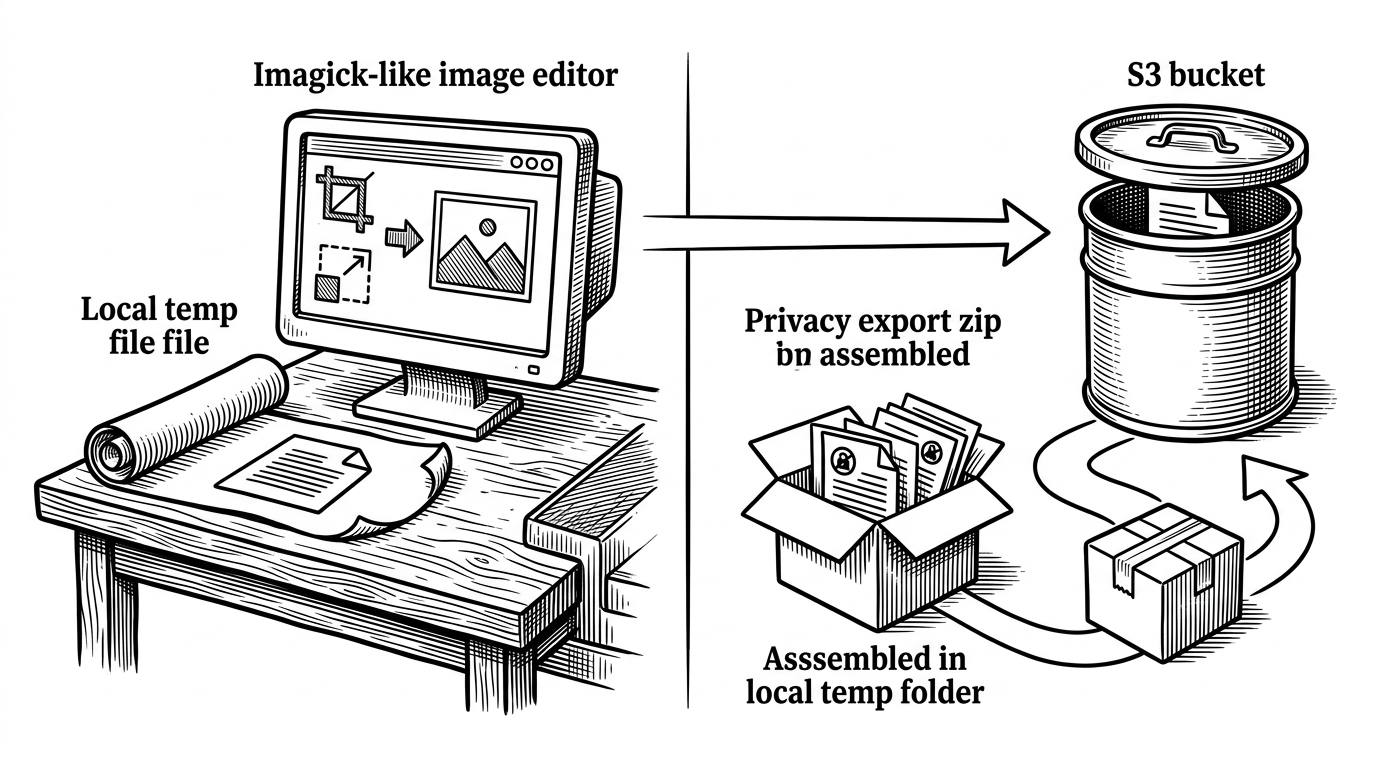
This is where the abstraction earns its keep. Image editing tools like Imagick often want local files, so S3-Uploads stages work through a temp path before copying the result back. Private uploads introduce another branch: the file stays protected, and a temporary signed URL handles access. Even privacy exports need a special path, because zip tooling does not always play nicely with remote streams.
These are the moments when a simple idea becomes credible. It is easy to offload files. It is harder to keep the whole WordPress file lifecycle intact when real tools assume a local disk.
The DevOps Ergonomics
The WP-CLI layer reinforces the project’s operator-first shape. Instead of pushing more behavior into wp-admin, the plugin gives you commands for verification and migration. That makes setup auditable, scriptable, and friendly to repeatable deployments.
The result is less about convenience and more about control. A verification command that can write, read, and delete a test object is a small thing, but it tells you immediately whether IAM and bucket access are actually correct.
| Task | Why it matters | S3-Uploads approach |
|---|---|---|
| Setup validation | Confirms credentials and permissions | WP-CLI verify round trip |
| Migration | Moves existing uploads without hand work | CLI-driven upload directory sync |
| Operational drift | Reduces surprise between environments | Configuration stays in wp-config.php |
| Maintenance | Keeps deployments repeatable | Same behavior in code and CLI |
What It Wins, What It Refuses To Do
Compared with UI-heavy alternatives like WP Offload Media, S3-Uploads is intentionally narrower. It does not try to be a media suite. It tries to be a dependable storage layer, and it resists the temptation to become a control panel for everything else around media.
That restraint is the selling point. Teams that want a small abstraction with low surprise get one. Teams that want a product with a dashboard, lots of toggles, and broader cloud features should look elsewhere.
Why It Still Matters
Infrastructure software often looks smaller than it is because its best work is subtraction. S3-Uploads removes the local disk from WordPress without asking the application to learn a new language. That is a narrow promise, but it is a powerful one.
The repo is a good reminder that mature engineering is sometimes about creating the least visible system that still solves the hardest operational problem. In this case, the win is not that S3 becomes a feature. The win is that it stops being a distraction.