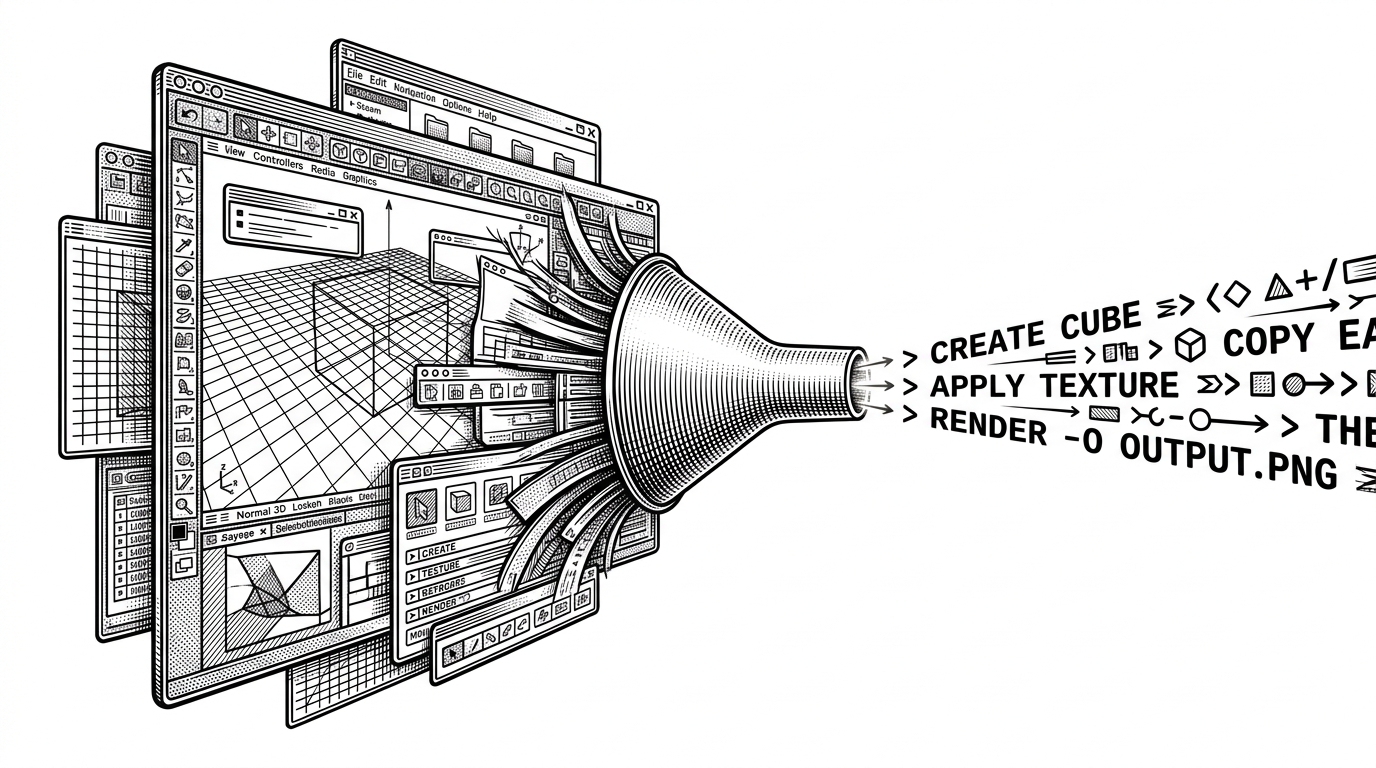
notebooklm-mcp-cli: The Project That Turns NotebookLM Into an API
A reverse-engineered CLI and MCP server that lets power users and AI agents manage sources, query notebooks, and generate NotebookLM artifacts from the terminal.
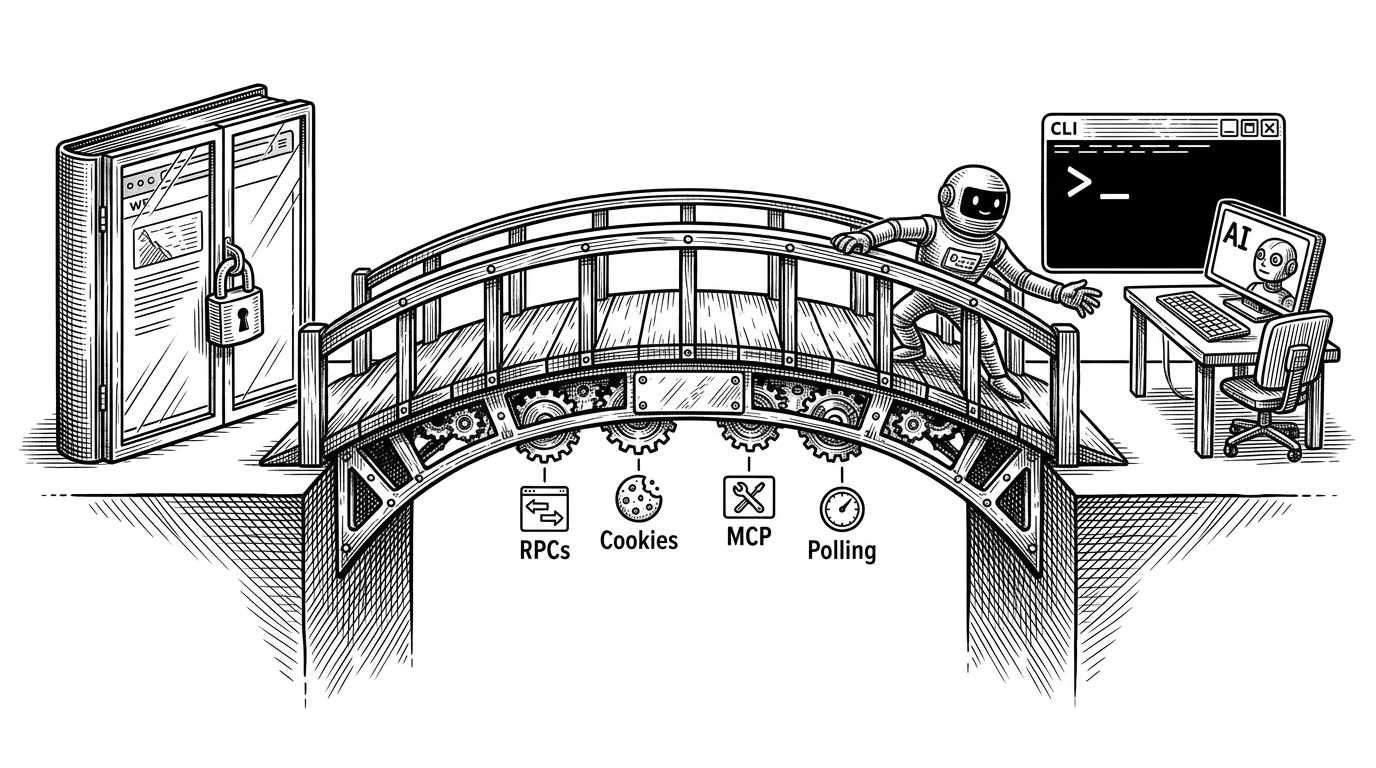
- This repo turns NotebookLM from a browser product into a programmable research surface by exposing its hidden RPC layer through a CLI and an MCP server.
- Its real breakthrough is translation: browser-authenticated state, internal batchexecute calls, and async artifact polling are wrapped into tools that agents can actually use.
- The project is strongest where generic automation is weakest, because it sits closer to NotebookLM than scraping does and is more agent-ready than the official UI.
- Its biggest lesson is that the most valuable infrastructure often lives inside products that were never designed to be open.
The obvious pitch is "NotebookLM from the terminal." The better reading is harsher and more interesting: this repo treats a closed Google product like infrastructure. It does not wait for an official API. It reconstructs the hidden path instead.
That matters because NotebookLM is already doing useful work. It can gather sources, answer questions against them, and generate artifacts like audio overviews and research outputs. notebooklm-mcp-cli makes those capabilities callable from a shell prompt or an AI agent, which changes the product from a destination into a component.
This project has been completely refactored to unify NotebookLM-MCP and NotebookLM-CLI into a single, powerful package.
NotebookLM, but programmable
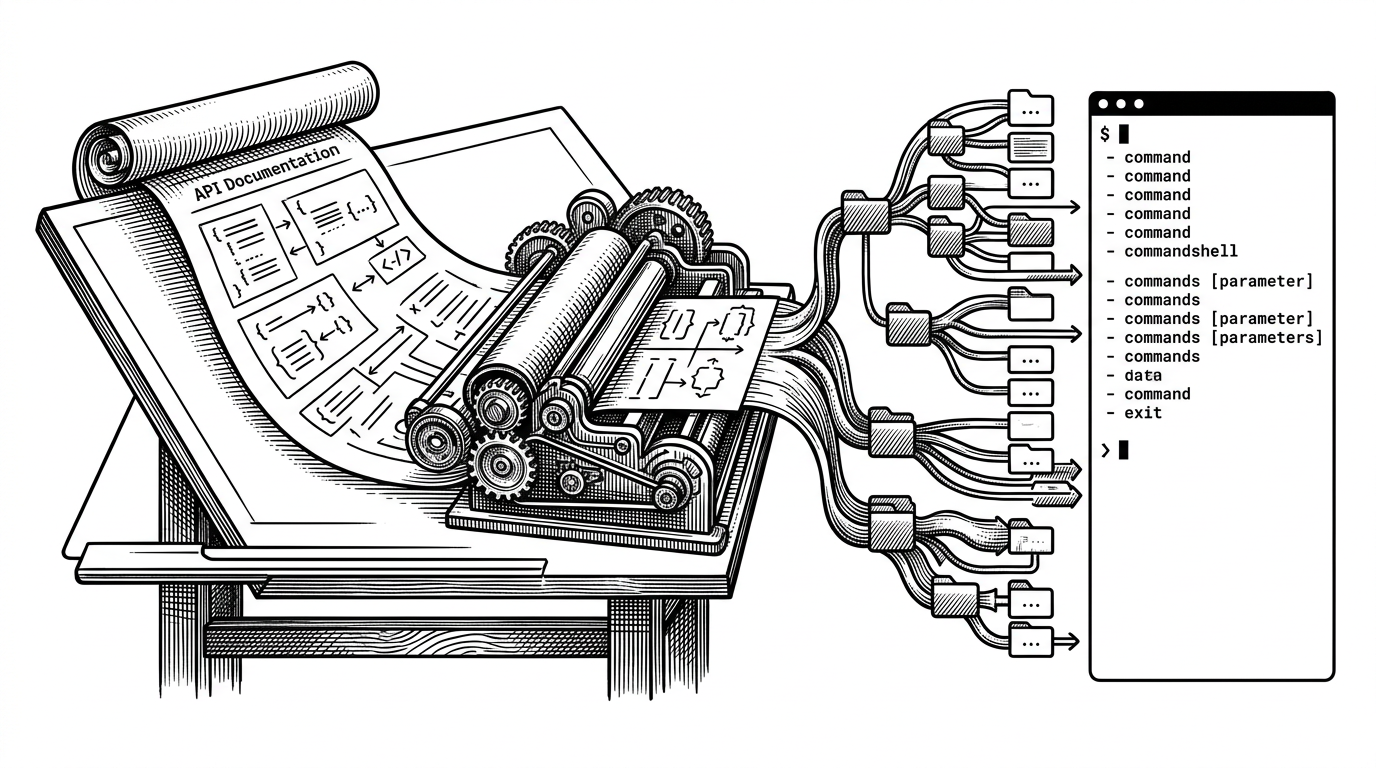
The project ships two faces of the same core: a Typer-based CLI for humans and a FastMCP server for agents. Underneath both sits the same Python package, so the terminal commands and the tool calls share one source of truth instead of drifting into separate implementations.
That design choice is what gives the repo leverage. A notebook app becomes a commandable system. A research workflow becomes scriptable. An LLM no longer has to imitate a browser user one click at a time.
The trick is the shadow API
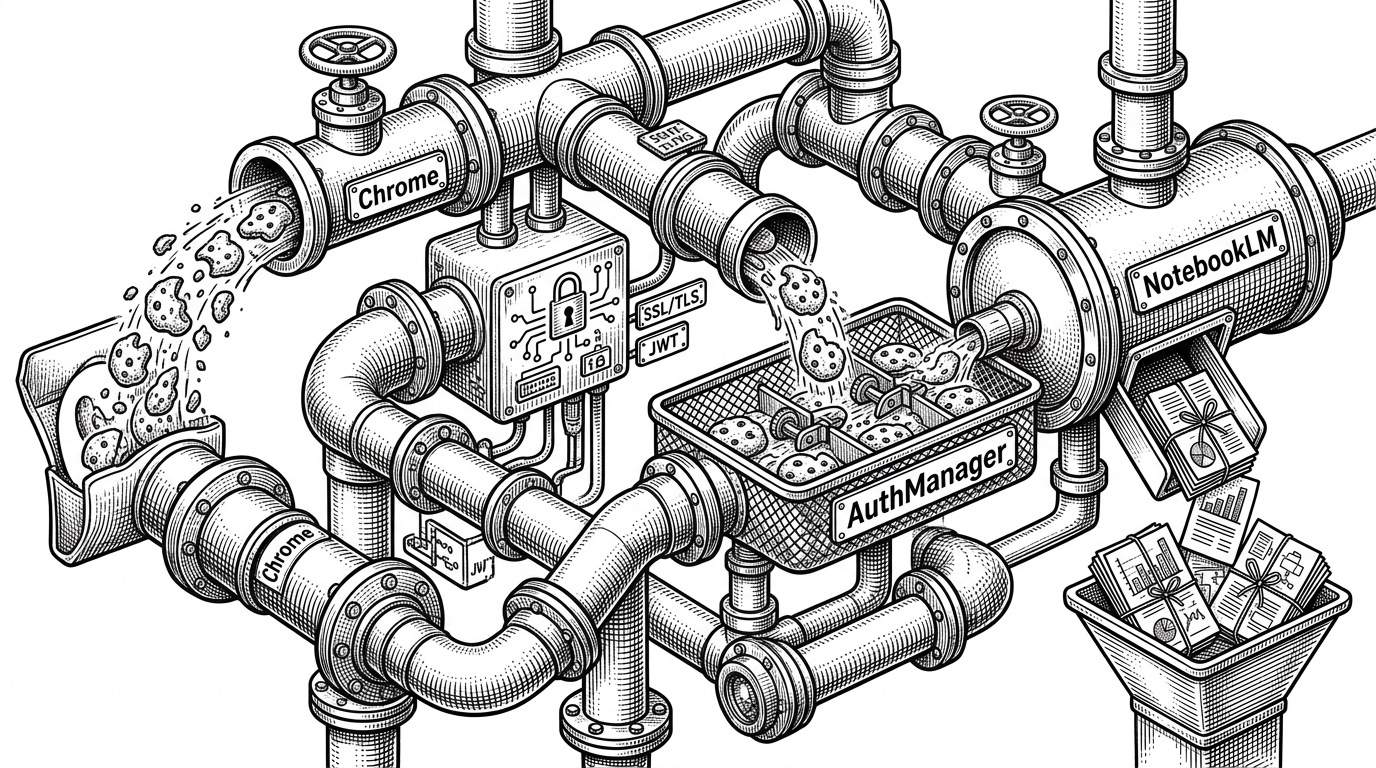
The technical centerpiece lives in base.py. That file reconstructs Google’s internal batchexecute style calls, maps RPC IDs to NotebookLM actions, and decodes the array-heavy responses that the public UI normally hides.
That is the difference between scraping and interfacing. Scraping watches the UI. This client speaks closer to the system itself, which is why it can list notebooks, add sources, query content, and trigger studio workflows without pretending to be a human with a mouse.
# Simplified shape of the flow
payload = build_batchexecute_request(
    rpc_id=RPC_CREATE_AUDIO_OVERVIEW,
    args=[notebook_id, source_ids, options],
)
response = await client.post("/batchexecute", data=payload)
state = decode_internal_response(response)
The important point is not the syntax. It is the contract. The repo knows which internal verbs exist, how to package arguments for them, and how to recover useful state from Google’s obfuscated response format.
Why this matters for agents
The MCP layer turns all of that into a tool surface. Instead of asking an LLM to hallucinate notebook operations, the server registers concrete actions: create, add, query, generate, poll. That makes NotebookLM usable inside Claude, Gemini, Cursor, or any other MCP-aware environment.
The architecture stays clean because the server entry point stays thin. Tool registration is separated from domain logic, and the core client stays reusable across CLI and agent workflows. That separation is what keeps the project from collapsing into a pile of ad hoc automation scripts.
| Approach | What it can do | How it authenticates | How agent-friendly it is | Risk / brittleness | Best use case |
|---|---|---|---|---|---|
| Official NotebookLM UI | Manual notebooks, sources, and artifact generation | Google login in the browser | Low | Low technical risk, but no automation leverage | Interactive human use |
| Generic browser automation | Can click through most visible flows | Scripted browser sessions | Medium | High. UI changes break flows | One-off UI reproduction |
| notebooklm-mcp-cli | Notebook, source, query, studio, and research operations from CLI or MCP | Browser-session cookie extraction plus internal RPCs | High | Higher because it depends on undocumented calls | Power users and AI agents that need leverage |
The repo does not try to be safer than the official product. It tries to be more useful. That is a different bet, and a sharper one.
Authentication is the real boss fight
The most delicate part of the stack is not notebook management. It is getting a valid Google session without inventing a fake login flow. The project rides the user’s already-authenticated browser, extracts cookies through Chrome DevTools Protocol, and keeps the account boundary in the browser where it already exists.
That choice reduces friction and avoids brittle username-password automation. It also explains why the repo includes explicit browser profile handling and WSL-specific polish. This is built for people who live in terminals, but still need the browser to do the identity work.
This MCP and CLI use internal APIs that: Are undocumented and may change without notice, Require cookie extraction from your browser
The part users actually feel: polling and polish
NotebookLM’s studio-style outputs are asynchronous, so the CLI has to feel synchronous without pretending the work is instant. That means polling loops, status transitions, and careful feedback while the artifact moves from queued to ready.
This is where the project stops looking like a proof of concept. The code is trying to make a slow, remote system feel dependable in a local workflow. That is why a command line wrapper is not enough on its own. The wrapper has to manage waiting well.
while not artifact.ready:
    status = client.poll_studio_status(notebook_id, job_id)
    if status.state in {"queued", "generating"}:
        continue
    artifact = status.result
The WSL support reinforces that point. The repo is not just exposing capabilities. It is smoothing over the annoying edge cases that make terminal automation feel fragile in real environments.
What it beats, and what it doesn’t
It beats the official UI when the work needs to be repeatable. It beats generic browser automation when the job is really about NotebookLM semantics, not page clicks. It does not beat the official UI on safety or legitimacy, and it does not try to.
That is the trade. The repo gains leverage by sitting closer to the hidden machinery than a scraper would, but that also means it inherits the instability of undocumented internals. The value is specificity, not universal robustness.
Compared with a custom RAG stack, the attraction is simpler: NotebookLM already packages a lot of the research workflow people want. This project just opens that package to automation.
Why this repo feels bigger than its niche
The broad lesson is that many useful products become more valuable when they can be addressed as tools. notebooklm-mcp-cli shows the shape of that transition clearly: a closed consumer app, a reverse-engineered control layer, then a clean interface for humans and agents alike.
That is why this repo feels bigger than its category. It is not merely an integration. It is an example of product-shaped infrastructure being reopened for composition.