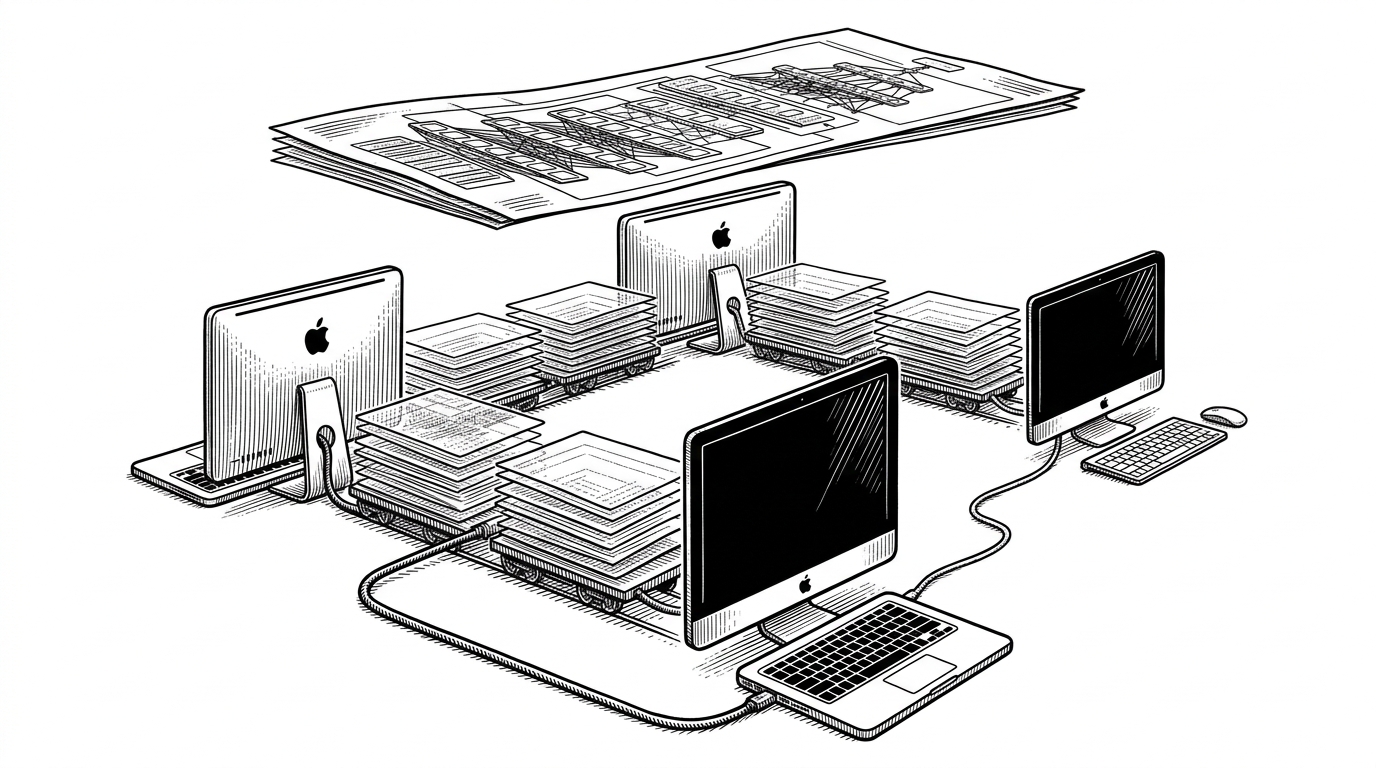
Lemonade SDK: The Recipe Layer for Local AI
How one open-source stack hides hardware chaos behind a single OpenAI-compatible interface, then routes work to the right NPU, GPU, or CPU backend automatically.
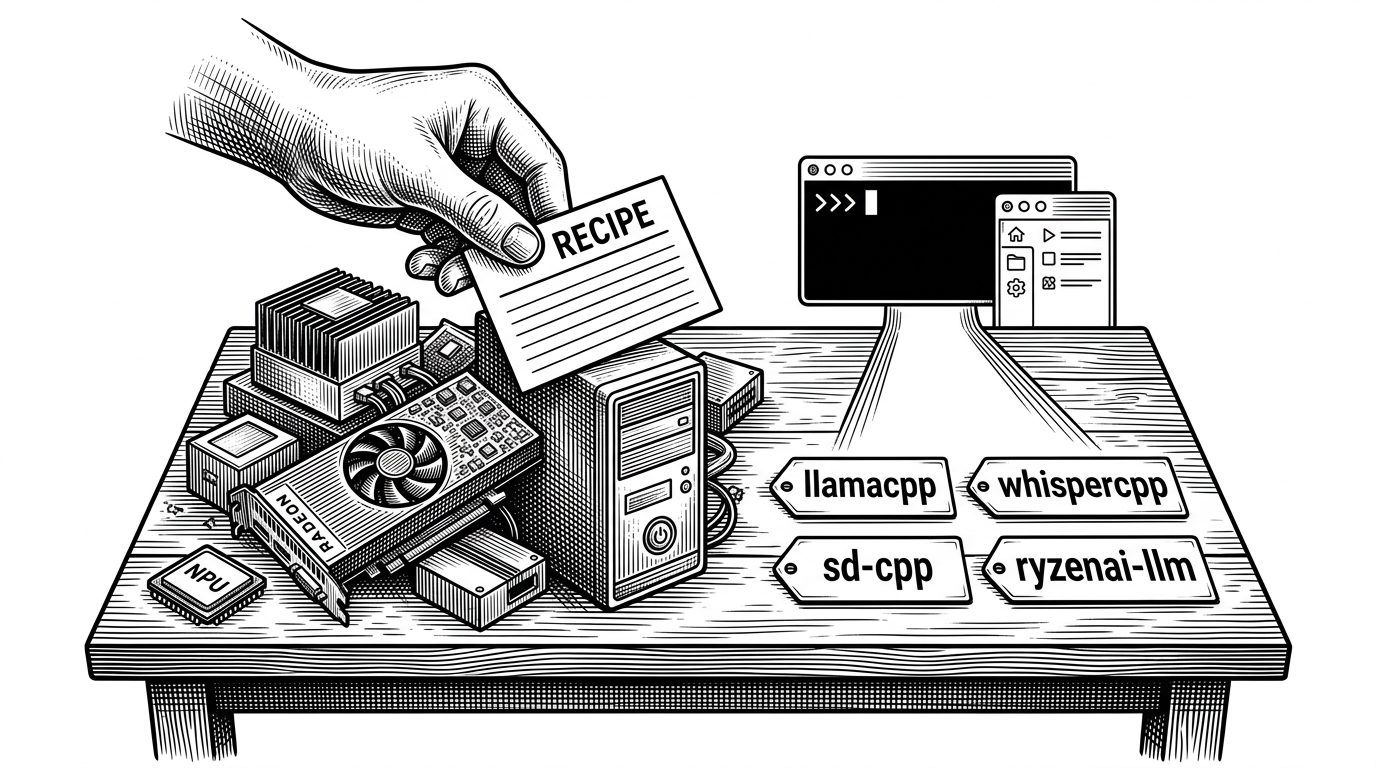
- Lemonade's main innovation is a recipe layer that routes each request to the right local backend for the hardware in front of it.
- The desktop app is not decoration, because it turns a hardware-aware inference stack into something a normal user can manage.
- Its edge is not raw benchmark leadership, but a tighter fit for consumer AI PCs, especially AMD GPUs and NPUs.
- Lemonade points toward a local AI stack where orchestration matters more than a single universal engine.
Lemonade is easiest to understand as a routing problem. A user asks for text, image, or audio, and the system decides which backend, binary, and model path should carry the load on that specific machine. That is the real product. The OpenAI-compatible surface is just the part you notice first.
That framing matters because local AI is still fragmented. One machine wants ROCm, another wants Vulkan, another has an NPU, and many have only a CPU that is good enough if you are patient. Lemonade tries to make that mess feel like a single appliance.
The missing layer between AI apps and hardware
Most local AI tools expose an engine. Lemonade exposes a decision layer. It detects the hardware profile, picks a recipe, fetches or selects the right backend, and then presents the result through a stable API and a desktop UI.
That is why Lemonade feels different from a bare server wrapper. It is trying to make consumer hardware behave like a programmable AI box, not just a place where models can technically run.
Lemonade helps users discover and run local AI apps by serving optimized LLMs, images, and speech right from their own GPUs and NPUs.
Why the recipe system is the real product
The key abstraction is the recipe. In Lemonade, a recipe maps a workload and hardware target to a backend such as llamacpp, whispercpp, sd-cpp, or ryzenai-llm. That is not just naming. It is the orchestration contract.
A recipe says, in effect: for this model type and this device class, use this runtime, this model format, and this packaging path. That is how Lemonade avoids being trapped inside one engine's assumptions.

The desktop app is the control plane
The UI is not ornamental. In src/app/main.js and App.tsx, the desktop shell handles deep linking, beacon discovery, IPC, model management, and pane layout. That is the operational layer that makes the recipe system usable.
The app persists layout, manages chat and model views, and bridges the local server to the renderer. In practice, it turns a powerful but fragmented stack into something that feels like a product.
| Dimension | CLI-first local tools | Lemonade |
|---|---|---|
| Primary interface | Terminal commands and config files | Desktop app with persisted panes and model manager |
| Hardware awareness | Usually implicit or manual | Recipes and backend selection are hardware-aware |
| Discovery | User installs and wires pieces together | Beacon-style discovery and integrated control plane |
| Model handling | Often external or separate | Built-in model browsing, downloading, and importing |
| User experience | Best for experts | Built for regular users and power users |
How Lemonade stays portable without becoming bloated
Portability in Lemonade comes from build discipline. The CMake setup uses FetchContent for dependencies, platform-specific flags, and packaging logic that keeps the project runnable across a messy spread of consumer machines.
That matters because local AI tools often fail at the boring parts. Dependency drift, platform quirks, and packaging complexity can kill adoption faster than a slow model. Lemonade tries to absorb those problems at build time instead of making users solve them at runtime.
| Build concern | Typical local AI project | Lemonade approach |
|---|---|---|
| Dependencies | Assume system packages or manual setup | Fetch missing dependencies with CMake |
| Hardware targets | One or two favored backends | Recipes for GPU, NPU, CPU, and multiple modalities |
| Packaging | Ad hoc archives or scripts | Cross-platform installers and release assets |
| Runtime selection | Manual backend choice | Hardware-aware routing through recipes |
| Developer experience | Separate tools for each task | One stack for serving, UI, and embedded use |
What Lemonade beats, and what it does not
Lemonade is not trying to beat every local AI project on every axis. It is sharper than that. Its niche is end-to-end fit for consumer hardware, especially AMD GPUs and NPUs, with a polished product layer on top.
| Project | Best at | Where Lemonade differs |
|---|---|---|
| llama.cpp | Core inference and model efficiency | Lemonade adds orchestration, UI, and multi-modal packaging |
| Ollama | Simple local model serving | Lemonade emphasizes hardware-specific routing and broader device support |
| LocalAI | OpenAI-style compatibility across many backends | Lemonade leans harder into consumer hardware optimization and product polish |
| vLLM | High-throughput datacenter serving | Lemonade targets local consumer machines instead of server farms |
That leaves a clear trade. If you want the most general-purpose local serving layer, another project may be a better fit. If you want local multimodal AI to feel native on a laptop or desktop with the right accelerators, Lemonade is aiming at the right problem.
The shape of the AI PC stack
Lemonade hints at where local AI is going. The winner may not be a single universal backend. It may be a software layer that negotiates between device capabilities, model requirements, and packaging constraints in real time.
That is the post-CUDA idea here. The product is not just inference. It is adaptation. Lemonade treats hardware as a variable, not a blocker.