michael/editable-website: When the Website Becomes the CMS
A deep look at the Svelte and SQLite stack that turns live pages into editable documents, without a separate admin panel, headless API, or static rebuild workflow.
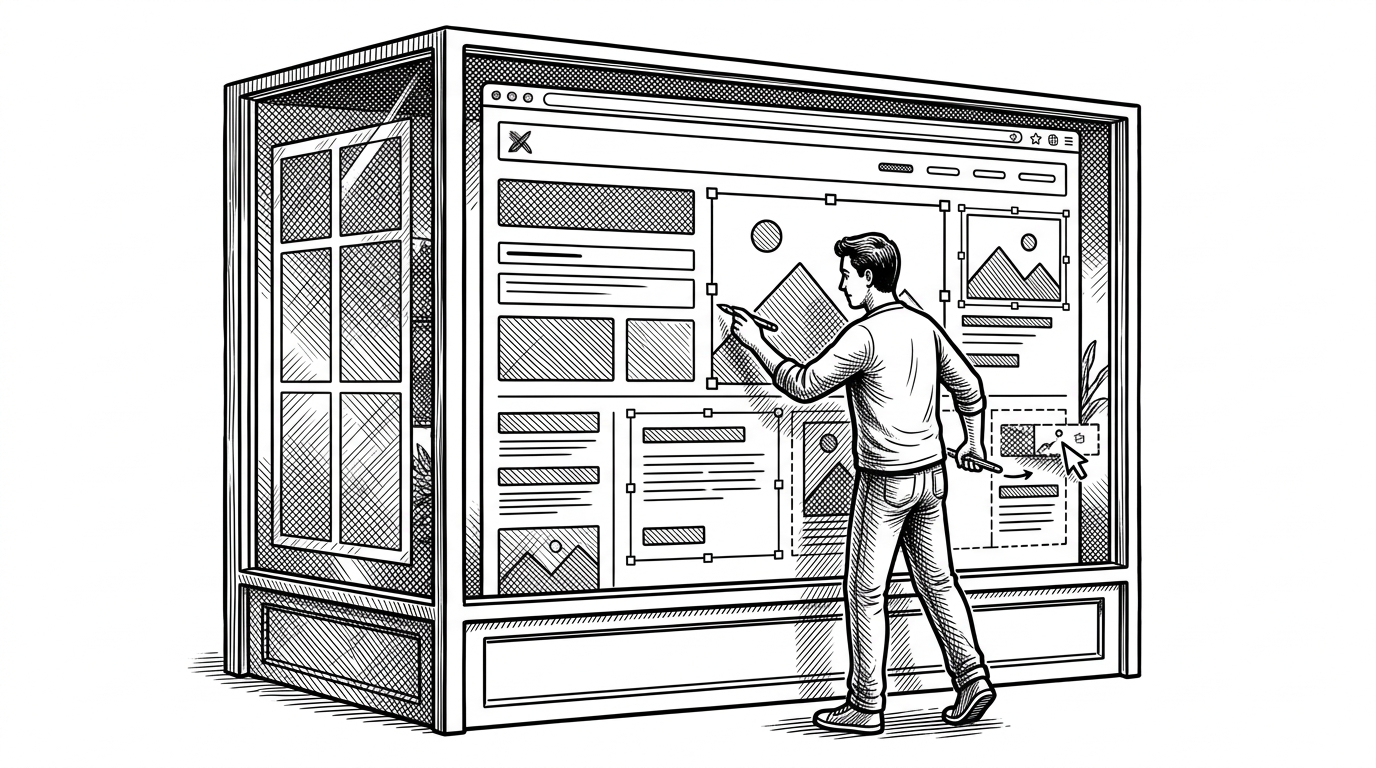
- editable-website collapses the CMS boundary by making the live page itself the editing surface.
- Its real trick is not visual editing, but a tight graph model that stitches schema, persistence, and rendering into one runtime system.
- SQLite and remote functions keep the stack small enough to feel native, not ceremonial.
- The project is opinionated on purpose, which makes its trade-offs part of the value rather than a flaw.
The Admin Panel Disappears
Most CMS products begin with a split. One surface for editing, another for publishing, and a transport layer in between. editable-website removes that split. The page you are looking at is the page you edit.
The editing infrastructure (Svedit) becomes an integral part of your website (at runtime). As a developer, all you do is define content types (e.g. Figure) and implement components (e.g. Figure.svelte) — they are editable by default.
That is the whole bet. There is no second interface to learn, no separate content admin to host, and no ritual of pushing content through a CMS API just so it can come back out on the site. The website becomes the only place content needs to exist in motion.
What This Project Is Actually Optimizing For
This is built for Svelte developers who want client-editable sites without surrendering control to a full CMS platform. The goal is not generality. It is a narrow, coherent workflow where the codebase, the layout, and the editing experience stay in the same mental model.
That matters because the usual alternatives all impose a boundary. WordPress puts the editor elsewhere. Headless CMSs turn content into an API product. Webflow trades code ownership for a visual builder. This project chooses the opposite: keep the developer in charge, and bring editing into the app itself.
The Graph Model Behind the Page
Under the hood, the site is not just a tree of components. It is a document graph. Pages are represented as editable nodes, with globals like nav and footer stitched in at render time. The result is a site that behaves like a document system without stopping being a website.
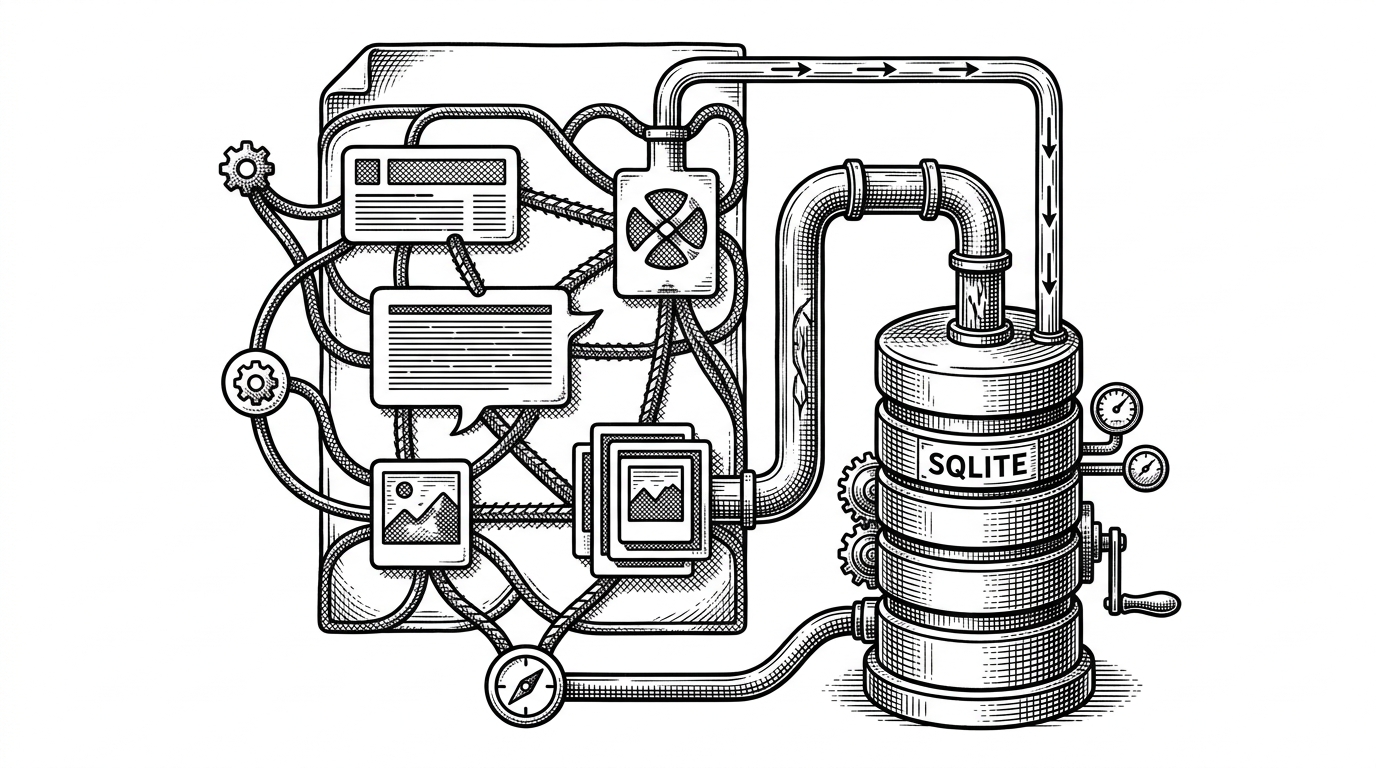
The save path is deliberately short
The key implementation trick is the remote function layer. Instead of a client fetching a bespoke endpoint, the frontend calls server logic like a normal function. That makes save flows feel native, but the real gain is architectural: the code that validates, traverses, and persists the document graph stays together.
// Conceptual shape of the workflow
async function saveDocument(documentId, nextGraph) {
  const validated = validateSchema(nextGraph)
  const nodeIds = collectNodeIds(validated)
  return db.transaction(() => {
    upsertDocument(documentId, validated)
    upsertNodes(nodeIds)
    return { ok: true }
  })
}

// On the client, this feels closer to a local call than a network round trip.
I want you to be able to launch websites that anyone can edit. No more calls asking you to update someone's WordPress site! They'll be able to do it themselves.
SQLite as the Center of Gravity
The database choice is not just an implementation detail. It is a statement about scale and complexity. Native node:sqlite keeps the stack in plain sight, while custom migrations and a small deployment story make the system feel intentionally bounded.
That boundedness is the point. Many modern content systems add layers to avoid thinking about the database. This one embraces it. SQLite is not treated as a compromise for small projects. It is treated as the most honest place to put the content graph.
| Concern | editable-website | Typical CMS stack |
|---|---|---|
| Editing surface | Live page | Separate admin panel |
| Persistence | SQLite document store | Database plus CMS service |
| Request path | Remote function to transaction | UI to API to backend |
| Publishing | Immediate runtime update | Rebuild or publish step |
| Developer control | High, code-first | Shared with platform conventions |
How Assets Move Through the System
The asset pipeline follows the same philosophy. Images are processed on the client with browser-side resizing and WebP encoding, then stored as variants. That pushes expensive work to the edge of the browser and keeps the server lean.
This is one of the clearest signs that the project is more than an editing demo. It is a full content pipeline. Upload, transform, store, render. The system reduces ceremony without reducing responsibility.
// Conceptual asset flow
const resized = await resizeInBrowser(file, {
  formats: ['webp'],
  widths: [320, 640, 1280]
})

await uploadVariants(resized)
await persistAssetRecord({ stem, variants })
How It Compares to WordPress, Sanity, and Webflow
The cleanest way to place this project is by contrast. WordPress gives you a separate admin world. Sanity and Contentful turn content into an external service. Webflow gives you a visual builder, but not the same ownership model. editable-website collapses those categories into one runtime system under the developer’s control.
| Tool | Where editing happens | Main trade-off |
|---|---|---|
| WordPress | Separate dashboard | Power through plugins and administration |
| Sanity or Contentful | External content studio | Flexible APIs, but an extra platform boundary |
| Webflow | Visual builder | Fast design workflow, less code ownership |
| editable-website | The live site itself | Opinionated stack, tighter integration |
That difference sounds subtle until you build with it. Then it becomes structural. The editor is not a companion app. It is a behavior of the page.
The Trade-Offs Are the Point
This is not trying to be universal. It is actively opinionated, still evolving, and clearly designed around a specific kind of developer. If you want maximal flexibility across arbitrary teams and workflows, a broader CMS will feel safer. If you want a coherent system where content, layout, and editing live together, the constraints become the feature.
That also explains why the project feels so decisive. It does not ask whether the CMS layer should be separate. It assumes the answer is no, then proves the rest can still work.
Why This Stack Feels Like a Precedent
The broader lesson is larger than this repository. Modern JavaScript tools now make it realistic to collapse the editor, the app, and the backend into one coherent system. Svelte, SQLite, and remote functions are not just convenient here. They are the ingredients that make the boundary disappear.
That is why the project matters. Not because it replaces every CMS, but because it shows how much architectural weight can be removed when the right parts are allowed to merge.