open-higgsfield: OpenHiggsfield AI: The Studio UI That Treats Models Like Plug-Ins
A deep dive into the schema-driven catalog, local-first history, and prompt-to-API translation layer that lets one interface steer dozens of image and video models.
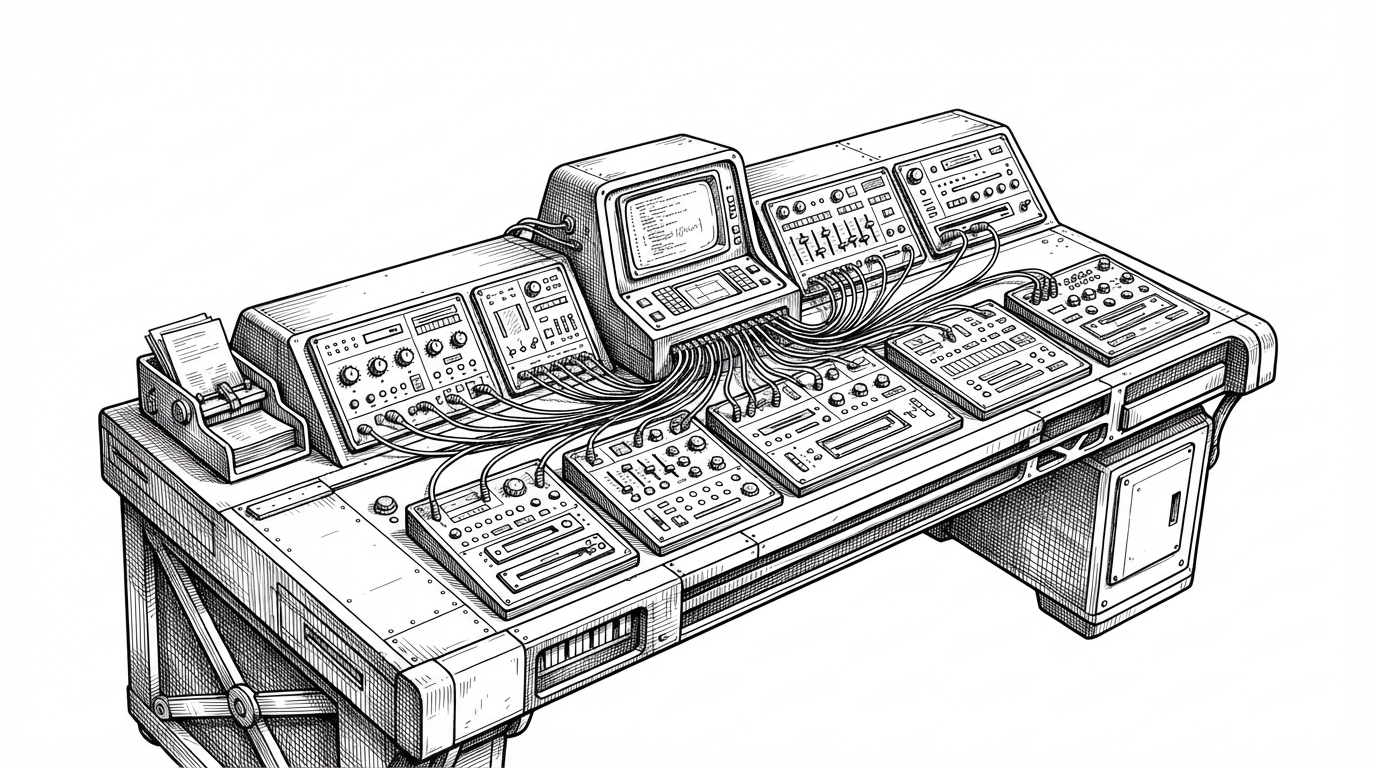
- OpenHiggsfield’s real innovation is a schema-driven studio shell, not a single model integration.
- The project keeps one prompt-centric workflow coherent while model-specific controls appear and disappear from metadata.
- Its generation plane separates user intent from provider request shapes, which is why the React layer stays clean as APIs change.
- Local IndexedDB history and a virtualized gallery make the app behave like a durable creative workspace, not a thin web wrapper.
The UI is not hardcoded. That is the point.
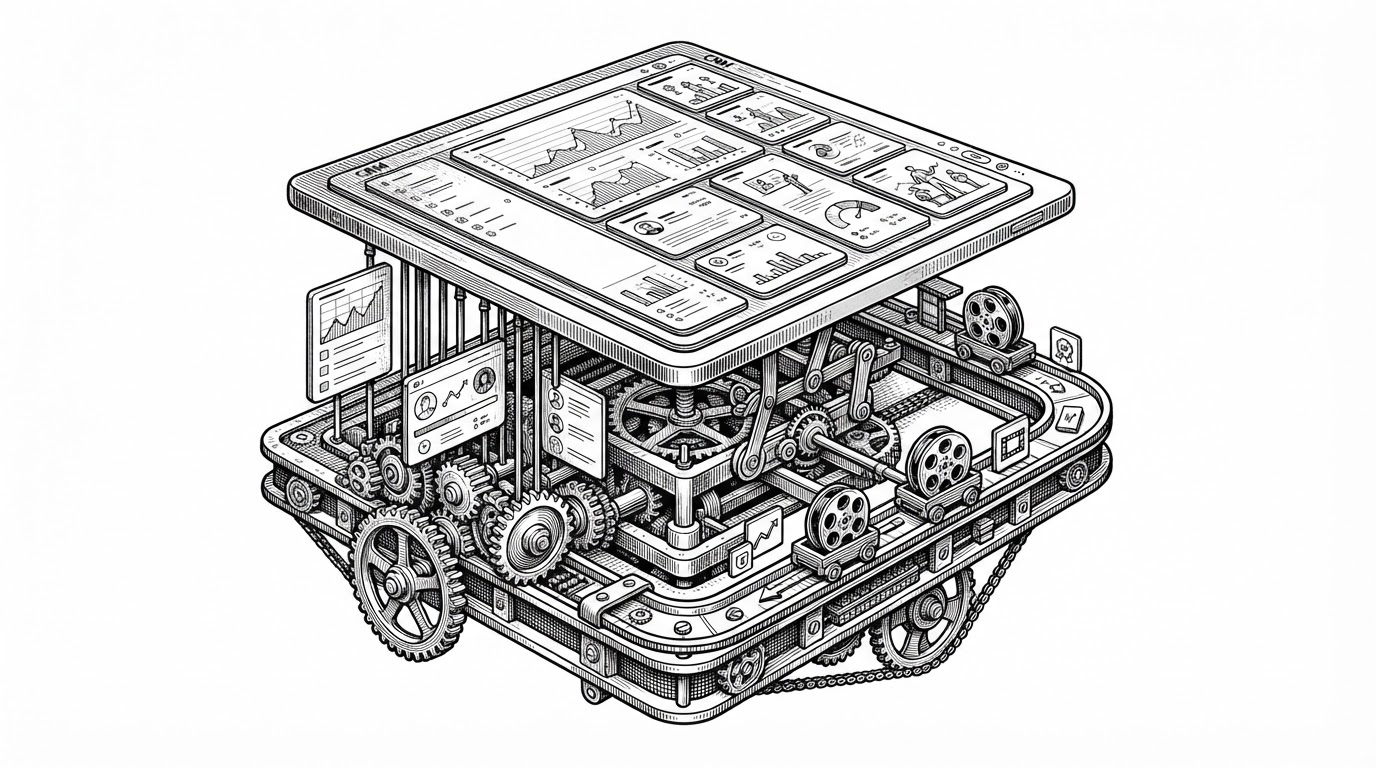
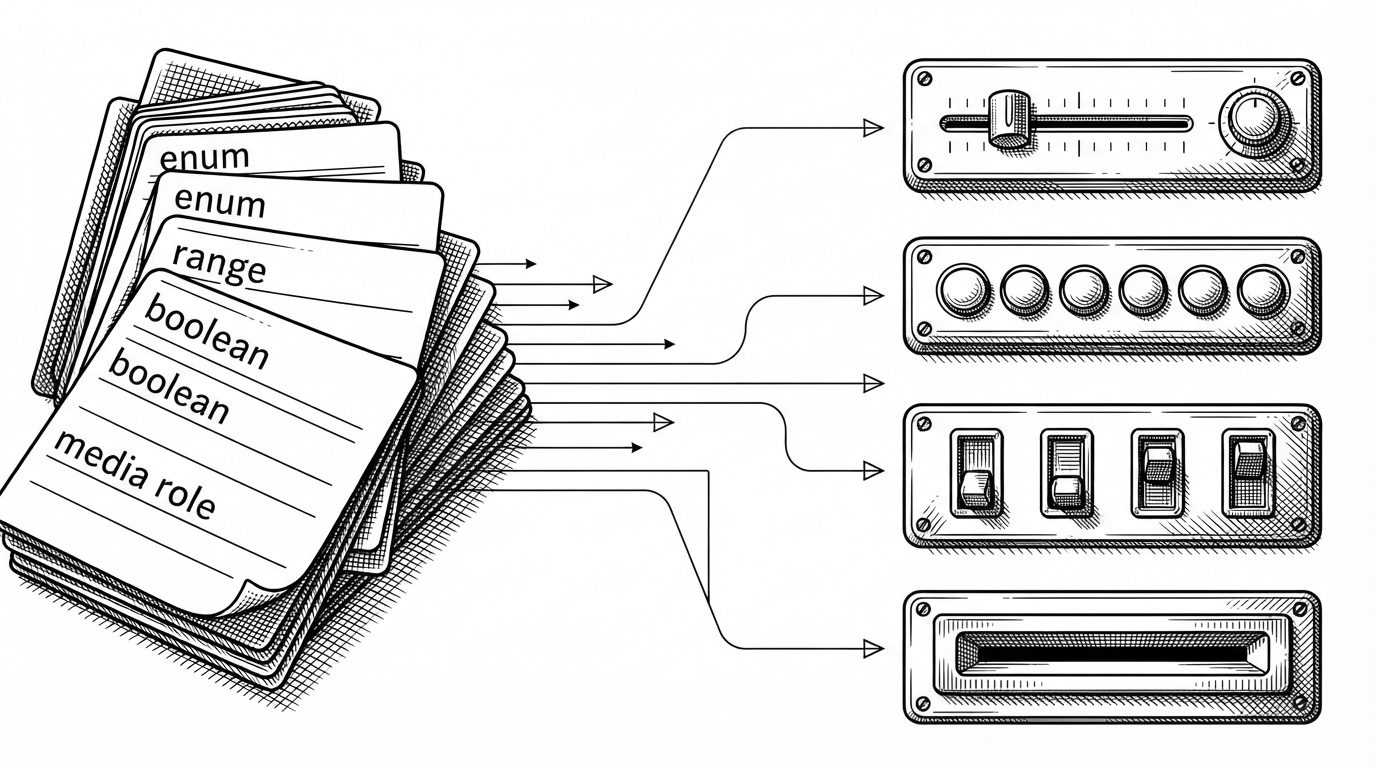
Most AI media tools accrete screens. OpenHiggsfield does the opposite. It treats model settings as data, so the interface can be assembled from a catalog instead of hand-wired around each provider’s quirks.
That sounds like an implementation detail. It is really the product thesis. If the model surface changes often, the UI has to be able to change with it, or the studio becomes brittle the moment a provider adds, renames, or removes fields.
Why one prompt bar beats a dozen model-specific screens
The interface earns its keep by refusing to make the user relearn the product for every model. A single composer keeps the mental model stable. The controls change, but the workflow does not.
| Dimension | OpenHiggsfield | Model-specific studio |
|---|---|---|
| Primary workflow | One prompt bar plus adaptive controls | Separate screens for each model |
| Mental overhead | Low | High |
| Setup burden | Open the studio and choose a model | Learn each provider’s quirks |
| Switching models | Controls reconfigure automatically | Forms and expectations change manually |
| Best for | Users who want one coherent studio | Users who live inside one provider |
| Risk | Abstraction can hide some low-level details | Fragmentation across many tools |
The README frames the pitch as access. The deeper value is coherence. OpenHiggsfield keeps the studio feeling like one product even when the underlying models come from very different places.
Inside the generation plane
The most important file for understanding the repo is `src/generation/plane.ts`. It acts as the translator between generic studio state and provider-specific request fields. That separation is what keeps the React surface from becoming a pile of special cases.
// Conceptual shape of the generation plane
const normalized = buildGenerationPlane({
  prompt,
  modelId,
  media,
  settings,
});

const request = mapPlaneToProvider(normalized, catalogEntry);

await provider.generate(request);
The point is not only that the code is clean. The point is that intent stays stable while implementation moves around it. A user says what they want. The plane decides how each provider wants to hear it.
| Layer | Responsibility | Why it matters |
|---|---|---|
| Catalog | Declares fields, roles, and allowed settings | Makes models self-describing |
| Generation plane | Normalizes studio intent | Decouples UI from provider APIs |
| Provider adapter | Builds the final request shape | Handles model-specific naming and payload rules |
| React surface | Renders controls from schema | Avoids hardcoded forms |
What the diagram is really showing
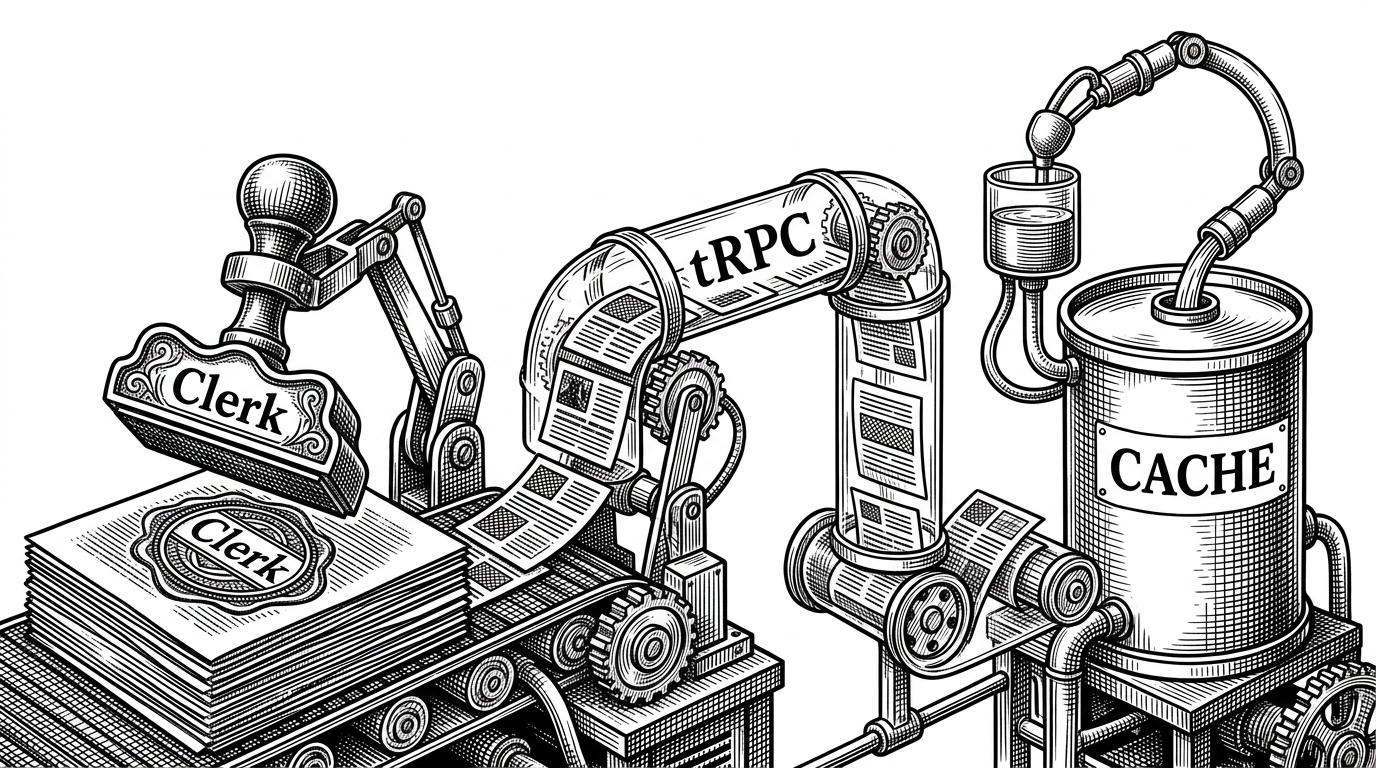
The diagram matters because it makes a subtle architecture visible. The studio is not a bunch of components calling APIs directly. It is a pipeline: catalog, translation, rendering. That is why adding a model looks more like publishing metadata than rebuilding the app.
Local-first is not a side feature here
OpenHiggsfield stores recent runs in IndexedDB, with a fallback to memory when the browser cannot persist locally. The history cap is 60 records. That is a small detail with a big effect: the app behaves like a professional workspace that remembers what you did, even if you do not create an account.
| Capability | OpenHiggsfield behavior | Why it matters |
|---|---|---|
| Run history | Stored locally in IndexedDB | Feels durable without a backend database |
| Failure mode | Falls back to memory | Still works when persistence is unavailable |
| History size | 60 records | Keeps the app fast and focused |
| User trust | No heavy account requirement | Fits BYOK and self-hosted workflows |
For creative tools, local memory is part of credibility. If a studio forgets your work, it feels disposable. If it remembers runs, uploads, and settings, it starts to feel like software you can live in.
The gallery is built for a media-heavy workload
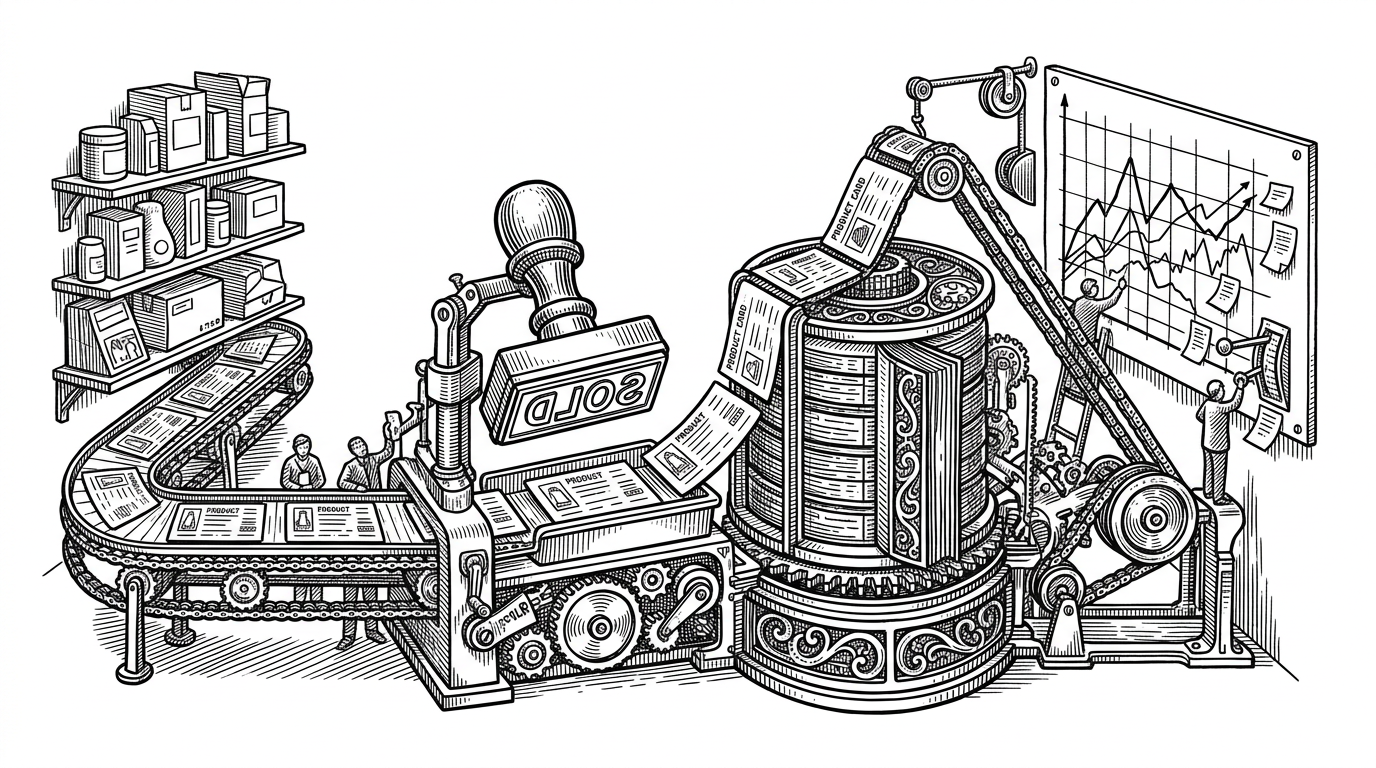
A studio that generates images and video does not just need a grid. It needs a gallery that can absorb a lot of large assets without stuttering. OpenHiggsfield leans on virtualization so the interface stays responsive as the archive grows.
| Problem | Naive approach | OpenHiggsfield approach |
|---|---|---|
| Many thumbnails | Render everything at once | Virtualized scrolling |
| Large media assets | Treat all items the same | High-resolution thumbnails with lighter viewport pressure |
| Video-heavy browsing | Let playback compete with layout | Keep the gallery performance-first |
| Growing archives | UI slows as the list expands | Only visible items are rendered |
That is not glamorous work, but it is the difference between a demo and a tool. Once the studio becomes an archive, performance is product design.
What it replaces, and what it does not
OpenHiggsfield sits in a narrow but useful lane. It is not trying to outrun ComfyUI on low-level control, and it is not trying to outspend Runway on proprietary polish. It is trying to make a fragmented market feel like one adaptable studio shell.
| Product | What it is | How OpenHiggsfield differs |
|---|---|---|
| Higgsfield AI | Proprietary creative studio | OpenHiggsfield mirrors the workflow but stays open and self-hostable |
| Runway | Polished commercial video studio | OpenHiggsfield is more modular and model-agnostic |
| ComfyUI | Node-based power-user engine | OpenHiggsfield is more curated and less technical to operate |
| Generic wrappers | Thin API adapters | OpenHiggsfield uses a schema and translation plane instead of hardcoded forms |
That distinction matters. Wrappers tend to chase whatever the provider exposes today. A schema-driven studio tries to survive what the provider changes tomorrow.
The real bet: a studio that survives model churn
OpenHiggsfield’s architecture is a hedge against volatility. The catalog makes models self-describing. The generation plane keeps request mapping isolated. The local history and virtualized gallery make the product feel durable. Together, they form a shell that can outlast a particular model trend.
That is the more interesting story than open source versus proprietary. The real question is whether a creative studio can stay coherent while the model market keeps shifting under it. OpenHiggsfield’s answer is yes, if the interface is built like infrastructure.