obsidian-clipper: Obsidian Web Clipper: Turning the Browser Into a Markdown Intake Pipeline
A close look at the extension that captures messy web pages, preserves structure, and routes them into Obsidian as durable, customizable notes.
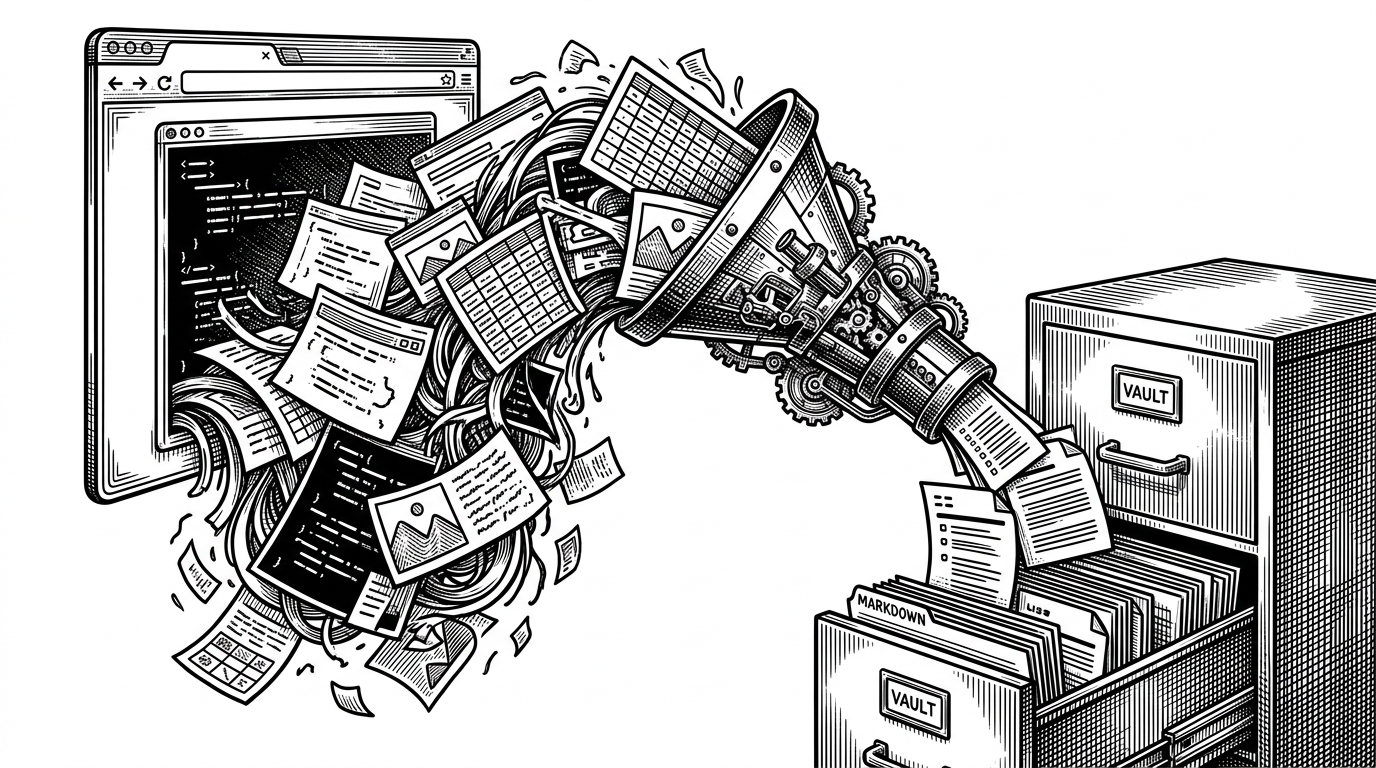
- Obsidian Web Clipper is best understood as an intake pipeline, not a save button, because it turns unstable web pages into durable Markdown notes inside a vault.
- Its template system makes capture programmable, so users can route, reshape, and enrich content at the moment it is clipped.
- The hard technical work is in surviving browser differences and messy DOMs, which is why the extension leans on orchestration, sanitization, and custom conversion.
- Compared with alternatives, the official clipper wins on vault-native control, even when other tools may lead on archival fidelity or extraction breadth.
The browser is not the archive
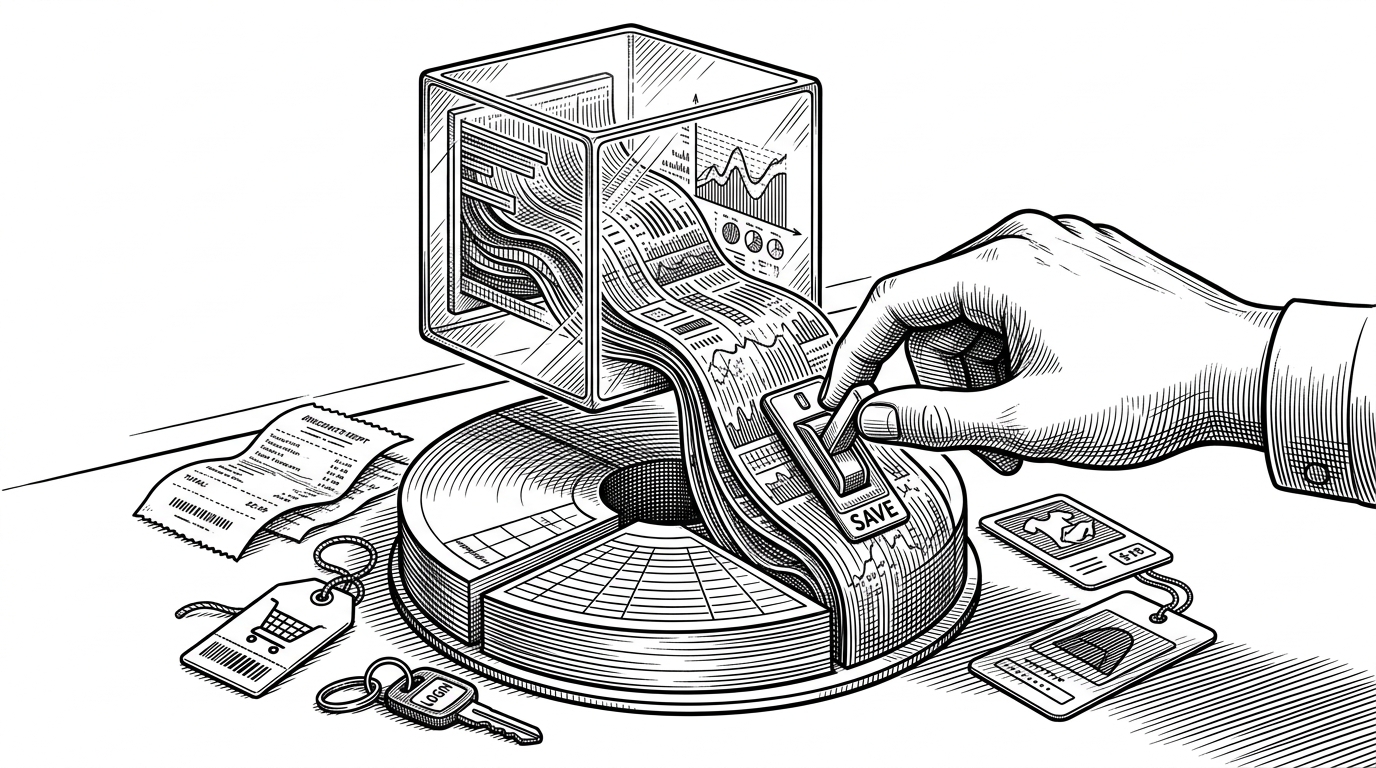
The web is a stream of temporary surfaces. Obsidian Web Clipper treats that stream as input, not destination, and converts it into Markdown that can live inside a vault, be searched later, and be reshaped into something more useful than a saved page. That shift is the whole story.
On the official announcement, kepano framed the project around a simple premise: save the web as durable Markdown files you can read offline and preserve for the long term. That sounds modest until you see what the extension is actually doing under the hood.
Today, we’re introducing Obsidian Web Clipper a new extension that helps you highlight and capture the web in your favorite browser. Anything you save is stored as durable Markdown files that you can read offline, and preserve for the long term.
Why Obsidian needed its own clipper
Third-party clippers can save text, but they rarely understand the workflow that starts and ends in Obsidian. They tend to be generic, lossy, or detached from vault structure, which makes them awkward when the goal is not just reading but building a long-lived personal knowledge base.
Obsidian’s answer is not a thinner tool. It is a more opinionated one. The official clipper is designed to preserve structure, capture metadata, and route content into note types that feel native to the vault.
| Tool | Best for | What it preserves well | Main limitation | Obsidian fit |
|---|---|---|---|---|
| Obsidian Web Clipper | Vault-native capture and routing | Markdown structure, metadata, templates | Requires Obsidian-centric workflow | Best when the vault is the destination |
| Web2MD | Extraction-first and AI-ready capture | Noise removal and structured export | Less native to Obsidian workflows | Useful if extraction quality matters most |
| Readwise Reader | Reading and annotation | Highlights, reading state, sync | Subscription and service dependency | Good for reading, not primary capture |
| MarkDownload | Lightweight manual clipping | Simple Markdown output | Limited automation and routing | Fine for occasional copy into a vault |
| SingleFile | Archival fidelity | Exact page fidelity in one file | Not Markdown-first | Better for preservation than note-making |
The extension is really a pipeline
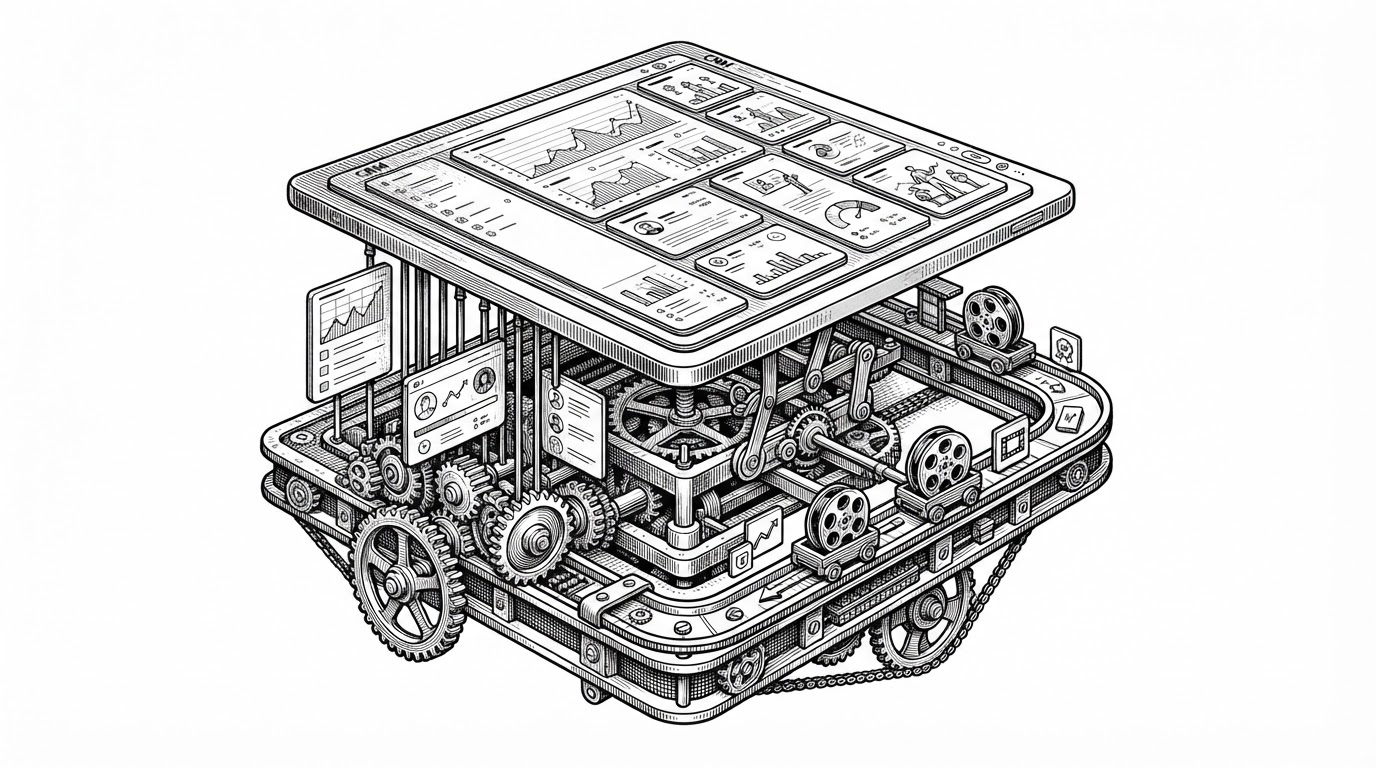
The repo’s architecture makes the thesis obvious. A background orchestrator manages state, a content script injects UI into the page, a reader mode cleans the DOM, and a conversion layer turns the result into Markdown. Each piece handles a different failure mode, which is why the extension feels more like infrastructure than a popup.
The background script coordinates state that must survive tab changes. The content script handles page injection, and the reader script restructures content before conversion. Even small implementation details matter here, like defensive reinjection logic and header rewriting for stubborn embeds.
// Simplified shape of the pipeline
browser.runtime.onMessage.addListener(async (message) => {
  if (message.type === 'clip') {
    const page = await extractPage();
    const transformed = await applyTemplate(page);
    await writeToVault(transformed);
  }
});
Templates are the real product
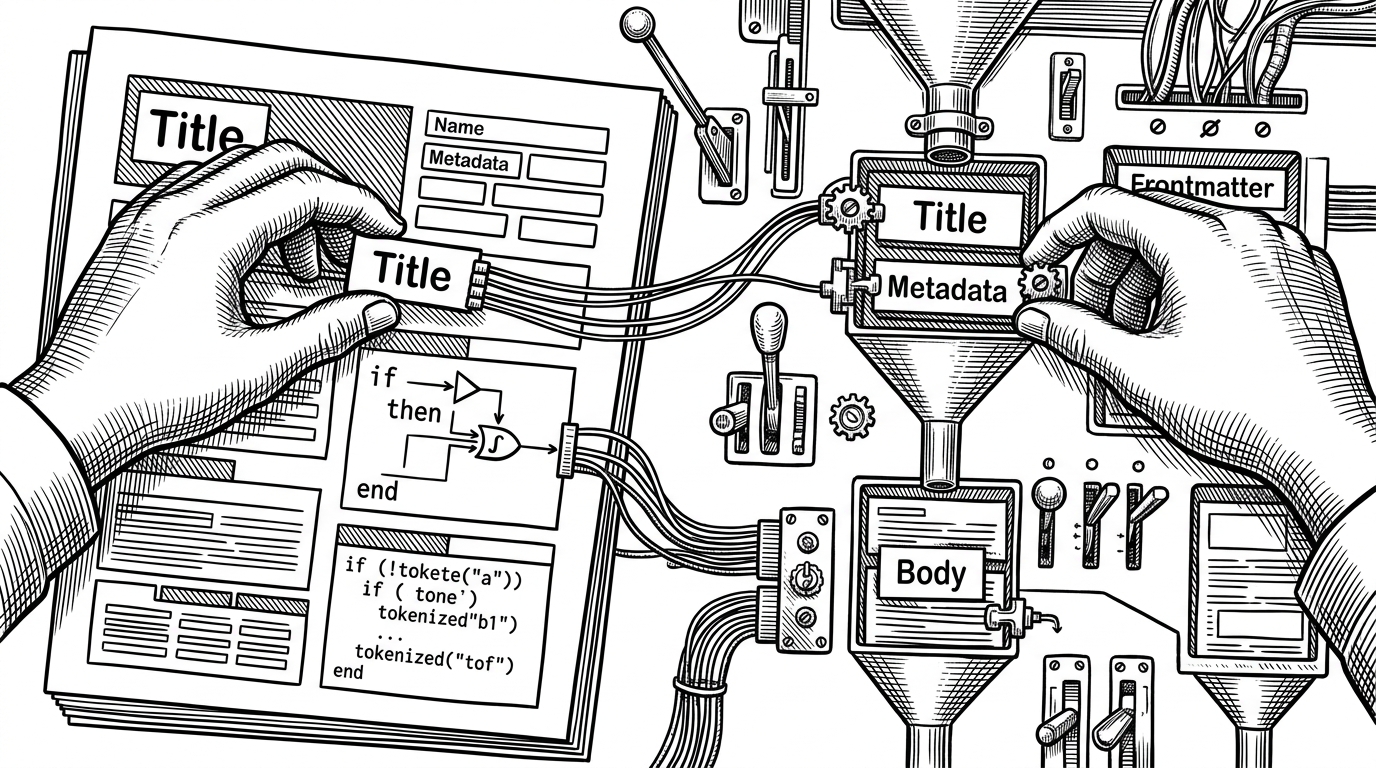
This is where the extension stops being a clipper and starts being programmable ingestion. Users can select page elements, apply conditional logic, build loops, and route fields into frontmatter or body content. That means the shape of the note is not fixed before capture. It is negotiated at capture time.
| Capability | Generic clipper | Obsidian Web Clipper |
|---|---|---|
| Field routing | Usually manual after capture | Built into the capture template |
| Frontmatter | Often absent or shallow | First-class output target |
| Page shaping | Mostly fixed extraction | Selectors and conditional logic |
| Workflow fit | Broad, generic | Vault-native and customizable |
That matters because the clipper is not just preserving information. It is deciding what kind of information a page becomes inside Obsidian. For recipe notes, project notes, reading queues, or travel plans, the template is the bridge between raw capture and a usable archive.
The hard part is not saving text
Browser extensions live in a messy world of injection timing, DOM churn, multi-browser quirks, and security boundaries. The repo’s TypeScript and polyfill-heavy structure is evidence that reliable clipping is mostly about surviving those conditions without breaking the page or losing the capture.
The codebase handles Chrome, Firefox, and Safari through browser-specific manifests and a shared TypeScript core. It also uses sanitization and compression carefully, which is what you would expect from software that has to be both flexible and safe.
// The point is resilience, not elegance.
// The extension has to coordinate scripts, page state, and browser differences
// without leaving the page in a broken state.
const clip = await browser.tabs.sendMessage(tabId, { mode: 'reader' });
const markdown = await convertToMarkdown(clip.html);
The little details matter. A generation counter prevents older injected scripts from interfering with newer ones. A retry loop helps the background script wait for the content script to come alive. These are the kinds of choices that make a browser extension feel durable instead of fragile.
Defuddle changes the quality bar
The switch to Defuddle is the clearest signal that Obsidian wanted tighter control over HTML-to-Markdown conversion. A generic library can be good enough for quick clipping. A note system that cares about structure, readability, and future editing needs something more deliberate.
That is the vertical integration story in one move. Obsidian is not just importing content. It is owning more of the conversion chain so the output feels native once it lands in the vault.
With Web Clipper we set out to solve three problems: Take control of your archives. ... Bridge the gap between research and thought. ... Connect your personal knowledge to structured world knowledge.
| Layer | Generic converter | Obsidian + Defuddle |
|---|---|---|
| HTML cleanup | Basic sanitization | Tight control before Markdown output |
| Markdown shape | One-size-fits-all | Optimized for Obsidian notes |
| Product outcome | Readable text | Durable note structure |
How it compares to the alternatives
The comparison is less about winners than about capture philosophy. Obsidian Web Clipper is vault-native and programmable. Web2MD pushes harder on extraction and AI readiness. Readwise Reader centers reading and annotation. MarkDownload stays lightweight. SingleFile optimizes for perfect archival fidelity.
| Tool | Philosophy | Strength | Trade-off |
|---|---|---|---|
| Obsidian Web Clipper | Local-first intake pipeline | Deep vault integration | Needs Obsidian-centric setup |
| Web2MD | Extraction-first | Aggressive noise removal | Less native to the vault |
| Readwise Reader | Reading workspace | Annotations and sync | Service dependency |
| MarkDownload | Manual simplicity | Easy Markdown export | Thin automation |
| SingleFile | Archival fidelity | Preserves the page exactly | Not built for Markdown workflows |
Seen this way, the official clipper is not trying to beat every competitor on every axis. It is trying to make capture feel like a first-class part of the Obsidian stack, where storage, structure, and routing are all connected.
What this says about Obsidian’s strategy
The clipper is a strategic signal. Obsidian is not only defending note storage. It is owning intake, transformation, and routing. That is a stronger position than shipping another editor feature, because it controls where knowledge enters the system and how it becomes durable.
For users, that means less copy-paste glue. For Obsidian, it means a deeper moat around the workflow, not just the file format. The browser becomes a controlled input stream, and the vault becomes the place where the web gets organized into thought.