Fonts Plugin: The WordPress Font System That Learns Your Theme
How Olympus Google Fonts turns typography into a compatibility problem, then solves it with caching, live preview, and theme-specific glue.
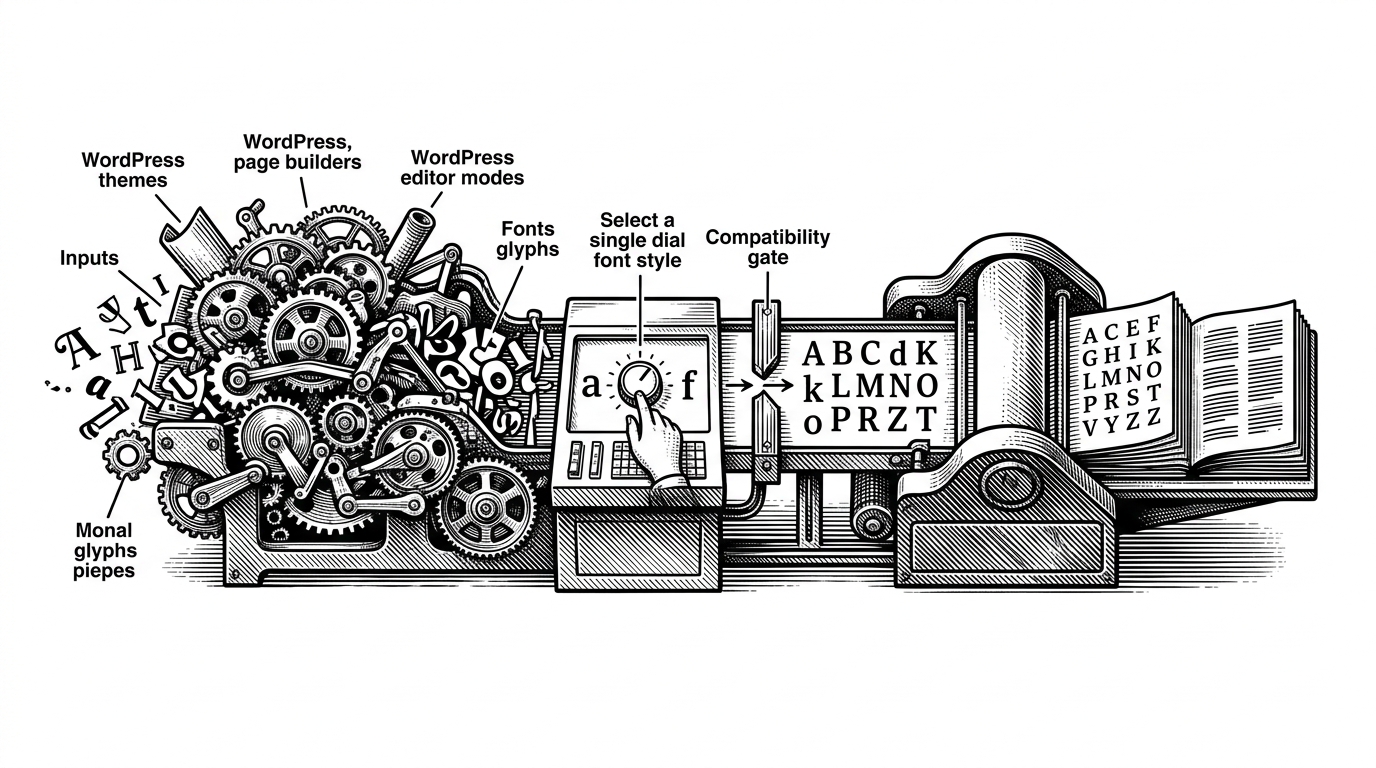
- Fonts Plugin is not mainly a font browser. It is a compatibility layer that makes typography survive WordPress fragmentation.
- Its real architecture combines theme-specific fixes, cached CSS, and live preview plumbing into one delivery pipeline.
- The plugin keeps the free layer useful by separating font loading from deeper selector management and theme integration.
- The point of the project is not universal abstraction. It is pragmatic adaptation that still feels simple to users.
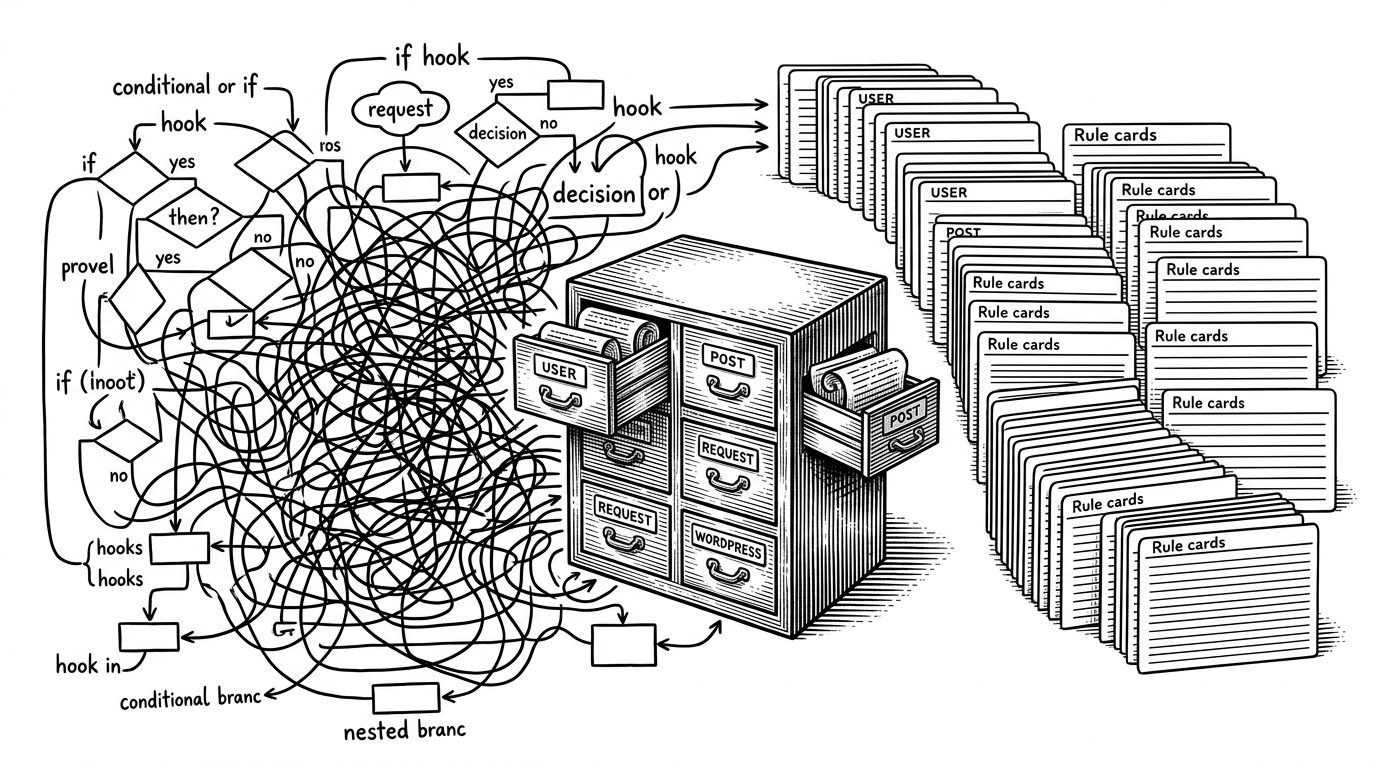
In WordPress, typography is never just typography. It has to survive themes, builders, the Customizer, and whatever local hacks a site inherited last year. Fonts Plugin treats that mess as the real problem and builds around it.
Typography Is a Compatibility Problem
Most font tools start with selection. This one starts with survival. The codebase assumes the WordPress environment is fragmented, so it layers font delivery, preview updates, cache management, and theme-specific glue into one system.

The Compatibility Folder Is the Real Product
The telling detail is the compatibility/ folder. Instead of pretending one font workflow fits every theme, the plugin ships targeted fixes for known environments. That keeps the core lean while letting the plugin adapt when the active theme breaks the happy path.
| Problem | What a generic font tool does | What Fonts Plugin does |
|---|---|---|
| Theme quirks | Assumes one consistent runtime | Loads targeted compatibility files only when needed |
| Font delivery | Outputs font CSS or links | Generates cached CSS and injects it at the right hook |
| Customizer UX | Often stops at settings UI | Updates preview with postMessage live plumbing |
| Performance | May load fonts broadly | Uses preconnect hints and transient caching |
That architecture is why the plugin feels simple from the outside. Under the hood, it is managing where the settings live, how CSS gets generated, and when the browser should be warned about the remote font host.
How the Font Pipeline Actually Works
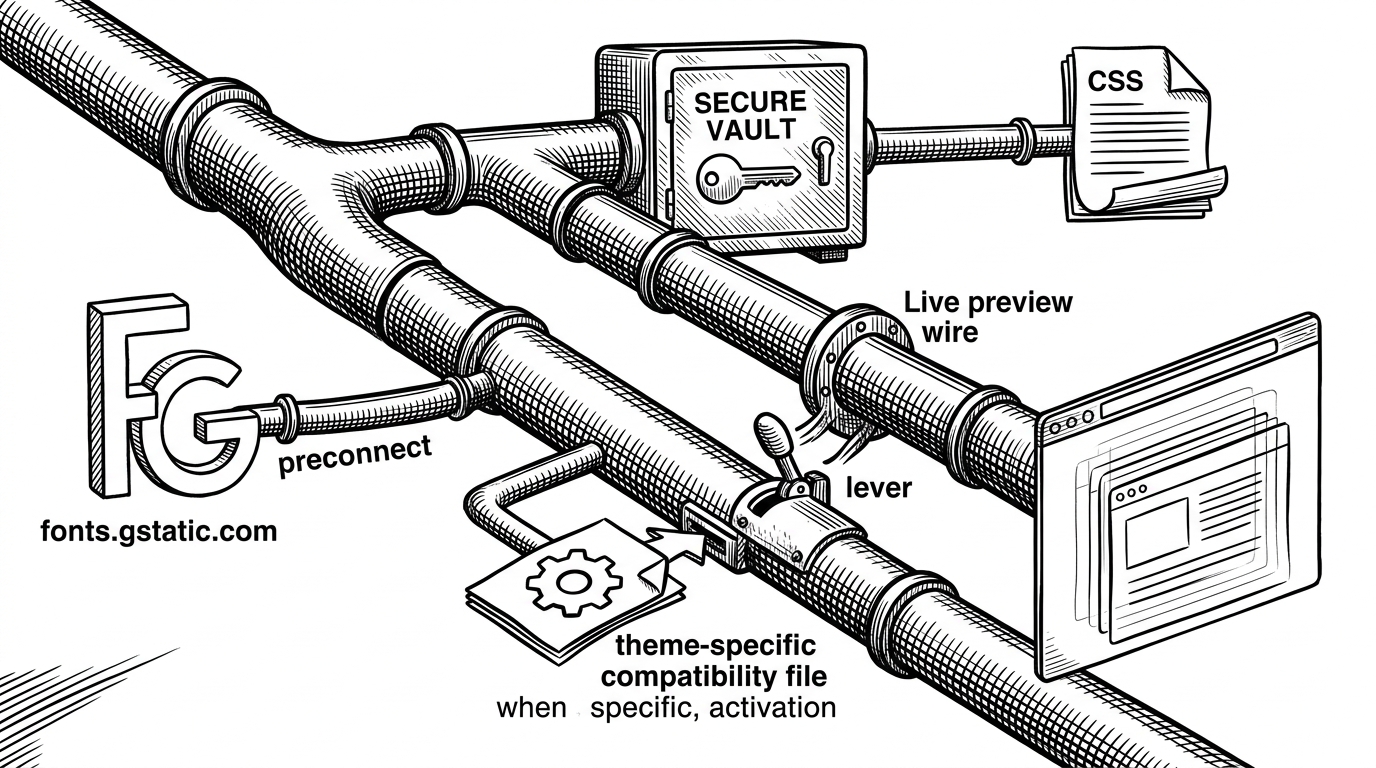
The core path is straightforward: settings live in WordPress state, the Customizer pushes changes with postMessage, CSS is composed from those settings, and transients keep the generated output from being rebuilt on every request. The plugin also adds resource hints so the browser can connect to fonts.gstatic.com earlier.
// Key touchpoints in the pipeline
ogf_generate_css();
resource_hints();
stored_css($url);
wp_head();
That last part matters more than it sounds. Caching cuts repeated work, preconnect trims network setup, and both reduce the cost of letting WordPress behave like a live design system.
The Customizer Makes Typography Feel Instant
The plugin does not ask users to write CSS. It programmatically builds controls for font family, size, weight, and line height, then streams changes into the preview window. That makes the interface feel like a design tool instead of a settings page.
Freemium Without Breaking the Free Layer
The free version still does useful performance work. The “load fonts only” mode is the key product clue: it separates the font delivery job from deeper control over selectors and customization, which keeps the entry point lightweight without making the plugin useless.
| Mode | What you get | Why it matters |
|---|---|---|
| Load fonts only | Font delivery and optimization | Useful for developers who want to write their own CSS |
| Full Customizer control | Font settings for elements and live preview | Useful for site owners who want a visual workflow |
| Pro-style extension path | More control surfaces and targeted UI | Useful for teams that need broader theme integration |
That is a smart freemium shape. The performance layer is not trapped behind a paywall, but the deeper convenience features still have room to be a premium product.
The Gutenberg Bridge Shows the Project Is Evolving
The block editor support shows a plugin that has not stayed frozen in the PHP-era Customizer world. It is moving into React and TypeScript without discarding the older integration model, which makes the codebase feel hybrid in a practical way rather than a fashionable one.
How It Compares to Other Font Tooling
| Tooling approach | Strength | Limit |
|---|---|---|
| Manual @font-face | Total control | Easy to fragment and hard to maintain across themes |
| Build-tool loaders like unplugin-fonts | Great for app pipelines | Solves build-time delivery, not WordPress runtime compatibility |
| Theme-native systems | Tight integration | Usually locked to one theme or product |
| Fonts Plugin | Runtime compatibility across WordPress | Pays for that flexibility with layered, theme-aware complexity |
That comparison is the real lesson. Fonts Plugin is not competing with a build tool, because its environment is different. It is solving last-mile compatibility inside a CMS that has to keep working across years of themes, editors, and user expectations.
What This Plugin Says About WordPress
The cleanest architecture is not always the winning one. In WordPress, the better system is often the one that admits the platform is messy, then absorbs that mess with caches, shims, and selective loading. Fonts Plugin is a good example of that instinct: make the interface simple, make the internals opinionated, and keep adapting to the theme in front of you.