MyInventoryApp-ReactNative: The Small Expo App That Behaves Like a Real Product
A solo-built inventory tracker becomes more interesting when you look past CRUD. The real story is identity-gated routing, persistent auth, and a live Firestore ledger that updates itself.

- The app feels product-grade because authentication, persistence, and data access are tied together instead of bolted on separately.
- A single UID-scoped Firestore query turns the dashboard into a private live ledger rather than a static list.
- Expo Router handles the boundary between public and private screens, which keeps the codebase small and the behavior clear.
- Create and edit share one screen on purpose, which reduces UI duplication and lowers the mental cost of using the app.
Most inventory demos stop at CRUD. This repo goes one step further and makes the app feel like a private tool, because the user’s session, routes, and records all belong to the same identity. That is the trick that changes the experience from “mobile form” to “live ledger.”
It’s not a form app. It’s a private live ledger.
The first interesting thing here is not the item list. It is the feeling that the app already knows who you are, and therefore what universe of data you should see. That comes from three pieces working together: Firebase Auth, Expo Router, and Firestore subscriptions.
In other words, the app does not ask the user to manage the system. The system manages the boundary. Logged in users enter the private app. Logged out users get sent back to login. Once inside, the dashboard listens for changes instead of waiting for manual refreshes.
The app’s real engine is the auth gate
The most important file is app/_layout.js. It listens to Firebase Auth state changes, then uses Expo Router’s segment awareness to decide whether the current screen belongs to the public or private part of the app. If the user is not signed in, the router sends them to /login.
useEffect(() => {
  const unsubscribe = onAuthStateChanged(auth, (currentUser) => {
    setUser(currentUser);
    setLoaded(true);
  });
  return unsubscribe;
}, []);

useEffect(() => {
  if (!loaded) return;

  const inAuthGroup = segments[0] === "login";
  if (!user && !inAuthGroup) {
    router.replace("/login");
  } else if (user && inAuthGroup) {
    router.replace("/");
  }
}, [user, loaded, segments]);
That is a small amount of code with a large effect. It turns navigation into policy. The route tree is no longer just a convenience. It becomes the app’s security boundary and product logic at the same time.
One Firestore query defines the whole dashboard
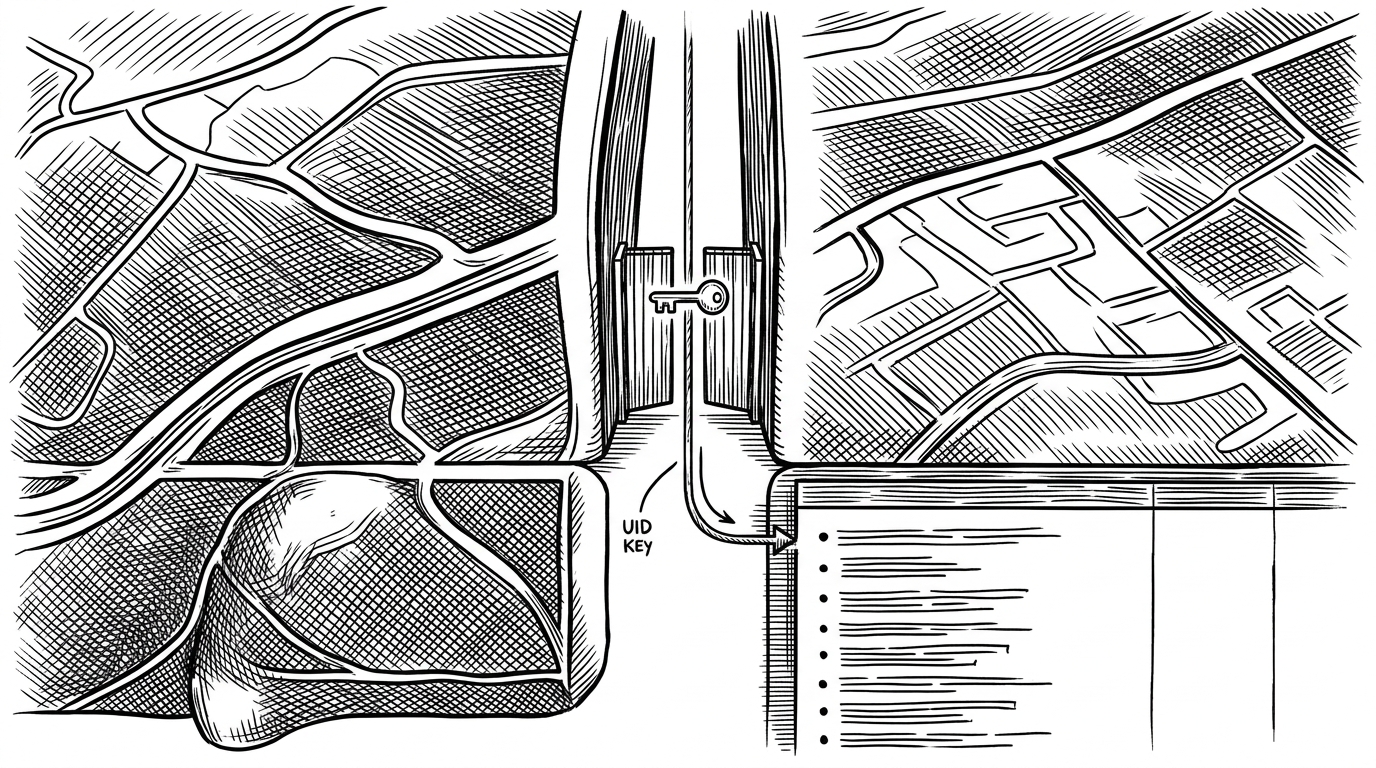
The dashboard in app/index.js is where the app becomes a live ledger. It filters documents by userId and listens with onSnapshot, so the current view is always tied to the authenticated user and always ready to reflect outside changes.
const q = query(
  collection(db, "items"),
  where("userId", "==", user.uid)
);

const unsubscribe = onSnapshot(q, (snapshot) => {
  const itemsData = snapshot.docs.map((doc) => ({
    id: doc.id,
    ...doc.data(),
  }));
  setItems(itemsData);
});
That pattern does two jobs at once. It scopes data by identity, and it removes the need for a manual refresh button as the source of truth. If another device changes the ledger, the dashboard changes with it.
Create and update are the same screen on purpose
The create screen is not really a separate screen in the usual sense. It is a shared form that switches behavior based on whether params.id exists. If it does, the screen loads existing data and updates the record. If it does not, it creates a new one.
That choice matters more than it sounds. It keeps the mental model simple. One form. Two modes. No duplicated flows for the user, and no duplicated UI logic for the developer.
What makes this repo feel human
A lot of small open-source apps feel anonymous. This one does not. The codebase includes Romanized Hindi comments, which gives the project a practical, local voice instead of a generic tutorial tone. It feels like something built by one person solving a real problem in their own language.
There are also signs of careful growth. The app uses React Native AsyncStorage for auth persistence, so a closed app still feels like a real app. It also leans on SafeArea handling and a modern Expo Router layout, which shows the author cared about mobile ergonomics, not just functionality.
The JavaScript and TypeScript split adds another useful clue. The project looks like progressive typing rather than a pristine greenfield architecture. That is often how real solo projects mature: one piece at a time, with just enough structure to keep moving.
| Approach | Sync model | Auth model | Strength | Trade-off | Best for |
|---|---|---|---|---|---|
| Local-only CRUD | Manual refresh or local storage | Usually none | Fast, simple, offline-friendly | No shared state across devices | Single-device tools and prototypes |
| This repo’s approach | Realtime Firestore snapshots | Firebase Auth with persistent session | Private, live, lightweight | Depends on Firebase and network access | Solo-built mobile tools with cloud sync |
| Commercial SaaS inventory | Hosted sync across many users | Enterprise accounts and roles | Broad features and operational polish | Cost, setup, and complexity | Businesses that need depth more than simplicity |
How it compares to the rest of the inventory world
The comparison is not about feature parity. It is about architecture. A local-only CRUD app is easier to build, but it usually stops feeling trustworthy the moment a user expects continuity. Commercial systems go far in the other direction, but they bring cost, setup overhead, and product sprawl.
This repo sits in a useful middle. It is small enough to understand quickly, but it already behaves like a system. That makes it a strong pattern for a solo developer building something practical without inheriting an enterprise stack.
Why this matters
The real lesson here is that product feel does not require a huge codebase. It requires the right boundaries. Identity controls visibility. Identity scopes data. Realtime updates keep the experience alive. Once those pieces are connected, even a modest inventory app starts to feel dependable.
That is why this repo is worth paying attention to. It shows how a small Expo app can become a private cloud tool without losing its simplicity. The code does not try to do everything. It just does the important things together.