prind: The Printer Stack That Treats Your OS Like a Swappable Part
How a Docker-first Klipper environment separates firmware, API, UI, and tooling so you can run a serious 3D printer setup on almost any Linux host, with fewer dependency traps and cleaner scaling.
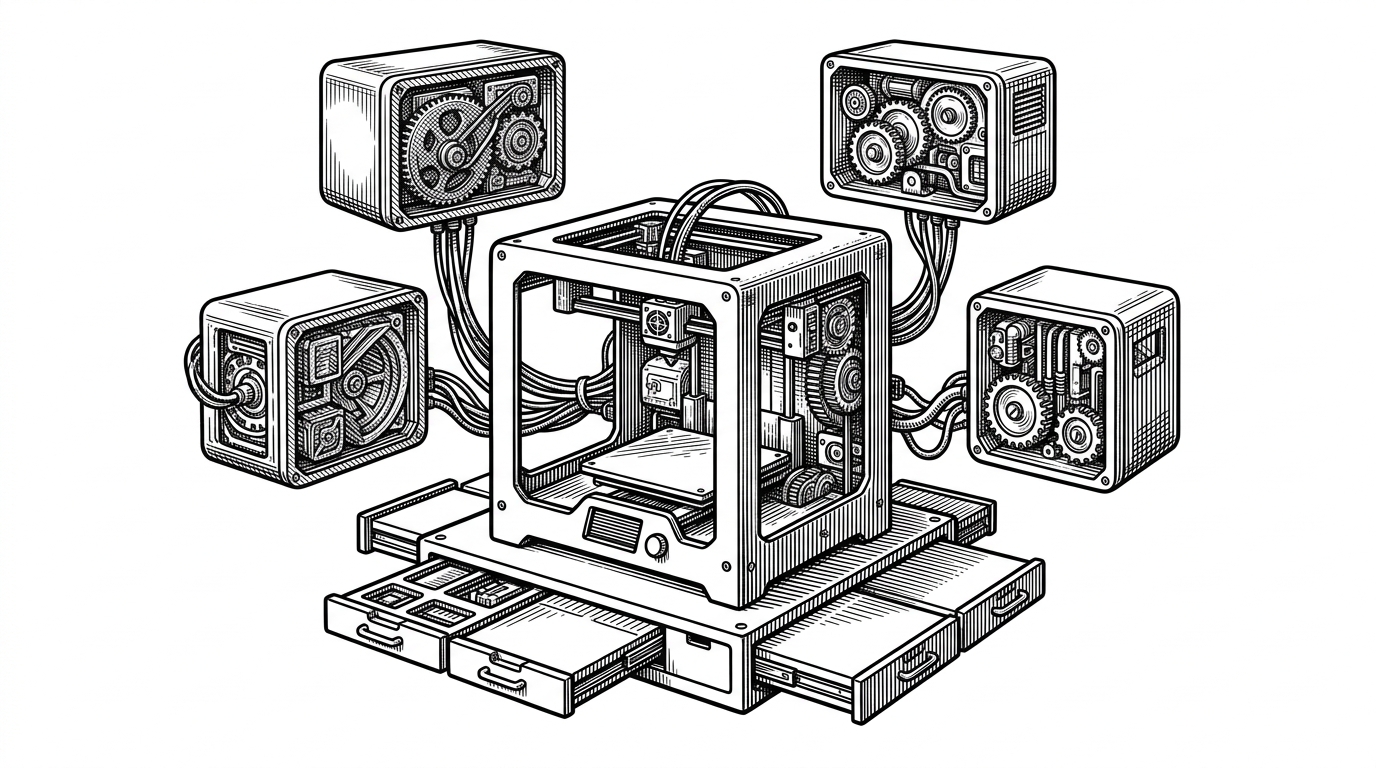
- prind is less a Docker wrapper than a redefinition of the printer host, with the operating system pushed into a replaceable shell.
- Its real advantage is not containerization itself but the contracts between containers, which keep hardware, API, UI, and tooling from tangling together.
- The project’s reliability comes from sequencing, especially the readiness check that keeps Moonraker from racing Klipper before the firmware is ready.
- prind matters most when portability, repeatability, and multi-printer scale are more important than the simplicity of a traditional host install.
Most 3D printer stacks fail in the same boring way. They assume a very specific Linux machine, a very specific package set, and a very specific upgrade path. If any of those drift, the whole setup turns into a weekend.
prind attacks that problem by changing the unit of ownership. Instead of treating the host OS as the place where everything lives, it breaks the stack into containers with explicit jobs: Klipper talks to hardware, Moonraker exposes the API, the UI stays disposable, and the plumbing between them is managed like infrastructure, not a pet project.
This warning can usually be ignored, as moonraker is running in docker and does not need to restart services.
The real problem prind solves
The appeal is not just portability. It is insulation from the mess that grows around a printer over time: device permissions, Python versions, UI upgrades, flashing tools, web server routing, and the occasional host OS surprise. A normal Klipper install makes those concerns share one fate. prind separates them so one layer can change without dragging the others with it.
Split the printer into contracts
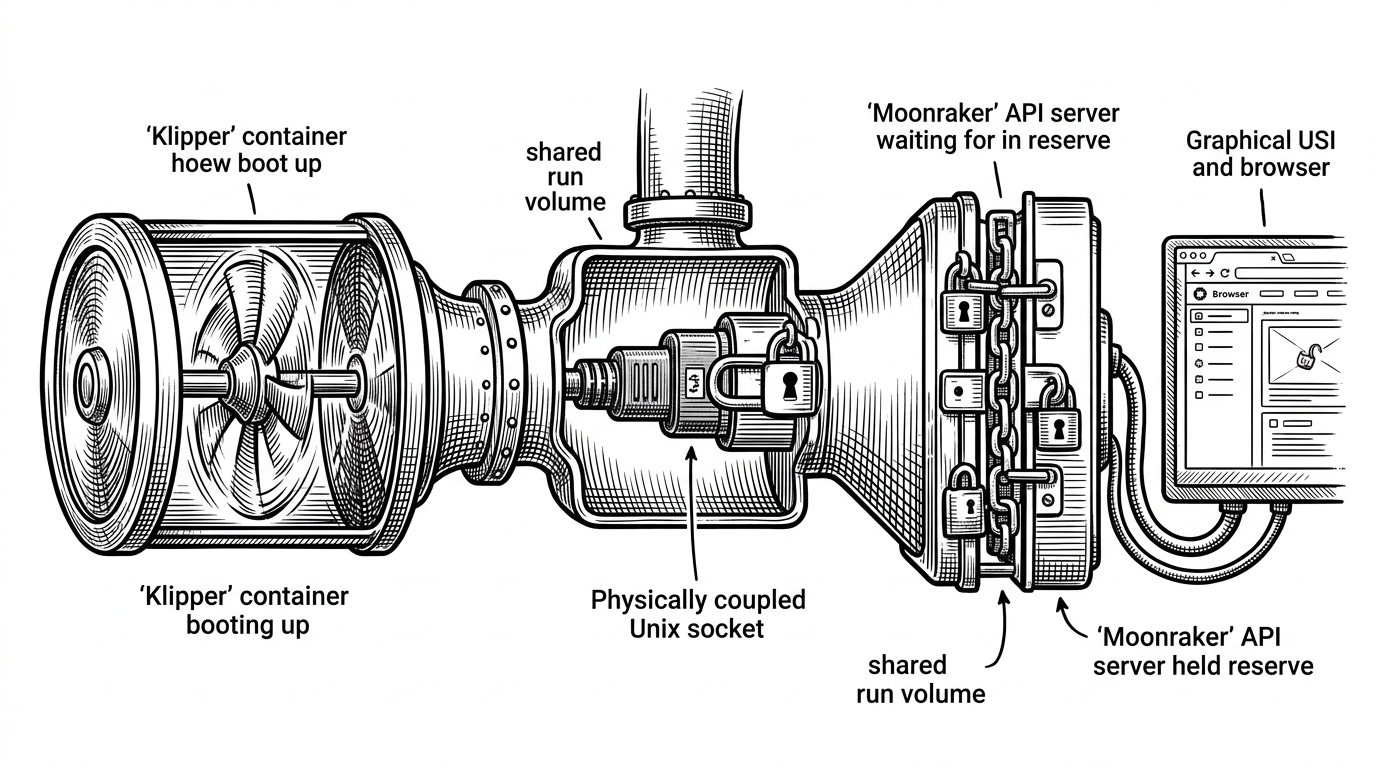
That contract-first model is the project's main trick. Klipper owns the hardware interface and the timing-sensitive work. Moonraker translates that into a network API. The web UI becomes optional. Traefik handles the edge. Shared volumes carry logs, gcode, and runtime sockets so the pieces can coordinate without becoming one giant process.
| Dimension | Traditional Klipper install | prind |
|---|---|---|
| Host OS coupling | High. The host becomes part of the runtime contract. | Low. The host is mostly a transport layer. |
| Upgrade risk | Packages and dependencies can drift together. | Containers can be rebuilt and replaced in isolation. |
| Multi-printer scaling | Often manual and copy heavy. | Profiles and templates make duplication cleaner. |
| Firmware toolchain | Installed on the host or assembled ad hoc. | Packaged into a dedicated tools image and wrapper. |
| Readiness and isolation | Usually a pile of scripts and service ordering. | Explicit health checks and startup sequencing. |
Why the stack boots cleanly
The best technical detail in prind is not flashy. It is the readiness check. The Klipper container writes status to a Unix socket in the shared run volume, and the health check does not declare victory until it can ask for info and see the firmware state come back as ready. That one detail prevents Moonraker from starting useful work before the backend can actually answer.
def healthcheck():
    conn = connect_to_klipper_socket()
    reply = conn.rpc("info")
    if reply.get("state") == "ready":
        return 0
    return 1
This is the kind of thing that separates a clever demo from a dependable system. Docker is not the feature here. Sequencing is. The stack behaves like software infrastructure because it borrows the oldest lesson in software infrastructure: do not expose the next layer until the previous layer is truly alive.
The build system is part of the product
prind does not stop at deployment. Its multi-stage Klipper image, dedicated tools image, and prind-tools wrapper make firmware configuration and flashing feel local even when the toolchain lives in a container. That matters because firmware work is where many container stories fall apart. If the build loop feels remote, nobody uses it twice.
The project also handles ugly practicalities that real users hit fast: UID and GID mapping, device passthrough, and custom overrides for different setups. That is what makes it feel like a system, not a tutorial. The container boundary is only useful if the workflow on both sides still feels familiar.
Multi-printer and simulation are the proof
The strongest evidence that this is more than a convenience wrapper is how it handles scale. YAML anchors and templated overrides let one host run multiple printers without copy-pasting whole stacks. The configuration shifts from bespoke snowflakes to a repeatable pattern, which is exactly what you want when the second printer arrives.
| Use case | What breaks first without prind | What prind changes |
|---|---|---|
| Single printer on odd hardware | Driver assumptions and package drift. | The host becomes mostly irrelevant. |
| Multiple printers on one machine | Configuration duplication and port collisions. | Separate lanes with shared patterns. |
| Firmware testing without hardware | You need the real board on the desk. | Simulavr can replace the MCU path. |
| Cleaner upgrades | System packages and printer services move together. | Images and volumes can be refreshed independently. |
Simulation is the tell. If a project supports a virtual microcontroller path, it is not just making deployment easier. It is acknowledging that a printer stack has a development lifecycle, not just an uptime problem.
What prind is better than, and what it is not
Compared with a traditional host install, prind wins on portability, repeatability, and multi-printer discipline. Compared with a casual Docker wrapper, it wins because the container boundaries are intentional and the startup choreography is explicit. That is the difference between packaging and architecture.
It is not the simplest path if you only ever plan to run one printer on one friendly Linux box. More abstraction always costs something. But if you want to treat the printer server like infrastructure, or you expect the host to change under you, prind is doing the right kind of work.
Who should use it
prind makes the most sense for multi-printer operators, tinkerers on unconventional hardware, and anyone who has been burned by host-specific setup debt. It is also a strong fit if you want your printer lab to feel like the rest of your modern stack, with clean boundaries, reproducible builds, and fewer surprises when you reboot.